The post ScraperAPI Review appeared first on Proxyway.
]]>
ScraperAPI Review
ScraperAPI offers a polished self-service experience and an efficient way to scrape semi-protected websites.
Use the code x to get y discount.
ScraperAPI is a well-known web scraping API. It competes with a host of brands named after dogs, fish, bees, and other creatures. It also features a surprisingly capable no-code platform that bears resemblance to Apify.
The market is pretty crowded nowadays, even if you’re not into animals. So, what sets this provider apart? To find the answer, we’ll give you a comprehensive overview of ScraperAPI’s background, functionality, scraping performance, and user experience. Let’s go!
General Information
- Country: US
- Founded: 2018
- Employees (LinkedIn): 25-50
- Services: Web scraping API, no-code scraper
- Price segment: Cheap to premium, depending on the website type
- Payment methods: Credit card, PayPal
- Trial: 5K requests for 7 days, 7-day refund
ScraperAPI is a US-based company that’s been in the market for more than seven years now. Its original and still the main product is an API for scraping the web (which admittedly makes the brand name ingenious).
The provider was founded by Daniel Ni; after three years, it got acquired by saas.group, a hands-off fund that buys companies with revenues between two and ten million dollars. Currently, it employs over 30 people and generates over $7M per year, making ScraperAPI one of the larger APIs outside of market leaders like Oxylabs, Bright Data, and Zyte.
As a business, ScraperAPI seems to target individual developers and small to medium businesses. This is evident looking at the pricing plans, focus on the self-service experience, and credit-based pricing.
Like most established web scraping companies, in late 2025 ScraperAPI was rallying to catch up with the new crop of US-based providers like Firecrawl by introducing crawling, AI parsing, and similar features. As it stands, we see ScraperAPI as a solid and active – though not quite the most trailblazing – choice.
News about ScraperAPI
-
By Adam Dubois
- Conferences
-
- Provider News
-
- Provider News
Web Scraping API
- General-purpose unblocking: ✅
- Structured data: Website-specific endpoints, LLM-friendly output formats
- Discovery: Crawler, website-specific endpoints
At its core, ScraperAPI is a general-purpose unblocker, meant to bypass website protection systems. However, it also includes structured data endpoints for Google and some other, primarily e-commerce websites, as well as a crawler (which was in beta when we wrote this in late 2025).
Integration Methods
| Real-time API | curl “http://api.scraperapi.com?api_key=APIKEY&url=https://example.com&render=true&country_code=us” |
| Batch API | curl -X POST -H “Content-Type: application/json” -d ‘{“apiKey”: “xxxxxx”, “urls”: [ “https://example.com/page1”, “https://example.com/page2” ]}’ “https://async.scraperapi.com/batchjobs” |
| Proxy | curl -x “http://scraperapi.render=true.country_code=true:[email protected]:8001” -k “https://example.com” |
| SDK | from scraperapi_sdk import ScraperAPIClient client = ScraperAPIClient(‘APIKEY’) result = client.get(url = ‘https://example.com’, params={‘render’: True, ‘premium’: True}) |
| MCP server | Please scrape this <URL>. If you receive a 500 server error, identify the website’s geo-targeting and add the corresponding country_code to overcome geo-restrictions. If errors continue, upgrade the request to use premium proxies by adding premium=true. |
ScraperAPI offers plenty of integration options. The main one is probably the real-time API where you send GET requests and receive data over an open connection. To customize requests, you append parameters to the URL; some can also be passed as headers.
In addition, the API supports batch requests, where you send an array of URLs and wait for the job to finish. This method accepts huge inputs – up to 50K per batch. ScraperAPI provides endpoints for checking the status and downloading the output; results are stored for up to 72 hours (with guaranteed storage of 24 hours).
It’s also possible to use the API as a proxy server. This way, you append request parameters to the username.
The fourth method is using ScraperAPI through an SDK. When we wrote this, the provider had libraries in five programming languages (Python, NodeJS, PHP, Ruby, and Java), so most developers should be able to use them.
Finally, ScraperAPI can communicate with large language models through an MCP server. Its main function is to unblock content, leaving data extraction to the model.
API Parameters
| Geolocation |
|
| Request customization |
|
| Browsers |
|
| Anti-bot |
|
| Other |
|
ScraperAPI offers various options to customize requests. You can choose the device type, send your own headers, and establish sessions.
Geo-targeting is also available, but it’s relatively limited compared to the competition. To specify a country outside of the US, you’ll need to spend at least $300. Even then, the list includes only around 70 locations, with no option for more granular (e.g. city-level) targeting. As such, ScraperAPI isn’t fit for scraping local data, unless the target is Amazon.
The provider allows sending requests through a browser. This is done through a manual toggle. You can give basic instructions, though no more than three or four actions per request. For complex scenarios, it’s better to use tools like unblocking browsers that can be controlled with Playwright and similar libraries.
For protected websites that refuse to open normally, ScraperAPI has two extra bypassing tiers: premium and super premium proxies. They improve the success rate at the expense of your wallet. The ultra premium option caches results automatically, though the freshness window is rather small (10 minutes), and the feature can be disabled.
Website-Specific Endpoints
Availability (Dec ‘25)
- Amazon: Search, product, offers
- eBay: Search, product
- Google: SERP, news, jobs, shopping, maps
- Walmart: Search, category, product, reviews
- Redfin: Agent details, sale & rent listings, listing search
At the end of 2025, ScraperAPI had over a dozen specialized endpoints for five websites. Compared to the general-purpose API, they provide structured data and accept special parameters. For example, Amazon Search lets you enter a search query directly instead of the full URL, while Product retrieves data based on ASINs.
Output & Delivery
- Methods: Open connection, webhook
- Data parsing: Available for website-specific endpoints, manual selectors
- Output formats: HTML, Markdown, Text, JSON*, CSV*
- Screenshots: ✅(PNG)
* structured data endpoints only
ScraperAPI returns results over an open connection or webhook. Alternatives like Oxylabs or Nimble offer direct integration with cloud storage platforms; it’s not available here.
Outside of specialized endpoints, you’ll have to make do with raw output. However, the provider can transform the HTML to LLM-friendly formats, namely Markdown and plain text. A request can return only one format at a time.
One missing feature is the ability to retrieve XHR requests, which are invaluable when scraping internal website APIs.
Because the API supports headless browsing, it can also fetch a screenshot of a page. The output is always a PNG of a full page. You can’t choose, for example, to only get the viewport or a specific selector.
Pricing Plans
- Model: Subscription
- Format: Credits (up to 75 per request)
- Starting price: $49 for 100k credits & 20 concurrency
- Upsells: More locations, concurrency, longer retention of statistics
- Trial: 5,000 requests for 7 days
ScraperAPI bases its pricing model on subscription plans. The default duration is a month; yearly contracts fetch a 10% discount.
There are only four public pricing plans that range from $49 to $475. Without paying as you go, the entry price is a bit steep. The biggest plan, on the other hand, is too small for enterprise needs, putting ScraperAPI in the range of small to medium businesses.
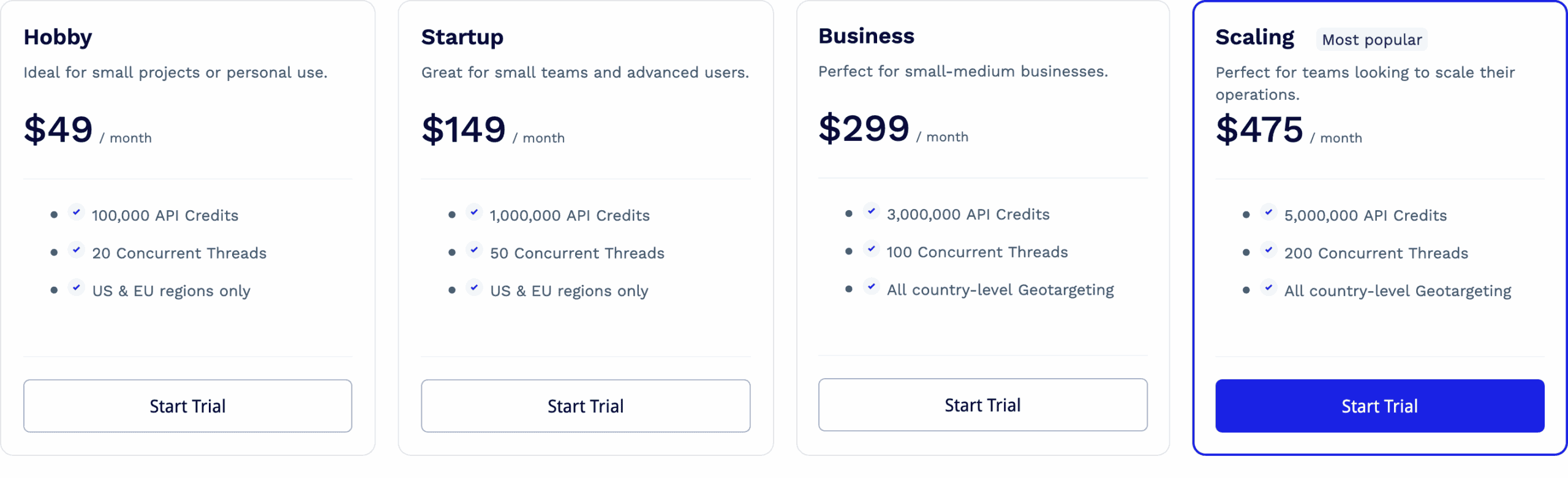
Aside from unlocking better rates, the plans differ in available features. One is concurrency; the starting rate is 20 threads, which some may find too low. Another differentiator is geo-targeting; the two entry plans let you choose between the US or EU. The third is data retention: it jumps from two weeks to six months once you commit $300 or more.
ScraperAPI uses a system of credits. A credit’s price is very affordable compared to most alternatives; however, each premium option – such as enabling JavaScript rendering, premium proxies, or even targeting specific websites – imposes a multiplier. On one hand, all these toggles can be confusing to master; on the other hand, it’s good to have options: for example, whether to use simpler settings and retry more, or just go for the ultimate configuration.
The cost between two requests can differ by up to 75 times. Even with enterprise plans, ultra-premium domains will never charge under $3/1K requests. As such, ScraperAPI isn’t the most economical option for websites like G2 or Shein, which require much effort to unblock.
| General rates | Special websites |
|
|
Fortunately, the provider has implemented several safeguards to keep spend manageable. For one, the API playground on the dashboard shows how much you’ll spend for every request. Then, you can force a spend limit per scrape. We’re not sure how the latter option really works, as you configure all the credit-multiplying parameters manually.
Here’s how ScraperAPI compares with other web scraping APIs in its market segment at $500 spend:
| ScraperAPI | Decodo | ScrapingBee | Zenrows | |
| Cheapest CPM* | $0.1 | $0.77 | $0.08 | $0.08 |
| Costliest CPM | $7.13 | $0.77 | $6.23 | $2.08 |
* price per thousand requests
For those who want to try out the service, ScraperAPI offers a free plan with 5,000 credits. There’s also a generous no-questions-asked refund that you can claim within seven days.
Performance Benchmarks
We last tested ScraperAPI in October-November 2025, for our annual report on web scraping APIs. We scraped 6,000 URLs from each of 15 protected websites, sending two and then ten requests per second.
Note that ScraperAPI limits both concurrent threads and the number of rendered requests you can make. The former depends on your pricing plan; the latter is set at 10 req/s.
Average success rate
| Website | 2 req/s | 10 req/s |
| Allegro (products) | 61.13% | 43.18% |
| Amazon (products) | 96.03% | 95.56% |
| ChatGPT (prompt replies) | 84.07% | 61.60% |
| G2 (reviews) | 99.97% | 99.85% |
| Google (SERP) | 99.97% | 98.50% |
| Hyatt (search) | 0% | 0% |
| Immobilienscout24 (listings) | 91.59% | 93.82% |
| Instagram (profiles) | 35.00% | 51.16% |
| Leboncoin (listings) | 71.11% | 0% |
| Lowe’s (products) | 0% | 0% |
| Nordstrom (categories) | 96.70% | 97.40% |
| Shein (products) | 22.26% | 0% |
| Walmart (products) | 89.67% | 99.24% |
| YouTube (transcripts) | 94.88% | 95.44% |
| Zillow (listings) | 91.90% | 97.26% |
| Average | 68.95% | 62.20% |
Comparison with other providers
Considering how protected some of these websites are, ScraperAPI did well. It couldn’t unblock Hyatt, Lowe’s, or Shein well – but then again, neither could the majority of our tested scraping APIs. The Instagram performance was a little weak too, at least when downloading the HTML pages of public profiles.
Some of the most popular web scraping targets like Google or Amazon didn’t pose an issue. And at least in our test, ScraperAPI did a stellar job with G2, which is a fickle and problematic target. All in all, the provider came out strong.
Average response time of the fastest run
| Website | Successful requests | Failed requests |
| Allegro (products) | 18.79 s | 53.02 s |
| Amazon (products) | 4.99 s | 2.27 s |
| G2 (reviews) | 2.85 s | 56.77 s |
| Google (SERP) | 3.72 s | 56.25 s |
| Hyatt (search) | – | – |
| Immobilienscout24 (listings) | 13.48 s | 44.64 s |
| Instagram (profiles) | 30.30 s | 50.44 s |
| Leboncoin (listings) | 11.37 s | 32.25 s |
| Lowe’s (products) | – | – |
| Nordstrom (categories) | 3.27 s | 8.92 s |
| Shein (products) | 21.13 s | 50.53 s |
| Walmart (products) | 10.60 s | 11.92 s |
| YouTube (transcripts) | 2.13 s | |
| Zillow (listings) | 9.96 s | 54.64 s |
| Average |
Comparison with other providers (successful requests)
Judging purely by the response time of successful requests, ScraperAPI looked good compared to its peers. However, it opened popular e-commerce websites like Allegro, Amazon, and Walmart slower than average. It’s also evident the provider retries requests multiple times before ultimately giving up.
Number of consecutive results per hour
What if we combined the success rate and response time metrics to see how many pages we could open per hour, making one request after another? This scenario puts ScraperAPI in the middle of the pack, which is still a decent result.
User Experience
If there’s one thing that ScraperAPI has got down, it’s user experience. Let’s have a look at its dashboard, API playground, and documentation.
Registration
To register with ScraperAPI, you’ll need an email address and a password. The registration wizard will then ask you about your role, use case, and similar basic information, but it’s not necessary to entertain it. Alternatively, you can use a Google or GitHub account.
It’s interesting that ScraperAPI requires ticking a checkbox where you agree to “scrape in compliance with the Terms and Conditions of the website you intend to scrape”. The process of web scraping inherently doesn’t go well with the wishes of webmasters, so it sounds more like a legal cop-out.
Dashboard
ScraperAPI has a lovely dashboard. It lets you buy and manage plans, test the API, get detailed usage statistics, and reach the documentation. The dashboard is available in English only.
The dashboard’s home page gives a quick view of the relevant information: credit usage, the API key, product news, and links to the documentation. There’s also a neat “recently viewed” widget that surfaces and lets you pin the pages you frequently open.
Everything else is behind various tabs in the side navigation. The top half is for interacting with the platform, and the bottom half is for getting help. Everything’s clear and neat.
Perhaps the only thing that’s missing is the separate profile page. You can change the password and get a new API key through a pop-up in the navigation. But, for example, billing details and even the option to delete the account are hidden under Billing.
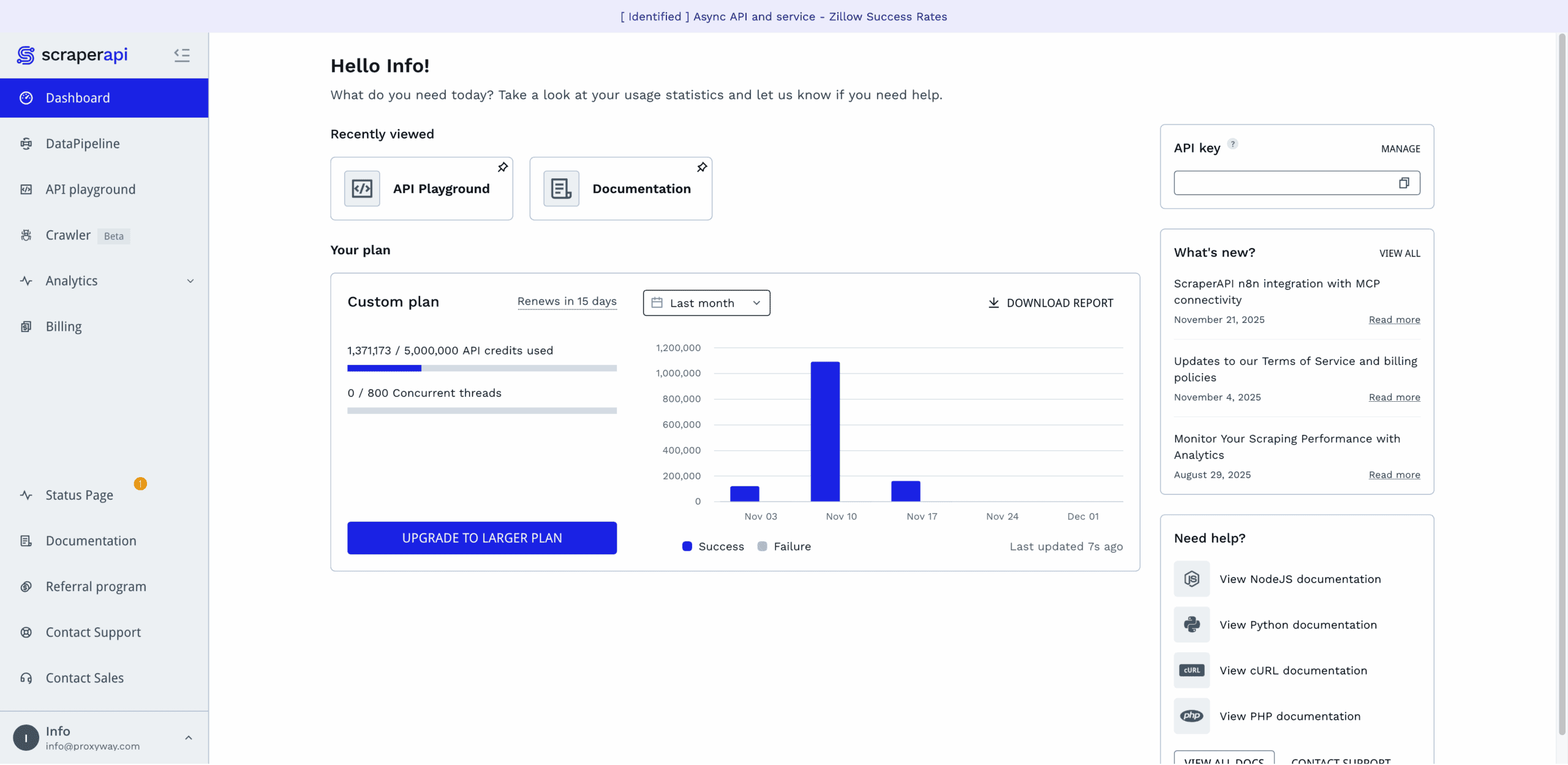
ScraperAPI has a separate tab for all billing-related information. There, you’ll be able to see your current plan (along with its usage and expiration dates), edit your payment and billing details, fetch invoices, downgrade or upgrade the subscription.
The provider lets you manually upgrade the subscription or set up automatic renewal at 95% or 100% usage. In addition, you can enable paying as you go at a fixed rate, with the option to set spending caps.
All in all, the subscription management here is well thought out. Some of the options can be hard to notice due to their tiny font, but that’s a minor issue.
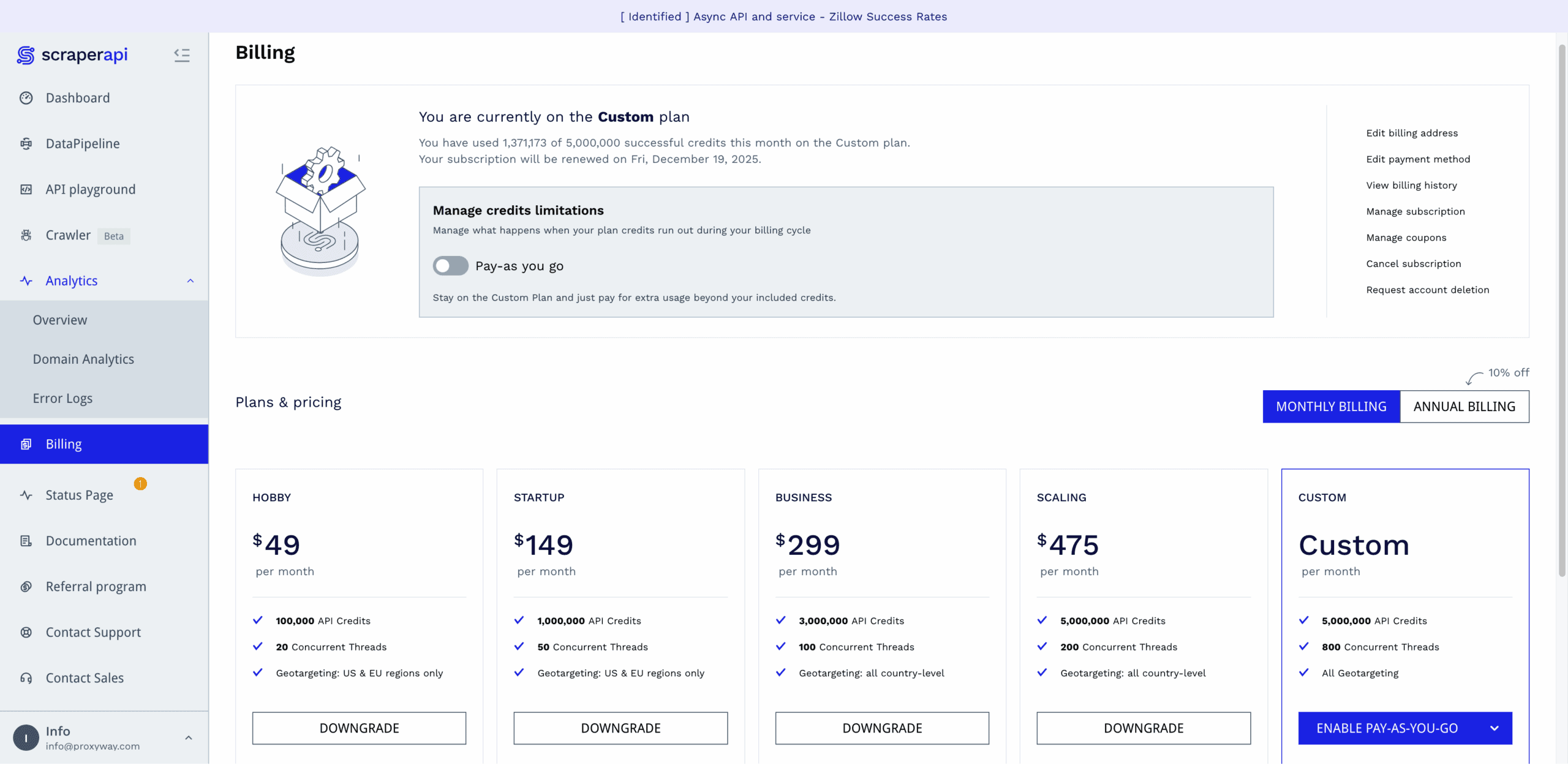
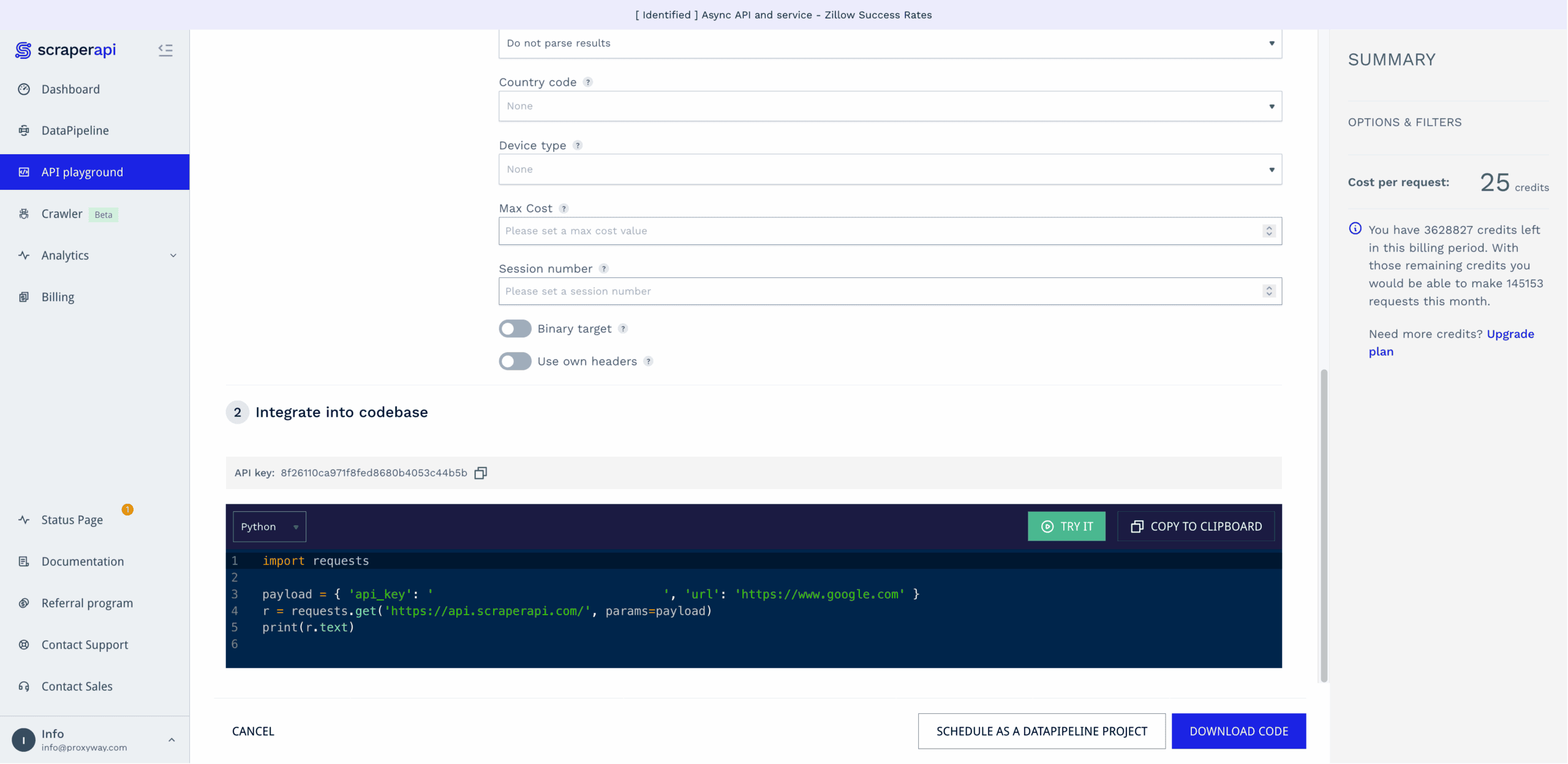
The dashboard includes a playground for testing API requests before integrating them into your code.
It’s a straightforward affair: step one involves selecting the scraping method (real-time, async, etc.), entering the URL, and enabling optional parameters. Step two generates a code sample in six programming languages.
The playground lets you run requests directly. You get to see the response code, HTML output, and cost per request. This part isn’t as convenient as it could be – it lacks browser preview, and it’s never fun to wade through spaghetti HTML. Another headscratcher is that you can opt to use your own headers, but there’s no input field to actually add them.
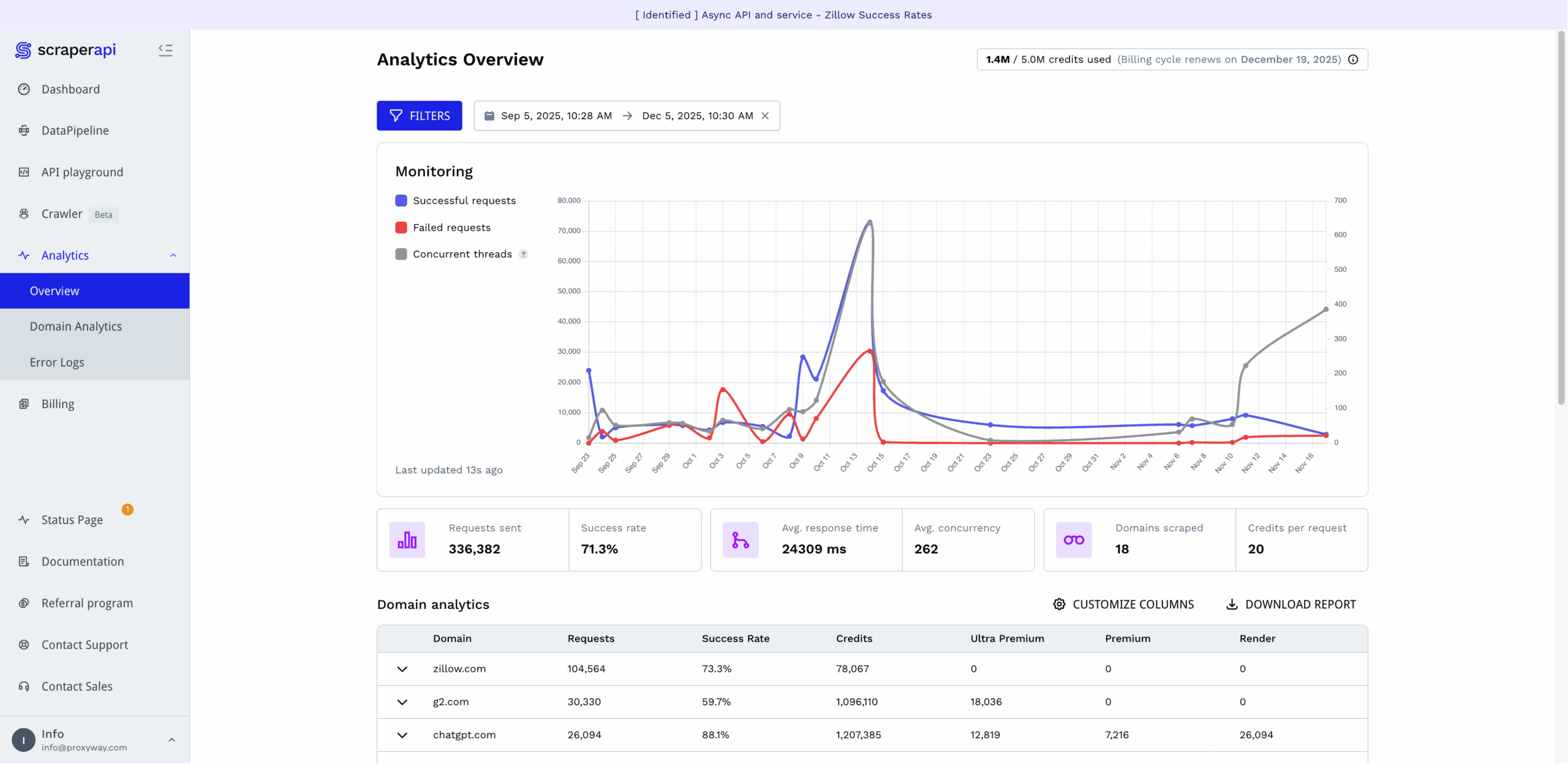
ScraperAPI rebuilt its observability tools in mid-2025, giving them big improvements.
The Analytics hub graphs successful and failed requests, as well as concurrent threads. Below it, you get the main metrics, including the total number of requests made, success rate, response time, average concurrency, number of scraped domains, and average credit cost.
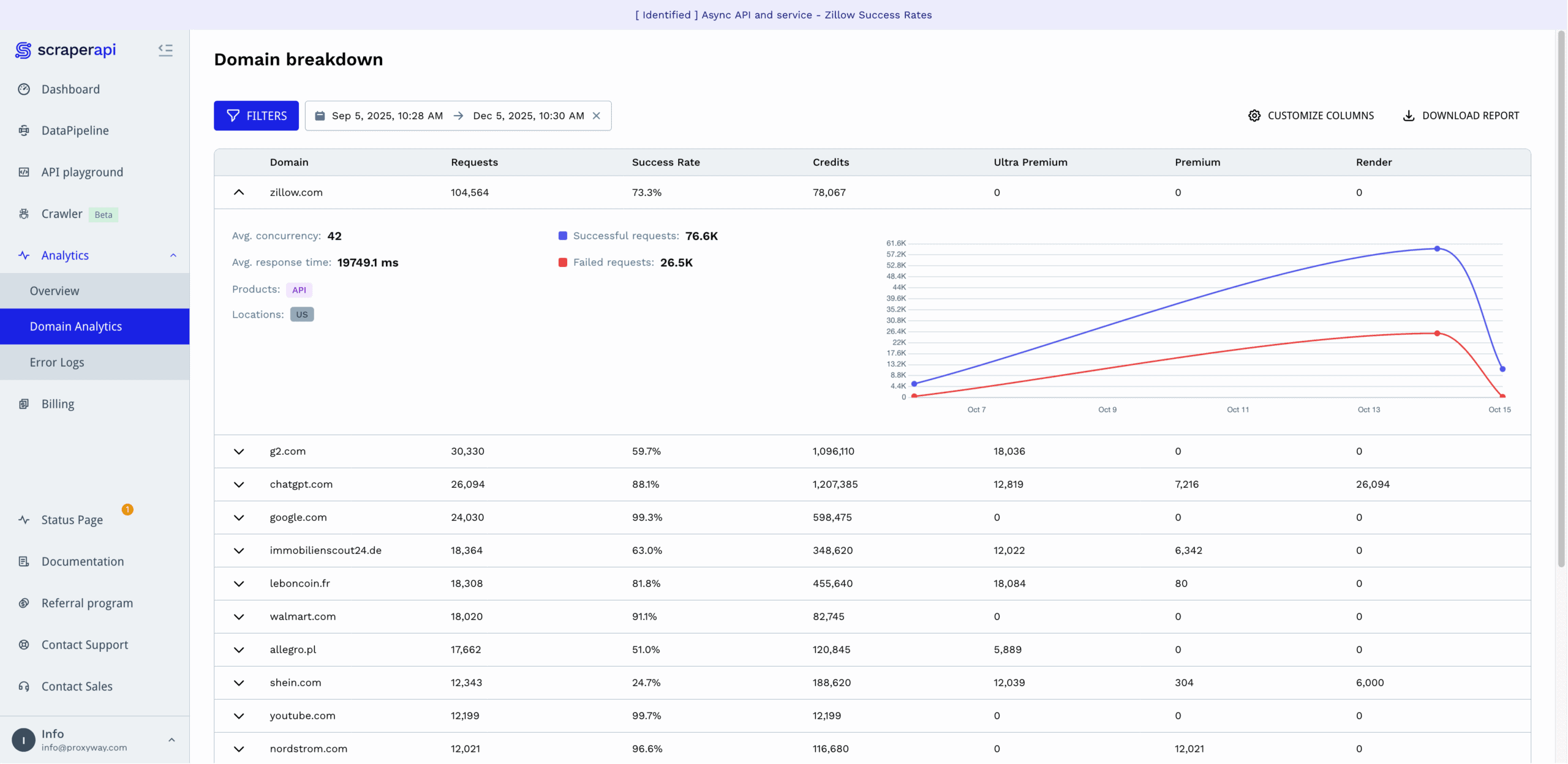
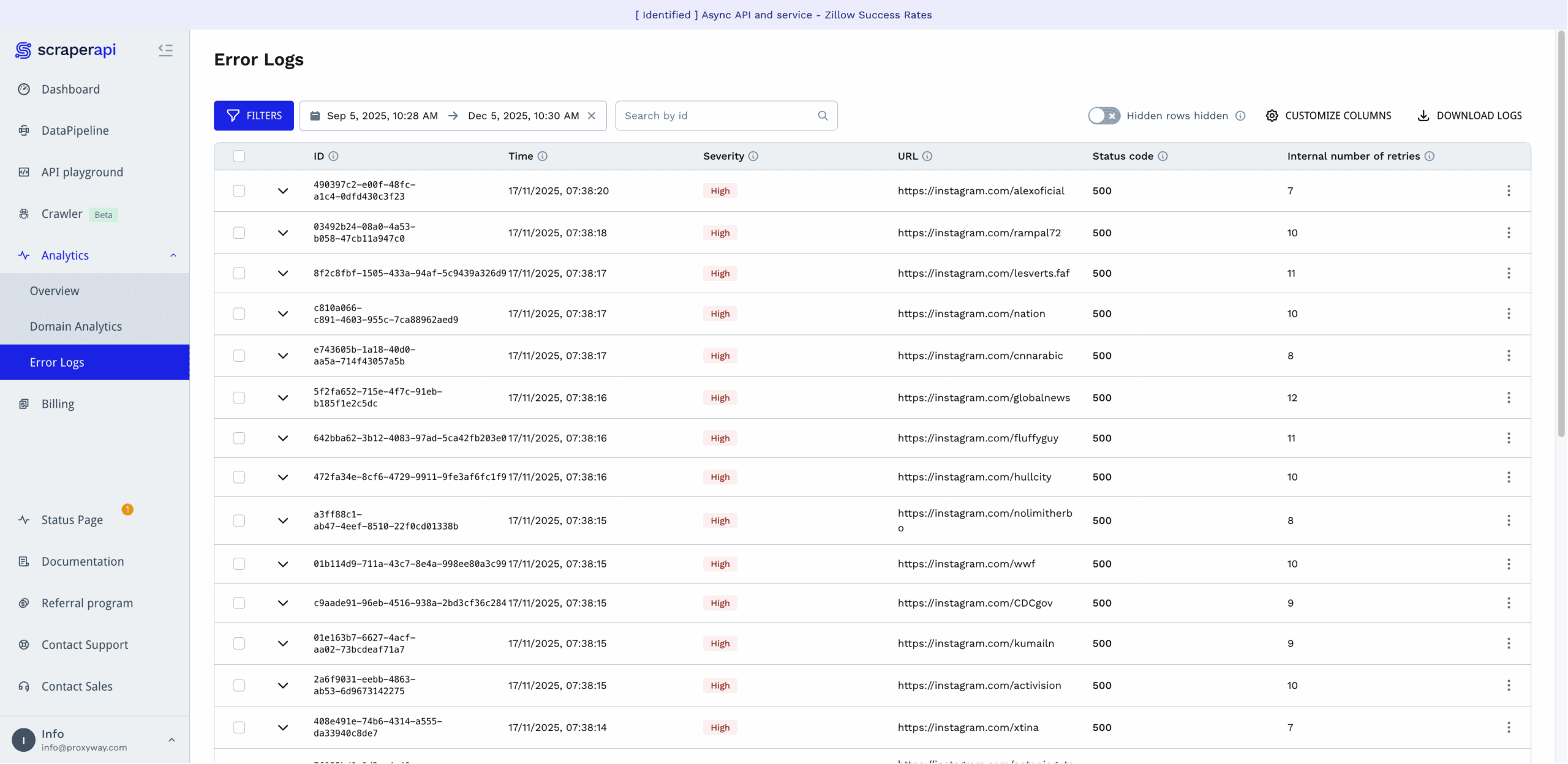
For those who want to dig deeper, ScraperAPI provides analytics per domain, which also show how many of the requests required rendering, premium, or ultra premium proxies. There are also per-request error logs showing the status code, internal number of retries, and severity of the error. They’re tagged with IDs, so you can reference the error to ScraperAPI’s support.
The provider lets you select from time frames starting with the last hour and going back to six months. You’re free to specify a custom range, too.
Finally, there’s an option to filter statistics by product type, parameters, domains, and locations. However, it didn’t work when we last tried it in late 2025.
No-Code Platform
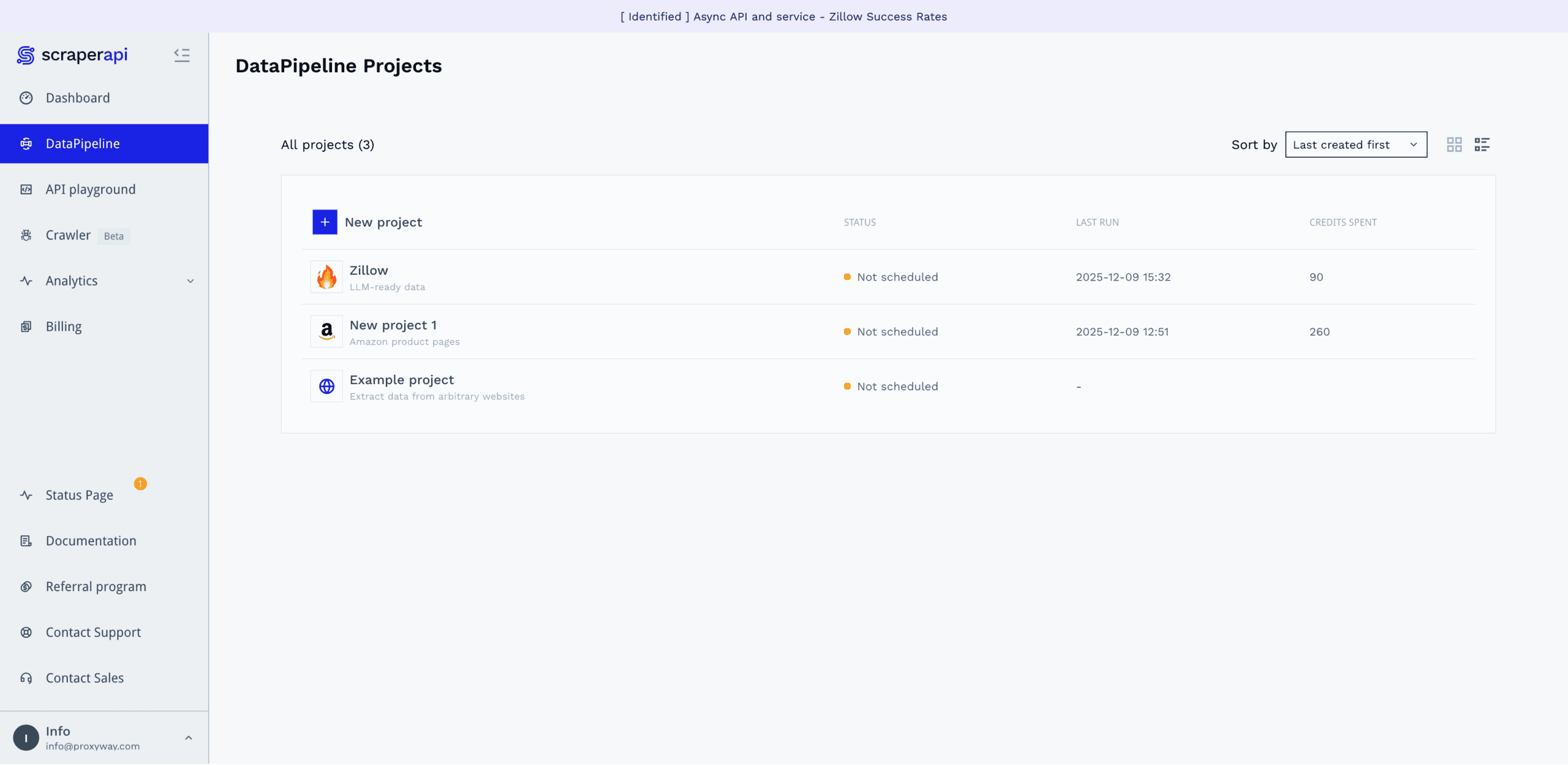
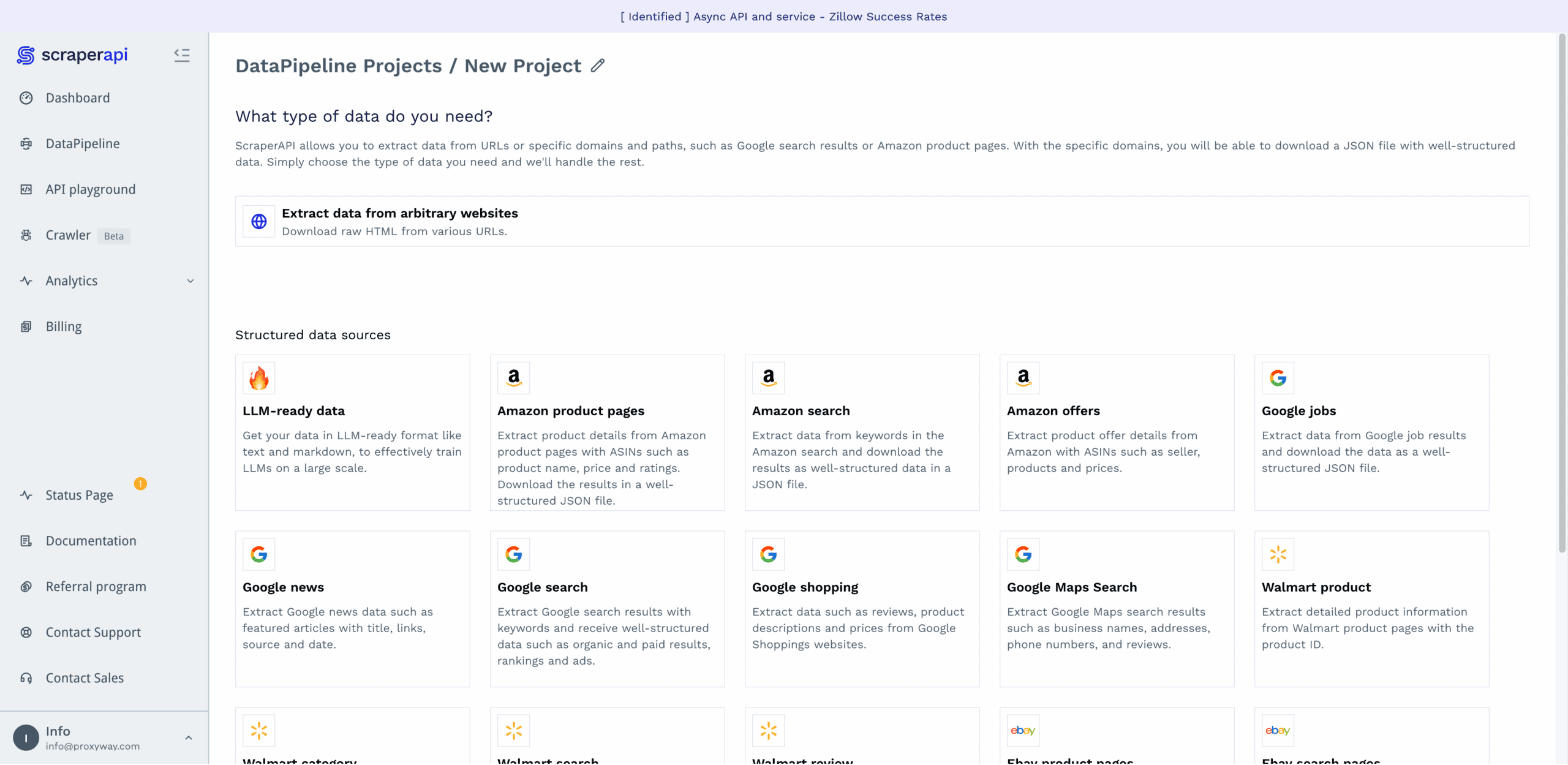
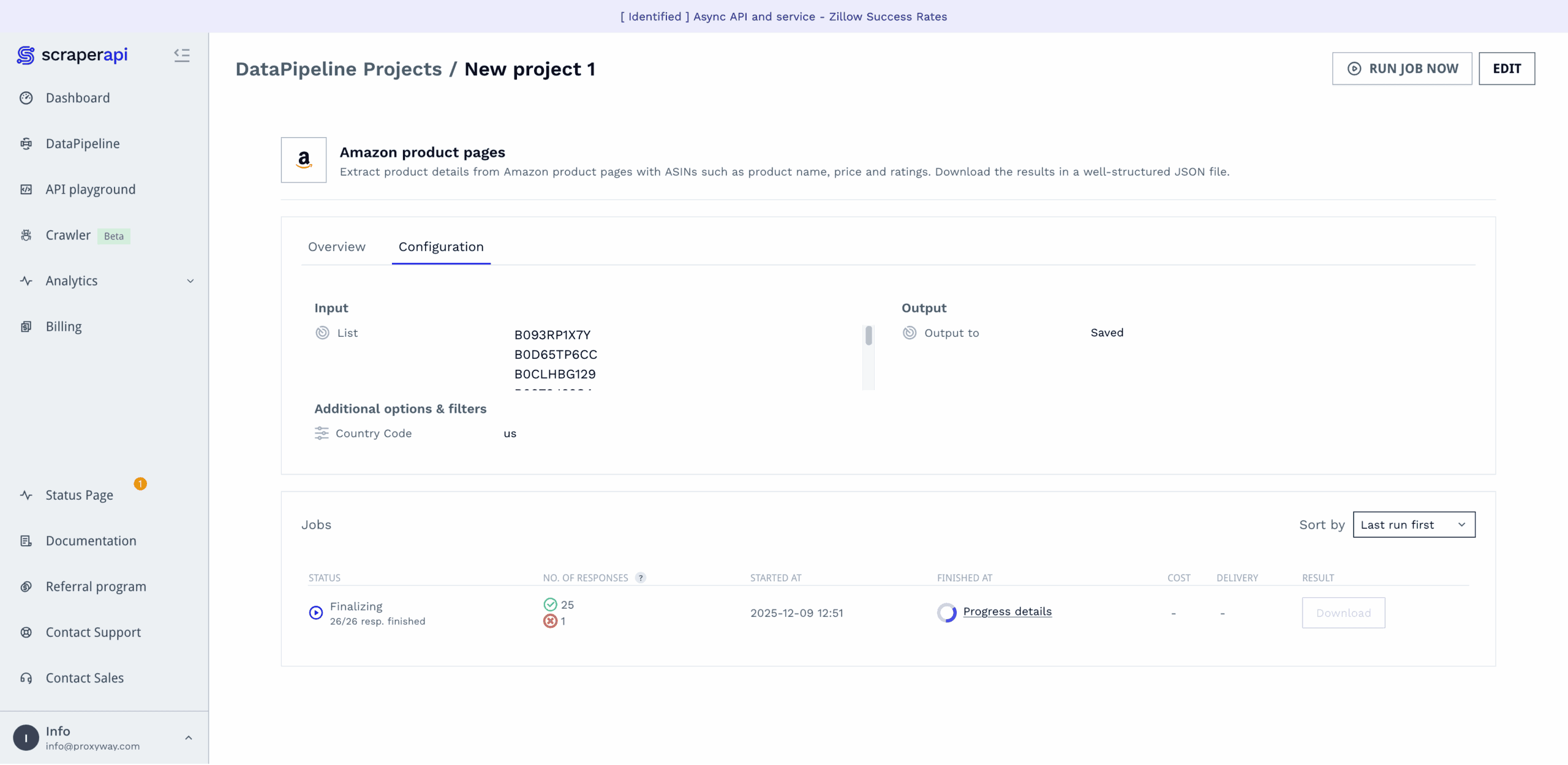
If you don’t want – or know how to – use the API, ScraperAPI offers a no-code interface on the dashboard. It goes by the name of DataPipelines and is actually a powerful tool that allows building full-fledged web scraping pipelines.
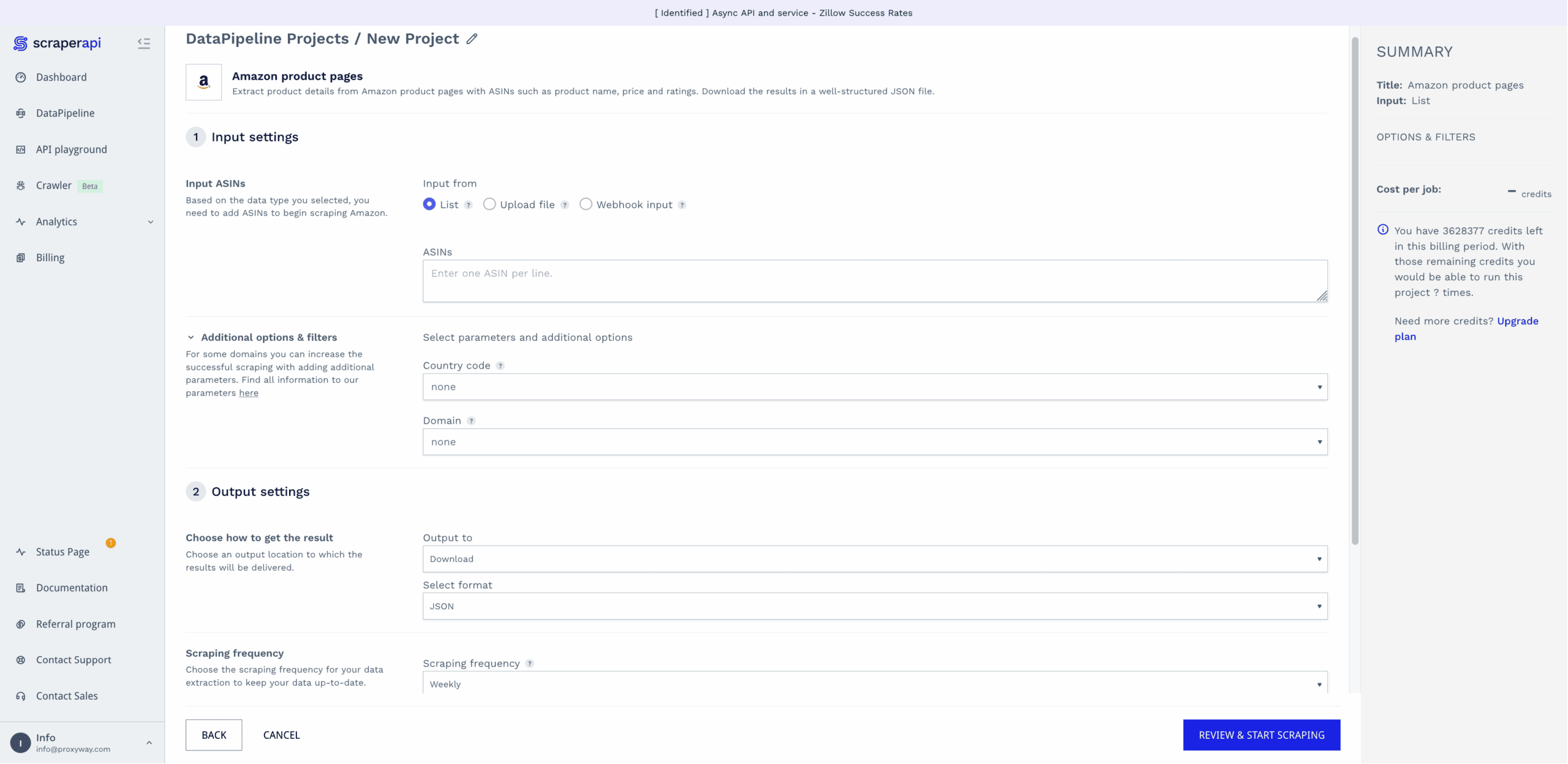
DataPipelines covers ScraperAPI’s website-specific templates, or you can scrape any target in raw HTML or LLM-friendly formats. Here’s how it works:
- Select a data source (for example, Amazon product pages),
- enter desired inputs, either as a list, a text file with up to 10K entries, or a webhook,
- choose whether to download the results directly, or get a webhook link,
- select the scraping frequency: hourly, daily, weekly, monthly, cron job, now, or later,
- and opt in for notifications, if relevant.
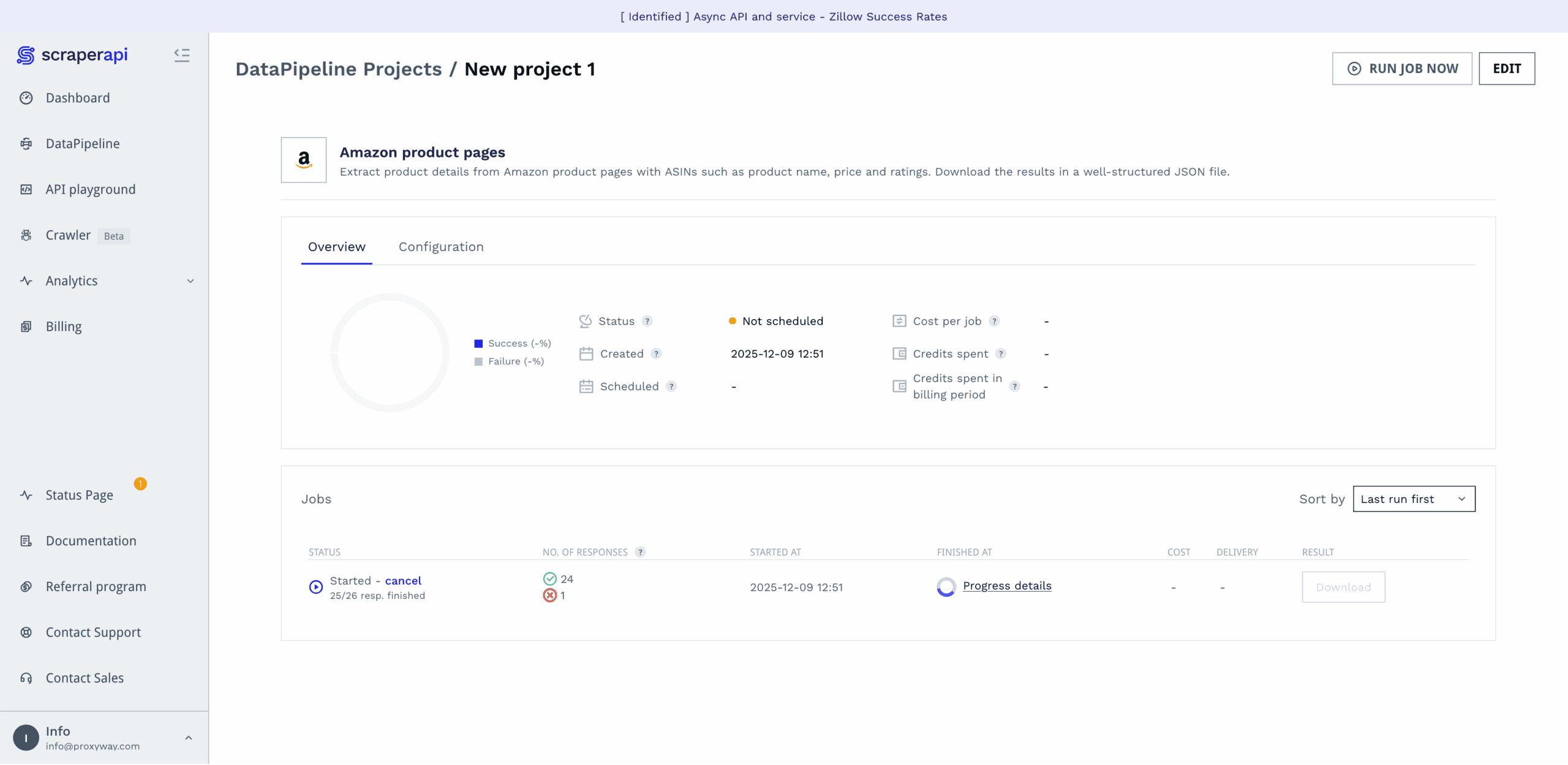
The platform will then run your data job, letting you know once it’s finished and giving a detailed report on how the job went. Compared to some other options, ScraperAPI’s no-code interface is surprisingly capable for the code-averse.
Scraping with DataPipelines costs more than using the regular API – the request price starts from six credits instead of one.
Documentation
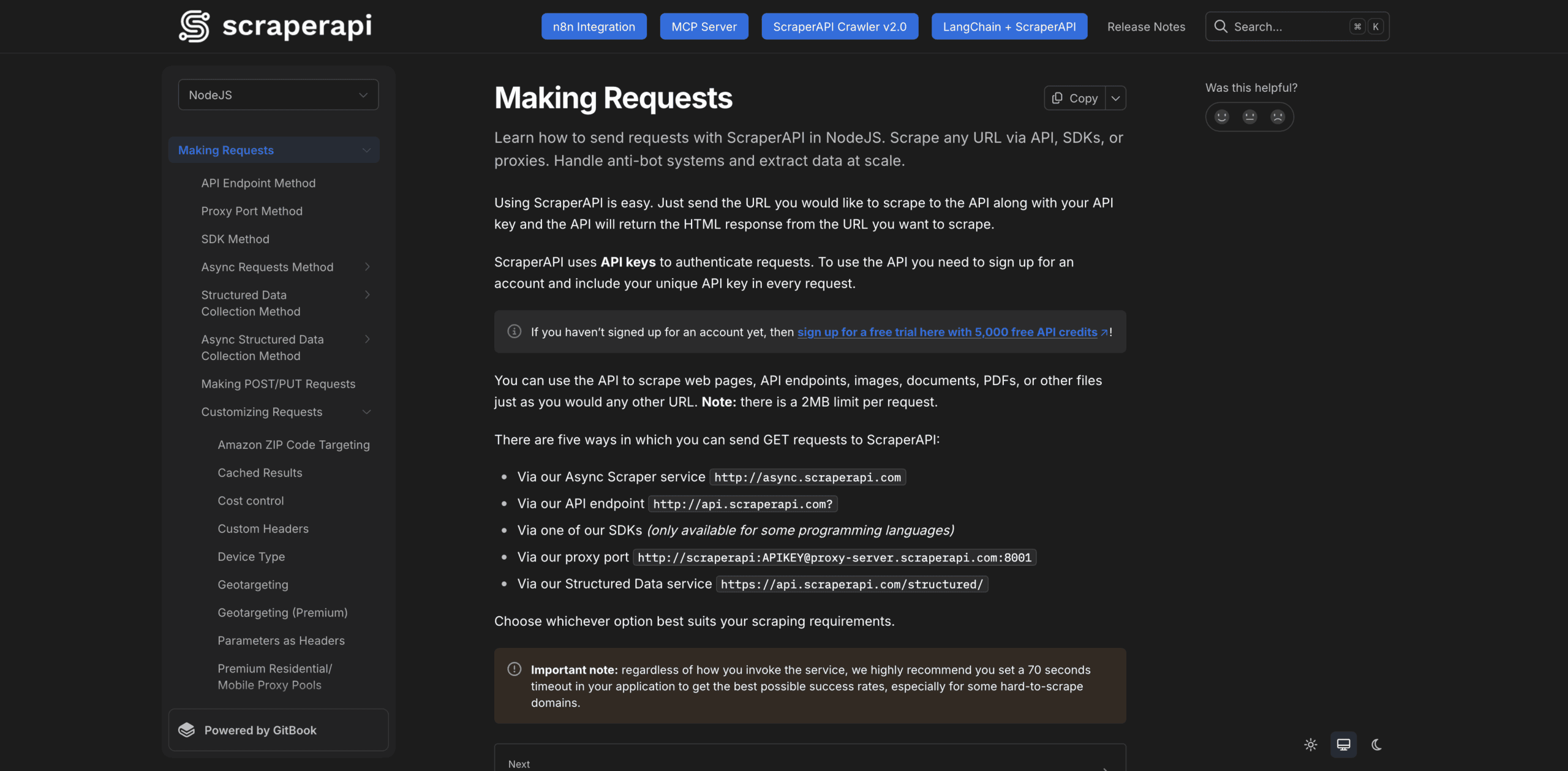
ScraperAPI’s documentation is a treat. It spans cURL and five programming languages, including Python, NodeJS, and Java. You select your preferred language first, and the docs provide examples only in it.
The documentation hub is divided into broad sections: making requests, handling and processing responses, dashboard & billing, credit costs, and general information. Each section expands into smaller units that address individual topics, such as geo-targeting. We never felt lost or lacking information.
However good it already is, the documentation could be further improved by automatically adding our API key to the code samples (Crawlbase does this). In addition, some of the newer features, like integration with n8n or the MCP server, appear as pinned buttons outside the general structure. As such, they feel tacked on.
Hands-On Support
All but enterprise customers receive customer support over email. The former can also get help over Slack.
ScraperAPI has an internal ticketing system that allows referencing to individual issues by their ID. The customer support agents work Monday to Friday 8AM to 8PM CET and strive to respond to new tickets within 24 hours. For a global business with an inherently brittle product, this is rather unimpressive.
We tried creating a support request during the morning in Europe. The reply came within an hour, answering our questions. So, at least during their shift, ScraperAPI’s agents react decently fast.

Conclusion
To wrap things up, we found ScraperAPI to be a competently made – sometimes you could even say, crafted – service. We were particularly fond of the user experience, both when it came to the dashboard and documentation. The API performed well, too, failing to beat only a few challenging targets like Shein.
At the same time, ScraperAPI works best for self-service customers: individual developers, small businesses, or teams with limited data needs. The support coverage is a little limited, especially if you live outside of Europe. And the laddered pricing can get steep once advanced unblocking mechanisms get involved.
But overall, our experience was positive. Unless you’re an enterprise, need precise control over headless browsers, or exclusively scrape protected websites, you’ll likely find ScraperAPI a good choice.
Recommended for:
Small to medium businesses that want to simplify their web scraping operations.

The post ScraperAPI Review appeared first on Proxyway.
]]>The post Decodo (formerly Smartproxy) Review appeared first on Proxyway.
]]>
Decodo (formerly Smartproxy) Review
Decodo (formerly Smartproxy) often appears among the top choices in our proxy lists. Historically, it was a stripped down version of the premium providers like Oxylabs and Bright Data – similarly performant but missing a feature here and there.
Nowadays, Decodo is able to stand head-to-head with them, while still managing to compete with cheaper services. This is no small feat – and one of the reasons why the company received our Best All-Rounder award in 2026.
In this review, we’ll try to show what makes Decodo one of the best proxy services today – and whether you should choose it over the competition.
Use the code DECODO5 to get 5% off all self-service products.
Three-Minute Human Summary
- Decodo sells all kinds of proxy servers, along with several web scrapers, to a wide range of customers. For example, you can get residential IPs, or server-based proxies in list or rotating pool formats.
- All include an above average number of locations, city & ASN targeting, rotation, and advanced protocols like UDP.
- In our benchmarks, Decodo’s proxy pool size and infrastructure performance matched enterprise providers like Oxylabs. Our requests completed successfully over 99% of the time, taking less than a second on average.
- The prices are also relatively affordable with plans starting below $10, though less so compared to competitors like Evomi or DataImpulse. Decodo offers free trials and allows paying as you go. The latter option is somewhat limited, and you’ll likely want to buy a monthly plan.
- User experience is Decodo’s strong point with plenty of guides, a comfortable dashboard, and live 24/7 support to help you. A KYC procedure is unnecessary, but it can get triggered if you seem risky, or if you want to access restricted targets.
- Overall, Decodo is a very well balanced provider which we can freely recommend to most.
News about Decodo
-
- Provider News
-
- Provider News
-
- Provider News
General Information
- Country: Lithuania
- Founded: 2018
- Employees (LinkedIn): 100-150
- Proxy networks: Residential, mobile, datacenter, ISP
- Web scrapers: Scraping API, proxy-like web unblocker
- Supporting tools: Antidetect browser, proxy checker, Chrome & Firefox extensions
- Price segment: Mid-market
- Payment methods: Credit card, PayPal, Bitcoin, Apple Pay, Google Pay
- Trial: Available for most products
Decodo was founded in 2018 under the name of Smartproxy. It rebranded in April 2025. The company is related to the Tesonet group.
Decodo started out in reaction to premium proxy providers like Luminati (now Bright Data) and GeoSurf (now shut down), which were only accessible to business customers and had cumbersome onboarding procedures.
The company first resold IP addresses from others. Nowadays, it has a diverse pool that combines proxies from various sources. According to Decodo, they’re carefully vetted, but the provider doesn’t go into much detail about the topic.
At the time, Decodo’s IPs performed well while costing less than the high-end counterparts. This, along with some targeted marketing efforts, allowed the provider to quickly sweep up many of the sneakerheads, Instagram managers, and small-time scrapers that were looking for affordable residential addresses.
It also helped that the company heavily invested into customer experience: quality documentation, responsive support, and user-friendly interface. These qualities have remained Decodo’s forte throughout the years.
Today, Decodo can be considered one of the largest proxy providers, probably in the top five by size. Rotating proxies remain the backbone of its service, but there are now more products to choose from, including several web scrapers.
Decodo Proxy Networks
Decodo sells all four major types of proxy servers, so there’s plenty to choose from. Use the tabs to learn about their features, pricing, and performance in more detail.
🏠 Residential Proxies
Decodo’s flagship service made for accessing strict websites. These proxies are collected from devices of real people around the world.
- Advertised pool: 115M IPs
- Countries: 195+ with state, city, ASN, ZIP targeting
- Rotation: Every request, customizable sessions up to 24 hrs
- Starts from: $4 for 1 GB. Pay as you go available
- Advertised proxy pool: 115 million IPs
- Countries: 195+
- Integration method: Gateway address (gateways in CA, DE, SG)
- Filtering
- Random: ✅
- Country: ✅
- City: ✅
- ASN/ISP: ✅
- Other: Continent, state, ZIP code (US only)
- Rotation
- Every request: ✅
- Sticky sessions: ✅ (pre-sets, custom duration up to 24 hr)
- Session behavior: New IP after disconnect, 60 s of inactivity
- Protocols
- HTTP: ✅
- HTTPS: ✅
- SOCKS5: ✅ (incl. UDP & QUIC)
- Authentication
- Credentials: ✅
- IP whitelist: ✅
- Sub-users: ✅
- Concurrency: Unlimited threads & ports
- Traffic: Plan based
Decodo’s pool comprises 115 million IPs borrowed from real people’s devices. To give you some context, this is among the larger proxy networks on the market, at least looking at advertised numbers. That said, these are unlikely to be monthly IPs – a quarter is a more realistic timeframe.
You get precise filtering tools out of the box, which allow selecting a city and even ZIP code (but only in the US). Be aware that the filters can’t be combined freely: country + ASN targeting is okay, but you’ll have to choose either city or ASN. In the same way, you can’t really target multiple countries at once.
The residential proxy network uses gateway servers. They automatically choose the closest load balancer and route your requests through it before reaching the end user’s device. The servers stand in Europe (Germany), North America (Canada), and Asia (Singapore), giving you fast connectivity in most of the world.
The proxies rotate with every connection request, and you can also establish sticky sessions. It’s possible to choose from a pre-set interval (like 30 mins) or specify any duration up to 24 hours. The connection drops if you stop making requests for a minute.
Decodo imposes no limitations on concurrency, meaning that you can make as many parallel requests as you like – or your hardware can handle.
All connection protocols are available, including UDP (available upon request). Of course, the number of open ports will be limited.
- Model: Pay as you go, monthly subscription
- Format: Traffic
- Modifiers: Number of whitelisted IPs, sub-users
- Starting price: $4 for 1 GB
- Trial: 3-day free trial, 14-day limited refund
Decodo lets you get an auto-renewing subscription or pay as you go. The second option is rather limited, as it only allows buying one gigabyte at a time. But it’s still better than nothing.
The rates aren’t cheap compared to competitors like DataImpulse but beat most premium and mid-range alternatives. As such, these residential IPs can be a viable choice for small projects that need quality addresses.
To avoid getting stuck between pricing tiers, Decodo allows topping up each plan at the same rate per gigabyte. This is limited to 80% of the plan’s worth, at which point it makes sense to simply buy a bigger plan.
The proxies can be a solid option for large projects, as well. Decodo scales very competitively into hundreds of gigabytes, and some premium options fail to catch up even at a terabyte of data.
We last tested Decodo’s residential proxies in April 2026, for our annual proxy market report.
Pool size & composition
| Gateway | Requests | Unique IPs | Residential %* |
| Global | 3.6M over 21 days | 2,853,543 | 98.97% |
| US | 1.2M over 14 days | 961,218 | 97.08% |
| UK | 560k over 14 days | 288,434 | 98.09% |
| EU** | 1.2M over 14 days | 968,806 | 98.51% |
| Brazil | 560k over 14 days | 523,142 | 99.19% |
| India | 560k over 14 days | 506,980 | 98.07% |
| Australia | 140k over 7 days | 46,363 | 98.15% |
* IP2Location database, Usage type data point (ISP, ISP/MOB, MOB IPs)
** Combines Germany, France, Spain, Italy, the Netherlands.
Top 10 countries in the Global pool

Comparison with other providers
Decodo’s residential proxy network was second only to Oxylabs in size, and significantly larger compared to most competitors in its price range. The provider had particularly many US IPs.
Infrastructure success rate
Requests: Same as the pool test
Target: Nearest server of a global CDN
| Gateway | Avg. success rate |
| Global | 99.92% |
| US | 99.32% |
| UK | 99.63% |
| EU | 99.90% |
| Brazil | 99.84% |
| India | 99.86% |
| Australia | 99.81% |
Comparison with other providers
The infrastructure barely ever failed. In the unfiltered pool, only 10 out of every 10,000 connections got terminated before reaching the target. We couldn’t ask for more.
Infrastructure response time
Requests: 6 KB page size – same as the pool test, 2 MB page size – 5,000
Target: Nearest server of a global CDN
6 KB page size
| Gateway | Avg. | Median | P95 |
| Global (🇩🇪 -> any IP) | 0.53 s | 0.43 s | 1.09 s |
| US (Ashburn -> 🇺🇸 IP) | 0.75 s | 0.62 s | 1.46 s |
| UK (🇩🇪 -> 🇬🇧 IP) | 0.43 s | 0.32 s | 1.00 s |
| EU (🇩🇪 -> 🇩🇪/🇪🇸/🇫🇷/🇮🇹/🇳🇱 IP) | 0.48 s | 0.36 s | 1.18 s |
| Brazil (Ashburn -> 🇧🇷 IP) | 0.96 s | 0.83 s | 1.42 s |
| India (Singapore -> 🇮🇳 IP) | 0.65 s | 0.59 s | 1.21 s |
| Australia (Singapore -> 🇦🇺 IP) | 0.67 s | 0.56 s | 1.26 s |
2 MB page size
| Gateway | Avg. | Median | P95 |
| Global (🇩🇪 -> any IP) | 5.63 s | 2.19 s | 22.98 s |
| US (Ashburn -> 🇺🇸 IP) | 3.38 s | 1.61 s | 8.00 s |
Comparison with other providers
6 KB page size, average response time
Decodo’s residential proxies were also very fast to establish connections, at least with small test pages. Their latency remained below one second in all tested locales, and even the slowest request completed below two seconds. With larger pages, the response time increased fivefold.
- Using different port numbers: us.decodo.com:10001, 10002…, au.decodo.com:30001…
- Using the backconnect entry: user-USERNAME-country-COUNTRY-city-CITY-session-ID:[email protected]:7000
You get two integration formats: endpoints with different port numbers and a single backconnect gateway.
Endpoints are the preferred method used in Decodo’s setup widget. They give you slightly different addresses based on the country you choose, and then generate ports for sticky sessions. This way, you don’t need to modify the username to target particular locations.
The endpoint approach also supports city targeting, though it’s not always consistent. Major cities like New York have their own designated ports (city.smartproxy.com:21000, 21001, etc.), but smaller designations still add a username parameter: gate.smartproxy.com:10001:user-USERNAME-country-us-city-kansas_city.
The backconnect entry always sticks to the same gateway, and you can filter IPs by appending parameters to the username. This method is more flexible, but it may not be compatible with scenarios where credentials can’t be used. It’s also the only means to use location targeting with SOCKS5.
🏠🏢 ISP (Static Residential) Proxies
These are server-based proxies linked to consumer internet service providers. They come in three formats with customizable subscriptions.
- Formats: Shared, dedicated list, rotating pool
- Countries: 21 in five continents with city, ASN selection
- Rotation: Available in all formats, optional
- Starts from: $4.7 for 10 shared IPs ($0.47/IP), $10 for 3 dedicated IPs ($3.33/IP), or $3 for 1 GB
| Shared list | Dedicated list | Rotating pool | |
| Pool size | Based on purchased IPs | Not specified | |
| Locations (July 2026) | 17 (US, CA, BR, CO, UK, DE, FR, NL, BE, PL, IT, SE, ES, RO, JP, HK, IN) | ||
| Integration method | Gateway server | ||
| Targeting | Country & city or ASN | ||
| Distribution | Free choice of locations during purchase | Full access | |
| Rotation | Every request, static sessions | ||
| Concurrency | 1,000 to 3,000 threads | Unlimited | Unlimited |
| Protocols | HTTP, HTTPS, SOCKS5 (incl. UDP) | ||
| Authentication | Credentials, IP whitelist | ||
Decodo’s ISP proxy products take the same formats as the datacenter proxies: you can buy shared or dedicated lists of IPs, or simply rent the whole pool and pay for traffic.
The list of locations here is similar and covers a number of high-profile countries across five continents. You can freely choose any number of countries during purchase, and you can go ahead and specify a city or ASN (but not both). Surprisingly, this doesn’t cost extra.
Decodo uses gateway servers for integration, which enables optional rotation. Otherwise, you can keep the same proxy for as long as you like. Decodo doesn’t limit the number of threads you can establish. There’s also full SOCKS5 support.
| Shared list | Dedicated list | Rotating pool | |
| Model | IPs + traffic | IPs | Traffic |
| Format | Subscription | ||
| Starting price | $4.7 for 10 IPs & 50 GB | $10 for 3 IPs | $3 for 1 GB |
| Upsells | More traffic, sub-users | More sub-users | |
| Trial | 14-day limited refund | ||
To acccess Decodo’s ISP proxies, you’ll have to subscribe to a monthly plan. It extends automatically until cancelled.
The pricing model differs by format: the dedicated list charges only for IPs bought, the rotating pool measures traffic use, while the shared list considers both.
For example, you get 10 shared IPs with 50 GB, 100 GB, 300 GB, 1 TB, or unlimited monthly traffic (subject to a fair use policy). Getting a terabyte of traffic costs around 40% more compared to 50 GB. The unlimited option costs roughly thrice as much. Still, the price per IP never exceeds $1.7, which is affordable for ISP proxies.
We last tested Decodo’s 100 dedicated US ISP proxies in April 2025.
Basic analysis
| /24 subnets | Location (MaxMind) | Location (IP2Location) | ASNs |
| 22 | US (100%) | US (100%) | Verizon (58%), AT&T (42%) |
We received proxies from 22 unique subnets. They were correctly geolocated and all came from two major internet service providers.
IP quality
Residential percentage: IP2Location database, Usage type data point (ISP, ISP/MOB, MOB IPs)
| Residential % | Matching ASN & organization |
| 57% | 47% |
A database identified the majority of Decodo’s proxies as residential – an okay result. Furthermore, nearly a half of them had matching IP owner and ASN, which is desirable and hard to achieve with this proxy type.
Infrastructure performance
Requests: 70,000 over 7 days
Target: Nearest server of a global CDN (~6 KB page size)
Our server location: US
| Avg. success rate | Avg. response time |
| 100% | 0.22 s |
Decodo’s infastructure performed without fail during the full seven days. The proxies also responded quickly to our requests, taking around 200 ms to return a 6KB page.
Download speed
Target: Hetzner’s 100 MB Ashburn benchmark
Proxies tested: 10
| Avg. without proxies | Average | Median | Slowest IP |
| 52.93 MB/s | 45.36 MB/s | 39.80 MB/s | 32.80 MB/s |
The ISP proxies we tested had enough throughput for all tasks, including 4K video streaming.
- Basic request: isp.decodo.com:10000
- Sessions: isp.decodo.com:10001, 10002…
- Parameters: user-USERNAME-country-us-ip-46.202.87.168:PASSWORD
@isp.decodo.com:10001, 10002…
You get one address and modify either the username or the port number to change various parameters.
For example, using the port 10000 will rotate IPs with every request, while different port numbers represent sticky sessions. Username modifiers allow targeting locations, as well as individual IPs.
Although IP whitelisting is available, it doesn’t support country targeting (as you can no longer change the username).
🏢 Datacenter Proxies
Decodo’s entry-level option made for efficient web scraping. You can get these proxies in lists or buy access to the full IP pool.
- Formats: Shared, dedicated list, pool with 100k IPs
- Countries: 18 in five continents
- Rotation: Available in all formats, optional
- Starts from: $3.5 for 100 shared IPs, $5.55 for 3 dedicated IPs ($1.85/IP), or $6 for 10 GB
| Shared | Dedicated | Rotating | |
| Pool size | Based on purchased IPs | 100,000 | |
| Locations (July 2026) | 18 (US, CA, BR, UK, DE, IT, NL, RO, FR, TR, IL, AU, JP, HK, CN, IN, KR, SG) | 4 (US, UK, DE, JP) | 18 (US, CA, BR, UK, DE, IT, NL, RO, FR, TR, IL, AU, JP, HK, CN, IN, KR, SG) |
| Integration method | Gateway server | ||
| Targeting | Country & city or ASN | Country | |
| Distribution | Free choice of locations during purchase | Full access | |
| Replacement | Week, month, on demand | On demand: individual or full list | – |
| Rotation | Every request, static sessions | ||
| Traffic | 50 GB to unlimited | Unlimited | Plan based |
| Concurrency | 1,000 to 3,000 threads | Unlimited | Unlimited |
| Protocols | HTTP, HTTPS, SOCKS5 (with UDP) | ||
| Authentication | Credentials, IP whitelist | ||
The three proxy networks are pretty distinct in terms of features.
Decodo’s dedicated proxies – like most dedicated datacenter proxies – give you pretty much unlimited access to the IPs. However, there’s one big caveat: the proxies are available only in the US, with no option to specify particular cities.
The 100,000-strong rotating proxy network gives you a lot of disposable IPs that you can simplify rotate away once no longer needed. Its choice of locations includes multiple countries from four continents. If necessary, you can keep the same IP for as long as necessary.
Decodo’s shared proxies bring even more countries. It’s possible to choose where exactly you want the IPs to be located when buying a plan. (For instance, 56 proxies in the US, 32 in Australia, and the remaining 12 in Germany.)
All three formats use gateway servers to route your requests. This means you get one address and change the port number to access different IPs. If you want to target a particular country (or IP or within the shared list), you can add a parameter to the username.
Even though both authentication methods are available, the IP whitelisting option includes fewer features. In particular, you won’t be able to easily filter proxies by location.
This also gives them the ability to rotate, but this feature is optional. Your traffic allowance will depend on the format; however, even the unlimited plans are subject to a fair use policy (100GB/IP/mo). All main connections protocols are supported, making these proxies compatible with a wide range of tasks.
| Shared list | Dedicated list | Rotating pool | |
| Model | IPs + traffic | IPs | Traffic |
| Format | Subscription | ||
| Starting price | $3.5 for 100 IPs & 50 GB ($0.035/IP) | $5.55 for 3 IPs ($1.85/IP) | $6 for 10 GB ($0.6/GB) |
| Upsells | More traffic, threads, refreshes | – | More sub-users |
| Trial | 14-day limited refund | ||
Decodo’s datacenter proxies require getting a subscription, which lasts a month and renews automatically until cancelled. The entry price can be very wallet-friendly, starting below $10.
The dedicated plans charge only for IPs, and the rotating pool meters traffic, making their pricing models straightforward. The shared plans consider both IPs and traffic, and there are several other upsells to consider.
For example, 100 IPs cost $3.5 with 50 GB of data allowance. Choosing 1 TB raises the price to $6.10. The unlimited traffic option has a price floor and costs a whopping $105 with the entry plan. Furthermore, you can choose automatic refresh frequency (monthly, +20%, or weekly, +80%), as well as the number of on-demand refreshes (+30% each, up to four). Finally, increasing the thread limit from 1,000 to 3,000 adds an extra 40% to the final price.
In short, Decodo borrows heavily from Webshare’s playbook. This isn’t necessarily a bad thing, as it makes more basic configurations extremely affordable. In any case, Decodo’s pricing is competitive.
We last tested Decodo’s rotating datacenter proxies in April 2026.
Pool size
| Gateway | Requests | Unique IPs |
| US | 70k over 7 days | 30,847 |
Decodo’s rotating pool gave us over 30,000 unique proxies in the US – while not quite reaching the advertised number, it was still very respectable.
Infrastructure performance
Target: Nearest server of a global CDN (~6 KB page size)
Our server location: US
| Gateway | Avg. success rate | Response time (avg/median/P95) |
| US | 99.94% | 0.35 s / 0.34 s / 0.61 s |
The proxy network completed requests successfully nearly 100% of the time. It was decently fast and, more importantly, consistent – even the 5% slowest requests didn’t stray far away from the median.
Download speed
Target: Hetzner’s 100 MB Ashburn benchmark
Proxies tested: 10
| Avg. without proxies | Average | Median | Slowest IP |
| 353.91 MB/s | 16.57 MB/s | 9.08 MB/s | 0.19 MB/s |
Decodo’s rotating datacenter proxies weren’t terribly fast, but they should be enough for scraping website content. Video streaming, on the other hand, may take a while.
- Basic request: isp.decodo.com:10000
- Sessions: isp.decodo.com:10001, 10002…
- Parameters: user-USERNAME-country-us-ip-46.202.87.168:PASSWORD
@isp.decodo.com:10001, 10002…
You get one address and modify either the username or the port number to change various parameters.
For example, using the port 10000 will rotate IPs with every request, while different port numbers represent sticky sessions. Username modifiers allow targeting locations, as well as individual IPs.
Although IP whitelisting is available, it doesn’t support country targeting (as you can no longer change the username).
📱 Mobile Proxies
Premium service for mobile-first or toughest targets. It borrows IPs from phones and other devices on cellular connections.
- Advertised pool: 10M IPs
- Countries: 195+ with state, city, ASN, ZIP targeting
- Rotation: Every request, customizable sessions up to 24 hrs
- Starts from: $4 for 1 GB. Pay as you go available
- Advertised proxy pool: 10 million IPs
- Countries: 195+
- Integration method: Gateway address (gateways in CA, DE, SG)
- Filtering
- Random: ✅
- Country: ✅
- City: ✅
- ASN/ISP: ✅
- Other: Continent, state, ZIP code (US only)
- Rotation
- Every request: ✅
- Sticky sessions: ✅ (pre-sets, custom duration up to 24 hr)
- Session behavior: New IP after disconnect, 60 s of inactivity
- Protocols
- HTTP: ✅
- HTTPS: ✅
- SOCKS5: ✅ (incl. UDP & QUIC)
- Authentication
- Credentials: ✅
- IP whitelist: ✅
- Sub-users: ✅
- Concurrency: Unlimited threads & ports
- Traffic: Plan based
Decodo advertises one of the larger mobile proxy pools on the market. It includes IPs in most countries around the world.
The product has particularly generous filtering options: you can choose not only a city but also an ASN. One caveat is that ASN and city filters can’t be used together – this is to keep the IP pool reasonably large.
Decodo’s mobile proxy network uses gateway addresses that route your requests to the end user and then the target website.
You get several rotation options: IPs can change with every connection request, or they can last up to 24 hours before rotating. This isn’t guaranteed and depends on the end user’s availability. Once they go offline, you automatically get a new IP address – there’s no option to wait until the same IP returns.
Decodo doesn’t limit how many requests you can make at once, making these proxies a solid choice for large-scale web scraping, such as for ad verification purposes.
- Model: Pay as you go, monthly subscription
- Format: Traffic
- Modifiers: Number of whitelisted IPs, sub-users
- Starting price: $4 for 1 GB
- Trial: 100 MB for 3 days, limited 14-day refund
You can get Decodo’s mobile proxies by subscribing to a plan, which start from $7.5 ($3.75/GB). A plan lasts for a month and updates automatically. Or, you can pay as you go at a fixed rate of $4/GB.
Like most similar products, this one charges for traffic, otherwise giving you full access to the proxy network.
Compared to the broader market, Decodo’s rates are competitive throughout most of the pricing range. All in all, you get a good deal for the package.
We last tested Decodo’s mobile proxies in April 2026, for our annual proxy market report.
Pool size & composition
| Gateway | Requests | Unique IPs | Mobile %* |
| Global | 1.2M over 14 days | 1,190,939 | 99.50% |
| US | 560k over 14 days | 152,424 | 99.39% |
| UK | 280k over 14 days | 111,311 | 98.51% |
| EU** | 280k over 14 days | 332,435 | 97.76% |
| Brazil | 280k over 14 days | 275,547 | 99.56% |
| India | 280k over 14 days | 268,091 | 99.53% |
| Australia | 140k over 7 days | 10,200 | 98.72% |
* IP2Location database, Usage type data point (ISP/MOB, MOB IPs)
** Combines Germany, France, Spain, Italy, the Netherlands.
Decodo had a very large mobile proxy pool – without location filters, over 95% of the 1.2 million requests we made returned a unique IP address. Most of these proxies were indeed mobile, according to an IP databse.
Infrastructure success rate
Requests: Same as the pool test
Target: Nearest server of a global CDN (~6 KB page size)
| Gateway | Avg. success rate |
| Global | 99.92% |
| US | 99.32% |
| UK | 99.63% |
| EU | 99.90% |
| Brazil | 99.84% |
| India | 99.86% |
| Australia | 99.81% |
Decodo’s mobile proxies ran nearly without fail. The success rate was slightly lower in the US, but even there it never dropped below 99%.
Infrastructure response time
Requests: Same as the pool test
Target: Nearest server of a global CDN (~6 KB page size)
| Gateway | Avg. | Median | P95 |
| Global (🇩🇪 -> any IP) | 0.74 s | 0.64 s | 1.49 s |
| US (Ashburn -> 🇺🇸 IP) | 0.76 s | 0.61 s | 1.50 s |
| UK (🇩🇪 -> 🇬🇧 IP) | 0.45 s | 0.36 s | 0.87 s |
| EU (🇩🇪 -> 🇩🇪/🇪🇸/🇫🇷/🇮🇹/🇳🇱 IP) | 0.60 s | 0.42 s | 1.49 s |
| Brazil (Ashburn -> 🇧🇷 IP) | 1.07 s | 0.94 s | 1.71 s |
| India (Singapore -> 🇮🇳 IP) | 0.88 s | 0.79 s | 1.71 s |
| Australia (Singapore -> 🇦🇺 IP) | 0.67 s | 0.58 s | 1.07 s |
The latency of these proxies also won’t leave you wanting. Even the slowest connections completed within two seconds. Just note that the page sizes were small – heavy websites or browser-based workloads will require more time to load.
- Using different port numbers: us.decodo.com:10001, 10002…, au.decodo.com:30001…
- Using the backconnect entry: user-USERNAME-country-COUNTRY-city-CITY-session-ID:[email protected]:7000
As with residential proxies, you can choose from two integration formats:
1) Country endpoints. This is the default method that uses different gateways for countries and ports for sticky sessions. It’s handy when your software fails to support credential-based authentication.
2) Backconnect gateway. You get one address and port that never changes. Any filters, such as country or sticky session, are added as parameters to the username. This approach is more flexible but also harder to use.
In reality, the distinction isn’t always clear. For example, Decodo sometimes adds parameters to country endpoints when you choose cities. In addition, the backconnect method is necessary for country targeting with the SOCKS5 protocol.
Decodo Web Scraping APIs
Proxy networks aside, Decodo offers four web scraping APIs. You can pass them an URL, and the APIs will return its contents without fail. You won’t have to worry about managing proxy networks or overcoming website protection mechanisms.
Web Scraping API is Decodo’s general-purpose scraper – it can extract any page without structuring the output. The other three have parsers for specific website groups, namely search engines, e-commerce stores, and social media networks.
Features
- Targets: Universal
- Structured data: Google, Amazon, Instagram, TikTok, Reddit
- Locations: All countries (+ coordinates for Google, ZIP code for Amazon)
- Headless browsers: JavaScript rendering, browser instructions, screenshots
- Concurrency: Unlimited
- Integration: Real-time API, async API (with batch requests), proxy API
- Output formats: HTML, JSON (for targets with parsers)
- Other features: Device type, custom headers, sessions
Decodo’s scrapers are rich with features. You can select any country, specify a device type, add custom headers, and pass on cookies with a session ID for multi-step scraping.
The general-purpose API accepts any URL you send it. Decodo’s specialized APIs use a parametrized request structure, meaning you can simply enter a search query, ASIN, or hashtag without forming URLs yourself. They also have target-specific parameters like domain language or co-ordinates for localized Google results.
In addition, Decodo has built specialized scrapers for various properties of major targets. For example, there’s an endpoint optimized for Google ads, Amazon product pages, or TikTok hashtags.
All three tools integrate as an API or proxy server. The first method works over an open connection, or you can fetch results via webhook with an option to send batch requests.
Pricing Plans
- Model: Subscription
- Format: Successful requests
- Starting price
- General-purpose & social media: $50 for 25k requests ($2 CPM)
- SERP & E-Commerce: $30 for 15k requests ($2 CPM)
- Trial: 1k requests over 7 days
Performance Benchmarks
We last tested Decodo’s APIs in January 2023, for our research on web scraping APIs.
Test #1: Google (10,800 requests over 7 days)
| Avg. success rate | Avg. response time | |
| Unparsed | 100% | 6.09 s |
| Parsed | 99.85% | 6.04 s |
Decodo’s SERP scraper performed flawlessly with Google: it returned nearly all of our requests, and enabling data parsing had no effect on the response time.
Test #2: Amazon (1,000 requests)
| Avg. success rate | Avg. response time |
| 100% | 4.69 s |
Amazon posed no challenge as well. The scraper was even faster compared to Google, despite Amazon having much bigger page sizes.
Test #3: Photo-focused social media network (500 requests to each)
| Avg. success rate | Avg. response time | |
| GraphQL | 100% | 8.95 s |
| Headless | 100% | 29.09 s |
The results with social media were also perfect. One weak spot was response time with JavaScript rendering enabled – it slowed down the scraper significantly.
How to Use Decodo
Registration
To register with Decodo, you’ll need to enter an email and password, and then verify your email address. Alternatively, you can sign up with a Google or GitHub account.
It’s possible to access the dashboard without verifying an email address, but you won’t be able to buy anything until you do.
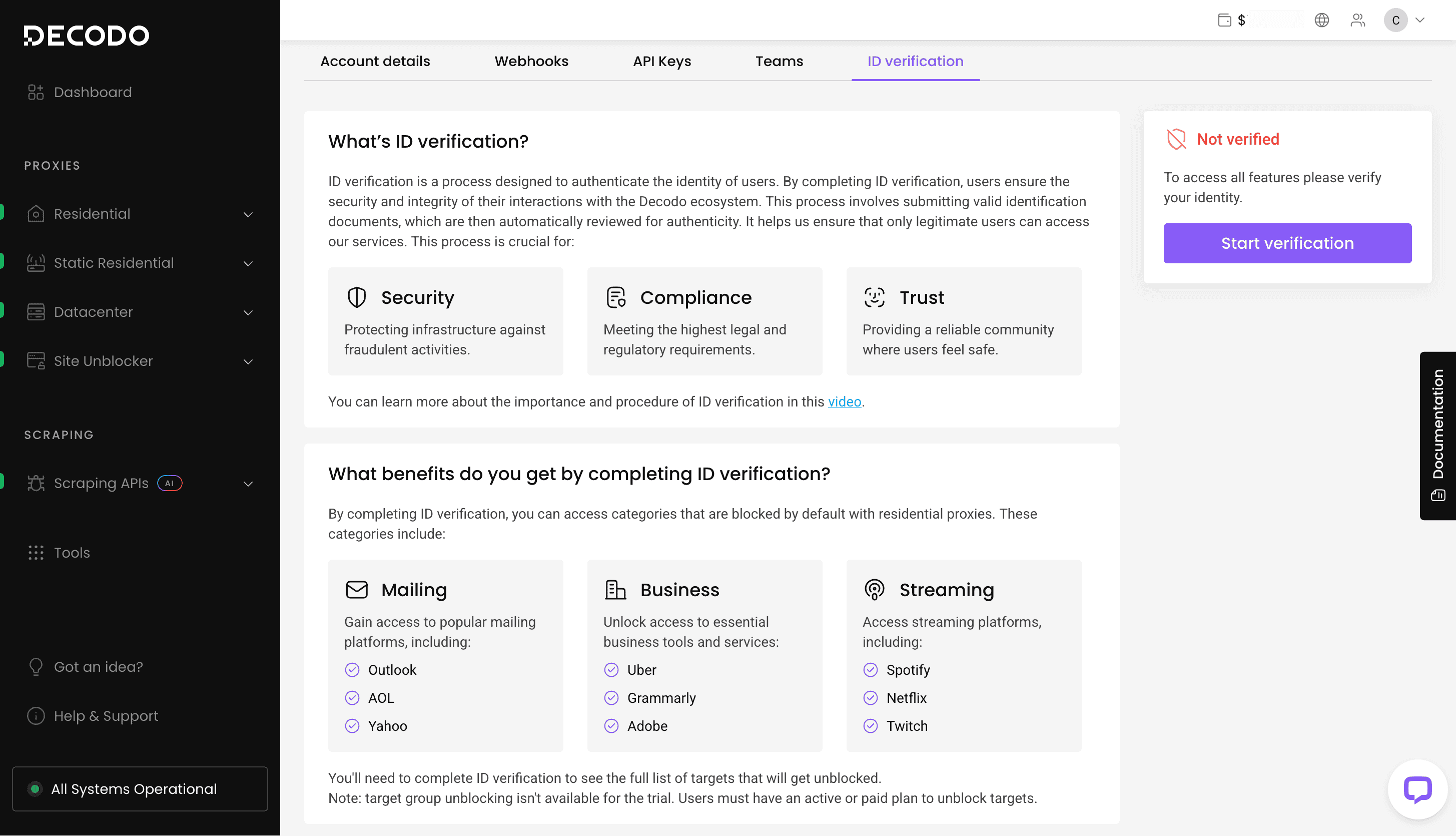
KYC and Usage Policies
Decodo does have a KYC procedure, but you only need to undergo it if you trigger the provider’s safeguards.
Otherwise, identity verification is necessary to unblock sensitive target groups: business domains likely Grammarly or Uber, streaming platforms like Netflix or Twitch, and mailing services like Yahoo and Live.
Decodo denies access to underage users or customers located in Russia.
Dashboard
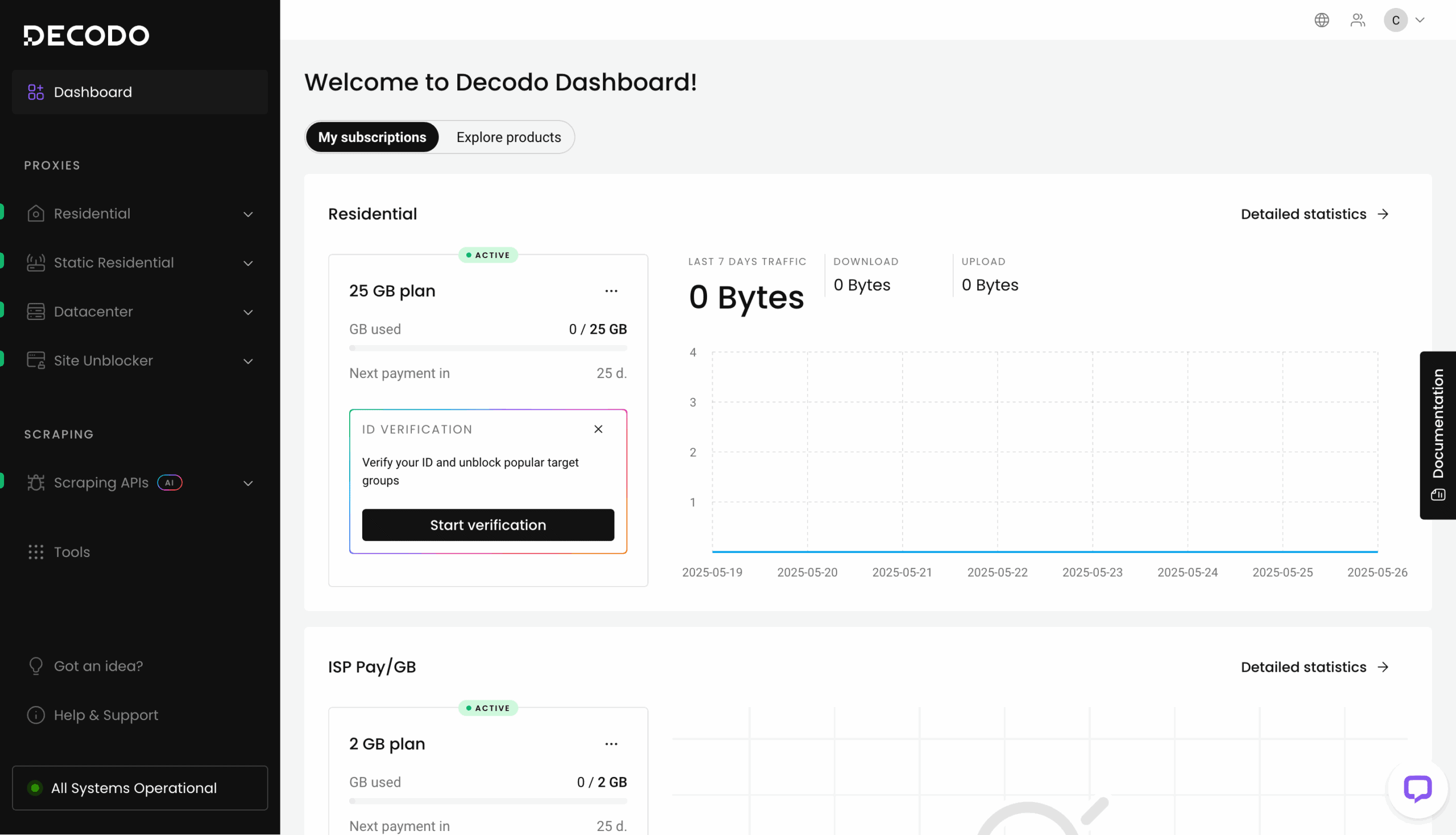
Decodo’s dashboard includes all the necessary functionality to manage proxies by yourself. You can buy plans, set up proxies and scrapers, track usage, get help, and more.
Most of the controls are separated by product. There are sections for proxy types and web scraping tools which lead to individual products. For example, to reach mobile proxies, I’d need to click on the Residential proxies drop-down and select them from the available options.
You can get a quick overview of your services on the dashboard’s main screen: see your current plan, top targets, and traffic use. However, it’s once again dedicated to one product at a time.
There are introductory tutorials and guidance all around to help you get acquainted. For example, you can enter a desired use case, feature, or even target and get a product recommendation. They significantly simplify onboarding.
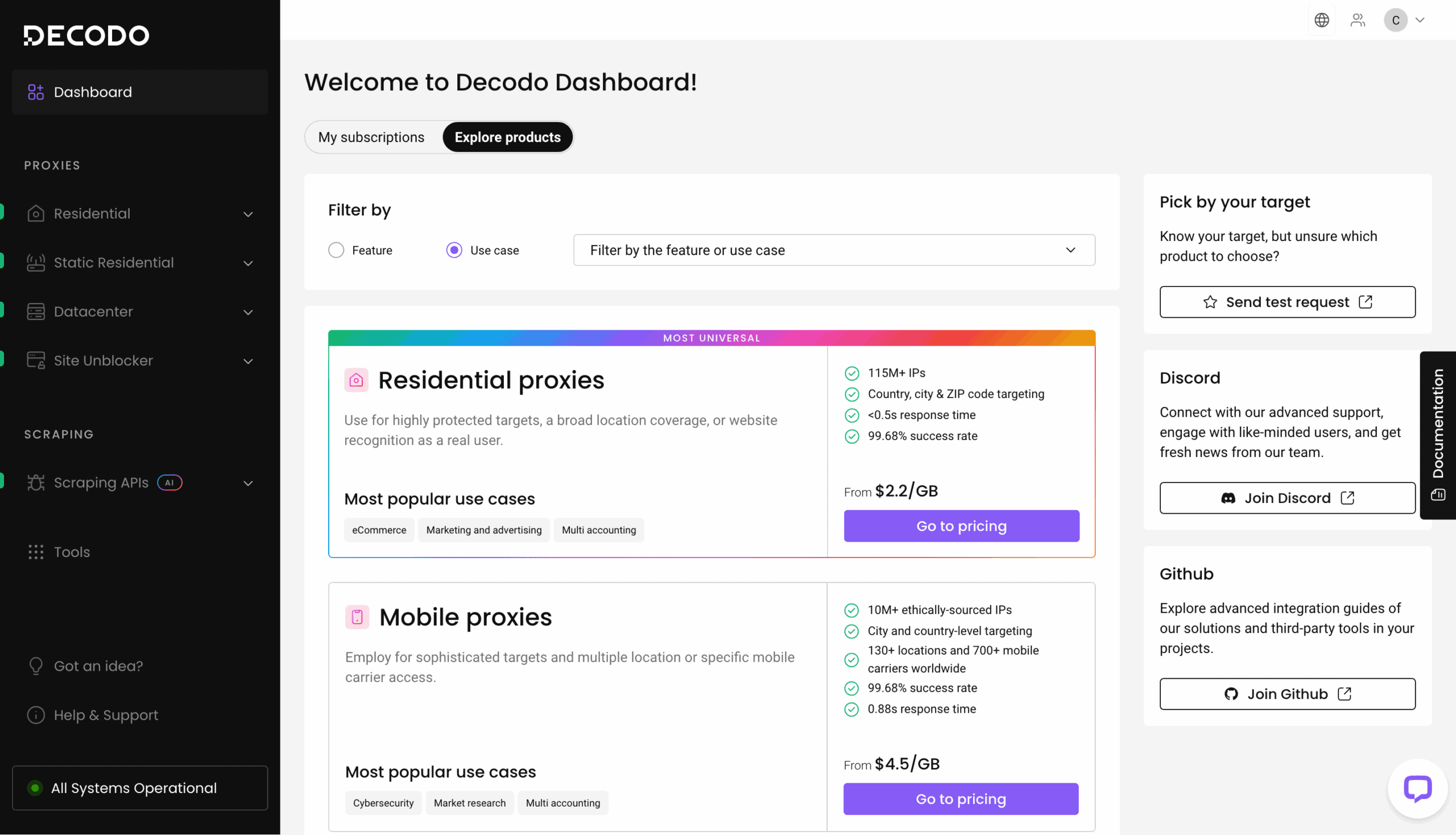
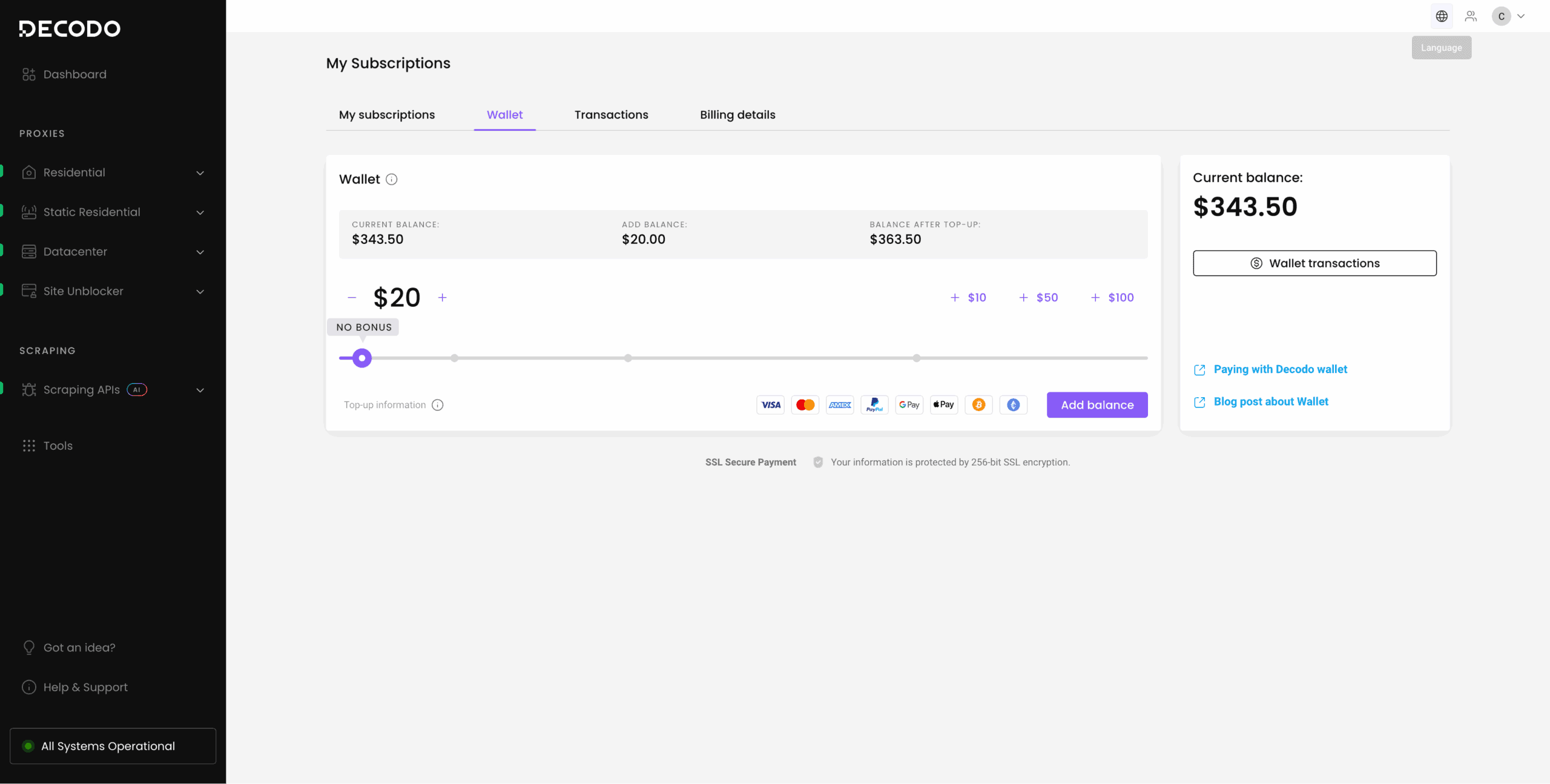
Decodo supports full self-service for each product. You can buy a plan in two ways. The first is by making a direct purchase with your credit card, PayPal, or another payment method. Alternatively, you can add money to the Decodo wallet first and then use it for purchases. This enables paying as you go.
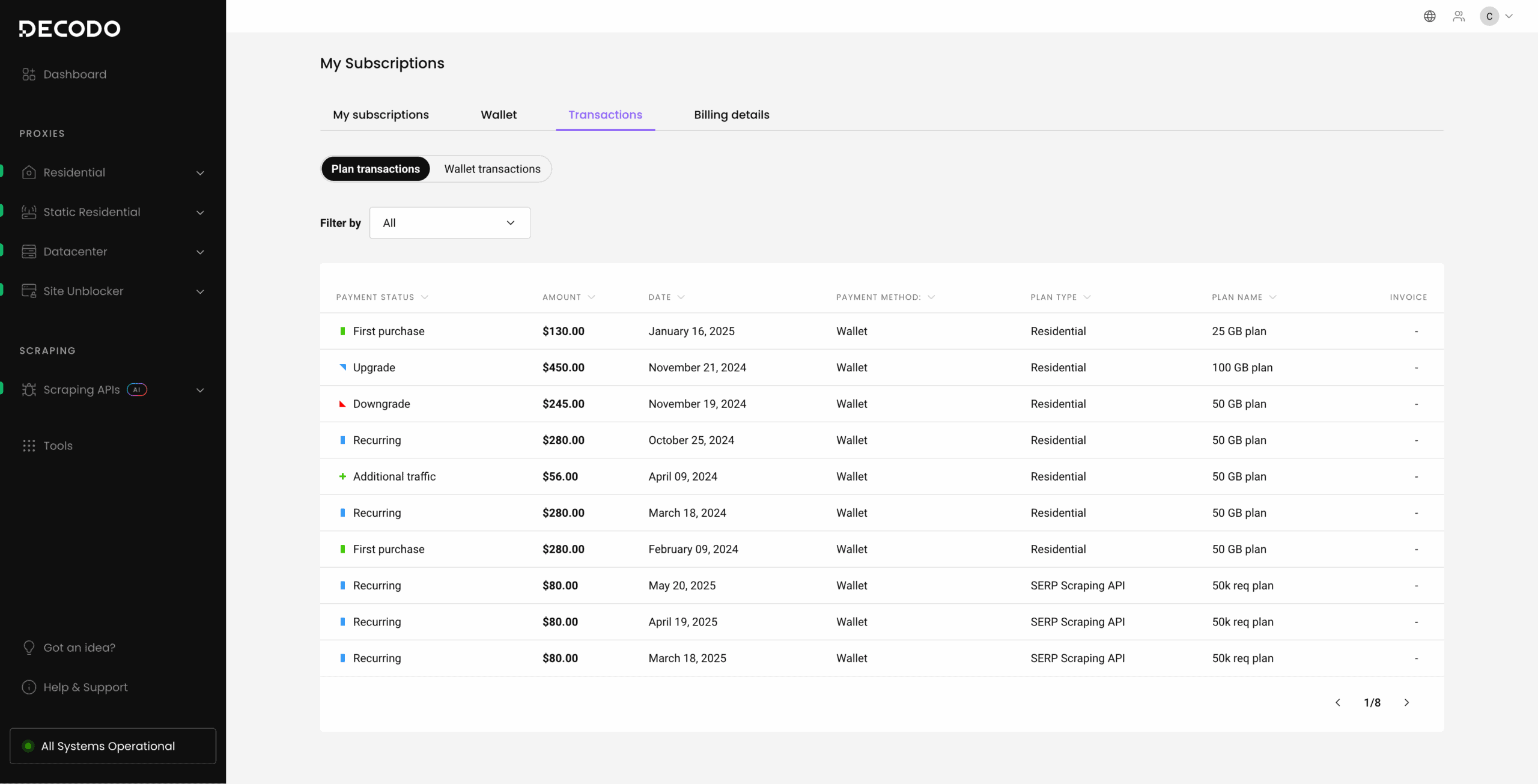
Decodo has a separate Billing section where you can see the payment history, download invoices, view and modify all active plans. It’s also the place to top up your wallet balance.
Platform access
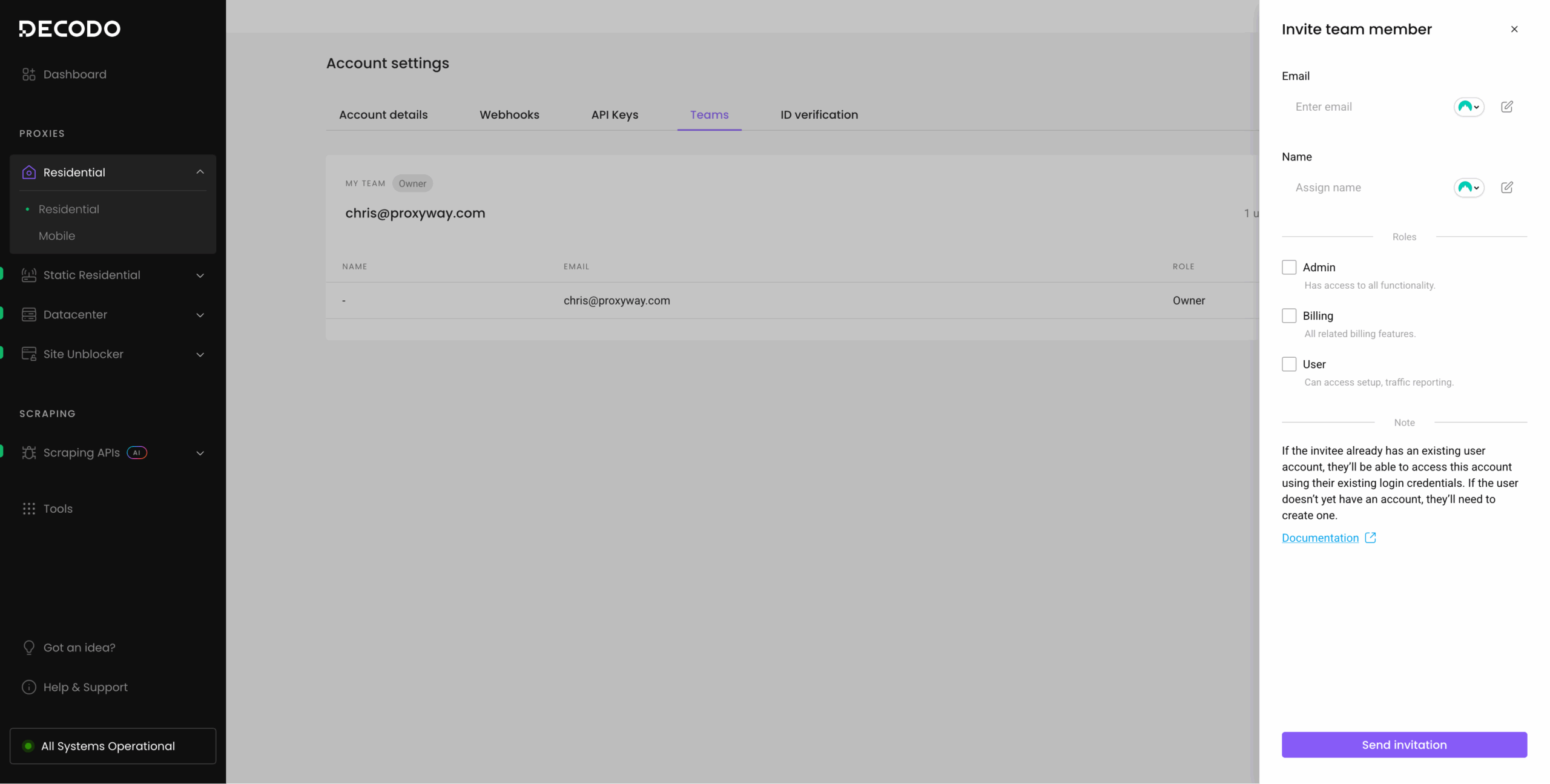
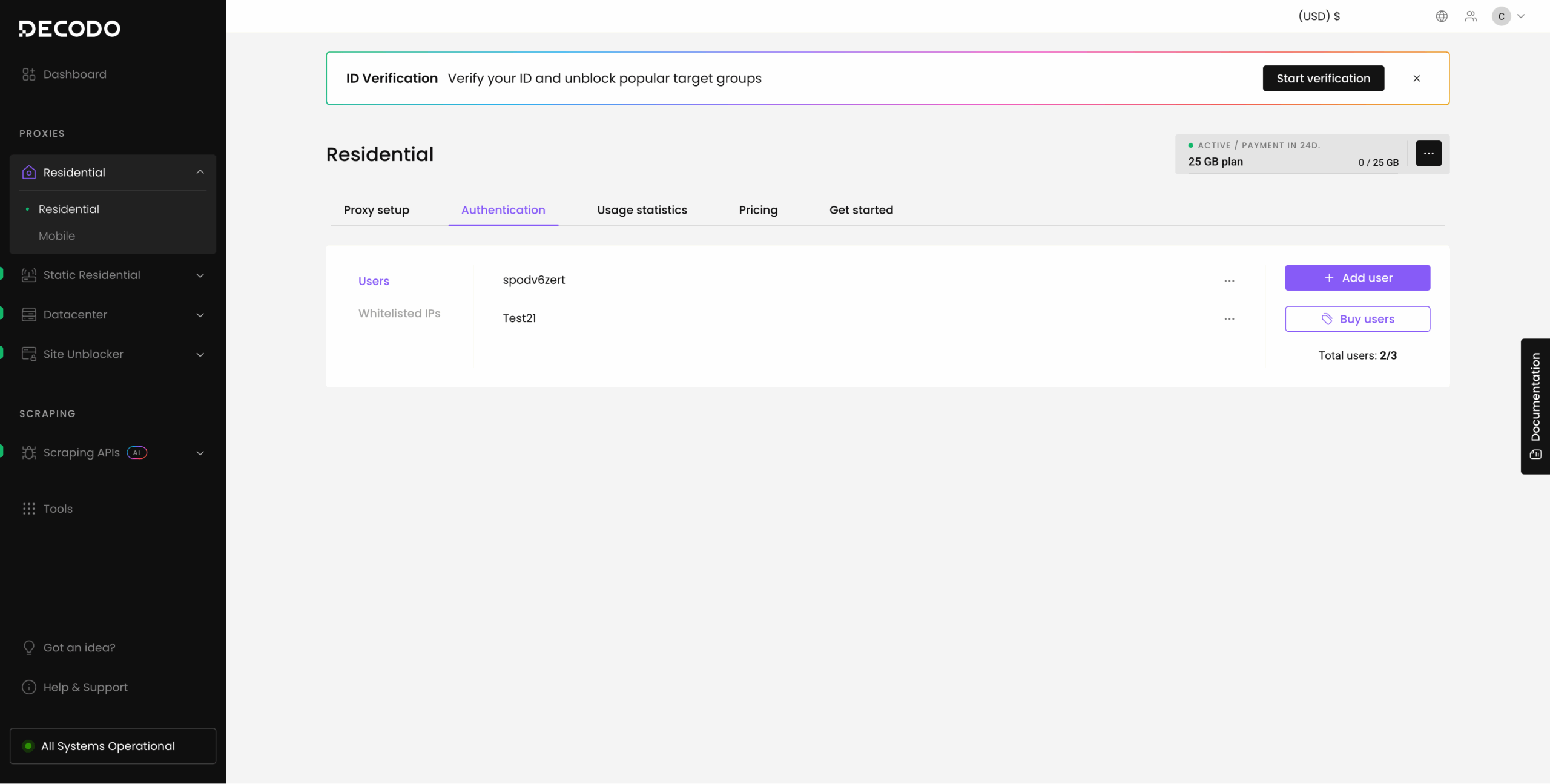
Decodo offers team access to its platform. You can invite team members with one of three permissioned roles: admin, billing, or user. Most of the proxy networks also support sub-users with traffic limits. The number of sub-users you can create depends on the plan; Decodo lets you buy more for $10 per slot.
Proxy access
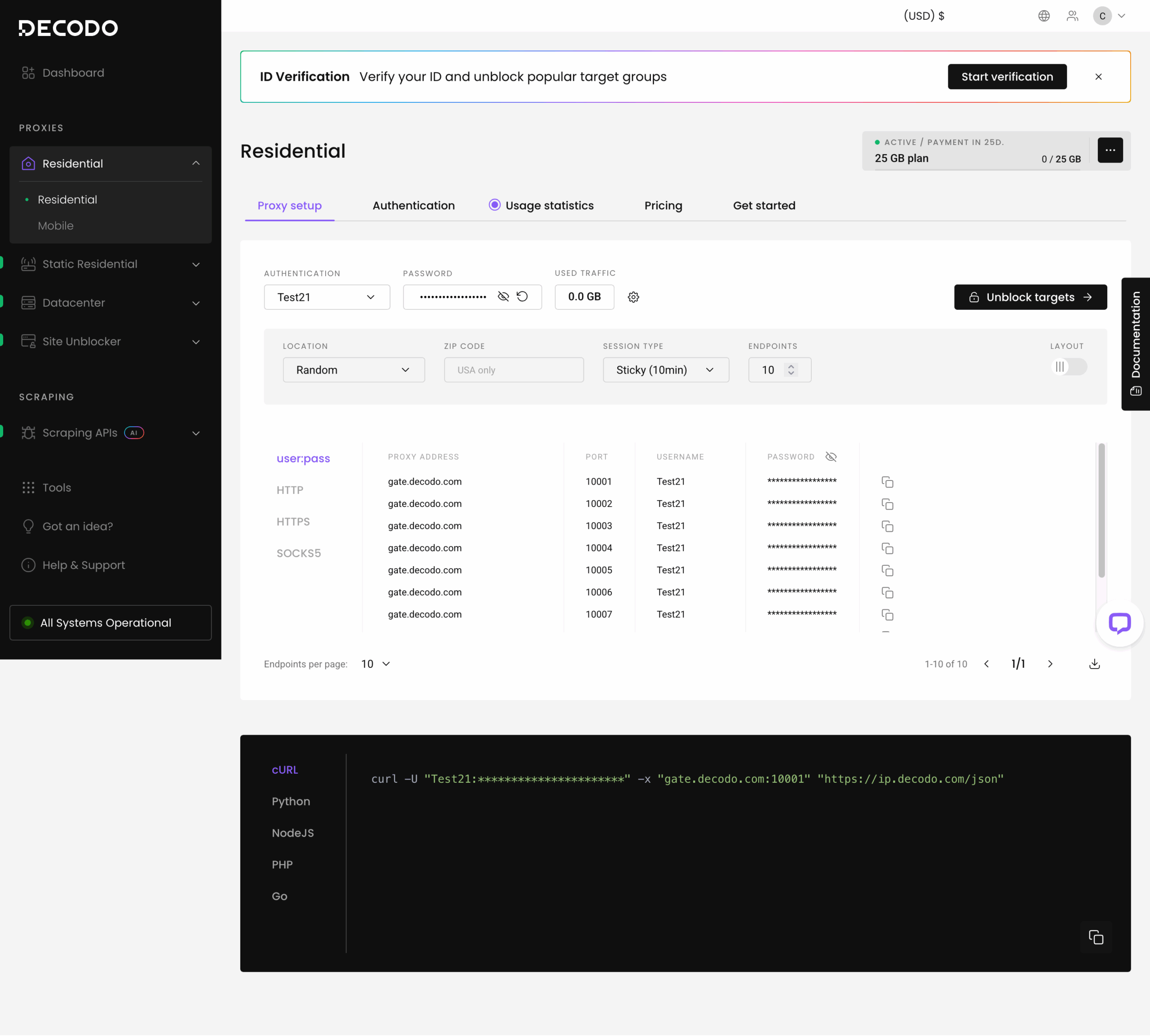
You can set up the proxy servers using dashboard widgets. They let you specify the main parameters (location, rotation, protocol), then generate a proxy list and code samples in multiple programming languages. Overall, they’re straightforward to use.
Scraper access
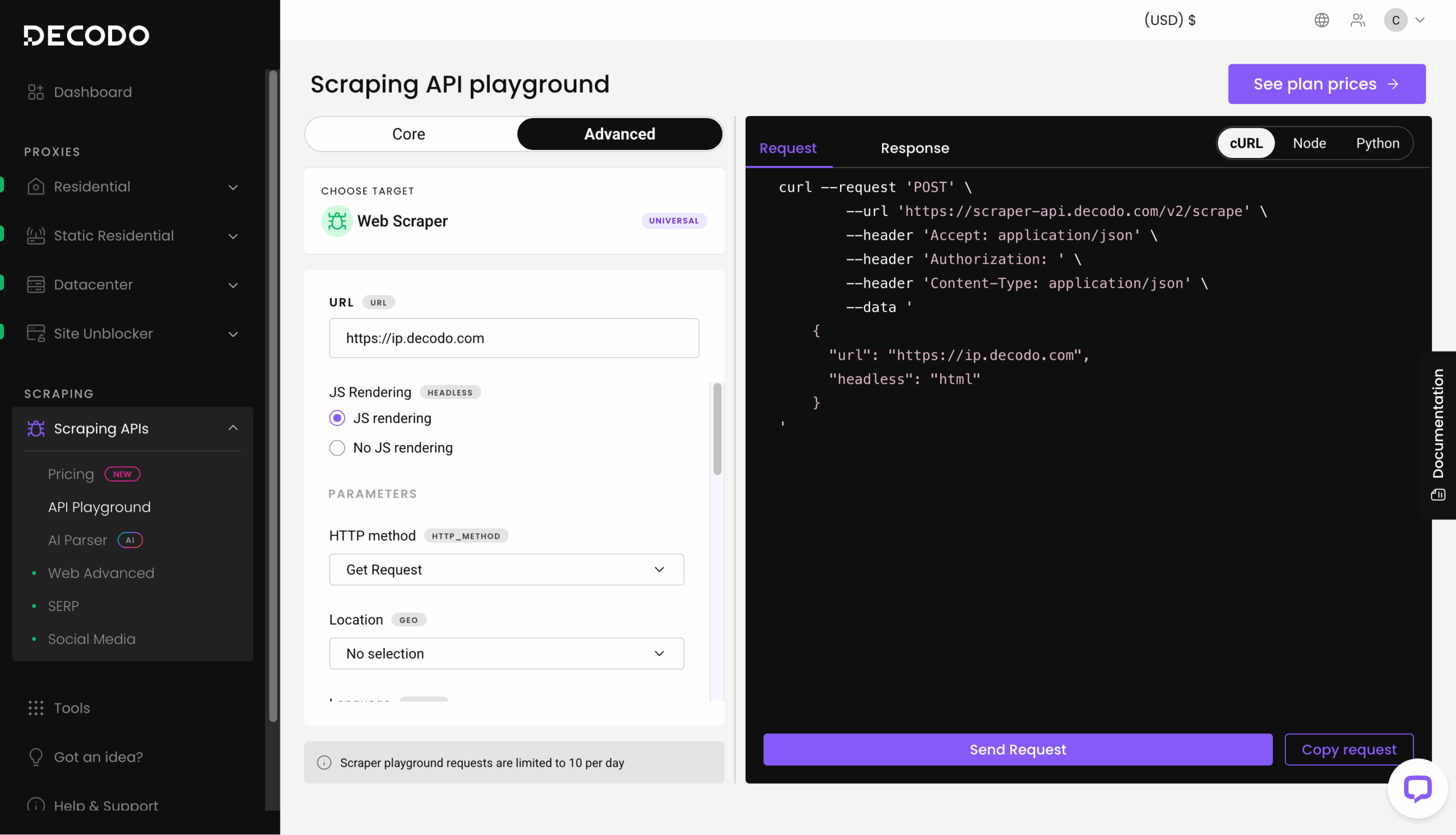
In the same way, Decodo’s scraping APIs include a playground where you can select parameters, send test requests, and receive code snippets for integration into your script.
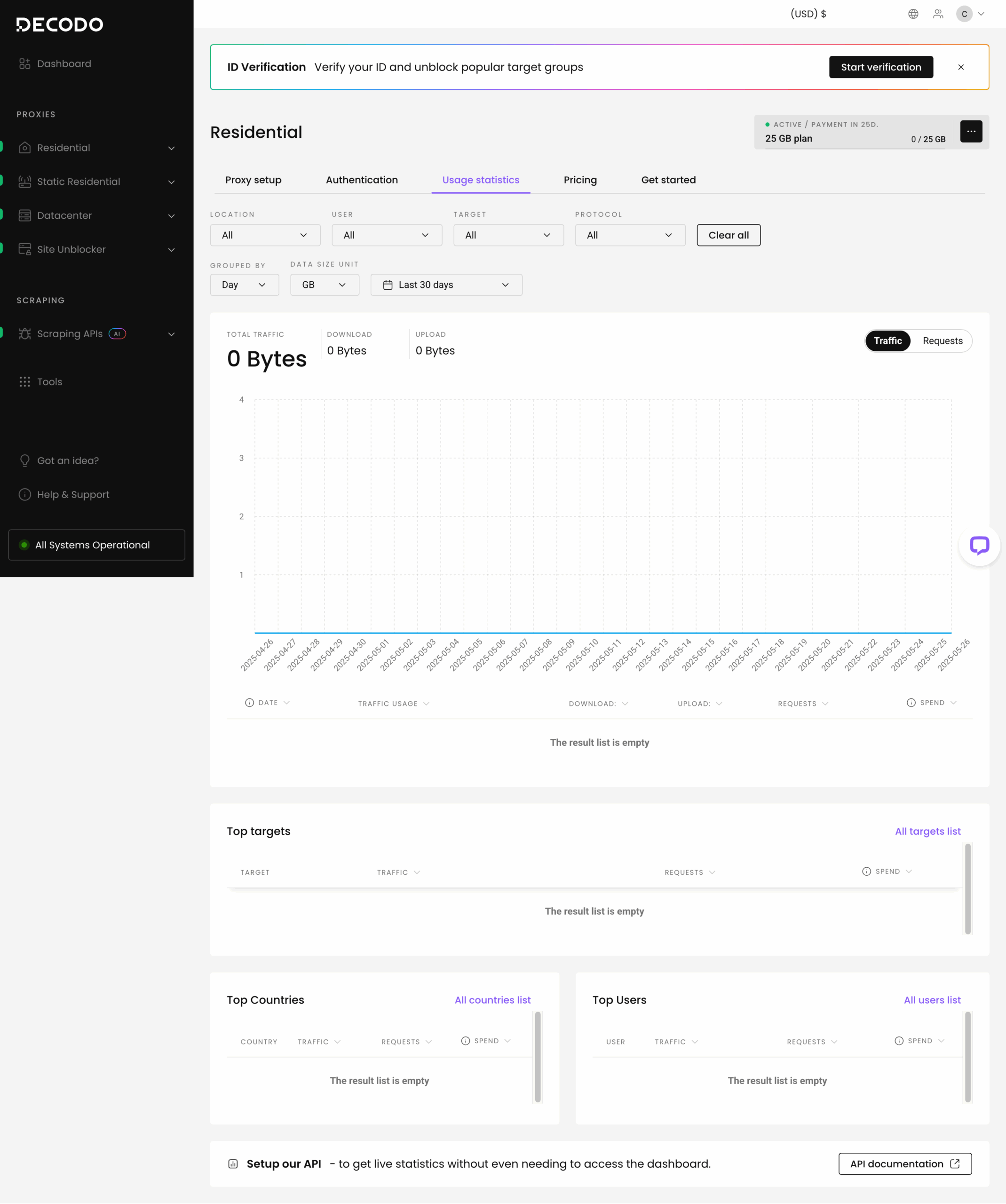
Decodo’s dashboard includes visual graphs where you can see how much traffic or requests you’ve expended. You can filter the graphs by sub-user, date, country, domain, and connection protocol, depending on the product. The timeframes are 24 hours, week, month, or custom.
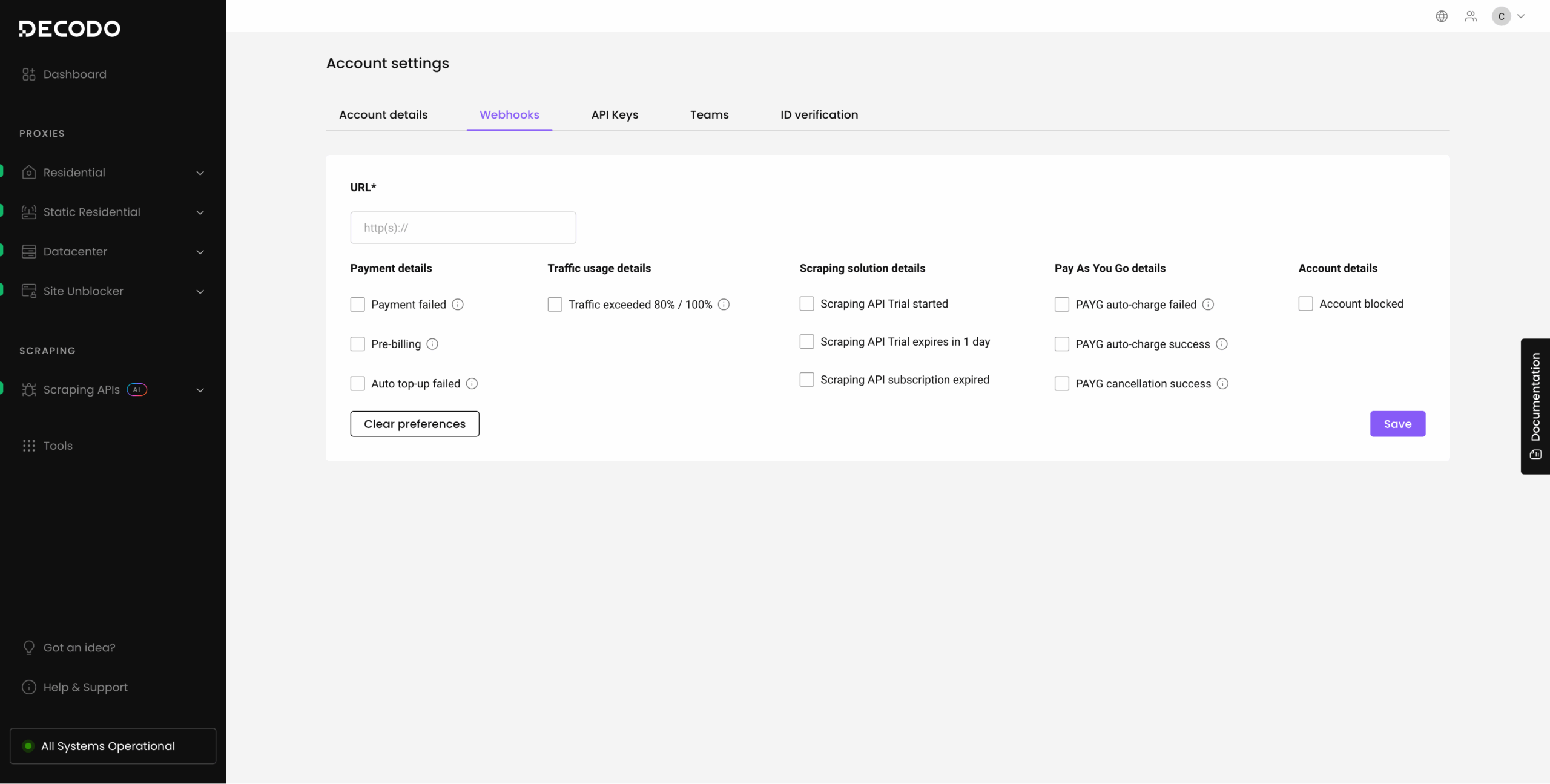
Alternatively, you can fetch traffic expenditure statistics using an API call.
API Access
Decodo offers a fleshed-out API for controlling its proxies programmatically. The API is available for every user, not only resellers. Its functions include creating and managing sub-users, setting traffic limits, viewing usage reports and subscription status, and filtering available endpoints.
Documentation
Decodo has got the documentation part down. You’ll find a plethora of instructions covering various aspects of the service:
- a detailed start guide that explains all the concepts and features,
- an FAQ divided into multiple sections by topics,
- integration guides for major bots and automation tools,
- and configuration guides for web browsers and operating systems.
There’s also a separate hub for technical documentation with tips & tricks, code samples, and troubleshooting. Some of the content has become outdated, but the documentation is handled well in general.

Hands-On Support
Decodo’s customer service is available round the clock via email or live chat. The main language is English, though the support can also speak Chinese – and, of course, other languages via Google Translate.
Whenever we’ve had to interact with the support agents, we received quick (think nearly instant) and competent responses. In 2020, we even gave Decodo an award to acknowledge its customer service. It remains excellent to this day and can be considered one of the provider’s strongest points.
Conclusion
Having read this far, I hope you can see where I was coming from in the introduction.
Decodo really has struck something great. The company has responsive customer support, performant proxies, and everything set up for convenient self-service.
To be fair, compared to something like Bright Data or Oxylabs, it’s nothing special. But this is without considering Decodo’s final ace – it somehow manages to achieve all this while keeping prices very competitive.
Of course, not everything is perfect. Some corners had to be cut, and you may find services like Decodo’s dedicated proxies – or in some cases, its web scraping APIs – limited.
But that’s the whole point of Decodo: the company focuses on the functionality that is good enough for the majority of users at the expense of some nice-to-have or niche features. And it is damn good at that.
Based on my experience with Decodo, I can recommend it to anyone looking for a great proxy provider.
Decodo Alternatives

Oxylabs is like a premium version of Decodo. It controls a significantly larger IP pool, and you can get specialized APIs that simplify web scraping.

Bright Data is another strong option with more features and powerful proxy management tools. It also sells proxy-based web scraping APIs and complete data sets.

SOAX offers similar features and performance to Decodo. The proxy pool may be smaller and less diverse, but it comes at a slightly lower price point.
Want more? View the full list of the Decodo alternatives.
Recommended for:
Anyone looking for a great balance between features and price.
Use the code DECODO5 to get 5% off all self-service products.

Use the code DECODO5 to get 5% off all self-service products.
The post Decodo (formerly Smartproxy) Review appeared first on Proxyway.
]]>The post Oxylabs Review appeared first on Proxyway.
]]>
Oxylabs Review
Oxylabs is a major proxy and web scraping infrastructure provider that competes with services like Bright Data for business clients. It’s currently the highest-rated company on this website, and one that received our Most Scalable Provider award in 2026.
These two details indicate that we consider it to be a very strong pick – maybe even for smaller projects that require quality infrastructure.
In this review, we’ll go through Oxylabs’ main products to see how they fare against the alternatives. Aside from general information, you’ll find detailed performance benchmarks based on multiple weeks of testing. Let’s go!
Use the code proxyway35 to get 35% off your first purchase.
Three-Minute Human Summary
- Oxylabs offers all proxy types and a suite of web scraping products for businesses, including APIs, browsers, and datasets. It’s one of the largest companies in the field, with around 500 employees and a $130M investment under its belt.
- The provider’s proxies cover many locations (even with datacenter-hosted IPs), support precise filtering options, and modern protocols like MASQUE. Its proxy networks are the largest we’ve tried, run fast, and route requests successfully nearly 99.9% of the time.
- Oxylabs’ pricing favors companies with large needs. The plans lack paying as you go, and they expire after a month. On the other hand, one subscription gives access to all products, and there’s a $5 trial.
- The user experience is decent, but it lacks some quality-of-life features like a dashboard wallet. We particularly liked the advanced budgeting features. Identity verification is always necessary, but it doesn’t seem to be invasive.
- Overall, Oxylabs is a top choice for business use cases, if you’re looking for scalable or simply good quality proxy servers.
News about Oxylabs
-
- Provider News
-
- Provider News
-
- Conferences
General Information
- Country: Lithuania
- Founded: 2015
- Employees (LinkedIn): 400-500
- Proxy networks: Datacenter, ISP, residential, mobile, high-bandwidth proxies
- Other services: scraping and web search APIs, scraping browser, datasets
- Supporting tools: Chrome extension, Android app
- Price segment: Premium
- Payment methods: Credit card, PayPal, AliPay, Google & Apple Pay, wire transfer
- Trial: $5 credits towards any product
Oxylabs is a Lithuanian proxy provider running since 2015. It’s one of the biggest companies in the field, offering all kinds of proxy services and data collection tools that can help you extract data from just about any target.
Oxylabs primarily targets business clients. This reflects everywhere: from a prim and tidy website, to a list of certifications on the homepage and a dedicated account manager. Heck, its products even have insurance! – that’s a first for a proxy company. However, that also means you’ll be paying above-average prices.
This orientation toward enterprises means that Oxylabs would like to lock you into a long-term contract and foster the relationship through account managers. But lately, the provider has been opening up its platform, putting increasing emphasis on self-service and cheaper entry plans.
As a company, Oxylabs invests much effort into business ethics. The provider has made a framework for ethical proxy acquisition and that it’s a member of the Ethical Web Data Collection Initiative (you can read our interviews on proxy ethicality and KYC guidelines). In addition, Oxylabs partners with governmental and non-profit organizations through projects like 4beta.
Oxylabs owns Webshare and ScrapingBee. In July 2026, it received a $130M investment from a venture capital fund, valuing the company at $3.6B dollars. It’s safe to say that this provider isn’t going anywhere soon.
Oxylabs Proxy Networks
Oxylabs offers all four kinds of proxy servers in multiple configurations. Use the tabs to learn about their features, pricing, and performance in more detail.
🏠 Residential Proxies
A huge network of real-people IPs from all around the world. This is Oxylabs’ main product. The IPs are sourced via Honeygain (a bandwidth sharing app), direct partnerships with ISPs, and app developers.
- Advertised pool: 175M IPs
- Countries: 195+ with state, city, ASN, ZIP, coordinate targeting
- Rotation: Every request, customizable sessions up to 24 hrs
- Other features: OS, IP protocol selection
- Starts from: $30 for 5 GB ($6/GB)
- Advertised proxy pool: 175 million IPs
- Countries: 195+
- Integration method: Gateway address (gateways in CA, DE, SG)
- Filtering
- Random: ✅
- Country: ✅
- City: ✅
- ASN/ISP: ✅
- Other: State, ZIP code (US only), coordinates, operating system, IP protocol
- Rotation
- Every request: ✅
- Sticky sessions: ✅ (pre-sets, custom duration up to 24 hr)
- Session behavior: New IP after disconnect, 60 s of inactivity. Option to fail requests after disconnect
- Protocols
- HTTP: ✅
- HTTPS: ✅
- SOCKS5: ✅ (incl. UDP & QUIC)
- Authentication
- Credentials: ✅
- IP whitelist: ✅
- Concurrency: Unlimited threads & ports
- Traffic: Plan based
Oxylabs advertises over 100 million proxy servers. Of course, these being residential proxies, you shouldn’t expect all of them to be available at the same time. More realistically, we’re looking at a quarter’s data, or maybe an even longer timeframe.
You can choose from any country in the world and then further narrow down the parameters. Oxylabs is very generous in the IP filtering department, letting you choose not only a city but also a ZIP code and even coordinates.
Having said that, not all filters can be combined together. For example, you can choose either a country or ASN, which may be limiting.
You can even specify an operating system of the proxy server to make your web scraper’s fingerprint more consistent. Oxylabs also allows restricting IPs to IPv4 or IPv6, as needed. Both features can be enabled on request.
Oxylabs’ residential proxies use the format of endpoint:port – it automatically distributes requests through geographically scattered load balancers. For example, your requests through European IPs will first pass through a load balancer in Germany. Customers in China get two separate endpoints for better connectivity.
These proxies can rotate with every connection request, or you can establish sticky sessions. It’s possible to specify any duration up to 24 hours, but only when using credentials. In whitelisted IP setups they last for ten minutes. In all cases, a session drops after a minute of inactivity.
Like most residential proxy networks, this one meters traffic use. However, the number of connection requests you can make is effectively unlimited.
There is SOCKS5 protocol support, including UDP. The latter feature is still in beta and requires contacting an account manager to enable it.
- Model: Subscription
- Format: Traffic
- Modifiers: –
- Starting price: $30 for 5 GB ($6/GB)
- Trial: 7 days for companies, 3-day refund
Oxylabs charges for traffic only. The provider used to have an option to pay as you go, but it was removed in favor of monthly plans.
The cheapest plan starts at $30 ($6/GB). If you reach the cap of any plan, there’s an option to top up without upgrading.
Compared to market rates, Oxylabs charges a premium. However, its prices are in line with other enterprise-minded providers like Bright Data.
Standardized pricing comparison
We last tested Oxylabs’ residential proxies in April 2026, for our annual proxy market report.
Pool size
| Gateway | Requests | Unique IPs | Residential %* |
| Global | 3.6M over 21 days | 3,241,404 | 99.01% |
| US | 1.2M over 14 days | 929,067 | 96.38% |
| UK | 560k over 14 days | 254,230 | 98.19% |
| EU | 1.2M over 14 days | 1,029,986 | 98.57% |
| Brazil | 560k over 14 days | 537,361 | 99.22% |
| India | 560k over 14 days | 518,987 | 98.15% |
| Australia | 140k over 7 days | 50,132 | 97.95% |
* IP2Location database, Usage type data point (ISP, ISP/MOB, MOB IPs)
Top 10 countries in the Global pool

Comparison with other providers
In our benchmark, Oxylabs had the biggest pool out of all our tested providers. This applied to most locations, including the US. The provider’s default self-service configuration may not be tailored for ensuring maximum IP uniqueness, but that should be possible to set up if needed.
Infrastructure success rate
Requests: Same as the pool test
Target: Nearest server of a global CDN
| Gateway | Avg. success rate |
| Global | 99.93% |
| US | 99.40% |
| UK | 99.68% |
| EU | 99.85% |
| Brazil | 99.94% |
| India | 99.59% |
| Australia | 99.96% |
Comparison with other providers
These residential proxies were solid as a rock. Oxylabs’ infrastructure let us down very few times, no matter which locale we tested.
Infrastructure response time
Requests: 6 KB page size – same as the pool test, 2 MB page size – 5,000
Target: Nearest server of a global CDN
6 KB page size
| Gateway | Avg. | Median | P95 |
| Global (🇩🇪 -> any IP) | 0.60 s | 0.51 s | 1.17 s |
| US (Ashburn -> 🇺🇸 IP) | 0.65 s | 0.52 s | 1.37 s |
| UK (🇩🇪 -> 🇬🇧 IP) | 0.45 s | 0.35 s | 0.96 s |
| EU (🇩🇪 -> 🇩🇪/🇪🇸/🇫🇷/🇮🇹/🇳🇱 IP) | 0.59 s | 0.45 s | 1.37 s |
| Brazil (Ashburn -> 🇧🇷 IP) | 0.82 s | 0.77 s | 1.12 s |
| India (Singapore -> 🇮🇳 IP) | 0.66 s | 0.60 s | 1.21 s |
| Australia (Singapore -> 🇦🇺 IP) | 0.69 s | 0.60 s | 1.23 s |
2 MB page size
| Gateway | Avg. | Median | P95 |
| Global (🇩🇪 -> any IP) | 6.52 s | 2.62 s | 24.97 s |
| US (Ashburn -> 🇺🇸 IP) | 2.41 s | 1.47 s | 5.50 s |
Comparison with other providers
6 KB page size, average response time
Oxylabs’ response time hovered around 0.60 s. It’s a decent result for US and European proxies and outright impressive for countries like India, where fewer proxy vendors have infrastructure nearby.
Our 2 MB page size test shows that the connections of randomly-located proxies weren’t always good. On the other hand, even the slowest US proxies still performed outstandingly.
- Basic request: pr.oxylabs.io:7777
- Using country endpoints/IP whitelisting: us-pr.oxylabs.io:10001, 10002…
- Using the backconnect entry: customer-USERNAME-cc-us-st-us_new_york-city-new_york-sessid-ID-sesstime-10:[email protected]:7777
You get two ways to access the service. The first, called Country entry, modifies the gateway address based on your chosen country and generates different port numbers for sticky sessions. It’s simple to implement but also limited: you can’t specify anything beyond a country or create sessions with a custom duration.
The second method, called Backconnect entry, uses one gateway address that never changes. Instead, you can append the username with various parameters. Though more complex, it enables all functionality, such as filtering by ZIP code.
🏢 Datacenter Proxies
Server IPs from nearly all countries in the world (though fewer are available in self-service). Best for traffic-hungry tasks that present fewer blocking challenges.
- Formats: Shared, dedicated list, pool with 55k IPs
- Countries: 43 in five continents
- Rotation: Available in all formats, optional
- Starts from: $30 for 30 shared IPs ($1/IP), 15 dedicated IPs ($2/IP), or 50 GB ($0.6/GB).
| Shared list | Dedicated list | Rotating pool | |
| Pool size | Based on purchased IPs | 56,000 | |
| Locations (July 2026) | 35 in five continents | 188 (sales), 36 in five continents (self-service) | 42 in five continents |
| Integration | Gateway server | ||
| Targeting | Country level | State & city (sales) | Country level |
| Distribution | Free choice of locations during purchase | Full access | |
| Replacement | – | ||
| Rotation | Every request, static | ||
| Protocols | HTTP, HTTPS, SOCKS5, UDP | ||
| Traffic | Unlimited | Plan based | |
| Concurrency | Unlimited | ||
| Authentication | Credentials, IP whitelist | ||
Full supported country list (July 2026)
| Shared list | Dedicated list (self-service) | Rotating pool | |
| Americas | Argentina, Brazil, Canada, Chile, Colombia, Mexico, Peru, United States | Brazil, Canada, United States, Mexico, Argentina, Colombia | Argentina, Brazil, Canada, Chile, Colombia, Mexico, Peru, United States |
| Europe | Austria, Belgium, Switzerland, Czech Republic, Germany, Denmark, Spain, France, United Kingdom, Croatia, Ireland, Italy, Netherlands, Poland, Portugal, Romania, Slovakia | France, Germany, Netherlands, Spain, Poland, United Kingdom, Ireland, Romania, Finland, Slovenia, Slovakia, Austria, Italy, Czech Republic, Bulgaria, Croatia, Portugal, Belgium, Switzerland, Greece | Austria, Belgium, Switzerland, Germany, Denmark, Estonia, Spain, France, United Kingdom, Greece, Croatia, Hungary, Ireland, Italy, Lithuania, Latvia, Netherlands, Norway, Poland, Portugal, Romania, Sweden, Slovenia, Slovakia |
| APAC | Australia, China, Indonesia, India, Japan, Singapore, Thailand | Australia, Japan, India, Singapore, New Zealand, Malaysia, Philippines, Thailand | Australia, China, Indonesia, India, Japan, South Korea, New Zealand, Singapore, Thailand |
| Middle East & Africa | United Arab Emirates, Israel, Saudi Arabia | Saudi Arabia, Israel | Israel, Saudi Arabia |
Oxylabs’s self-service plans include proxies from nearly 40 countries in five continents. The majority are located in Europe, though there’s also good coverage of South America and major Asian destinations. Only Africa is missing.
US has the largest stock of available IPs (41,000 in the rotating pool); otherwise, we saw between 256 and 5,000 proxies. It’s convenient that the IP-based plans let you mix and match locations freely; however, only country-level targeting is available.
The provider’s enterprise option can potentially cover most countries in the world and offer city-level selection. But you have to talk with Oxylabs and strike a custom deal.
On-demand IP replacement is available, but it carries a fee.
Except for the enterprise plan, all datacenter products use gateway servers. This means they integrate using the gateway:port format rather than directly. It also means they’re able to rotate – in this case, with every connection request.
Oxylabs offers full protocol support and both authentication methods. The list-based formats advertise unlimited traffic, though they are subject to a fair-usage policy of 100 GB/IP/month.
| Shared list | Dedicated list | Rotating pool | |
| Model | IPs | Traffic | |
| Format | Subscription | ||
| Starting price | $30 for 30 IPs ($1/IP) | $30 for 15 IPs ($1.5/IP) | $30 for 60 GB ($0.6/GB) |
| Trial | $5 | ||
Oxylabs’ pricing model is straightforward: its list-based plans charge for IPs, while the rotating pool meters traffic. There’s no paying as you go, which is becoming more widespread at least for the pool format.
The provider charges competitively for its dedicated datacenter proxies; otherwise, it costs above average until larger levels of scale.
You can get five free shared IPs to test the service – no credit card needed.
We last tested Oxylabs’ rotating proxy pool in April 2026.
Pool size
| Gateway | Requests | Unique IPs |
| US | 70k over 7 days | 21,714 |
The rotating pool returned over 21k unique IPs in the US – not quite the advertised 41,000 but still enough for serious web scraping.
Infrastructure performance
Target: Nearest server of a global CDN (~6 KB page size)
Requests: Same as the pool test
| Gateway | Avg. success rate | Response time (avg/median/P95) |
| US (Ashburn -> 🇺🇸 IP) | 99.98% | 0.22 s / 0.16 s / 0.37 s |
The proxies barely ever failed on their own. They responded quickly and consistently, proving that Oxylabs’ infrastructure is well optimized.
Download speed
Target: Hetzner’s 100 MB Ashburn benchmark
Proxies tested: 10
| Avg. without proxies | Average | Median | Slowest IP |
| 353.91 MB/s | 50.27 MB/s | 50.05 MB/s | 1.14 MB/s |
📱 Mobile Proxies
One of the largest pool of IPs on cellular connections. It’s sourced from real devices and best suited for mobile-first or toughest targets.
- Advertised pool: 20M IPs
- Countries: 195+ with state, city, ASN, coordinate targeting
- Rotation: Every request, customizable sessions up to 24 hrs
- Starts from: $30 for 4 GB ($7.5/GB)
- Advertised proxy pool: 20 million IPs
- Countries: 195+
- Integration method: Gateway address (gateways in CA, DE, SG)
- Filtering
- Random: ✅
- Country: ✅
- City: ✅
- ASN/ISP: ✅
- Other: State, coordinates
- Rotation
- Every request: ✅
- Sticky sessions: ✅ (pre-sets, custom duration up to 24 hr)
- Session behavior: New IP after disconnect, 60 s of inactivity
- Protocols
- HTTP: ✅
- HTTPS: ✅
- SOCKS5: ✅ (incl. QUIC)
- Authentication
- Credentials: ✅
- IP whitelist: ✅
- Concurrency: Unlimited threads & ports
- Traffic: Plan based
The mobile proxy network supports the majority of features customers could look for. You can select any country, then further filter proxies by state or ASN (carrier), and even co-ordinates.
There are limitations, though: it’s possible to specify either a country or ASN. You can’t choose both, not to mention pairing cities and ASNs.
Being peer-to-peer proxies, they meter traffic and need to rotate. You can select to do that every connection request or create sessions. There’s no limit for parallel connections, so you can use as many IPs at once as you like.
Aside from HTTP and HTTPS, the network can also route QUIC packets. This requires modifying the gateway address.
- Model: Subscription
- Format: Traffic
- Upsells: –
- Starting price: $30 for 4 GB ($7.5/GB)
- Trial: 7 days for companies, 3-day refund
You can get Oxylabs’ mobile proxies by subscribing to a plan, which start from $30 ($7.5/GB). The pay-as-you-go option was removed in March 2026.
If your needs are large, it naturally makes sense to get a plan. The largest option on display ($2,500) brings the price down to $3.5/GB. In a broader context, Oxylabs charges a premium, but mostly compared to providers in lower market segments (such as SOAX or Decodo).
Standardized pricing comparison
We last tested Oxylabs’ mobile proxies in April 2026.
Pool size
| Gateway | Requests | Unique IPs | Mobile %* |
| Global | 1.2M over 14 days | 1,192,449 | 99.55% |
| US | 560k over 14 days | 107,225 | 99.49% |
| UK | 280k over 14 days | 115,648 | 98.57% |
| EU | 280k over 14 days | 344,322 | 97.86% |
| Brazil | 280k over 14 days | 77,494 | 99.64% |
| India | 280k over 14 days | 269,121 | 99.57% |
| Australia | 140k over 7 days | 10,785 | 98.58% |
* Mobile percentage: IP2Location database, Usage type data point (ISP/MOB, MOB IPs)
The mobile proxy server had excellent infrastructure performance, reaching a nearly perfect success rate of 99.94%. They were also fast, particularly in European countries.
Infrastructure success rate
Requests: Same as the pool test
Target: Nearest server of a global CDN (~6 KB page size)
| Gateway | Avg. success rate |
| Global | 99.84% |
| US | 97.14% |
| UK | 99.31% |
| EU | 99.66% |
| Brazil | 98.12% |
| India | 99.80% |
| Australia | 99.97% |
The infrastructure worked very well, though it wasn’t as impeccable as the residential proxy network. In particular, more requests failed in the US and Brazil than we would’ve liked.
Infrastructure response time
Requests: Same as the pool test
Target: Nearest server of a global CDN (~6 KB page size)
| Gateway | Avg. | Median | P95 |
| Global (🇩🇪 -> any IP) | 0.76 s | 0.67 s | 1.44 s |
| US (Ashburn -> 🇺🇸 IP) | 0.52 s | 0.41 s | 1.14 s |
| UK (🇩🇪 -> 🇬🇧 IP) | 0.47 s | 0.38 s | 0.92 s |
| EU (🇩🇪 -> 🇩🇪/🇪🇸/🇫🇷/🇮🇹/🇳🇱 IP) | 0.64 s | 0.47 s | 1.53 s |
| Brazil (Ashburn -> 🇧🇷 IP) | 0.94 s | 0.87 s | 1.44 s |
| India (Singapore -> 🇮🇳 IP) | 0.88 s | 0.80 s | 1.68 s |
| Australia (Singapore -> 🇦🇺 IP) | 0.67 s | 0.59 s | 1.10 s |
The latency was low across the board, with very respectable numbers even for the outliers. We couldn’t ask for much more.
- Basic request: pr.oxylabs.io:7777
- Using country endpoints/IP whitelisting: us-pr.oxylabs.io:10001, 10002…
- Using the backconnect entry: customer-USERNAME-cc-us-st-us_new_york-city-new_york-sessid-ID-sesstime-10:[email protected]:7777
Just like the residential proxy service, Oxylabs’ mobile network gives you two ways to access it.
The first method changes the gateway address for country selection and uses different port numbers to establish sticky sessions. It’s easier to use but doesn’t include more advanced targeting options (like city or ASN).
The second method uses a single backconnect entry gateway and adds parameters to the username. It’s more flexible, allowing you to benefit from Oxylabs’ full functionality.
🏠🏢 ISP (Static Residential) Proxies
Server IPs associated with consumer internet service providers. They’re well suited for traffic-heavy or long-session tasks involving protected websites.
- Formats: Shared, dedicated list
- Countries: 28 in five continents with ASN selection
- Rotation: Available in all formats, optional
- Starts from: $30 for 15 shared IPs ($1.5/IP) or 10 dedicated IPs ($3/IP)
A full review isn’t available for this product yet 🙁
How to Use Oxylabs
Registration
You can start using Oxylabs in three ways. First, there’s the usual route: fill in a registration form, confirm your email, and you’re done. The second option is to use a Google or Microsoft account to sign up, or SSO for corporate users.
The third method is aimed at businesses: instead of simply creating an account, you can choose to contact sales. This will require entering your full name, business email, phone number, and industry. Afterwards, a salesman will get in touch and discuss the options with you.
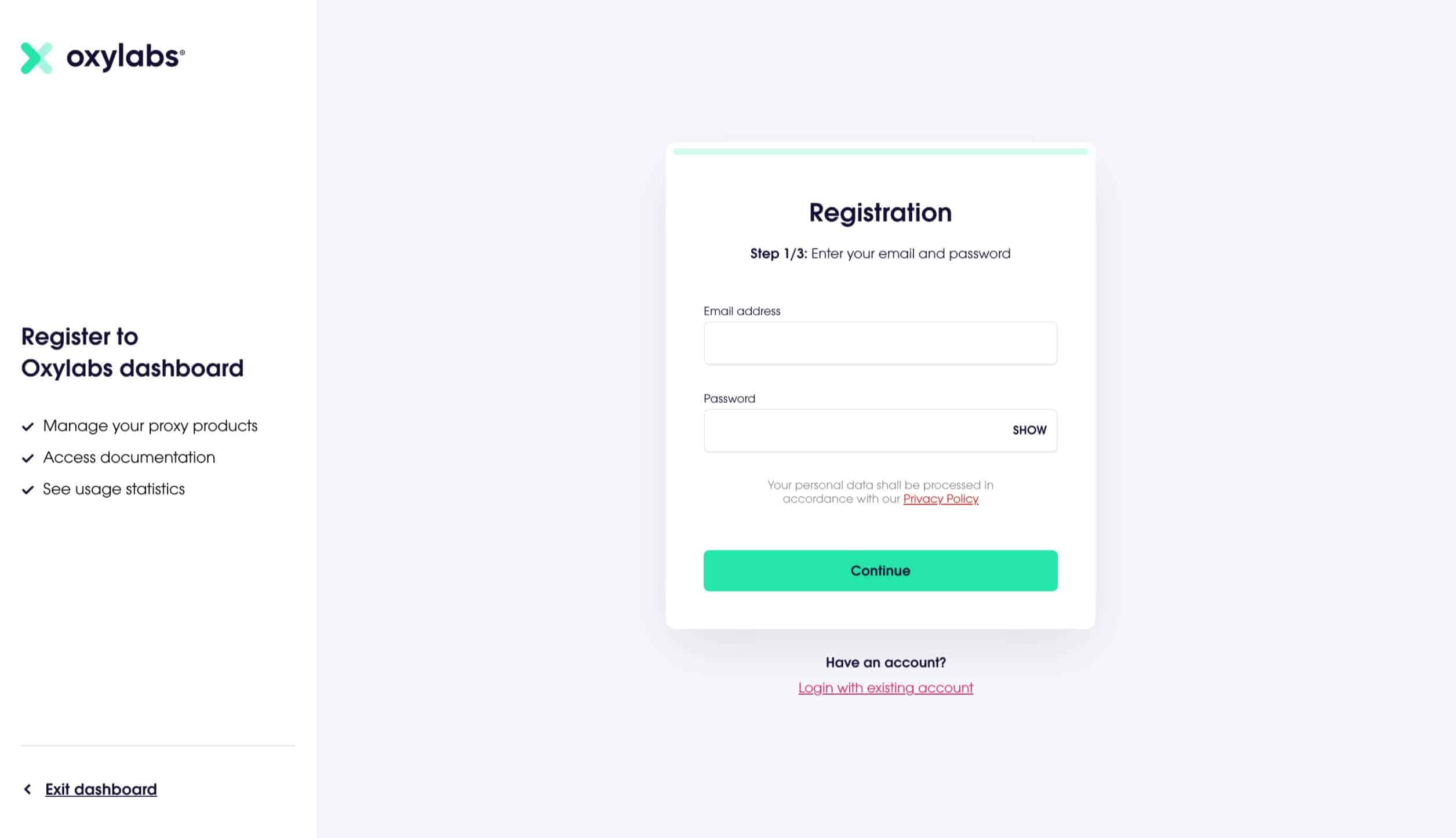
KYC and Usage Policies
You’ll have to go through a KYC procedure before you can start using Oxylabs’ services. It involves filling in a form with company or contact details, usage information, and additional data, if needed.
Oxylabs restricts certain categories of targets, such as mailing, banking and governmental websites. The scope depends on the product: for example, the datacenter proxies have laxer rules than the residential proxy network. It may be possible to get access after completing an additional KYC process.
The provider also has an acceptable use policy that details which use cases are prohibited.
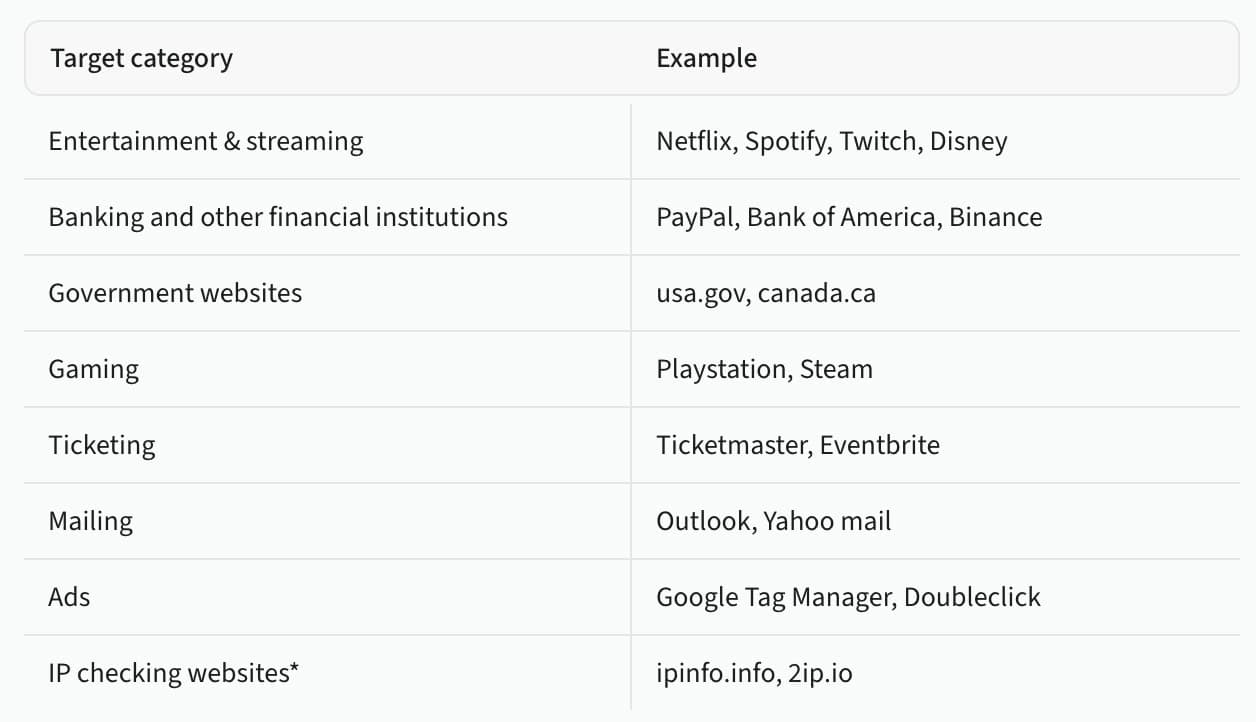
Dashboard
When you log in, you’ll find yourself in the Oxylabs dashboard. It’s a fully-equipped control panel that includes subscription management, usage tracking, and product setup functionality. The dashboard is available in English and Chinese.
The dashboard’s main window provides quick info about active and available products. You can see your spending and usage data in one place.
The navigation bar on the left includes separate sections for monitoring usage, accessing spending and billing settings, and changing plans.
Below, there are several more sections for trying out Oxylabs’ scraping API, accessing resources, as well as configuring the dashboard’s settings.
If you need help, there’s a live chat pop-up on the bottom right. It defaults to a chatbot, but human agents stand by 24/7.
Oxylabs supports self-service for most of its products. There’s no wallet functionality, but the provider has implemented unified billing that shares the plan’s allowance across all services. Therefore, there’ll be no need to make transactions often.
If you do run out, Oxylabs allows topping up at any time. The amount is added immediately, but it expires at the end of the billing cycle. As such, it may not be wise to add large amounts of money on day 28.
The dashboard shows how much time remains until the subscription renews. It also contains a list of downloadable invoices.
Oxylabs includes great budgeting features. For one, you can limit spend per product: for example, 20 GB of traffic per day for a residential proxy instance (it’s like a sub-user; we cover instances under Access Management). Furthermore, the Billing & Spending tab provides a spending graph and table that you can filter by date, product, instance, or target.
Platform access
Oxylabs allows multi-user access to the platform by setting up team roles. There’s the administrator with full permissions and members. The latter can access products but not manage subscriptions or modify existing members.
Other than that, the provider’s access tools are lacking. There’s no two-factor authentication, session management, or activity log. Many smaller competitors have long implemented these features.
Proxy & scraper access
You can access Oxylabs’ products through something called instances. If you’ve ever used Bright Data’s zones, you’ll feel right at home.
An instance is similar to a sub-user. To create one, you first choose a product, an instance’s name, access settings (in the case of proxies, this is the authentication method), and if you want to impose limits on its use.
You can have multiple active instances of the same product. They contain their own setup widgets, usage, and spending statistics. It’s possible to disable instances you don’t need without deleting them.
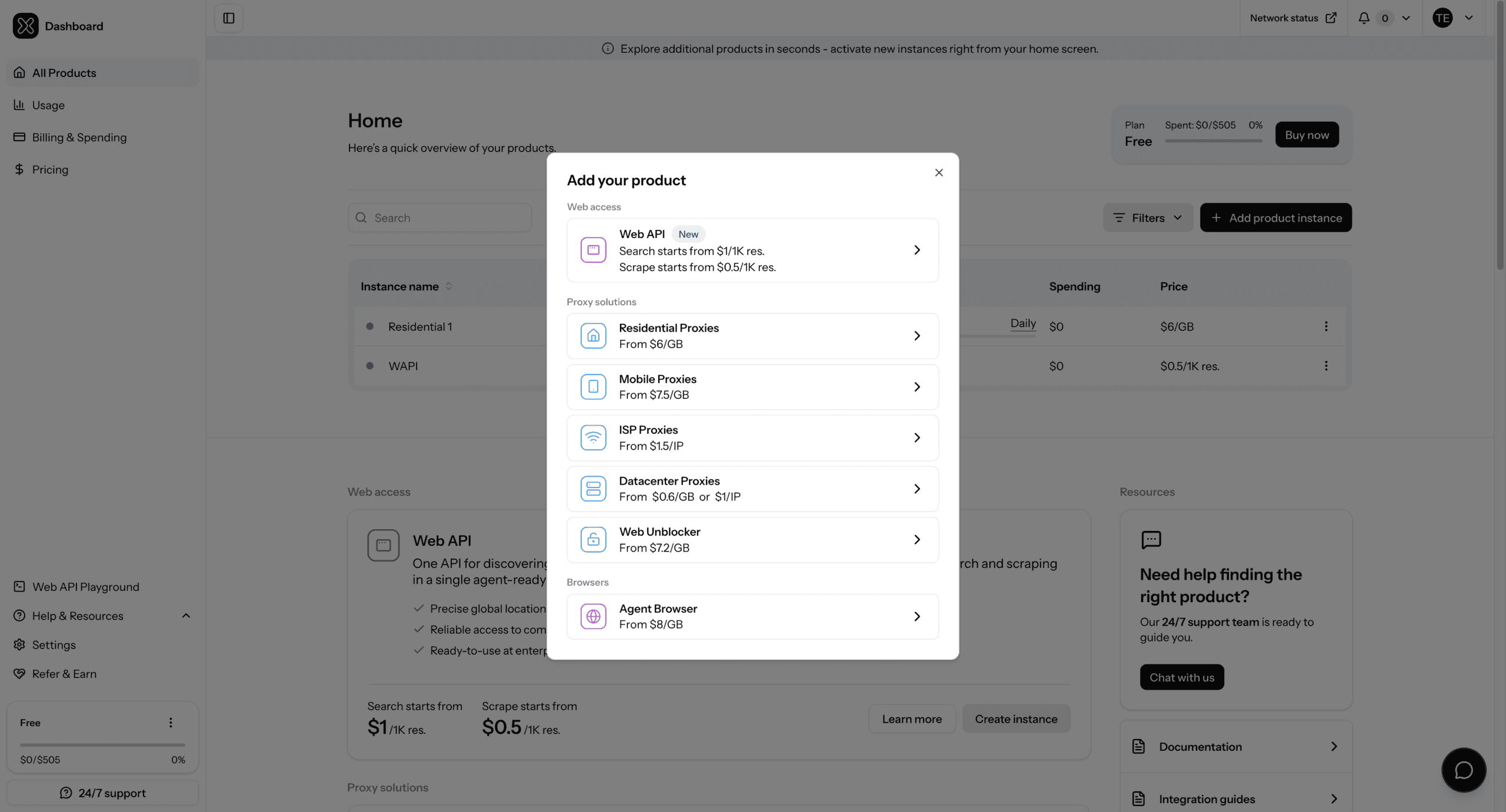
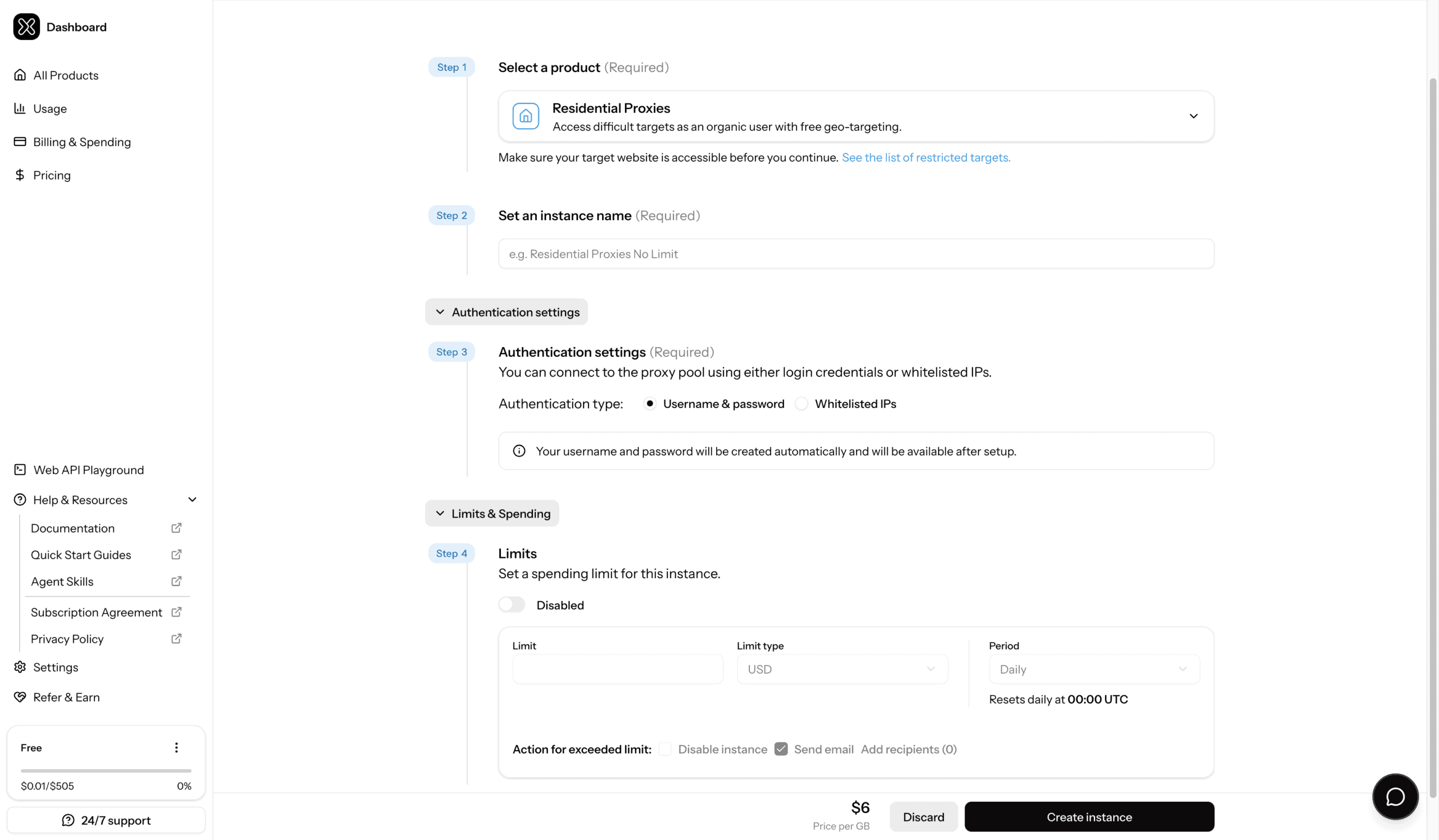
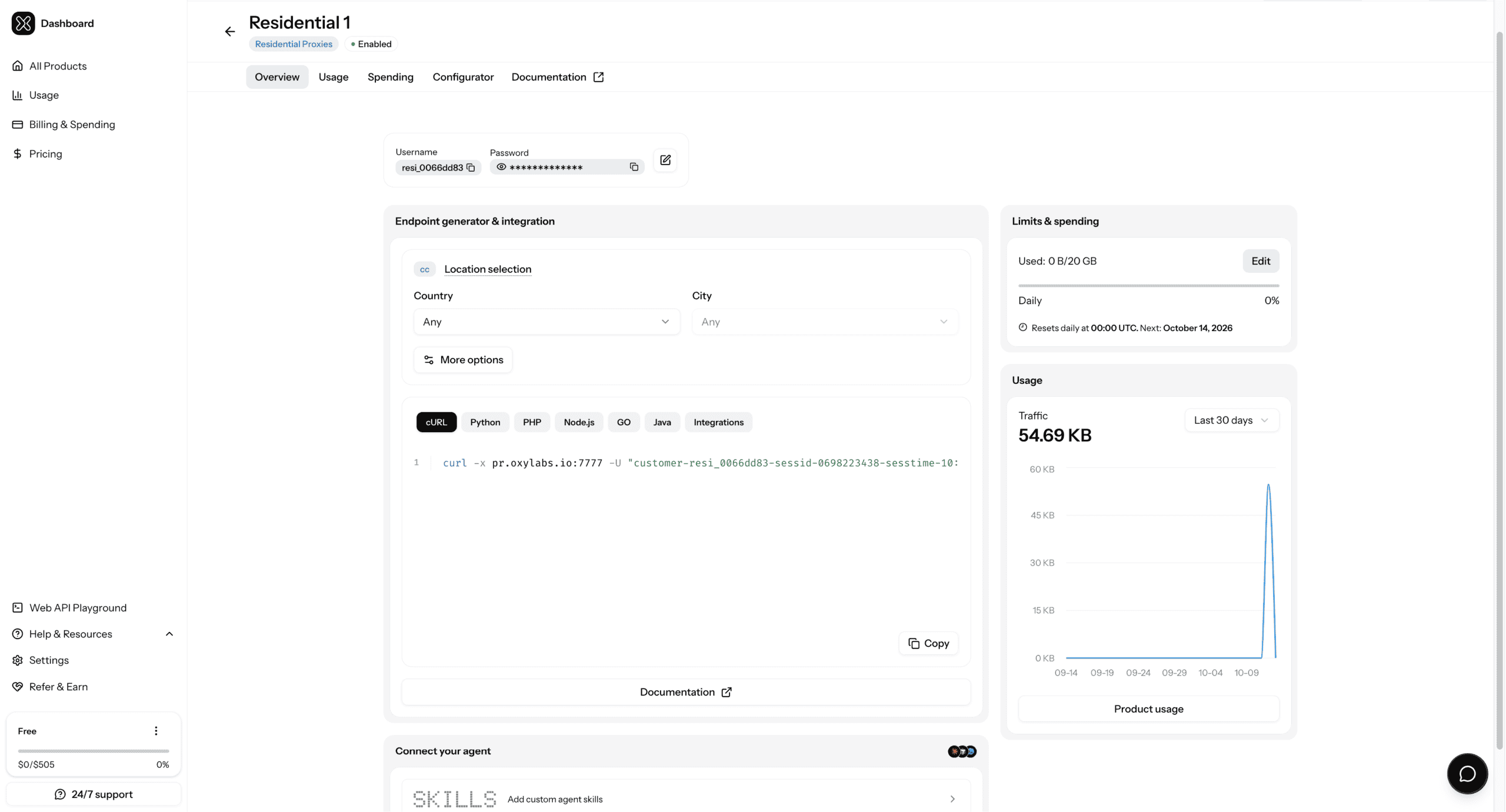
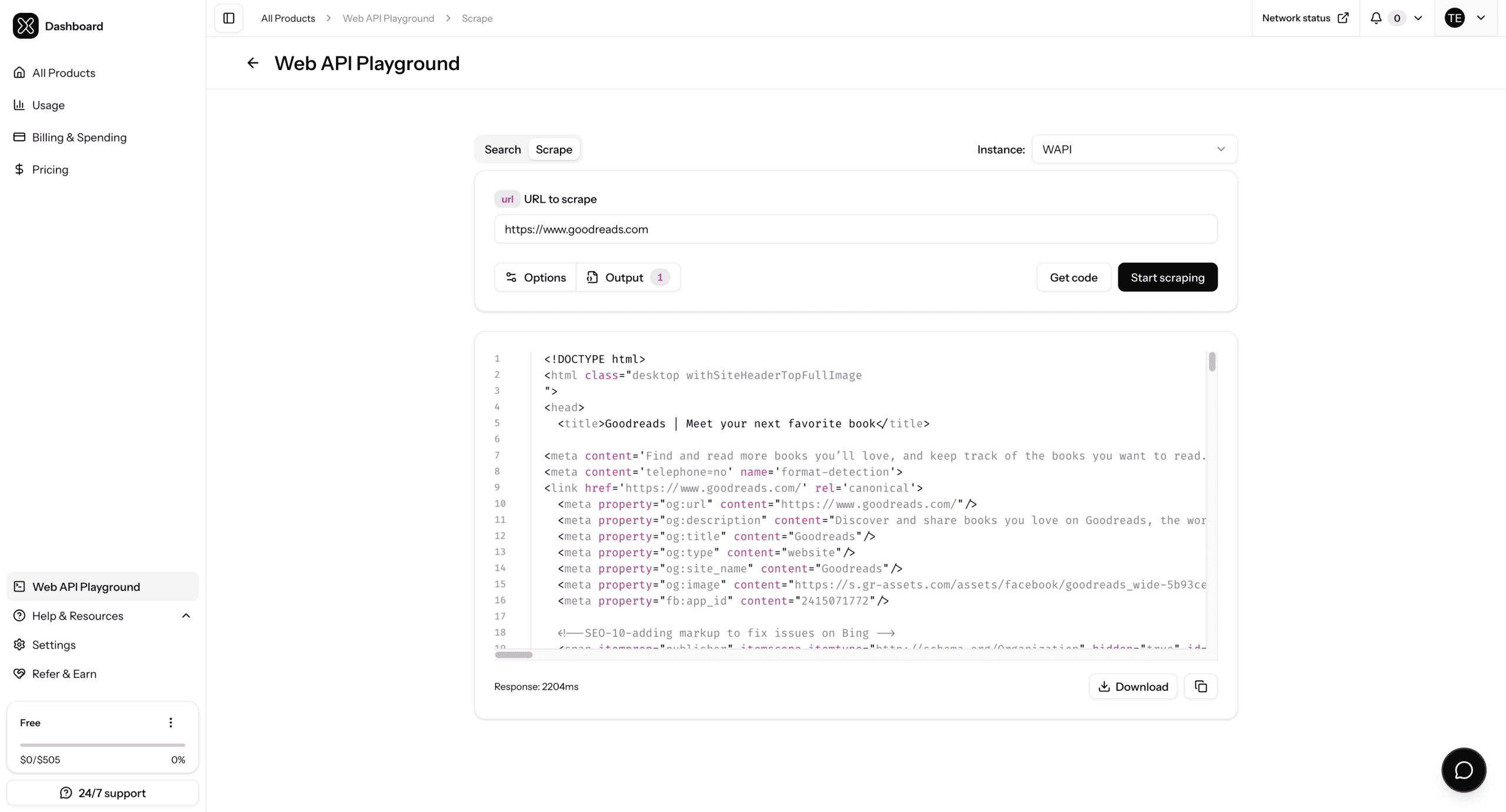
You’ll find usage graphs in the dashboard. They’re available for each individual instance or product-wide in the Usage section.
All usage graphs allow selecting custom data ranges. This is convenient considering that some providers limit them to a few pre-sets. You can monitor traffic and requests, filtering them by instance, target, or country. There’s also a table with daily breakdown.
Finally, Oxylabs provides a network status page which surfaces platform-wide outages.
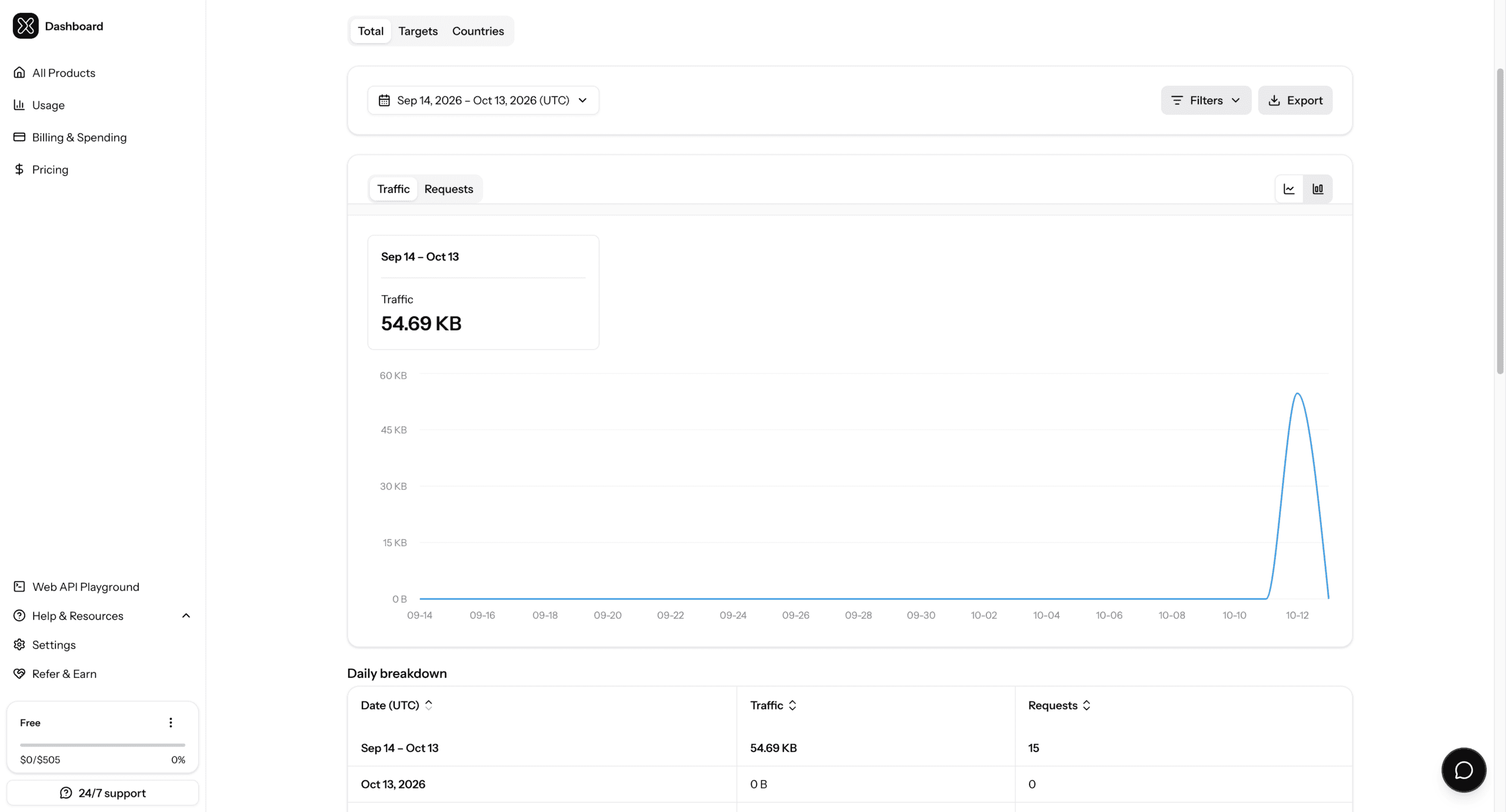
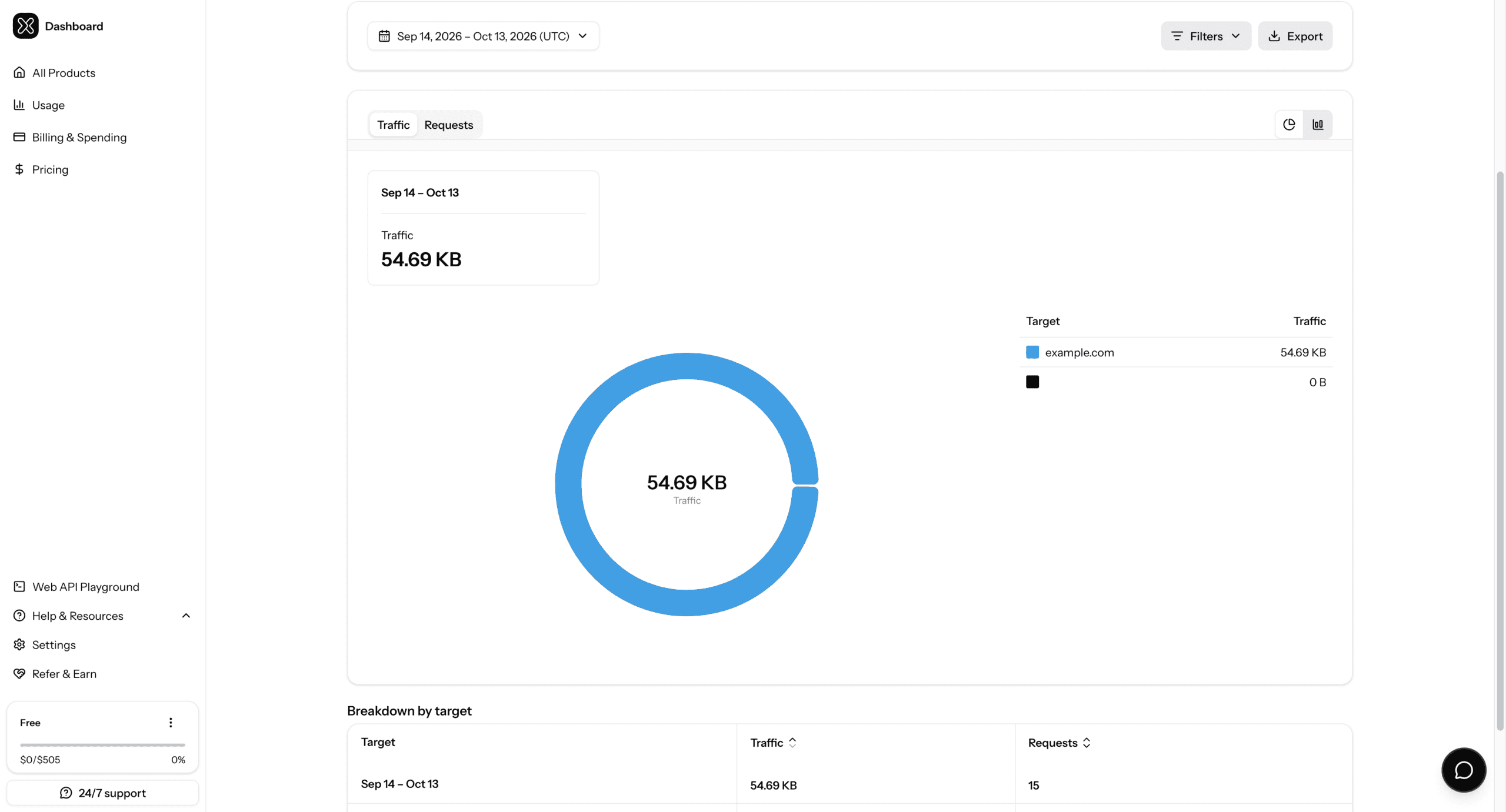
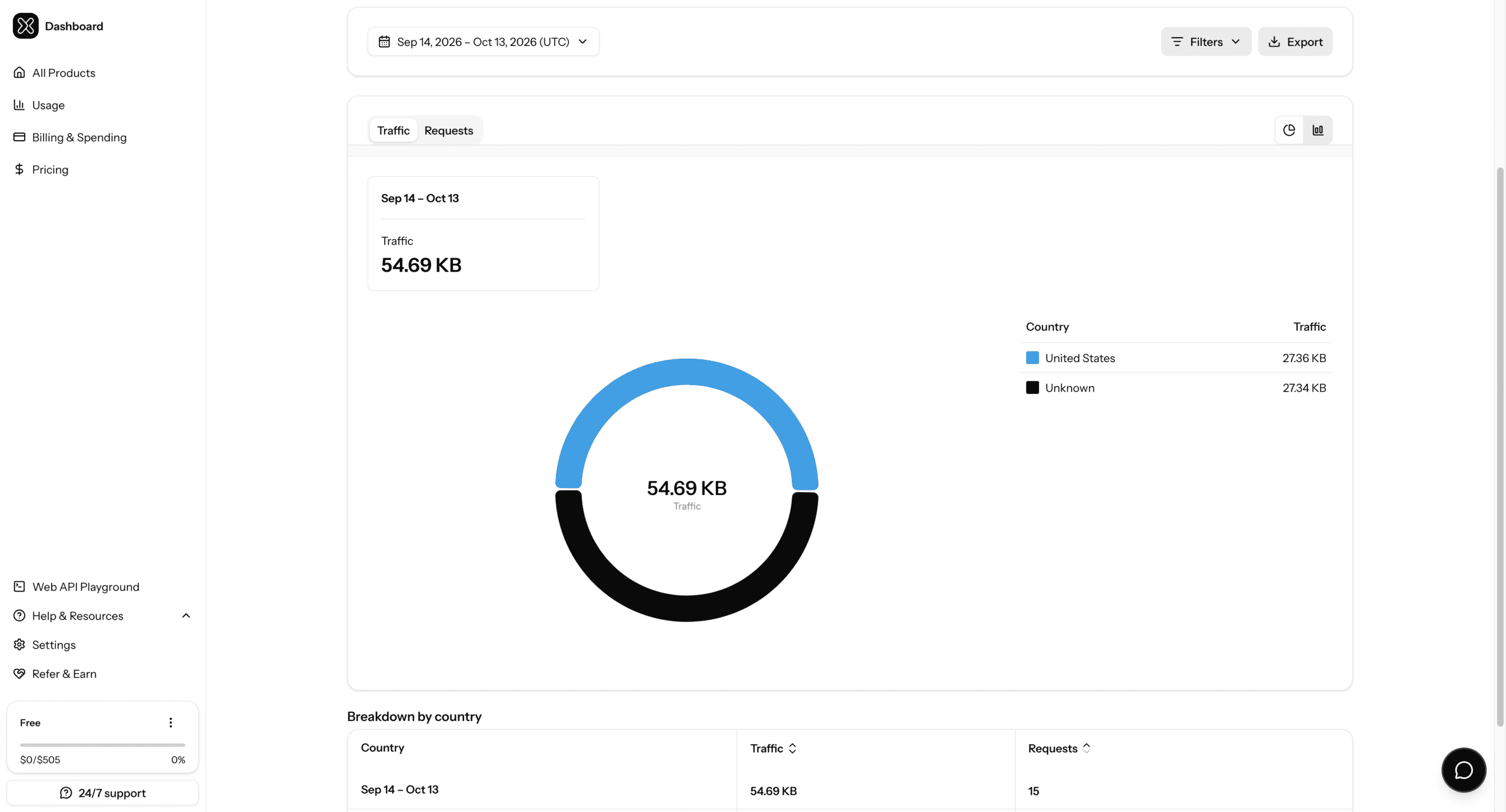
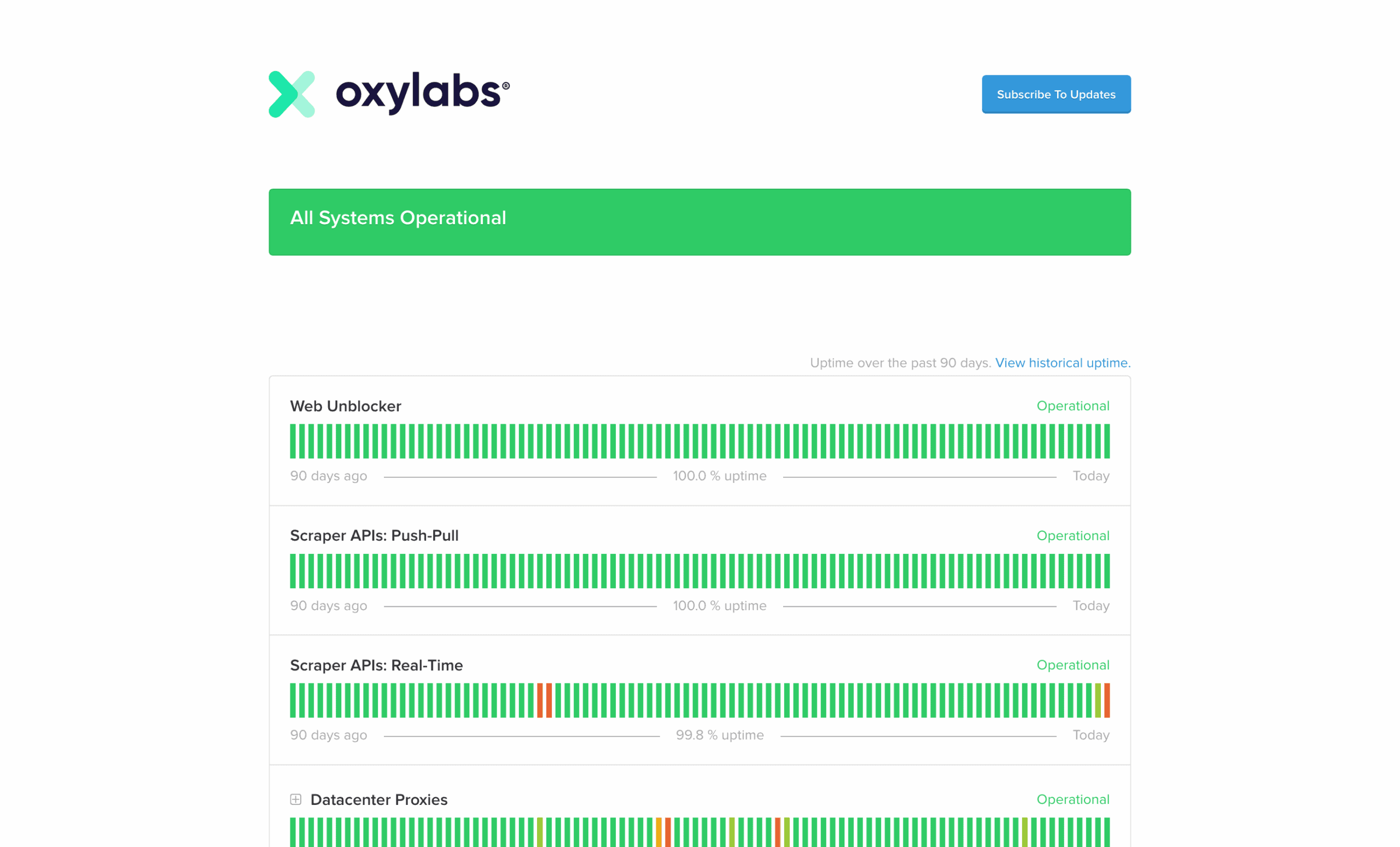
Public API
Oxylabs has proxy management APIs for its residential and enterprise datacenter products.
The residential API focuses on controlling proxy users and tracking usage. The datacenter API allows retrieving proxy lists, whitelisting IP addresses, and checking for online IPs.
Documentation
For non-technical questions, Oxylabs provides an FAQ called Learning Hub. It answers the most frequently encountered queries and is aimed at prospective or new users. Newbies can also read multiple quick-start guides which provide the main information about a particular product in one place.
The technical documentation includes comprehensive usage instructions for each of Oxylabs’ products. The instructions have examples in multiple programming languages, and you can find integration guides with third party software.
Hands-On Support
Oxylabs gives each enterprise client a dedicated account manager who answers all of your questions via email or chat. Outside of working hours, or if you need technical help, you can request instant help from the customer support team. The agents speak English, Russian, Chinese, and Lithuanian.
In any case, communication is smooth and professional. Even when we asked technical questions, we got fast and well-explained answers.
We also tested how fast the customer support is and asked a question via live chat. The reply came in about 2 minutes, which is hard to beat.
Conclusion
For a long time, our position was as follows: if you fall into Oxylabs’ target audience (read: you’re an enterprise customer that needs quality products and prefers human interaction), you won’t be disappointed.
This stand true. Oxylabs remains performant, highly scalable, and sporting an excellent team of account managers to help you thrive.
At the same time, the provider has begun opening up to a broader audience. It’s now possible to buy most products without going through sales, and the plans start from two or even one figure. You’ll still be paying a premium, but the price is well justified.
In the end, it all boils down to two questions: do you need the best proxy service available and will you make full use of it? If yes, then you might have just found yourself a proxy provider.
Oxylabs Alternatives
Decodo is the first place to go if Oxylabs is out of your budget range. It offers similar performance, great user experience, and proxy-based tools. However, there are fewer features.
Bright Data is another strong option with more features and powerful proxy management tools. It also sells proxy-based web scraping APIs and even complete data sets.
SOAX is another alternative for SMBs eyeing a reliable service. It has a smaller but stable pool of residential & mobile IPs with very flexible filtering options out of the box.
Want more? View the full list of the Oxylabs alternatives.
Recommended for:
Anyone considering a premium provider for serious proxy use.
The post Oxylabs Review appeared first on Proxyway.
]]>The post Bright Data Review appeared first on Proxyway.
]]> Bright Data Review
Bright Data has many features and an impressive data collection infrastructure. However, its prices and usage terms are not for everyone.
Use the code PROXYWAY60 to get 60% off all proxy plans and Browser API. New users only.
When it comes to proxies, Bright Data is one of those default options that you compare others against. It has everything for everyone (minus the shadier use cases), a proven history, and strong brand visibility. The company also offers robust management tools for enterprise clients, constantly reinforcing them with novel features. For this, it received our Most Innovative Provider award in 2023 and Best Platform for Proxies in 2024.
So, is Bright Data a no-brainer? Not necessarily. Despite all it offers, the company can’t be the best in all scenarios. That’s where cheaper or more specialized providers find their opportunity to slip through. And in recent years, the competition has only become tougher, especially in Bright Data’s prized enterprise segment.
Today, we’ll try to identify those cracks and how they can impact your decision. The review includes general information, as well as in-depth performance benchmarks based on weeks of testing. Let’s begin!
News about Bright Data
-
- Provider News
-
- Provider News
-
- Provider News
General Information
- Country: Israel
- Founded: 2014
- Employees (LinkedIn): 400+
- Proxy networks: Datacenter, ISP, residential
- Web scrapers: General-purpose unblocker, crawler, specialized APIs for 200+ targets, web scraping IDE, cloud browsers
- Other services: Datasets, e-commerce insights
- Supporting tools: Browser extension, open source proxy manager
- Price range: Premium
- Payment methods: Credit card, PayPal, wire transfer, Alipay, Payoneer
- Trial: 7 days for companies
Bright Data is an Israeli provider of data collection infrastructure. It’s currently owned by a UK-based equity firm called EMK Capital. The company offers access to every kind of proxy server, multiple data collection APIs, a cloud-based tool for developing scrapers on Bright Data’s infrastructure, and even pre-collected data sets.
Most old-timers remember Bright Data by a different name, Luminati. The company rebranded in early 2021, citing negative connotations associated with the name. (To be fair, Luminati does sound awfully familiar to a certain organization.)
Being a general-purpose provider, Bright Data tries to serve every use case it deems acceptable. The list includes many forms of web scraping for price comparison, SEO, and other purposes – even sneaker copping is on the table. But as far as proxy providers go, Bright Data is considered very strict, and it won’t hesitate to deny questionable uses.
Bright Data was one of the first services to introduce residential proxies – IPs borrowed from computers and phones of real people. At the time when most competitors still sold datacenter IPs, this gave the company a big advantage and allowed it to grow into a leading proxy provider. Despite tightening competition, Bright Data remains one to this day, boasting top universities and Fortune 500 companies among its clients.
Bright Data also cares deeply about the ethical aspect of sourcing and using proxies. It was among the first to openly talk about how it acquires residential IPs. What’s more, it has strict procedures for vetting customers and preventing abuse (you can watch our video interview on ethics with Bright Data’s CEO here). The company even went as far as to reduce its proxy pool by 10% to cut off unethical partners. Despite this, Bright Data has had its share of controversy over the years, such as with Hola VPN or piracy app Mobdro.
For the last few years, Bright Data has been expanding its scope of services. While proxies remain important, they now have to share focus with other tools. Bright Data’s end goal is to become the go-to source for web data, whether you’re a developer or a company with no web scraping experience. Beginning with 2025, Bright Data became laser focused on AI clients and use cases, addressing them above everything else.
Bright Data Proxy Networks
Bright Data offers all four kinds of proxy servers:
- Datacenter proxies from cloud hosting providers. They’re available in around 100 locations in shared, dedicated lists, or a pool of IPs.
- ISP (static residential) proxies which are hosted in data centers but associated with residential ISPs. They come from around 50 locations in the same formats as the datacenter service.
- Residential proxies from every country in the world. One of Bright Data’s unique selling points is dedicated residential IPs – they ensure exclusive access to a group of proxies with the same parameters.

In brief, whatever you may need, Bright Data has it. We explore the provider’s proxies below:
🌎 Pool Size & Coverage
| Residential | Datacenter | ISP | |
| Advertised pool | 400 million | 1.3 million | 1.3 million |
| Formats | Shared or dedicated pool | Pool with 40k IPs, shared or dedicated list | Pool with 40k IPs, shared or dedicated list |
| Locations | Global | ~100 | ~50 |
| Filtering | Global, country, state, city, ASN, ZIP, OS | Global, country, state, city | Global, country, state, city |
| Other filters | IPv4 only, IPv4+IPv6, IPv6 only |
Bright Data advertises impressively-sized proxy networks, no matter the proxy type. As such, they cover a large chunk of the globe, even when talking about datacenter IPs. Furthermore, you get precise filtering options – in some cases, they include ZIP codes and even operating systems.
The provider’s datacenter and ISP proxies can be shared, dedicated, or accessible as a pool, based on your preferences. Interestingly, it’s possible to get a group of residential IPs with identical parameters for your exclusive use with certain domains.
With Bright Data’s residential proxy network, you can also choose which IP protocol to use. According to the docs, the IPv6-only pool includes roughly 150,000 proxies and has a fallback mechanism for websites that don’t support this protocol.
📋 Features
- Connection method: Gateway address
- Rotation: Every request, as long as available (customizable with Proxy Manager)
- Protocols: HTTP, HTTPS, SOCKS5 (with UDP)
- Concurrency: Unlimited threads & ports
- Authentication: Credentials, IP whitelist, API key
- Other: Request caching, whitelisting/blacklisting domains, DNS resolution
All four of Bright Data’s proxy types use gateway servers to connect you to proxies. They’re strategically placed in dozens of locations to ensure efficient routing. You can actually specify which load balancer to use, but this is rarely needed in practice.
Bright Data’s proxy networks are stacked with features. The rotation options, while basic using only the dashboard, become highly customizable once you fire up the provider’s proxy manager. There are no concurrency limits, as long as you have enough balance in your account.
Bright Data offers other unique functionality. For example, you can choose to receive cached pages if someone had opened those URLs within several hours. This will return results faster and reduce your expenditure by 5%. Then, you can configure the proxy networks to only open certain domains. And there’s even an option to choose where the DNS gets resolved – at the gateway or the proxy server.
In addition to HTTP, you can connect using the HTTPS and SOCKS5 protocols. Aside from the standard 80 and 443 ports, Bright Data supports any port over 1024 for its datacenter and ISP proxies, and ports 8080, 8443, 5678, 1962, 2000, 4443, 4433, 4430, 4444, and 1969 (their number may change over time) for the other two proxy networks.
⚙️ Integration Examples
- Basic request: brd.superproxy.io:33335@brd-customer-ID-zone-NAME:PASSWORD
- Using filters: brd.superproxy.io:33335@brd-customer-ID-zone-NAME-country-us-city-sanfrancisco-asn-56386-os-windows:PASSWORD
- Establishing a session: brd.superproxy.io:33335@brd-customer-ID-zone-NAME-session-ID:PASSWORD
- Using IP whitelisting: For account security purposes only
- Selecting a particular datacenter/ISP proxy: brd.superproxy.io:[email protected]:PASSWORD
Bright Data uses one address to access all proxy servers, and two ports: one for HTTP(S) requests and the second for SOCKS traffic.
All modifications, such as location filtering, sessions, and even selection of proxy types, are done by modifying the username. IP whitelisting is mostly meant for securing the account, and it doesn’t come with its own configuration.
If you need to select a specific IP with datacenter and ISP proxy plans, this too can be achieved by appending the IP address as parameter.
💵 Pricing Plans
| Residential | Datacenter | ISP | |
| Model | Pay as you go, subscription | ||
| Format | Traffic | Traffic or IPs | Traffic or IPs |
| Modifiers | Dedicated IPs | ||
| Starting price | $4 for 1 GB | $0.6 for 1 GB / $14 for 10 shared IPs / $22 for 10 dedicated IPs | $15 for 1 GB / $18 for 10 shared IPs / $35 for 10 dedicated IPs |
| Trial | 7 days for companies | ||
Bright Data offers both subscription and usage-based access. You start off paying as you go, and if your usage reaches $500 or more, you can choose to commit. There are three commitment levels ($500, $1,000, $2,000), each unlocking better rates. The plans aren’t fixed, meaning that you can freely use proxies over the commitment threshold.
The pay-per-IP datacenter and ISP proxy plans have their own scaling levels which fall outside Bright Data’s unified pricing scheme.
Bright Data is definitely a premium provider, meaning that it costs more than most alternatives. This stands especially true for its rotating ISP proxy network, which is a daylight robbery. The residential and datacenter proxies, while expensive, carry a more competitive price tag.
📊 Performance Benchmarks
We last tested Bright Data’s proxy networks in March 2024, for the annual Proxy Market Research.
#1: Pool size & composition
- Requests: Global pool – 1.2M, 21 days; country pools – 560k, 14 days; Australia – 140k, 7 days
- Residential percentage: IP2Location database, Usage type data point (ISP, ISP/MOB, MOB IPs)
| Gateway | Unique IPs | Residential % |
| Global | 885,512 | 98.59% |
| US | 392,272 | 99.05% |
| UK | 200,759 | 99.81% |
| EU* | 266,882 | 98.79% |
| Brazil | 175,464 | 97.58% |
| India | 189,973 | 98.10% |
| Australia | 13,775 | 99.36% |
* Combines Germany, France, Spain, Italy, the Netherlands.
Comparison with other providers
#2: IP quality (IPQualityScore data)
- Global pool: 20,000 checks
- US pool: 10,000 checks
| Avg. fraud score | Proxy % | Frequent abuser | |
| Global | 44.52 | 47.52% | 1,412 |
| US | 71.76 | 75.81% | 1,400 |
Bright Data’s proxies looked fairly well: better in the Global pool, and somewhat poorer when checking only US-based IPs. This shows that the proxy network is being used, but it’s not as abused as something like Infatica or IPRoyal.
#3: Infrastructure performance
- Parameters: Same as the pool test
- Target: Nearest server of a global CDN (<10 KB)
- Our server locations: DE for Global & European pools, US for American & Brazil pools, Singapore for Indian & Australian pools
| Gateway | Avg. success rate | Avg. response time |
| Global | 98.96% | 1.12 s |
| US | 99.14% | 1.00 s |
| UK | 99.01% | 0.75 s |
| EU | 99.12% | 0.80 s |
| Brazil | 99.51% | 1.04 s |
| India | 98.69% | 1.76 s |
| Australia | 99.28% | 1.73 s |
Comparison with other providers
Bright Data’s infrastructure performed very well throughout the testing period. The success rate hovered around 99% in all locations, and the average response time was fast, as well.
On the other hand, Bright Data’s results have changed little in two years, while major competitors have been making significant improvements. There’s nothing exceptional about them anymore.
#4: Performance with popular targets
- Requests: ~2,600 for each target
- Script: Custom non-headless Python scraper; social media – Puppeteer Extra Stealth
- Proxy location: US
- Our server location: US
| Website | Avg. success rate | Avg. response time |
| Amazon | 96.75% | 4.51 s |
| Blocked | ||
| 72.50% | 12.56 s | |
| Total | 84.63% | 8.54 s |
We tested Bright Data’s 50,000 shared proxies in the US.
#1: Infrastructure performance (rotating proxies)
- Requests: 50,000
- Proxy location: US
- Target: Nearest server of a global CDN (<10 KB)
- Our computer’s location: US
| Avg. success rate | Avg. response time |
| 99.96% | 0.26 s |
#2: Download speed
- IPs tested: 10
- Target: Hetzner’s 100MB Ashburn benchmark
| Avg. without proxies | Avg. download speed | Slowest IP |
| 32.56 MB/s | 9.72 MB/s | 0.98 MB/s |
The shared proxy servers were fast enough for most tasks including streaming, even taking into account the slowest IP’s throughput.
#3: Performance with popular targets
- Requests: ~2,600 per target
- Script: Custom non-headless Python scraper
- Proxy location: US
- Our server location: US
| Avg. success rate | Avg. response time | |
| Amazon | 5.83% | 2.46 s |
| Blocked | ||
| Homedepot | 85.14% | 0.64 s |
| Total | 45.49% | 1.55 s |
How to Use Bright Data
Registration
You can register with Bright Data by entering your first and last name, work email, and company size. If you have particularly large or custom needs, you can schedule a call. The login options include the credentials you’ve created, as well as Google and Okta SSO.
KYC & Usage Policies
Bright Data is known to be strict about compliance, especially if you use its peer-to-peer proxy networks.
The first step for all customers is to identify themselves with their preferred payment method. Bright Data will perform an authorization charge and add $5 to your account.
Then, there’s the KYC procedure. Bright Data has simplified the process – it now allows reaching over 200 websites via residential proxies without undergoing the full KYC. This severely limits their functionality, though: you have to install a certificate, folllow robots.txt, send only GET requests, and obey the provider’s imposed rate limits.
To get full access, you’ll be asked to present your personal details, add some money to the account, and wait up to three business days for verification.
In addition to that, freelancers will have to hop on a video call. Bright Data will only approve business related projects, and even then, scraping behind a login or account creation will be forbidden.
Dashboard
Bright Data’s dashboard will let you do everything from adding money to your account and getting a plan to setting up proxies, viewing usage statistics, and contacting support.
The dashboard used to be full of options and pretty overbearing. After several revamps, Bright Data simplified it to several sections for product categories, another for billing, and one more for account controls. The complexity is still there, but most of it is tucked away behind several levels of navigation.
The dashboard is available in six languages, including Russian, Spanish, Portuguese, and Chinese.
Another unconventional decision is that Bright Data has no separate plans for each product. Instead, a plan applies to all services depending on how much money you commit. You can change the plan in the Billing section.
But that’s not all. The Billing section provides detailed information about your subscription and money use. You can find your current balance, active plan, invoices, and configure payment methods. The provider also includes a visual cost explorer and, in a nice gesture for accountants, allows specifying invoice recipients.
You can pay for each service manually or add money to Bright Data’s wallet and let the system deduct the required funds automatically.
Unlike most proxy providers, Bright Data uses a custom system for proxies called Zones. A zone works like a plan. It’s possible create multiple zones for each proxy type and even have separate zones with identical configurations. You can assign spending limits (based on traffic or money) for each zone, as well as track your expenditure throughout the month.
As an enterprise-first provider, Bright Data takes access management seriously. You can give different access levels to your team based on their roles (administrator, accountant, devops, etc.), set up 2-factor authentication, see a thorough event log, and receive automated notifications related to subscription and proxy use.
To do anything with proxies on Bright Data’s platform, you first have to create a zone. This involves selecting a proxy type and adding additional permissions, if any. The configuration wizard will show an estimated cost based on your choices. The final step is to name the zone and confirm its creation.
For example, suppose I wanted rotating residential proxies for a small project. I’d choose the Residential zone. Under Permissions, country targeting would be enough for me; otherwise, I could enable states, cities, ASNs, and ZIP codes as extras. Then, I’d choose shared IPs, as I don’t need them for my exclusive use. At last, I’d press Add Zone.
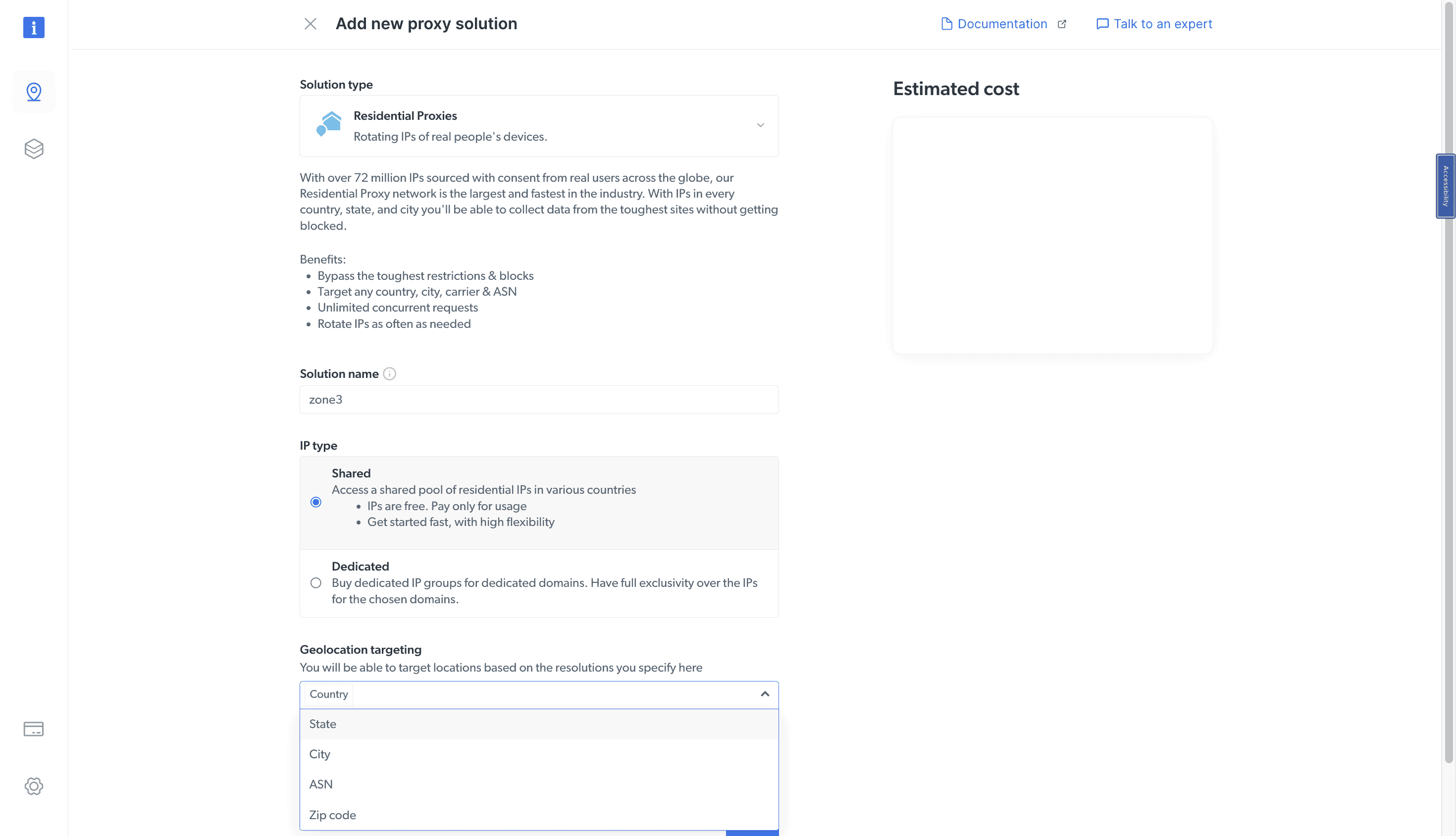
After creating a zone, you’ll want to integrate the proxies. Each zone includes a widget with integration pre-sets and code samples in multiple programming languages. The widget doesn’t cover elaborate scenarios; in those cases, you’ll need to consult with Bright Data’s documentation.
The provider gives you more ways to integrate proxies, namely using the browser extension or its open source proxy manager. The latter is especially useful, as it provides much more detailed usage logs, enables better rotation settings, and has the ability to route traffic through more advanced (and expensive) proxy networks if a request fails otherwise.
Bright Data has put a lot of effort into statistics, with several ways to reach them.
- A quick toggle in the Zones page. It gives you a visual overview of your bandwidth and request use.
- A tab with usage statistics per proxy network and a customizable graph.
- Usage statistics and graphs for each zone in its settings.
Each way provides flexible filtering options. You can a time period ranging anywhere between one hour to two years. The metrics include not only bandwidth expenditure but also number of requests, and in some cases error rate.
If you use Proxy Manager, it’s possible to display its statistics on the dashboard, as well. Bright Data even provides a way to separate API and Proxy Manager traffic in some of the graphs.
One more useful feature is network status. It shows the uptime of each service in real time and can notify you via email if something goes down.
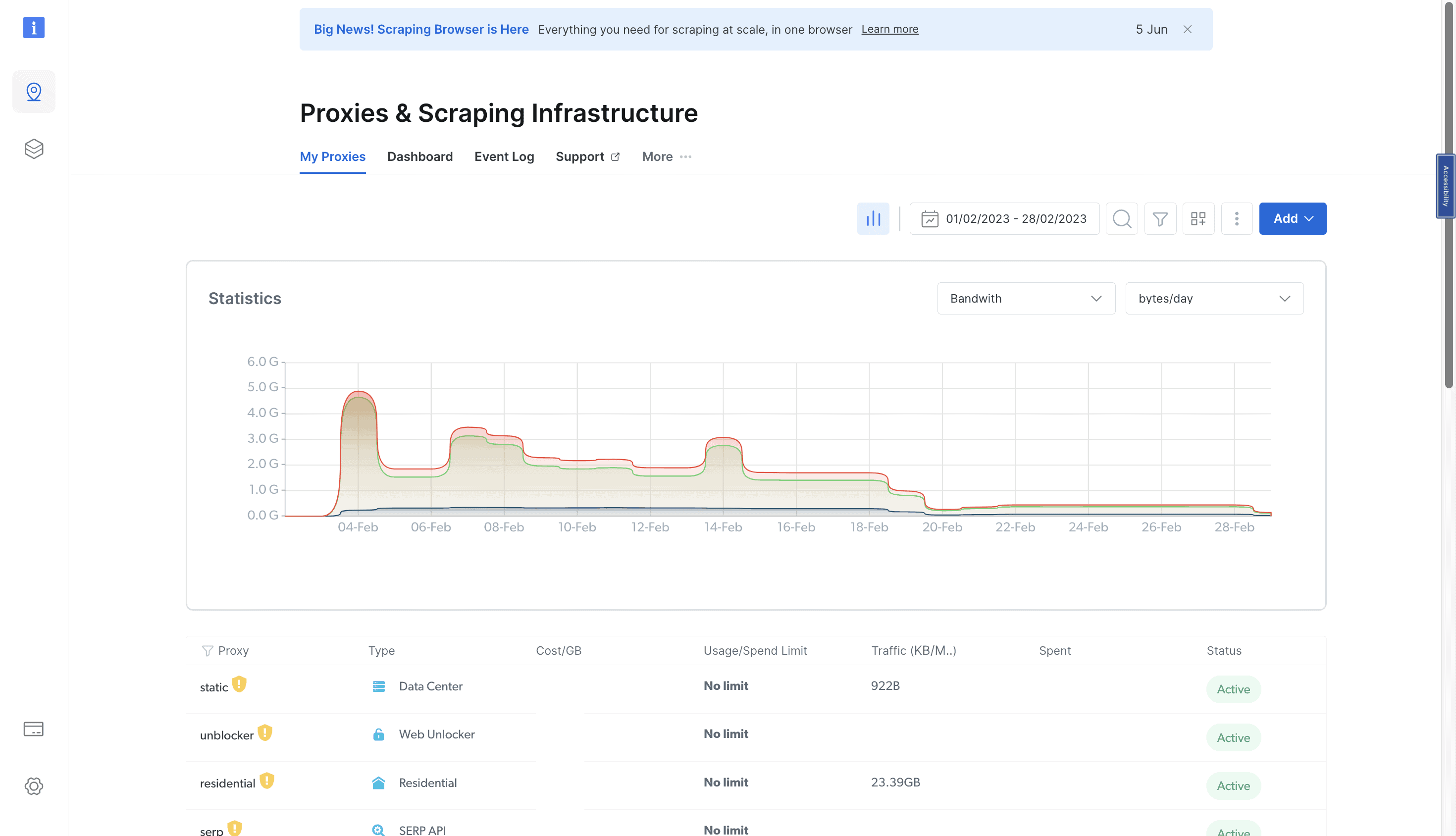
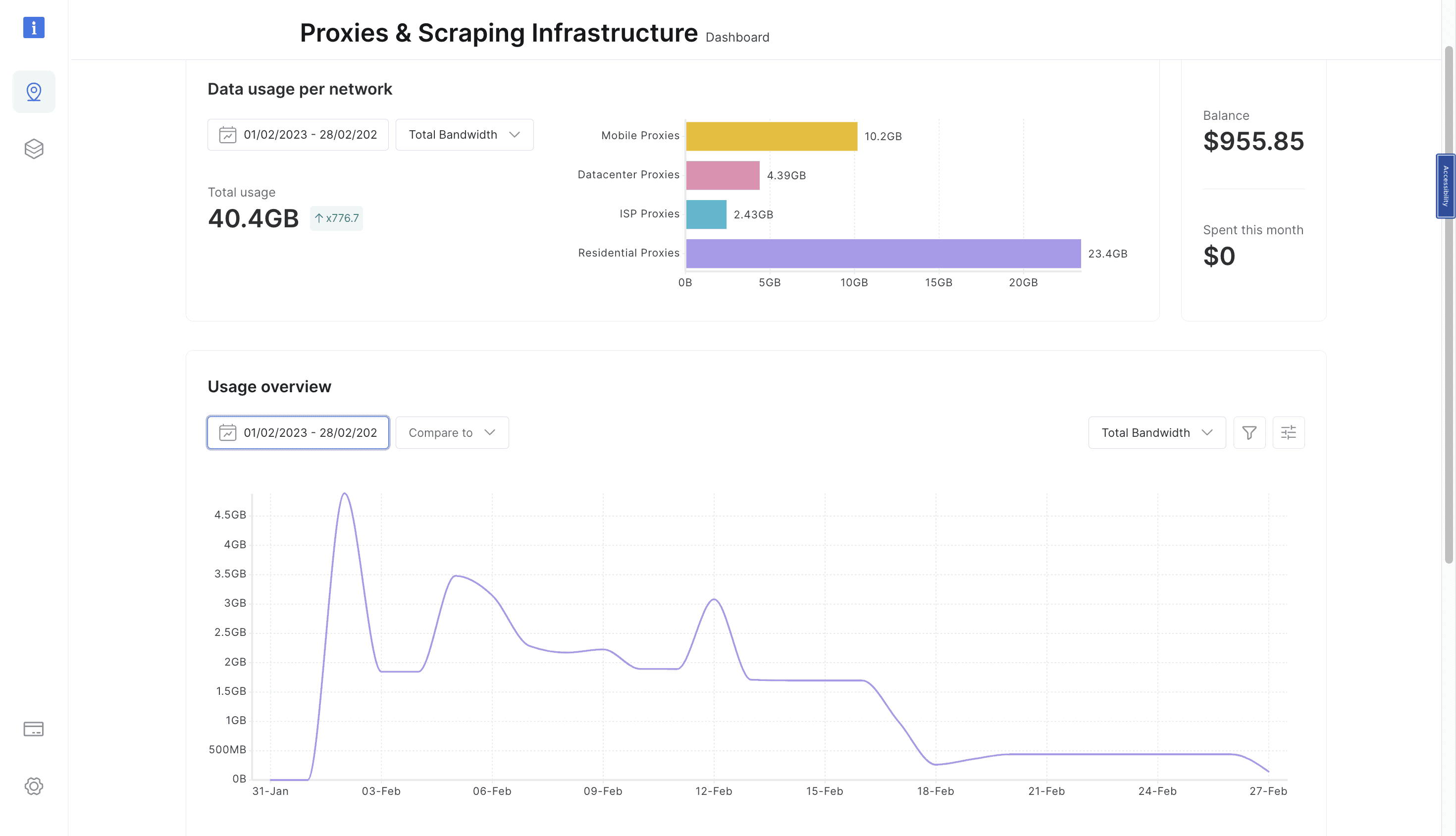
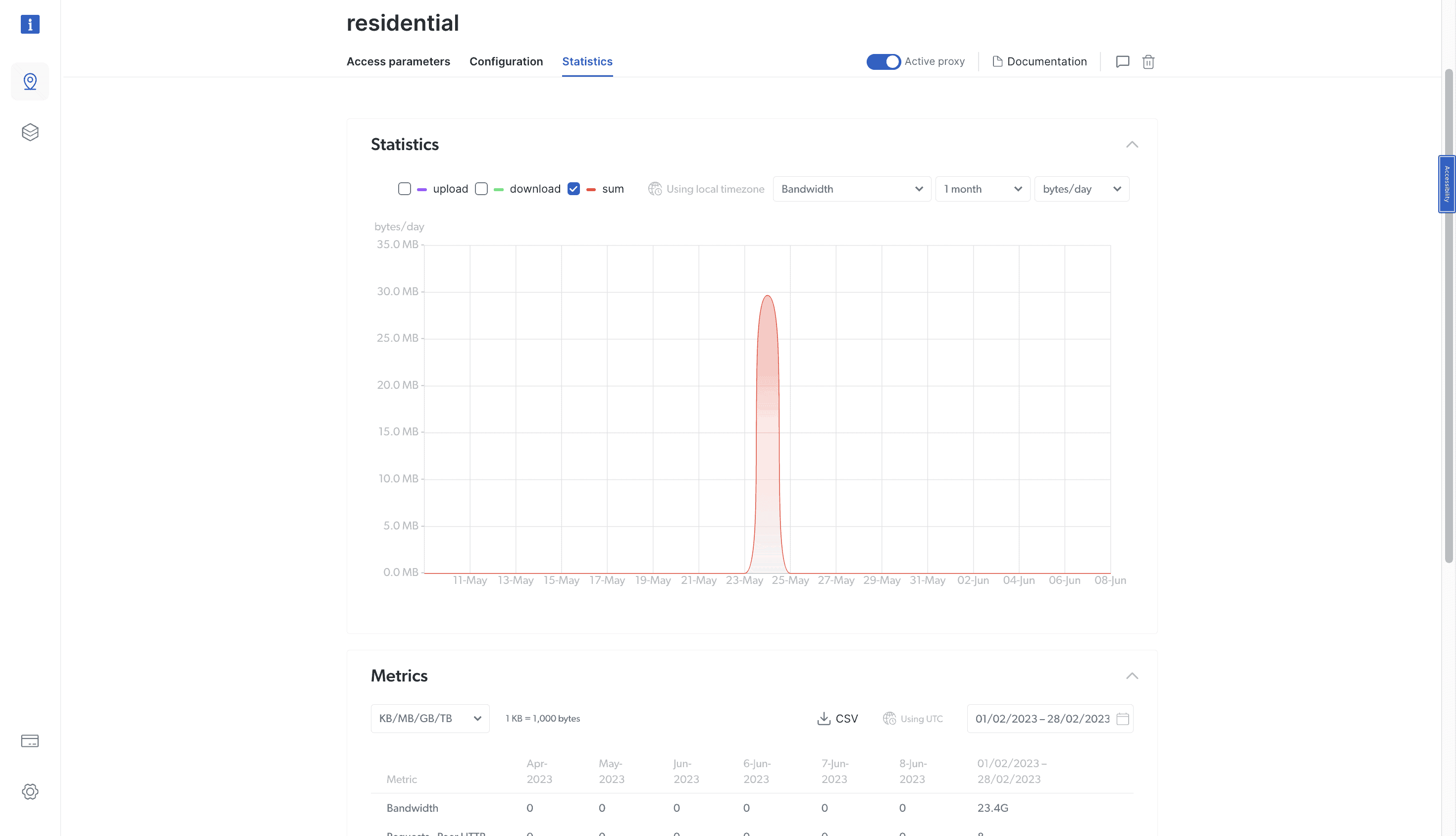
Public API
Bright Data offers an API for managing the proxy servers programmatically. It’s the most comprehensive and granular API I’ve seen in this industry, and you might have to get a degree to make full use of it.
Documentation
With such a complex service, Bright Data needs to have appropriate documentation to make sense of it. And it does. You’ll find answers and instructions both in text and video formats.
Perhaps your first resource should be Bright Data’s documentation hub. It answers all the basic questions about using the service, and then some. Then, there are webinars – they cover narrower concerns, such as reCAPTCHA avoidance and browser automation. Finally, there are Bright Data’s tutorials videos, though they look pretty much outdated and abandoned in comparison.
Hands-On Support
If, by any chance, you won’t find your answer – or simply get lost looking for one – there’s the hands-on support.
Bright Data offers a ticket system on the dashboard. Customers that commit to a plan also get an account manager. Else, you can contact the provider using WhatsApp, Telegram, and even a phone.
We found the answering time to be fast: we sent multiple email messages throughout the day, and a reply came in 14 minutes on average. Communication with account managers is even faster, but they don’t work round the clock.
However, the customer service isn’t equal for all. Bright Data has segmented and commercialized its functionality by introducing tiered support packages. The base one doesn’t even get 24/7 replies, unless serious technical issues occur.
Conclusion
Bright Data calls itself world’s #1 web data platform, and testing it gave us compelling reasons to believe the claim.
The proxy networks we’ve tried were excellent: fast, stable, and large. They come full of features, and Bright Data makes sure to provide the tools to make best use of them. Pound for pound, there are few providers that can compare.
However, the privilege comes at a cost. Some may be put off by how technically complex Bright Data is; others may find its compliance process too invasive; but most likely, the main showstopper – if any – will be the price. It’s hard to find a provider that’s more expensive.
But if you don’t find price an issue, Bright Data really is one of the best options you can get.
Bright Data Alternatives
Bright Data’s closest competitor in the premium segment. It offers all the main proxy types and multiple APIs for web scraping, coupled with personalized customer service.
Decodo is a great choice if you want to save some money on rotating proxies. It offers multiple IP types, better prices, and is easier to use in exchange for fewer features.
SOAX can be a good option if you need precise locations but don’t want to pay Bright Data’s premium. It supports region, city, and ASN targeting out of the box.
Want more? View the full list of the Bright Data alternatives.
Recommended for:
Enterprise customers or those who need advanced features.
Use the code PROXYWAY60 to get 60% off all proxy plans and Browser API. New users only.
Use the code PROXYWAY60 to get 60% off all proxy plans and Browser API. New users only.
The post Bright Data Review appeared first on Proxyway.
]]>The post SOAX Review appeared first on Proxyway.
]]>
SOAX Review
We first tested SOAX in 2021. Still a rookie provider, it already looked promising: the proxies rarely failed, offered city & ASN targeting out of the box, and had decent management tools. Though painfully slow and still unfinished, the overall service was surprisingly good.
SOAX is all grown up now. It’s become our Contender of the Year several times, most recently in 2025, proving that it can compete with major players like Decodo or Bright Data.
Lately, SOAX has been going through changes. Its 2026 reboot (to quote the provider) introduced some interesting features and put a lot of power into the user’s hands. The aim is “to give you full control over every request”.
We’re going to explore these features and see how SOAX performs compared to the broader market. Let’s go!
Three-Minute Human Summary
- SOAX sells access to residential and peer-to-peer mobile proxy pools. Both come with one subscription, cost the same, and can even be used at the same time. The provider sources IPs in-house but doesn’t really share how.
- The proxy networks were average to above average in size. They include city + ISP filtering, ability to block the domains you don’t need, and a big variety of rotation options: based not only on time, but also every X requests. What’s more, you get to control what happens when an IP goes offline.
- SOAX’s infrastructure had few errors or periods of downtime throughout three weeks, and it connected to websites faster than average, no matter which continent we targeted.
- The pricing is unique, in that SOAX divides countries into three tiers and charges different rates. For example, US proxies are chiefly in Tier 1 and cost around 2.5x more than Tier 3 locations. Overall, the rates are competitive with other mid-market providers, and traffic rolls over for 60 days.
- SOAX’s dashboard looks spartan but gives you a lot of control. You can create packages and decide which proxy networks, protocols, countries, and even ports they can access. There are team seats, and the usage stats show detailed information about spending and traffic use (though not error codes or visited domains). SOAX’s customer support, however, has been nerfed hard after the reboot.
- Overall, SOAX offers performant proxy networks and some great tools to make the most of them. This should appeal to developers in particular, especially if they know what they’re doing and require little outside help.
News about SOAX
-
- Provider News
-
- Provider News
-
- Provider News
General Information
- Country: UK
- Founded: 2020
- Employees (LinkedIn): 50-100
- Proxy networks: Residential, mobile
- Other services: Scraping browser (in beta), managed scraping services
- Supporting tools: Online proxy checker
- Price segment: Mid-market
- Starting price: $25
- Payment methods: Credit card, PayPal, cryptocurrencies
- Trial: $1.99 to access all products
SOAX is a UK-registered company run by an international staff. It mainly sells rotating proxies. The provider also occasionally surfaces a scraping product, but they never seem to leave beta.
SOAX started off as a mid-range provider, positioning itself in-between penny-pinching services with limited features like PacketStream and enterprise-facing behemoths, such as Bright Data or Oxylabs. After a foray into the premium territory, it’s gone back to its original hunting grounds.
SOAX doesn’t disclose any concrete sources for its proxies, which is concerning. But we do know that it offers an SDK for developers to monetize their apps, such as free VPNs. The provider also supplies several bigger white labels with proxy servers.
Otherwise, SOAX conveys the impression of a solid company. It has ethical guidelines, partners up with The World Ethical Data Forum, and is striving for ISO and SOC certifications. (You can read or watch our interview on ethics with Stepan, SOAX’s CEO.) It has reviews reviews on most review platforms like TrustPilot, G2, or Capterra, and employees on LinkedIn.
For a while, it looked like SOAX had gotten into a lull. In mid-2026, however, the provider rebuilt its whole platform around the idea of giving users full control over its proxy networks. This way, SOAX returned to its technologist roots.
SOAX Proxy Networks
SOAX offers two types of proxy servers: peer-to-peer residential and mobile proxies. The provider also used to sell rotating datacenter and ISP proxies; both were discontinued between late 2025 and mid-2026.
The residential and mobile proxies use the same system, are accessible under one subscription at the same rates, and can even be used at the same time, forming a joint pool. Therefore, we’ll cover them together, only branching out the performance benchmarks.
📋 Specifications
- Advertised proxy pool
- Residential: 155 million IPs
- Mobile: 33 million IPs
- Countries: 195+
- Integration method: Gateway address (gateways in East Coast US, NL, SG)
- Filtering: Random, country, state, city, ASN/ISP, ZIP code
- Rotation
- Every request: ✅
- Sticky sessions: Up to 1 week, up to 1M requests, as long as available
- Session behavior: New IP after disconnect or 60 s of inactivity, retry X times, strict sessions, look-a-like rotation
- Protocols: HTTP, HTTPS, SOCKS5 (incl. UDP & QUIC)
- Authentication: Credentials, IP whitelist
- Sub-users: ✅
- Concurrency: Unlimited threads & ports
- Traffic: Plan based
- Other: DNS resolution rules, target allow/denylist, custom error codes
SOAX advertises huge IP numbers – but, as always, this is just marketing, and we have no standardized way to measure it.
In any case, the provider’s proxy networks cover most countries in the world, with precise filtering options that can be combined together. ISP targeting comes included with all plans, while ASN and ZIP code selection are sold as upsells to large customers. SOAX’s gateway servers are conveniently located in three continents to make routing efficient.
Two standout features here are protocol support and rotation options. For one, UDP is enabled by default. For the latter, you can specify not only any rotation duration up to a week, but also rotate IPs every X requests. This feature is nearly impossible to find without using specialized software (a la Bright Data).
SOAX also lets you choose what happens when a proxy goes offline. The default is switching to another device. If you don’t want that, you can choose to fail requests instead, or mimic the previous configuration by enabling look-a-like rotation.
You’re free to choose where to resolve DNS (at the gateway or the proxy peer), as well as block the domains you don’t want to access. This can help you save traffic – or ensure compliance if you’re working at a big corp.
Finally, SOAX returns its own error codes under X-SOAX-Error or X-SOAX-Detail headers. There’s a big list of possible errors in the documentation.
⚙️ Integration Examples
- Basic request: network-res_mob:[email protected]:1337
- Using filters: country-us-region-california-city-san_francisco-isp-at&t_internet-network-res_mob:[email protected]:1337
- Using sessions: network-res_mob-rotate-requests_15-session-ID:[email protected]:1337
- Using IP whitelisting: https://country-us.proxy.soax.com:1337
SOAX gives you one gateway server with a port that pays homage to leet speak. The username only defines which proxy network (residential, mobile, or both) you’ll use. Otherwise, all parameters are appended to the password.
Because the strings can get pretty long, SOAX has made shorthands for all parameters. Instead of country, you can use c, and so on. This helps with brevity and DNS limits.
If you prefer IP whitelisting and need any of the filters, you’ll have to include them as a subdomain. This also carries the limitation of requiring the use of HTTPS – HTTP and even SOCKS5 requests won’t work.
💵 Pricing Plans
- Model: Pay as you go or monthly subscription with 60-day credit rollover
- Format: Traffic
- Upsells: More proxy packages, team members, filtering options, better support
- Top-ups: ✅ (manual)
- Starting price: $25 for 5-12.5 GB ($2-$5/GB)
- Trial: 3 days & 400 MB for $1.99
SOAX’s pricing is based on credits. A credit equals $1. You can get various monthly plans which define how many credits you’ll need to buy each month, what rates you’ll pay, and which features you’ll unlock.
There’s also a Sandbox plan – it comes with no credits included and works similarly to paying as you go. Come to think of it, all plans are rather flexible, as they let you freely buy extra credits as needed. In any case, top-ups start from $25. This is the least you’ll have to spend.
It’s interesting that credits aren’t constrained to the subscription duration – they remain available twice as long. SOAX tracks when you bought each credit and expires them accordingly.
The largest plan on display costs $3,000. Compared to Sandbox, it includes more proxy packages (sort of like sub-users), slots for team access, ASN and ZIP targeting, as well as personalized support. Furthermore, it offers an option to pay yearly, with postpaid billing.
However, SOAX’s most interesting invention is location-based rates. Basically, the provider splits all countries into three tiers and charges a different price for accessing proxies in them.
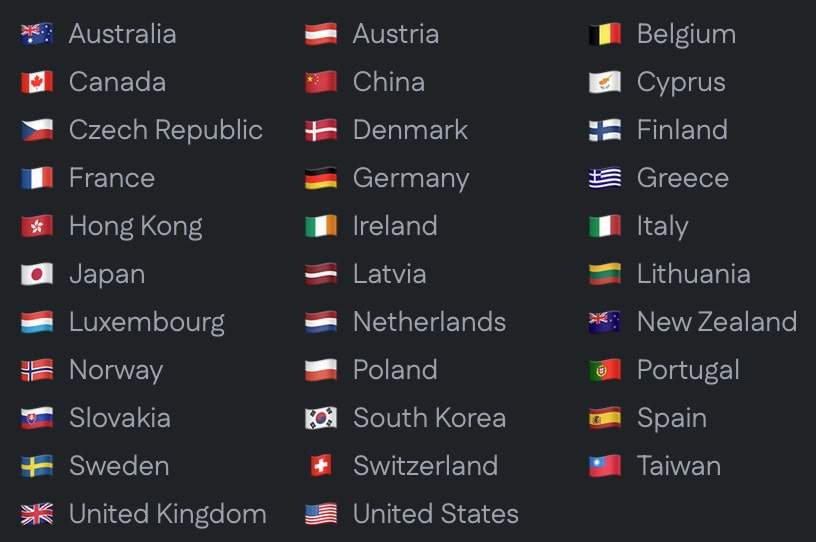
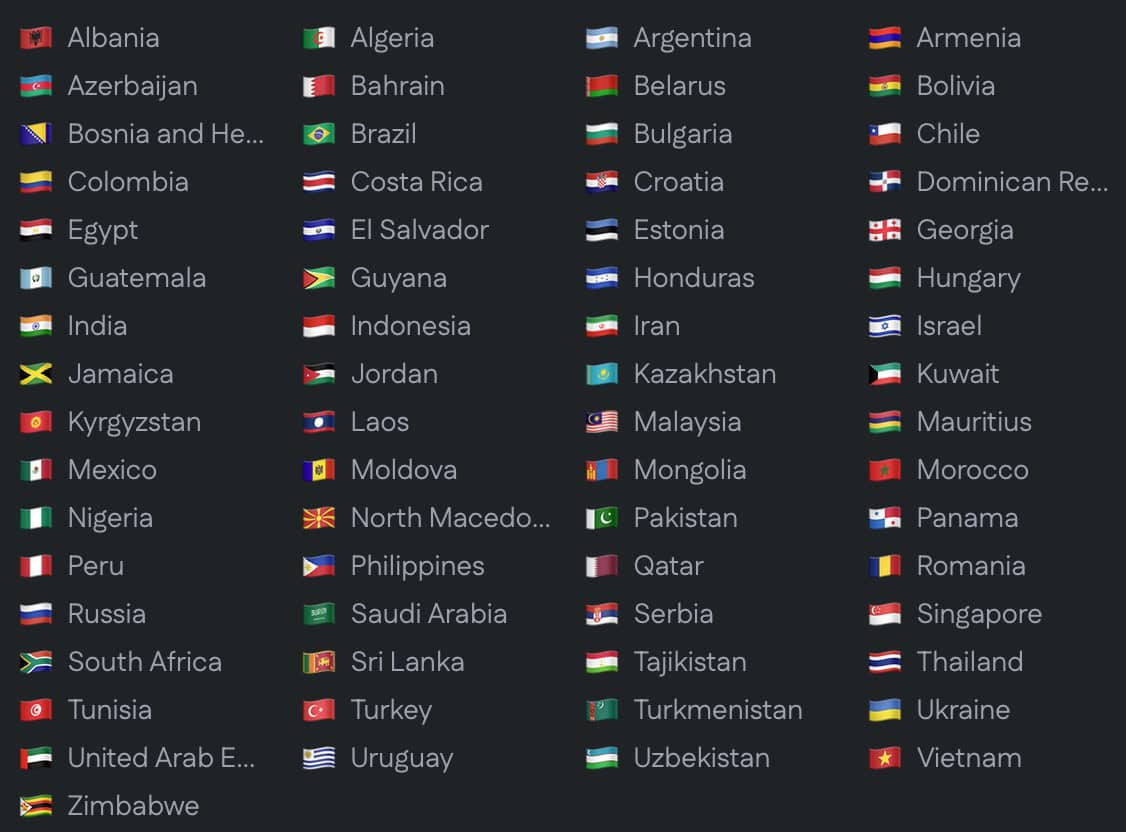
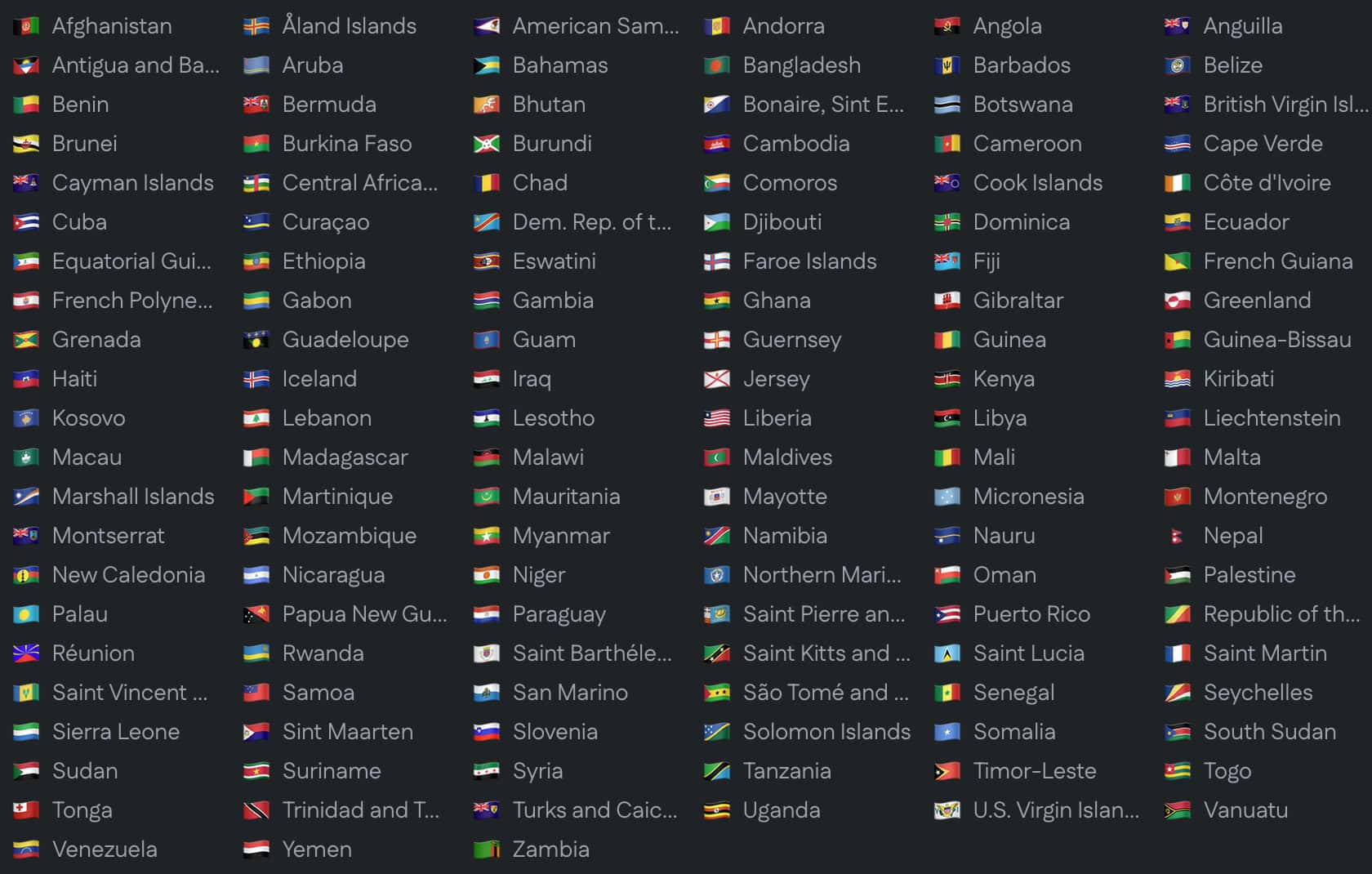
The rates can differ significantly. Tier 2 costs around 80% more compared to Tier 3, while Tier 1 is two and a half times more expensive. Even if you use the proxies without any filters applied, the system dynamically charges you based on the IP location. This makes budgeting complicated.
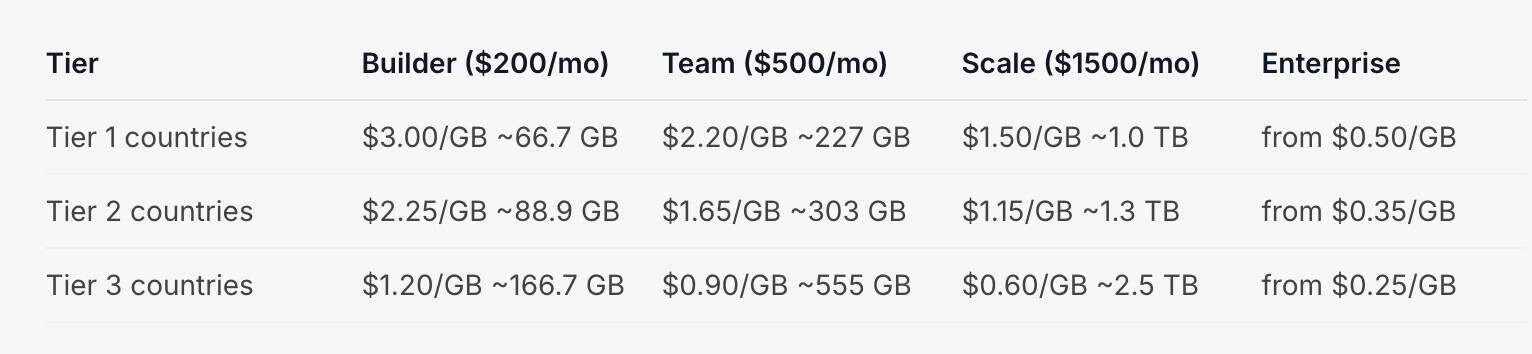
How expensive is SOAX in the market? Well, its rates actually compare favorably to premium providers like Bright Data, and even mid-market peers like Decodo. We’ve hacked together a standardized comparison with a weighted average of 50% for Tier 1, then 30% and 20% for the next two tiers. Why make things simple, right?
Standardized pricing comparison (residential proxies)
📊 Performance Benchmarks
We last tested SOAX’s residential and mobile proxy networks in April 2026, for our annual proxy market report.
Pool size & composition
| Gateway | Requests | Unique IPs | Residential %* |
| Global | 3.6M over 21 days | 1,670,306 | 97.39% |
| US | 1.2M over 14 days | 641,157 | 99.37% |
| UK | 560k over 14 days | 159,255 | 99.72% |
| EU** | 1.2M over 14 days | 357,265 | 99.17% |
| Brazil | 560k over 14 days | 243,740 | 97.95% |
| India | 560k over 14 days | 236,865 | 94.12% |
| Australia | 140k over 7 days | 14,924 | 98.81% |
* IP2Location database, Usage type data point (ISP, ISP/MOB, MOB IPs)
** Combines Germany, France, Spain, Italy, the Netherlands.
Top 10 countries in the Global pool

Comparison with other providers
SOAX’s residential proxy pool was above average in scale, with an outsized presence in the US. Without any location filters applied, the top three locales were the US (27%), Brazil (17%), and India (5.5%).
Note that by default SOAX only routes to countries closest to your location. For example, our unfiltered pool included exclusively European IPs. To override this, you need to append an undocumented parameter to the connection string.
Infrastructure success rate
Requests: Same as the pool test
Target: Nearest server of a global CDN
| Gateway | Avg. success rate |
| Global | 99.78% |
| US | 99.92% |
| UK | 99.87% |
| EU | 99.87% |
| Brazil | 99.72% |
| India | 99.86% |
| Australia | 99.89% |
Comparison with other providers
The infrastructure almost never failed on its own, and we saw few to no period of downtime during the three weeks of testing.
Infrastructure response time
Requests: 6 KB page size – same as the pool test, 2 MB page size – 5,000
Target: Nearest server of a global CDN
6 KB page size
| Gateway | Avg. | Median | P95 |
| Global (🇩🇪 -> any IP) | 0.89 s | 0.79 s | 1.81 s |
| US (Ashburn -> 🇺🇸 IP) | 0.55 s | 0.44 s | 1.32 s |
| UK (🇩🇪 -> 🇬🇧 IP) | 0.49 s | 0.36 s | 1.19 s |
| EU (🇩🇪 -> 🇩🇪/🇪🇸/🇫🇷/🇮🇹/🇳🇱 IP) | 0.53 s | 0.37 s | 1.37 s |
| Brazil (Ashburn -> 🇧🇷 IP) | 0.97 s | 0.83 s | 1.87 s |
| India (Singapore -> 🇮🇳 IP) | 0.87 s | 0.67 s | 1.91 s |
| Australia (Singapore -> 🇦🇺 IP) | 0.81 s | 0.68 s | 1.56 s |
2 MB page size
| Gateway | Avg. | Median | P95 |
| Global (🇩🇪 -> any IP) | 3.26 s | 1.54 s | 10.05 s |
| US (Ashburn -> 🇺🇸 IP) | 4.37 s | 2.26 s | 14.54 s |
Comparison with other providers
6 KB page size, average response time
SOAX was among the faster providers in our response time benchmark, with an average latency of just above 0.5 seconds in the US. It also managed to control the tail latency well – even the slowest 5% of connections never exceeded two seconds.
Pool size & composition
| Gateway | Requests | Unique IPs | Mobile %* |
| Global | 1.2M over 14 days | 177,428 | 97.64% |
| US | 560k over 14 days | 111,269 | 99.98% |
| UK | 280k over 14 days | 16,031 | 99.49% |
| EU** | 280k over 14 days | 79,855 | 98.69% |
| Brazil | 280k over 14 days | 14,357 | 99.27% |
| India | 280k over 14 days | 134,922 | 99.93% |
| Australia | 140k over 7 days | 3,203 | 99.94% |
* IP2Location database, Usage type data point (ISP/MOB, MOB IPs)
** Combines Germany, France, Spain, Italy, the Netherlands.
SOAX’s mobile proxy pool was among the smaller out of the providers we’ve tested. Still, it included enough IPs for serious use, and they were properly mobile.
Infrastructure success rate
Requests: Same as the pool test
Target: Nearest server of a global CDN (~6 KB page size)
| Gateway | Avg. success rate |
| Global | 99.74% |
| US | 99.85% |
| UK | 99.81% |
| EU | 96.45% |
| Brazil | 98.92% |
| India | 99.17% |
| Australia | 99.86% |
We have few complaints about SOAX’s infrastructure performance. Having said that, the success rate in Europe was a bit shaky compared to the excellent US results.
Infrastructure response time
Requests: Same as the pool test
Target: Nearest server of a global CDN (~6 KB page size)
| Gateway | Avg. | Median | P95 |
| Global (🇩🇪 -> any IP) | 0.92 s | 0.64 s | 2.20 s |
| US (Ashburn -> 🇺🇸 IP) | 0.78 s | 0.66 s | 1.58 s |
| UK (🇩🇪 -> 🇬🇧 IP) | 0.92 s | 0.65 s | 2.09 s |
| EU (🇩🇪 -> 🇩🇪/🇪🇸/🇫🇷/🇮🇹/🇳🇱 IP) | 1.12 s | 0.69 s | 3.18 s |
| Brazil (Ashburn -> 🇧🇷 IP) | 0.95 s | 0.79 s | 1.87 s |
| India (Singapore -> 🇮🇳 IP) | 1.31 s | 0.96 s | 2.88 s |
| Australia (Singapore -> 🇦🇺 IP) | 1.30 s | 1.02 s | 2.58 s |
SOAX’s latency was below average – which is to say, good. The mobile proxies had higher tolerances than the residential proxy network, sometimes reaching three seconds to respond when the connection was bad (P95).
How to Use SOAX
Registration
To register with SOAX, you have to enter your email address, then confirm the registration via an email. Alternatively, it’s possible to sign up with Google or GitHub accounts.
Further sign-ins will only ask for an email address, but you’ll have to enter a six-digit number that SOAX sends as two-factor authentication.
KYC and Usage Policies
SOAX has an optional identity verification procedure. You have to undergo it when paying with crypto or accessing restricted ports and domains. Some examples would be financial or governmental websites, mailing ports like 25.
The KYC procedure uses Sumsub; it requires a photo ID, proof of residence, and camera access.
Dashboard
SOAX’s newest dashbboard (there have been a few) lets you buy and manage subscriptions, set up proxies, configure access limits, track usage, and get help. It’s available in English only and includes an optional dark mode.
Maybe because it’s still new, the dashboard looks very empty. Aside from the main screen, there are only two sections in the navigation bar: one for managing access, and the second for monitoring use. All the settings are hidden in the top navigation.
The Home page gives you a quick overview. It shows available credits and various usage stats in three time ranges.
SOAX does have something resembling a dashboard wallet, but it’s not quite the same. Instead of storing money, it stores credits – the crucial distinction is that the credits expire, so you’ll have to constantly keep an eye on them.
The page listing available pricing plans is very detailed and even includes a cost estimator to help you choose the best configuration. The problem here is that you can only select one country tier – if you’ll target several tiers or use the pool without filters, the math goes out the window.
SOAX’s Billing page lets you save card details and billing information to streamline further purchases. It also stores all the invoices. You can track the state of your credits on a separate page accessible through the settings.
Proxy access
SOAX has built some fascinating proxy management tools. The main concept here is Packages. They’re similar to Bright Data’s zones, in that you can create and name several packages with the same or different proxy types, and each can have their own configuration.
SOAX exposes many configuration options that are not available with other providers. For example, you can choose which team members can use a package, then decided what protocols, ports, proxy networks, country tiers, individual countries, or domains that package can access. You can then go ahead and set up a traffic cap or leave it unlimited.
A package also holds the proxy setup widget. It’s comfortable to use and includes a built-in proxy checker. To keep up with the times, the code samples also provide instructions for AI tools.
SOAX shows some usage information on the main screen, namely traffic and credit expenditure during the last 24 hours, seven, or 30 days.
However, the main place for insights is the Usage breakdown page. It focuses on the same two metrics – traffic and cost – but is able to dissect them in many more ways. You can filter or group by package, proxy network, country tier, or specific location. This reflects in the usage graph.
The timeframes are also generous: SOAX includes pre-sets ranging anywhere from 24 hours to this year. What’s more, you can change the reporting granularity to an hour, day, or month. There’s even a refresh button which presumably updates the information to the given moment. All in all, the observability tools are much better than before.
Still, they’re not perfect. Some of our requests failed because they hit a denylisted news target. The usage stats don’t show success or latency data, so we had to discover this on our own. Neither can they categorize usage by domain.
API Access
SOAX’s developer API lets you replicate most the of dashboard features. You’ll be able to fetch the account and package status, available locations, and usage information. There’s also an endpoint for generating proxy strings.
The main omission are subscription management features. The API won’t let you buy more credits or upgrade a plan.
Documentation
Your main reference will be SOAX’s documentation hub. It provides all the information you’ll need to work with the service: beginning with core concepts, continuing with proxy parameters, moving on to dashboard tools, and finishing with troubleshooting information.
The documentation includes an FAQ, though it’s somewhat tucked away. There’s also a separate page for integration instructions. You won’t find much there other than antidetect browsers.
Hands-On Support
After its reboot in mid-2026, SOAX effectively nerfed the customer support experience. It’s no longer available 24/7 – the working hours fall between 07:00-19:00 UTC, Monday to Friday, excluding UK public holidays. Only critical incidents get round-the-clock attention.
The level of support depends on your subscription plan. The pay-as-you-go plan receives reasonable efforts to respond, whatever that means. The response targets for general inquiries or configuration questions are four business hours or more until enterprise levels of commitment.
SOAX’s main support channels are live chat, tickets, and email. The live chat defaults to an AI chatbot. We tried reaching a real person during morning in Europe. Someone responded in an hour and a half, pasting a canned message that was unrelated to our question. Not the best first impression.
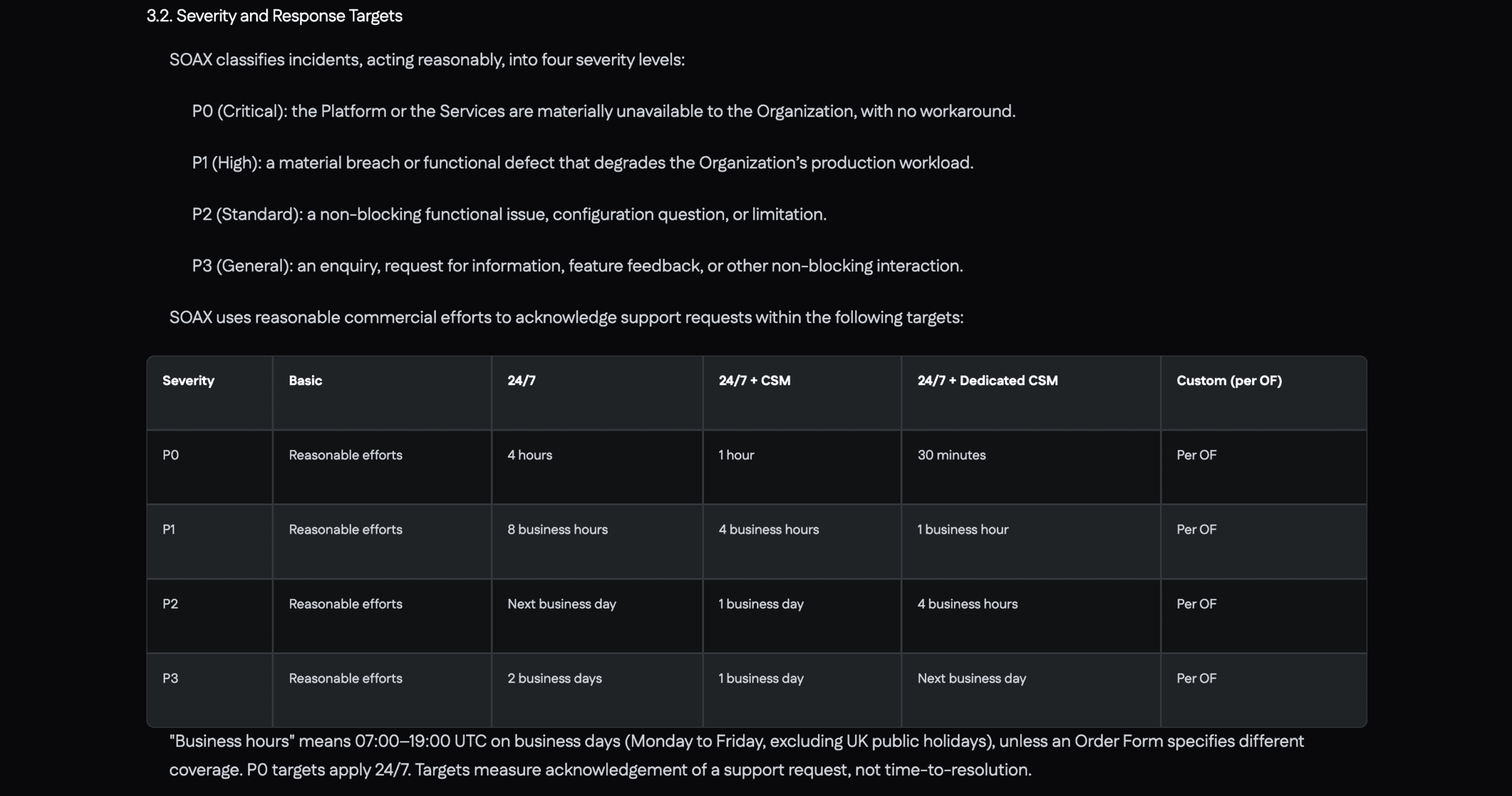
Conclusion
SOAX has positioned itself as a strong competitor to most mid-range services. It offers decently large and performant proxy networks with a unique developer experience. This comes at the cost of complexity and suboptimal customer support.
Overall, you may find SOAX especially attractive if you’re a developer or a control freak (in the best sense of the phrase).
SOAX Alternatives
Decodo is the first place to go if SOAX is not an option for you. It offers similar performance, great user experience, proxy-based tools and more features.
Oxylabs is like a premium version of SOAX. It controls a significantly larger IP pool, and you can get specialized APIs that simplify web scraping.
Bright Data is one of the biggest player in the premium space. It offers more features, some powerful proxy management tools, and complete pre-scraped data sets.
Recommended for:
Those who need full control over their residential proxy infrastructure.
The post SOAX Review appeared first on Proxyway.
]]>The post Zyte Review appeared first on Proxyway.
]]>
Zyte Review
Zyte wraps website unblocking, data parsing, and browser management into one all-encompassing tool.
Zyte is a well-known name within web scraping circles, especially if you need e-commerce data. It used to offer a range of products which are now being consolidated into one API. Powered by dynamic pricing, machine learning, and over 100 engineers, the API is envisioned to become the only tool necessary for extracting data off the web.
In this review, we’ll take a closer look at Zyte API – what it can accomplish, how well, and whether you should use it in place of your own stack or one of the competing web scraping tools.
News about Zyte
-
- Conferences
-
- Provider News
-
- Conferences
General Information
| Country | Ireland |
| Founded | 2007 |
| Web scrapers | General-purpose API with data parsing functionality |
| Other services | Datasets |
| Price range | Cheap-premium |
| Starting price | $1 |
| Payment methods | Credit card |
| Trial | $5 credit |
Zyte is an Irish web scraping company with over 200 employees around the world. It offers web scraping products and data services, mostly focusing on the e-commerce vertical.
Launched in 2007, Zyte can be considered one of the oldest running players in the field. It used to be known as ScrapingHub until a rebrand in early 2021. The company targets a wide range of customers with an emphasis on developers. It also has a strong knowledge of the legal challenges surrounding data collection, which is reflected in some of its policies.
Commercial products aside, Zyte maintains popular open source tools, such as the data collection framework Scrapy, together with several sandboxes for practicing web scraping skills. In addition, it runs one of the biggest annual conferences on web scraping called Extract Summit.
Currently, Zyte’s focus is on perfecting its web scraping API. In 2023, it deprecated the long-running Crawlera (Smart Proxy Manager) and integrated the AI parsing capabilities of another product called Automatic Extraction.
All in all, Zyte can be considered a reputable and established web data company able to rival industry giants like Bright Data and Oxylabs in its focus areas.
Zyte API
Zyte API remains the company’s main product. Though the tool primarily targets developers, it also supports a no-code interface. An early implementation is available for use with e-commerce websites.
Integration
Multiple integration methods available.
| API: ✅ (real-time) Proxy: ✅ | No code: ✅ Other: Python library, Scrapy plugin |
Zyte’s tool primarily integrates as an HTTP API. There’s an endpoint where you POST the API key, URLs you want to scrape, and optional parameters like JavaScript rendering or custom headers. The API receives the request, scrapes the target, and returns the result.
Zyte has an API playground in the dashboard that automatically generates code snippets based on your chosen parameters. For advanced usage, it’s better to use the provider’s documentation.
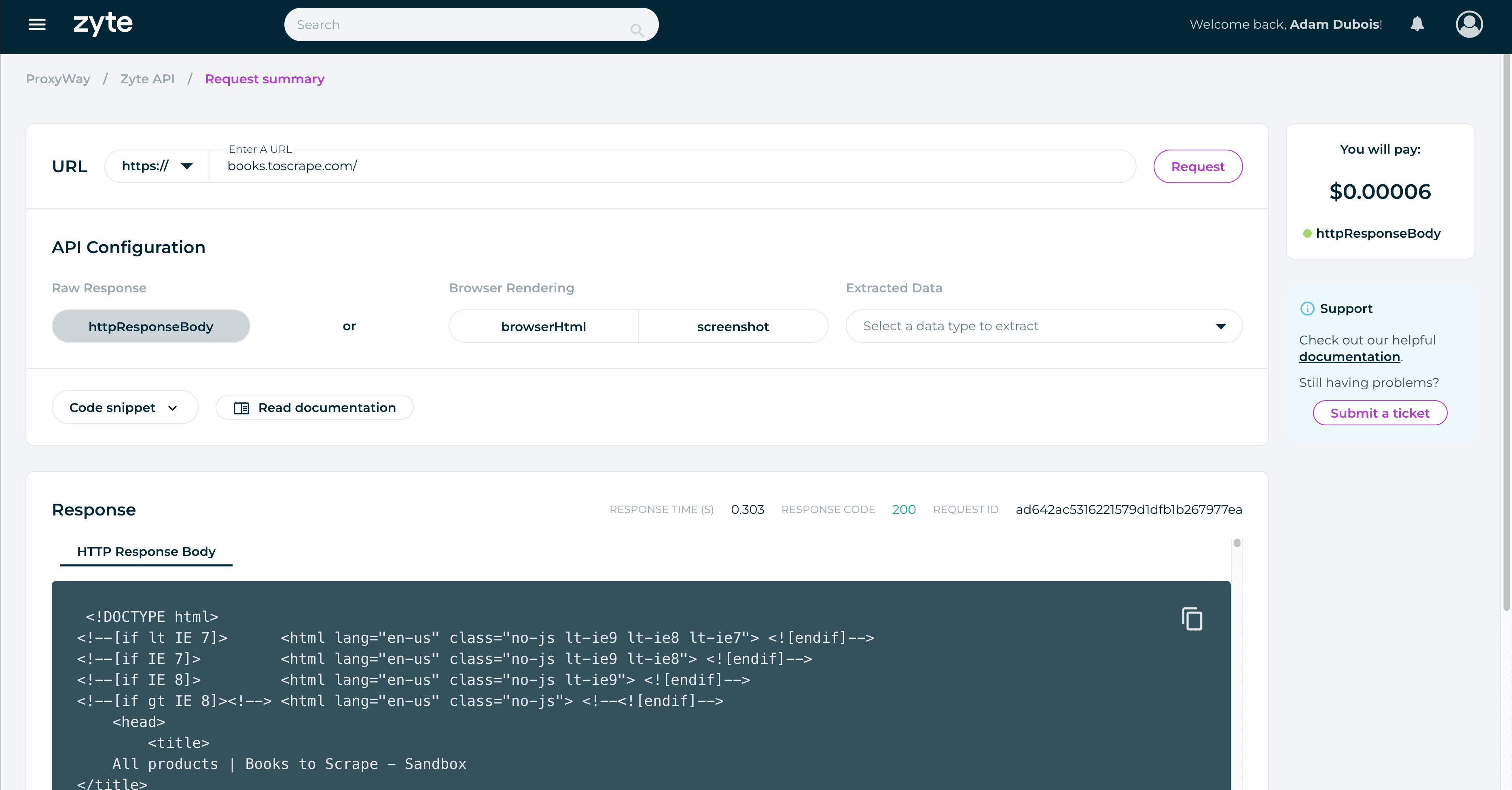
Zyte has made a plug-in for Scrapy and an asyncio-based Python library as alternative integration methods. Scrapy seems to be the preferred option, considering how well it’s documented (and Zyte’s involvement in the project).
There’s also proxy-like integration that resembles the discontinued Smart Proxy Manager. The current version omits some features like browser rendering, data parsing, and ability to create sessions.
Finally, Zyte is experimenting with a no-code interface on the dashboard. It requires subscribing to a second product, Scrapy Cloud, and is able to scrape e-commerce product pages. You can select the number of requests, scraping strategy (HTTP library or headless), and geolocation. This method automatically crawls the website from the URL you provide.
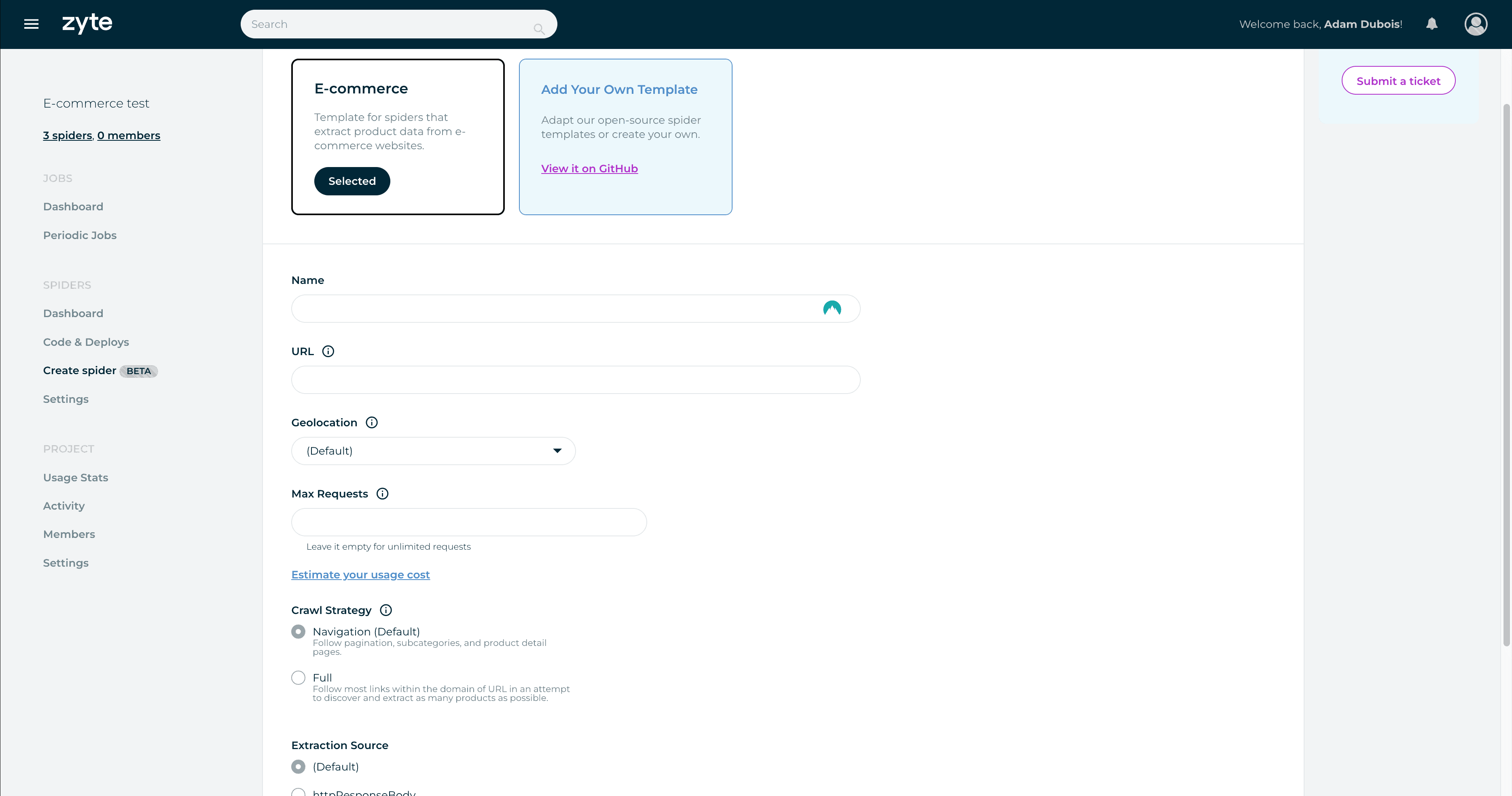
The interface looks like an interesting foray into no-code scraping. Zyte will surely add new templates with time, and it’s made a smart decision to expose the scraper’s underlying code to engineers who want more customization. However, there’s room for improvements: I don’t really like the requirement for a second subscription, that there’s no easy way to schedule requests or specify which particular pages to scrape (save from one seed URL).
Features
A customizable tool that automates away most proxy management.
| Targets: Universal Locations: 150+ with automatic selection | Concurrency: 500 req/minute Output formats: HTML, PNG, JSON |
Zyte API is a general-purpose scraper, meaning it will attempt to deliver any page you throw its way. This separates it from specialized tools like SERP APIs that focus on one category of websites.
Unlike the now-deprecated Smart Proxy Manager, this API fully manages proxy servers on your behalf. It automatically selects the necessary proxy type and even location based on the page if you don’t override the setting.
The API chooses request headers, device type, and other basic parameters by itself. However, you’re free to provide custom headers, pass on cookies, and create sessions for targets that require it.
In addition, Zyte API has the ability to render a page like a browser. At its basicmost, the feature works like a toggle. But Zyte goes a step further: it exposes interaction parameters like clicking on elements, waiting, and scrolling. One request gets 60 seconds of execution time. In addition, enterprise clients get access to a cloud-hosted Visual Studio Code environment to write full automation scripts.
Zyte limits the number of requests to 500 per minute. It may be possible to increase this threshold upon request.
Structured Data
Three types of structured data from any website.
| Data parsing: ✅ | Supported websites: AI parser for e-commerce, news & job listings |
Zyte API can return structured data. Unlike similar tools that offer parsers for individual targets, Zyte’s AI parser is for all pages with a particular data type. In late 2023, you could extract product pages, news articles, and job postings.
You invoke the feature by including a parameter with the expected data type. Zyte’s machine learning engine processes the page and attempts to return structured data points based on the provider’s schema.
It’s a great approach if you need to process a wide range of websites, but it may not be as accurate as tailor-made parsers.
Pricing Plans
Dynamic pricing based on commitment.
| Model: Subscription, pay as you go Format: Successful requests | Self-service: ✅ |
Zyte API uses an interesting pricing model that calculates the request price dynamically based on multiple factors. It considers website difficulty, the use of residential proxies, headless browsers, data extraction, and compute time for browser actions.
You can influence the price by toggling JavaScript rendering, choosing whether to parse the URL, and configuring page interactions. But some factors will always remain outside your control. For example, the website may get harder to scrape for Zyte, which will increase the rate. In the same vein, it can also become cheaper.
The description can make Zyte’s pricing sound confusing and unpredictable. In some measure, it is. To bring more clarity, the provider has built a dynamic pricing calculator. It lets you enter any domain, tick a few feature toggles, and then it spits out the provisional price.
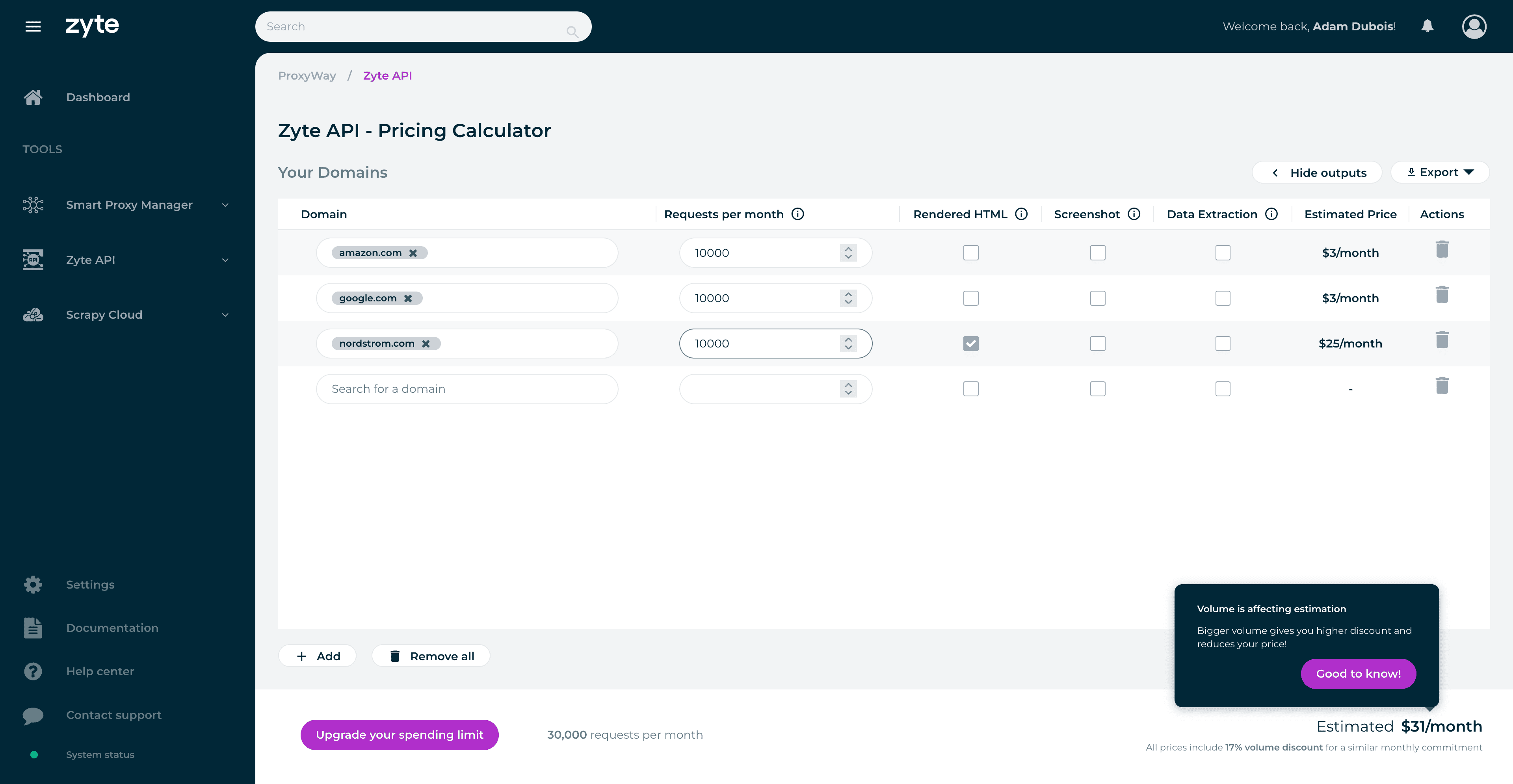
Zyte’s pricing is also dynamic in terms of plans. You can use the API freely for up to $25 per month and then pay once the billing period ends. Any more than that, and you’ll have to set a spending limit. This requires pre-paying half the limit’s amount at the beginning of the month. The more you choose, the bigger the volume discount you get, up to 70%. This effectively works as a monthly subscription.
Zyte gives $5 of free credit for all customers. If you’re scraping simple websites with no rendering, this translates to thousands of scrapes.
In general, Zyte’s model can be extremely price-efficient for simple websites, but the cost soars once you start enabling the premium features. Here’s an example. If you committed $100. at the end of 2023 this would have given you 715,000 requests to Amazon or 83,000 Nordstrom page scrapes. The latter target has tough protection and requires JavaScript.
Performance Benchmarks
Great results with all tested websites.
We last tested Zyte API in October 2023 for our proxy API research.
We made 1,800 requests to each of seven websites behind tough anti-bot systems like DataDome and Shape.
| Avg. success rate | Avg. response time | |
| Amazon | 95.64% | 3.90 s |
| 100% | 2.16 s | |
| Photo-focused social media network (JS rendered) | 99.61% | 19.78 s |
| Kohls (Akamai, JS rendered) | 99.10% | 29.44 s |
| Nordstrom (Shape, JS rendered) | 99.38% | 20.42 s |
| Petco (DataDome, Cloudflare) | 94.68% | 3.49 s |
| Walmart (PerimeterX, ThreatMetrix) | 96.53% | 2.69 s |
| Overall | 97.82% | 11.70 s |
Zyte API had excellent results with all targets: the success rate exceeded 95%, and it returned results in less than 30 seconds, even on websites that required rendering JavaScript.
In a broader context, Zyte’s performance beat all similar tools from major competitors.
How to Use Zyte
Registration
To register with Zyte, you’ll need to enter your first and last name, email address, and password. Alternatively, it’s possible to sign up using Google or GitHub accounts.
Dashboard
Zyte has a dashboard for interacting with its two products: Zyte API and Scrapy Cloud. Each is contained in a separate section. The API part lets you view usage statistics, use the API playground and pricing calculator, and manage your key.
Furthermore, there’s a section for managing account and organization settings, as well as billing. It’s interesting that one account can be associated with multiple organizations, with their own product subscriptions and members. It goes the other way around, too – an organization can host several members with roles. The two roles are a regular member and an owner that can manage the billing details.
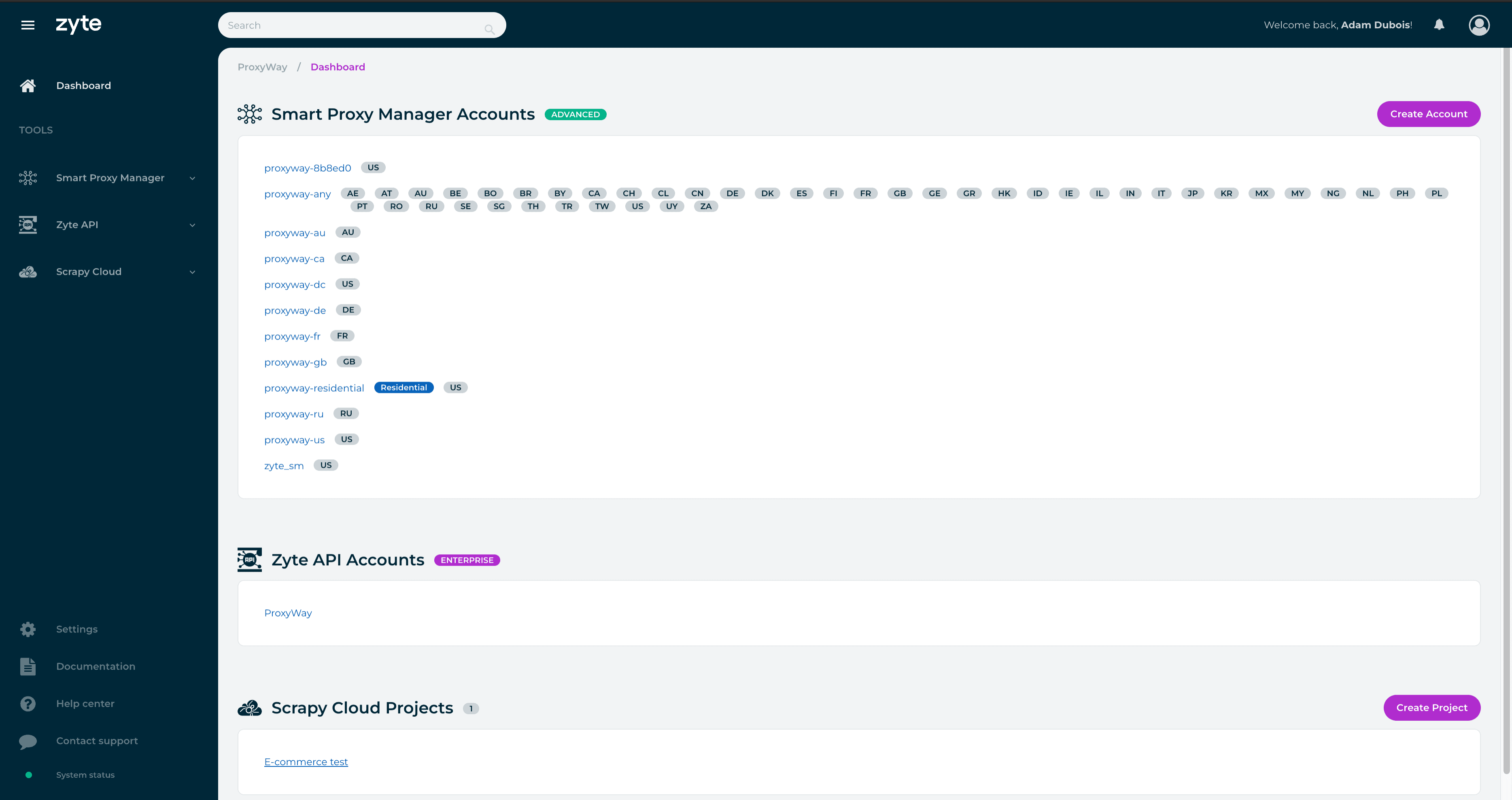
Subscription Management
To start using Zyte API, you’ll need to enter a payment method, which is invariably a credit card. Zyte will charge $1 to confirm the card, promptly refund it, and you’ll be able to start using the product.
Zyte supports self-service, meaning that no interactions with people are necessary. There is no wallet functionality; so even though Zyte API can function based on a pay-as-you-go model, you’ll still be paying at a monthly cadence.
Zyte allows viewing your billing history and ongoing expenditure on the dashboard. This information isn’t glanceable – rather, it’s hidden behind several navigation layers. Enterprise clients will also see their signed contracts.
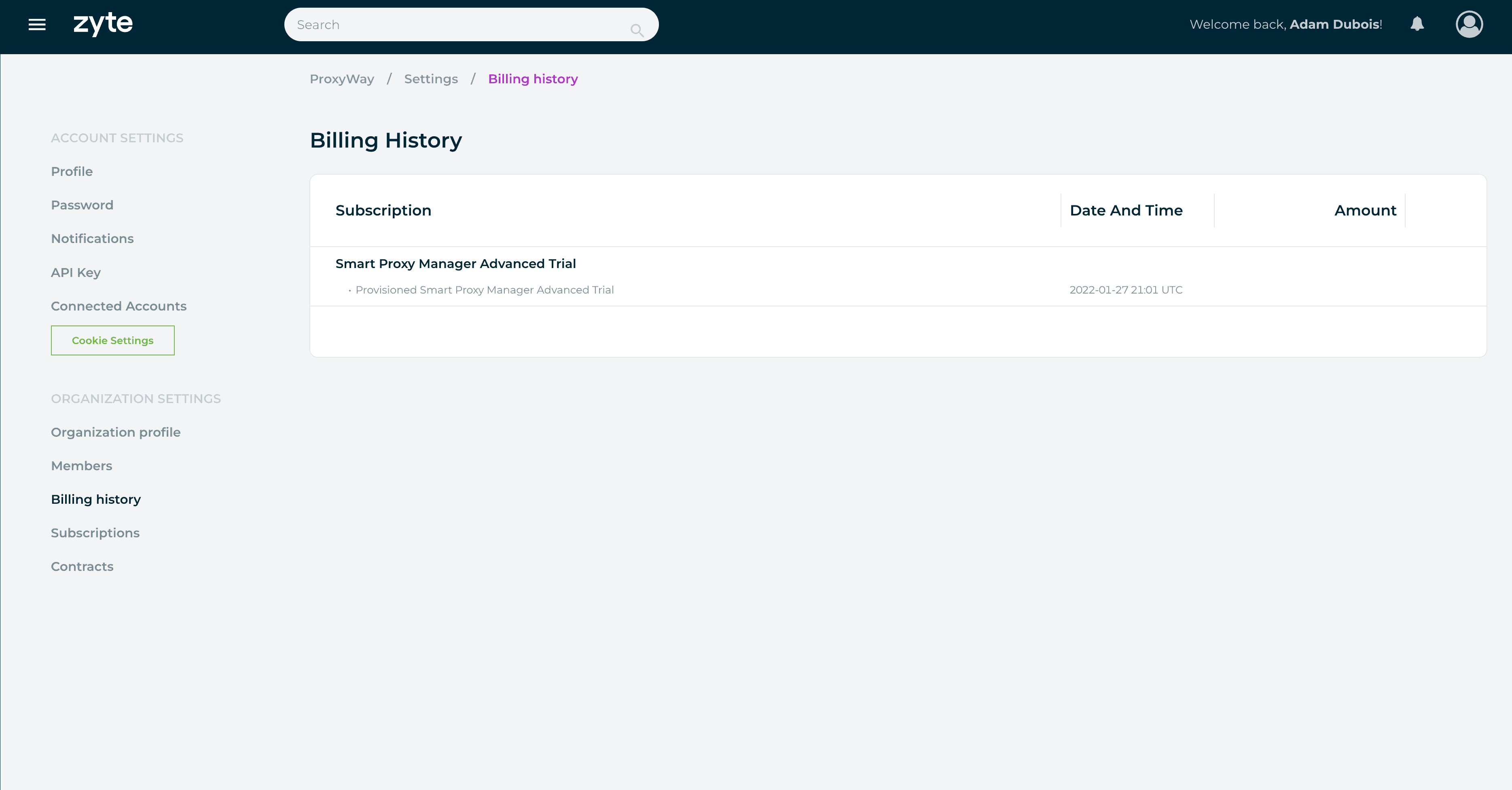
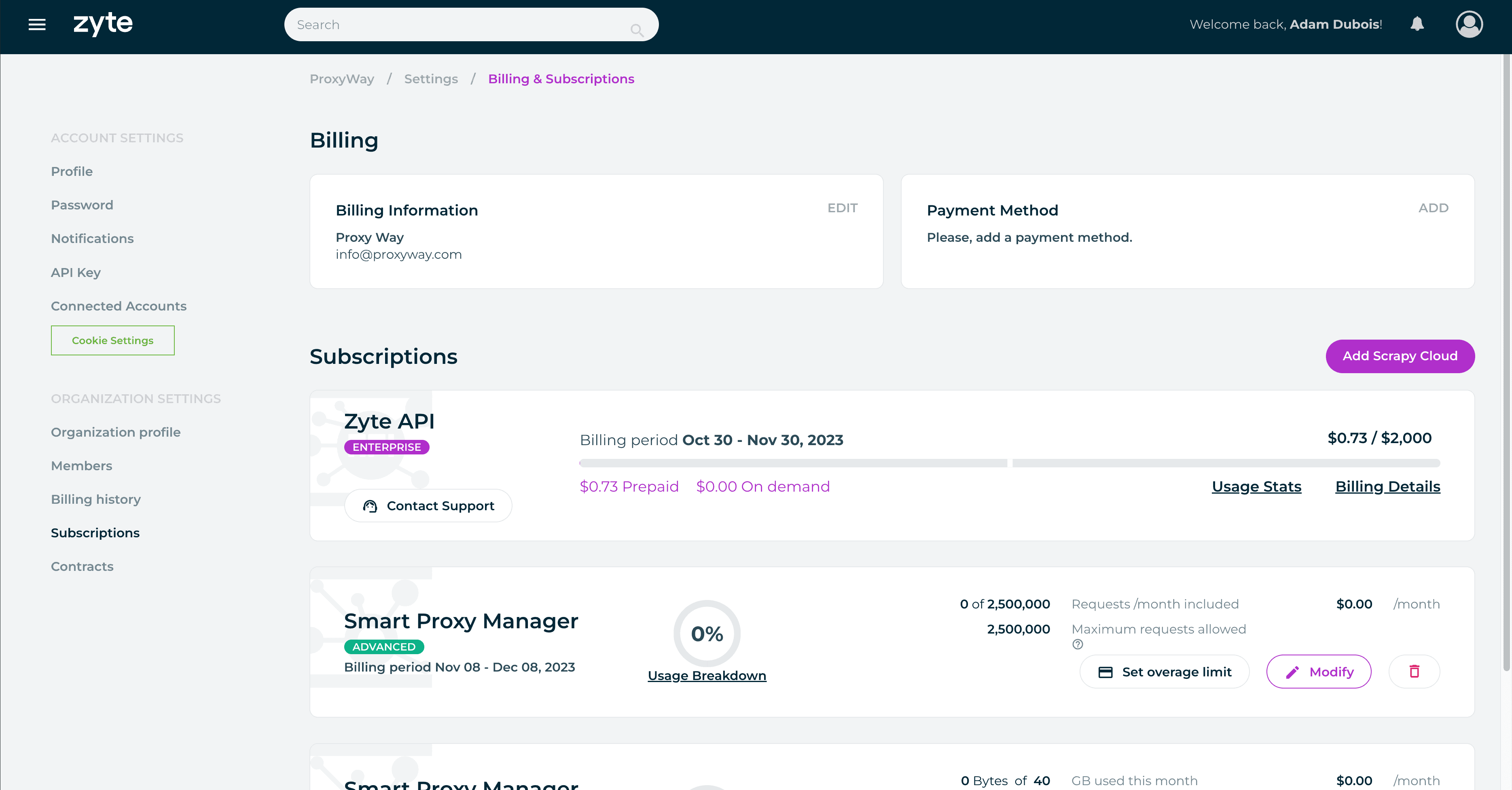
Usage Tracking
Zyte provides detailed usage statistics on the dashboard. You can filter the data based on various metrics: website (all or up to five individual websites), features (such as headless and non-headless requests), request status, parsing type, and even request cost.
The output will be displayed in a graph that can be further filtered by price, request count, or response time. There’s also a table that shows results on an individual request level, including the full URL, response time, and request ID for troubleshooting.
However, the usage tracking isn’t perfect: some data points can be slow to load, and Zyte displays information no older than the last month or the current billing period. In addition, you can’t export the table for easier processing.
All in all, there’s a lot of granularity, but making full use of it isn’t always easy.
For more general information about infrastructure performance, Zyte has a page with uptime statistics.
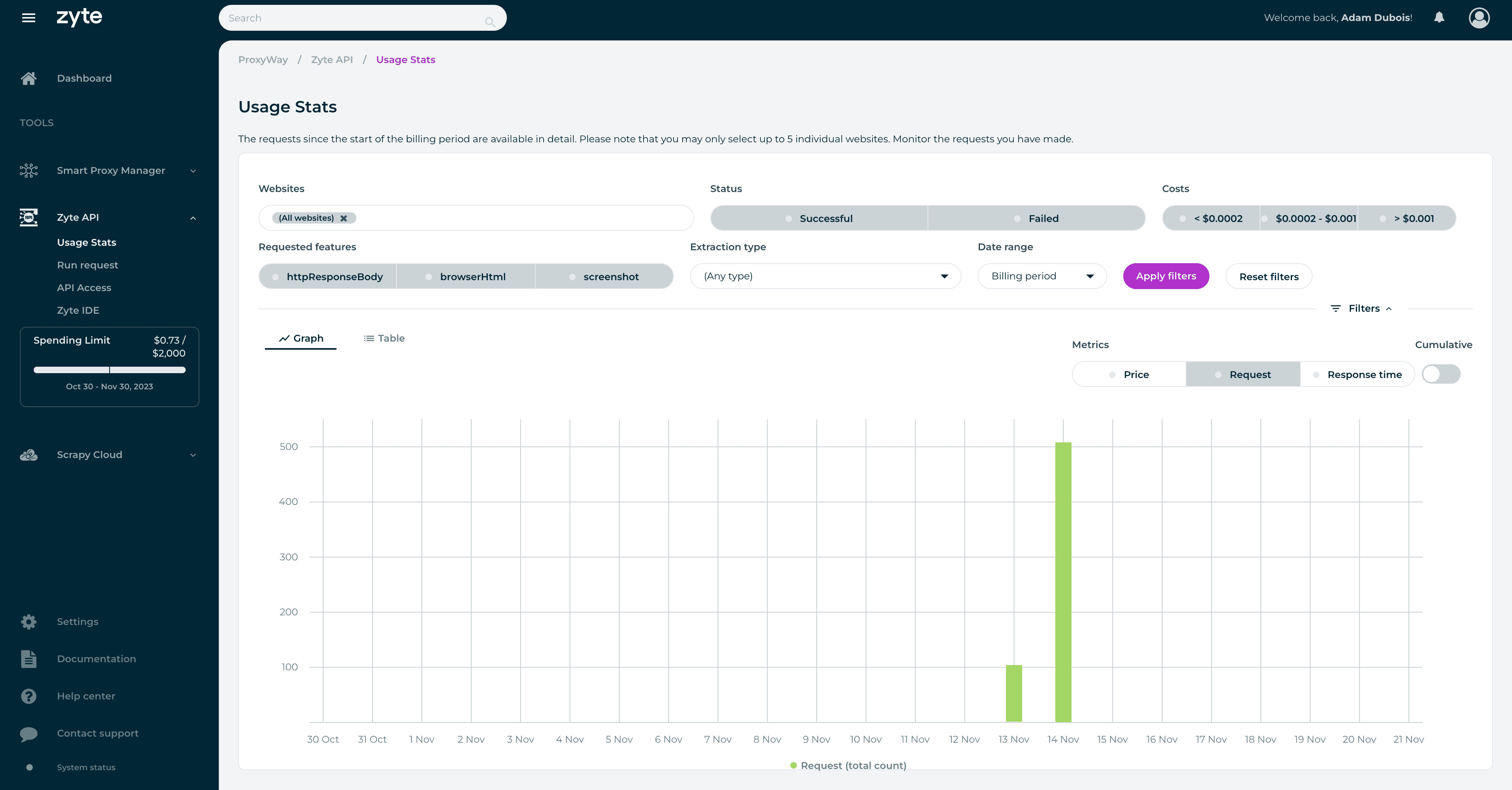
Documentation
Zyte has detailed documentation for using Zyte API. It provides not only API reference information but also a detailed account of the main features, migration instructions from similar tools, and a step-by-step usage tutorial. You should be able to find everything you need to start scraping with the API.
Documentation aside, there’s also a knowledge base that the provider calls the Support Center. It’s evidently outdated – you’ll find nothing on Zyte API but will be able to read about products that are no longer available.
Finally, you can watch one of Zyte’s many webinars. They cover topics like legal compliance, data maturity, and the use of Zyte API in various scenarios.
Hands-On Support
Zyte’s support system uses tickets that you can submit via the dashboard. The provider gives an SLA of one hour – or eight hours on weekends. Enterprise customers get a special treatment.
This isn’t ideal – not only is the weekend support slow, but it’s also available only via an asynchronous contact method. In other words, you get no 24/7 support or live chat like with many proxy service providers.
That said, another way to get help is by creating a thread on Zyte’s Support Center. But here, receiving a timely response is even harder. One user whose access was removed failed to receive help in four days (!), pointing out that it becomes impossible to use the ticketing system after your subscription ends. The support experience – at least for the person whose woes we’re recounting – was really bad.
Conclusion
Zyte’s API is a powerful tool that works impressively well and offers a rich selection of features. Some, like AI parsing and browser actions, are hard to find in competing offerings.
Zyte’s dynamic pricing is currently another strong point if you’re scraping JavaScript-independent websites. Even then, it remains palatable, though the rates rise ten or more times. That said, expenses here can be harder to estimate than some companies would like.
From the user experience point of view, Zyte treats developers well, especially if you’re already invested in its Scrapy ecosystem. But the user experience can be clunky at times and the customer support was downright exasperating if you need urgent help during weekends or fall outside of the ticketing system.
I’m curious to see how the no-code interface will pan out. It holds great promise for less technically-minded users while still giving engineers access to the underlying code. For now, the implementation works but hasn’t been fleshed out yet.
In summary, I enjoyed using Zyte API and consider it to be a strong choice for anyone looking to simplify their web scraping operations.
Zyte Alternatives
Oxylabs has several web scrapers with data parsing capabilities. They’re scalable, performance, and can structure many e-commerce stores automatically.
Bright Data offers excellent general-purpose and search engine scrapers that integrate as proxies. It also has an IDE where you can built a crawler by yourself.

ScraperAPI’s product is very cheap for simple websites and has developer-friendly documentation that covers multiple programming languages.
Review coming soon
Recommended for:
Engineers that want to simplify their web scraping operations.
The post Zyte Review appeared first on Proxyway.
]]>The post Webshare Review appeared first on Proxyway.
]]>
Webshare Review
Webshare is the go-to choice for nearly 60,000 paying users and even Fortune 500 companies. It’s probably safe to say the provider knows what it’s doing.
What distinguishes it from other proxy vendors? 10 free IPs for every registered user would be the obvious answer. Other than that, Webshare is cheap (though not always) and extremely customizable, with powerful self-service features.
But can this provider do what you need? We tested Webshare’s datacenter and residential proxy networks to find out!
Get 50% off your first purchase.
3-Minute Human Summary
- Webshare’s main products are datacenter and ISP (static residential) proxies in shared or dedicated lists. They cover six continents, and you can buy as few as one or as many as 10,000 IPs.
- The provider is known for its flexible features, many of which are upsells. For example, you can choose how many individual IPs you’ll be able to replace, or refresh the full proxy list as often as every five minutes. Optional IP rotation comes included free of charge.
- The residential proxy network is also worth a look: it’s one of the larger in the market (our benchmark found over 500k US IPs) and performs very decently. However, it lacks UDP support, if you need it.
- Webshare costs way below the market average, as long as you’re careful with the upsells. As a result, you can get many decent IPs cheaply. The free plan gives a generous 1 GB monthly allowance.
- The platform is suprisingly advanced with a wallet, great usage tracking tools, a powerful API that replicates the dashboard’s functionality, and sub-users.
- Overall, Webshare is a great choice if you’re looking for a strong developer experience or the flexibility this provider can give you.
News about Webshare
-
- Provider News
-
- Provider News
General Information
- Country: United States
- Founded: 2018
- Employees (LinkedIn): 25-50
- Proxy networks: Datacenter, ISP, residential
- Supporting tools: Chrome extension
- Price segment: Entry/mid-market
- Payment methods: Credit card, Google Pay, Apple Pay
- Trial: Free plan with 10 datacenter IPs
Webshare is a Silicon Valley-based proxy provider founded in 2018. In late 2022, it was acquired by Oxylabs, one of the biggest names in the field. Despite that, Webshare continues operating as a separate entity.
The provider began by selling datacenter proxies. To this day, they remain the driving force behind the service. According to our annual survey, ISP proxies have also grown to play a significant role in the company’s line-up.
Webshare positions itself as an affordable proxy vendor – especially if you’re looking for many server-based IPs. As such, it primarily targets entry to medium clients, drawing them in with the free plan. The provider manages datacenter proxies in-house and likely uses Oxylabs’ infrastructure for residential IPs.
As a company, Webshare can be considered mid-sized. It’s been growing fast and employed 32 people in March 2026, or a quarter more more than the year before.
Webshare Proxy Networks
Webshare offers three kinds of proxy servers: datacenter, ISP, and residential. Use the tabs to learn about their features, pricing, and performance in more detail.
🏢 Datacenter & ISP Proxies
Datacenter proxies are Webshare’s flagship product with IPs in nearly 50 locations. ISP proxies have similar specifications but work better due to their association with residential internet service providers. This is a growing service set to gradually take over.
Both proxy networks come in three formats: shared with many, shared with a few, or dedicated to your exclusive use. Webshare’s terminology is misleading because it calls its semi-shared proxies private.
The products are similar in many ways, so we’ll cover them together.
🏢 Datacenter proxies
- Formats: Shared, semi-shared, dedicated list
- Countries: ~45 in six continents
- Rotation: Available in all formats, optional
- Other features: IP refresh interval, # of manual IP replacements, high concurrency, network priority, 0 fraud score
- Starts from: $2.99 for 100 shared IPs & 250 GB. Free plan with 10 IPs & 1 GB/mo available
🏢🏠 ISP proxies
- Formats: Shared, semi-shared, dedicated list
- Countries: ~15 in four continents
- Rotation: Available in all formats, optional
- Other features: IP refresh interval, # of manual IP replacements, high concurrency, network priority, 0 fraud score
- Starts from: $6 for 20 shared IPs ($0.3/IP) & 250 GB
- Pool size: Based on purchased IPs
- Countries (July 2026)
- Datacenter: ~45 in six continents
- ISP: ~17 in five continents
- Integration method: IP list / gateway server
- Targeting: Country level
- Distribution: Free country selection during purchase, random subnets
- Replacement
- Free: 10 IPs/mo, auto replacement on proxy downtime, low country confidence
- Paid: more individual IP replacements, manual and automated list changes
- Rotation: Every request / static
- Traffic: 250 GB / 1 TB/ 5 TB / unlimited
- Concurrency: 500 to thousands of threads
- Protocols: HTTP, SOCKS5 (no UDP)
- Authentication: Credentials, IP whitelist
- Sub-users: ✅
- Other: High network priority, 0 fraud score
Webshare’s datacenter proxies are available in around 45 locations. The number depends on stock availability. You can choose from six continents – mostly Europe, but there were even several African countries when we checked. The bulk of the IPs, however, was based in the US (in July 2026, there were 128k shared, 25k private, and 20k dedicated US IPs available).
The ISP proxies have less coverage: all three variations offer around 17 countries to choose from, mostly European. Once again, US had the largest stock of IPs when we checked: between 3k and 30k per variation.
You can specify how many IPs you want from each country or go ahead and choose random distribution.
Webshare gives 10 individual IP replacements for free. There’s an option to set up free automatic IP changes when a proxy experiences 15+ minutes of downtime or when an IP has low country confidence.
If that’s not enough, Webshare offers extremely flexible replacement features as paid add-ons. You can opt for automatic list refreshes that range between a month and every five (!) minutes, up to 50 manual refreshes or 5k individual IP replacements. Furthermore, you can choose to only replace IPs from the same IP range, ASN, or country.
Webshare’s proxy servers can integrate directly as a simple proxy list, or using a backconnect gateway address. In theory, the list should be faster (fewer middlemen), but it doesn’t rotate.
The gateway option gives Webshare’s proxies the ability to rotate. The default is rotation with every connection request. Webshare has settings for modifying the session timeout (how long a proxy connection can keep running) and idle timeout (how fast the IP will rotate when inactive).
Unlike many other datacenter proxy vendors, Webshare takes a modular approach to functionality. The base configuration limits traffic and threads, and you can increase or even lift these limits by paying extra. There’s also an interesting checkbox that gives you network priority over other users, potentially decreasing latency.
If you want, you can also create sub-users. Three slots are given by default, but it’s possible to buy up to hundreds more at next to nothing.
Paired with Webshare’s IP replacement options, this flexibility enables interesting configurations. For example, you can get a plan with ten proxies and choose to automatically refresh the list every ten minutes. This will give you access to a large pool of IPs over time. It’s great to have so much choice.
- Model: Subscription
- Format: Pay per IP
- Starting price
- Shared datacenter: $2.99 for 100 IPs & 250 GB ($0.03/IP)
- Dedicated datacenter: $1.4 for 1 IP & 250 GB
- Shared ISP: $6 for 20 IPs & 250 GB ($0.3/IP)
- Dedicated ISP: $3.5 for 1 IP & 250 GB
- Upsells: More traffic, threads, IP refreshes, network priority, sub-users, 0 fraud score
- Trial: 10 free proxies with 1 GB per month
Webshare uses a subscription-based pricing model, but it isn’t quite the same as what customers are used to seeing. That’s because you get full control over your subscription.
The price considers not only the number of proxies you buy but also bandwidth, refreshes, and additional features like network priority. The cost for each modifier differs: for example, high concurrency adds 38% to the price, while the next traffic tier (250 GB -> 1 TB) charges 50% more.
Here are all the upsells you can choose:
- More traffic (250 GB by default in all configurations)
- Automatic replacements (up to every 5 minutes)
- Manual replacement (up to 5,000, 10 by default)
- High concurrency (500 by default)
- High network priority
- 0 fraud score
- Unlimited IP authorizations
An IP’s cost can be absurdly low, letting you buy 100 shared IPs for less than 3 cents each. But at this point, you’ll probably want more traffic and threads, in which case the cost rises to more respectable $.21/IP.
While Webshare has a list of plans it recommends, you can also get a custom amount of proxies – sometimes as few as one. There are price floors in place, so this approach is often less economical than going large.
All in all, Webshare’s prices are extremely affordable if you’re careful with the extra functionality. When fully decked-out, the dedicated proxy servers rival premium providers like Oxylabs and Bright Data in price. Even then, they tend to scale well.
We last tested Webshare’s datacenter proxies in April 2026. Our package included 50,000 shared IPs in the US.
Infrastructure performance
Target: Nearest server of a global CDN (~6 KB page size)
Requests: 70,000 over 7 days
Our server location: US
| Gateway | Avg. success rate | Response time (avg/median/P95) |
| US | 99.93% | 0.67 s / 0.60 s / 1.06 s |
The datacenter proxies rarely failed on their own, which met our expectations. They weren’t terribly fast, but we used Webshare’s rotating gateway feature, and it may have added some overhead.
Download speed
Target: Hetzner’s 100 MB Ashburn benchmark
Proxies tested: 10
| Avg. without proxies | Average | Median | Slowest IP |
| 353.91 MB/s | 19.02 MB/s | 18.90 MB/s | 0.90 MB/s |
Webshare’s datacenter proxies were more than fast enough for opening websites and respectably nippy for more bandwidth-intensive tasks like downloading videos.
- Basic format: IP:Port
- Gateway server
- Rotating: USERNAME-rotate:[email protected]:80
- Sticky sessions: USERNAME-1:[email protected]:80, USERNAME-2…
- IP whitelisting: p.webshare.io:10000, 10001, 10002…
The proxy list integration is straightfoward. If you choose the backconnect method, Webshare will give you one gateway and port number, and then you’ll choose different IPs by modifying the username: USERNAME-1, USERNAME-2, and so on. Rotation with every connection request adds -rotate to the username.
Authentication through an IP address generates different port numbers for each IP, without you needing to enter a username and password. This applies both to direct and gateway connections.
🏠 Residential Proxies
A competent but rather barebones proxy network sourced from real people around the world. Here, you pay for traffic and get access to the full proxy pool.
- Advertised pool: 80M IPs
- Countries: 195+ with state, city, ASN & ZIP code targeting
- Rotation: Every request, customizable sessions
- Starts from: $3.5 for 1 GB
- Advertised proxy pool: 80 million IPs
- Countries: 195+
- Integration method: Gateway address
- Filtering
- Random: ✅
- Country: ✅
- City: ✅
- ASN/ISP: ✅
- Other: State, ZIP code
- Rotation
- Every request: ✅
- Sticky sessions: ✅ (as long as available)
- Session behavior: New IP after disconnect, customizable inactivity timeout
- Protocols
- HTTP: ✅
- HTTPS: ❌
- SOCKS5: ✅ (no UDP)
- Authentication
- Credentials: ✅
- IP whitelist: ✅
- Sub-users: ✅
- Concurrency: 500 with an optional upgrade
- Traffic: Plan based
Webshare advertises 80 million IPs from real devices. Of course, this being a residential proxy network, only some of the proxies are available at a given time.
You can choose from most locations around the world, with the option to further specify a state or city. Since summer 2026, ASN targeting is also available, bringing Webshare to feature parity with competitors.
Like all residential proxy networks, Webshare uses a backconnect gateway address. You send requests to it, and the gateway automatically chooses which end-user IP to connect through. The provider has multiple gateways in the US and other countries to relay requests efficiently.
Webshare’s residential proxies can rotate with every connection request, and it’s also possible to establish sticky sessions. However, you can’t choose their custom duration.
The default configuration gives you 500 threads to work with. The number isn’t high, but it’s possible to increase it by paying extra. In the same way, you can enable network priority, which in theory should make the connection faster.
SOCKS5 is available, but it routes only TCP traffic.
- Model: Subscription (monthly, yearly)
- Format: Traffic
- Modifiers: More threads, sub-users/whitelisted IPs, network priority
- Starting price: $3.5 for 1 GB
- Trial: ❌
With the residential proxies, you won’t pay per IP; instead, Webshare charges for traffic. The price depends on additional features like network priority, threads, and unlimited IP authorization.
Webshare used to charge the same price per unit ($15/GB) as premium providers like Oxylabs and Bright Data. But after several price cuts, it now stands next to the affordable companies like Decodo and IPRoyal.
Getting a yearly plan reduces the price by a further 30%, making Webshare even more affordable.
We last tested Webshare’s residential proxies in April 2026, for our annual proxy market report.
Pool size & composition
| Gateway | Requests | Unique IPs | Residential %* |
| Global | 3.6M over 21 days | 1,745,672 | 98.88% |
| US | 1.2M over 14 days | 515,736 | 98.77% |
| UK | 560k over 14 days | 168,717 | 98.61% |
| EU** | 1.2M over 14 days | 403,257 | 98.54% |
| Brazil | 560k over 14 days | 433,923 | 99.07% |
| India | 560k over 14 days | 429,282 | 98.17% |
| Australia | 140k over 7 days | 31,549 | 98.65% |
* IP2Location database, Usage type data point (ISP, ISP/MOB, MOB IPs)
** Combines Germany, France, Spain, Italy, the Netherlands.
Top 10 countries in the Global pool

Comparison with other providers
Webshare’s residential proxy network was above average in size, with good coverage of Tier 1 countries like the US. It was also predominantly residential, as advertised.
Infrastructure success rate
Requests: Same as the pool test
Target: Nearest server of a global CDN
| Gateway | Avg. success rate |
| Global | 99.28% |
| US | 98.92% |
| UK | 99.02% |
| EU | 99.25% |
| Brazil | 99.58% |
| India | 99.48% |
| Australia | 99.57% |
Comparison with other providers
Our requests succeeded over 99% of the time in all scenarios, showing that the infrastructure had no serious downtime over three weeks and is stable for continuous use.
Infrastructure response time
Requests: 6 KB page size – same as the pool test, 2 MB page size – 5,000
Target: Nearest server of a global CDN
6 KB page size
| Gateway | Avg. | Median | P95 |
| Global (🇩🇪 -> any IP) | 0.86 s | 0.69 s | 1.66 s |
| US (Ashburn -> 🇺🇸 IP) | 0.94 s | 0.78 s | 1.80 s |
| UK (🇩🇪 -> 🇬🇧 IP) | 0.67 s | 0.51 s | 1.32 s |
| EU (🇩🇪 -> 🇩🇪/🇪🇸/🇫🇷/🇮🇹/🇳🇱 IP) | 0.65 s | 0.49 s | 1.33 s |
| Brazil (Ashburn -> 🇧🇷 IP) | 1.15 s | 1.04 s | 1.90 s |
| India (Singapore -> 🇮🇳 IP) | 1.68 s | 1.47 s | 1.33 s |
| Australia (Singapore -> 🇦🇺 IP) | 1.57 s | 1.38 s | 2.69 s |
2 MB page size
| Gateway | Avg. | Median | P95 |
| Global (🇩🇪 -> any IP) | 5.85 s | 2.88 s | 21.06 s |
| US (Ashburn -> 🇺🇸 IP) | 4.31 s | 2.07 s | 12.11 s |
Comparison with other providers
6 KB page size, average response time
While its proxy network has improved in this regard, Webshare remains behind the fastest providers. Still, its latency was very perfectly adequate for most uses. The main area where it could be improved is the Asia-Pacific region.
- Basic request: p.webshare.io:80
- Using filters: USERNAME-de-es-fr-it-us-rotate:[email protected]:80
- Establishing sessions: USERNAME-1:[email protected]:80
- Using IP whitelisting: p.webshare.io:9999, p.webshare.io:10000, 10001…
To access the network, you can use either credentials or whitelist an IP. The first option modifies the username to reflect your configuration: country filtering adds, for example, -us, and sticky sessions add a number. It’s interesting that you can select multiple countries at once – not every provider supports this.
Whitelisted IP authentication removes the need for a username and password. This way, you choose your settings on the dashboard (countries, rotation), and Webshare generates different ports for sticky sessions. It’s possible to have only one active configuration using the whitelisted approach.
How to Use Webshare
Registration
All products can be bought through self-service, so they won’t take long to set up. You’ll have to fill in a registration form, confirm your email, and you’re in.
Webshare supports signing up with Google or GitHub for easier access.
KYC & Usage Policies
Webshare doesn’t have a proactive KYC procedure. You’ll only have to undergo one if the system detects unusual activity or if you try to access financial websites. This policy makes Webshare easy to pick up, but it can (and, reading online feedback, does) make some users unhappy if they trigger verification.
In general, Webshare doesn’t provide a list of the websites it restricts – you’ll have to ask to find out.
Dashboard
Webshare’s dashboard includes everything you need to work with proxies. You can manage subscriptions, set up proxy servers, monitor usage, get help, and access the API. The dashboard includes a dark mode and is only available in English.
The dashboard’s main page shows basic information about the active subscription, as well as some usage statistics. More controls are reachable through the navigation bar on the left hand side. Webshare allows changing the time zone to wherever you are, which is a nice touch.
Since 2026, Webshare allows subscribing to several plans under one account. The caveat is that they must involve different products.
The dashboard lets you add billing and credit card information to simplify transactions. There’s wallet functionality where you can buy and use account credits, and a page containing the transaction history with downloadable invoices.
The provider supports complete self-service for all its proxies. The purchase process is divided into steps:
- Selecting the preferred proxy type and traffic allowance.
- Choosing IPs from the list of countries. Webshare shows how many IPs are available in each.
- Configuring the refresh options for server-based proxies.
- Deciding on optional features like more threads, network priority, and unlimited whitelisted IPs.
After you’re done building your plan, you can see all the necessary information under My Plan. It displays the fee, your wallet balance, and other plan details. In any case, you can customize your choices after the purchase, upgrading/downgrading the plan or switching to a different product altogether.
Platform access
The dashboard itself has few settings for controlling access: there’s no 2FA or team accounts. The only things you can do are change your email address, password, and delete the profile.
Proxy access
Setting up proxies on Webshare is easy enough. The Proxy List page holds all the IPs available in the plan. It shows their basic location information and when they were last checked. It’s also possible to replace IPs here and see the proxies you’ve already replaced in a separate tab.
You can filter the list by country, select the authentication method, and the proxy presentation format: direct connection or a rotating gateway. Then, you simply download the full or partial list as a .txt file. Below the list, there are code samples in multiple programming languages.
Sub-users are managed on a separate page. Webshare lets you add a label, traffic allowance, and thread limits. You can even create custom proxy lists for that user, for example, restricting it to particular countries.
IP whitelisting can be found on a different page. Session and idle timeout settings are on yet another, which makes the experience a little disjointed.
The setup widget works very well with datacenter and ISP proxy servers, but it can be a little awkward when residential proxies get involved. In addition, sub-users have their own setup widgets, which aren’t easily discoverable.
Webshare has amazing observability tools.
The home page offers a quick glance into main usage statistics: requests, traffic, and connection errors. You can then dive deeper into the metrics by exploring their dedicated pages.
- The Bandwidth page shows your actual and projected usage for the billing period. In addition, it displays the number or requests made through different connection protocols, average concurrency, requests per second, and bandwidth per request.
- The Errors page shows the rate of connection errors, their type, reason, status code, and even troubleshooting instructions.
- The Activity page shows request-level statistics with timestamps, targets, request duration, and more.
If you want to go even deeper, you can view the activity of individual IP addresses. This applies only for datacenter and ISP proxies.
Webshare lets you choose from pre-set timeframes (this billing cycle, last 24 hours, etc) or freely specify the duration going up to three months back.
Finally, you can check for downtime using Webshare’s network status page.
API Access
If you want to access your proxies programmatically, Webshare offers an API to every customer. The API comes with features covering all aspects of the service.
Its functions include registration and login, managing notifications, creating user profiles and sub-users, setting traffic limits, viewing proxy configurations, and more. The API provides code examples in cURL and major programming languages like Python and JavaScript.
Documentation
If you need help, your first resource should be Webshare’s Help Center page. It includes three sections: billing and payments, set up and proxy configuration, as well as proxy issues. Each has articles with answers and instructions.
Else, there’s a Help button at the bottom of your dashboard. You can quickly find the same answers by typing your inquiry. For example, you can search for “refresh my proxy list” and get a list of suggested articles.
Hands-On Support
Customers can reach Webshare by email or live chat. The latter option appears only when logged in and has a chatbot as the first line of support. It’s available 24/7; if the bot fails to help you, the provider’s customer support agents work 24/5.
According to Webshare’s website, the agents responds to each request within 24 hours. That’s quite long if you’re having trouble using their services. However, we’ve found that at least for basic queries, the chatbot is actually useful at giving relevant answers.
Conclusion
Webshare’s key strengths include its flexible pricing model and powerful management tools.
The provider mainly focuses on datacenter and ISP proxy infrastructure, and this is where it shines. But even its residential proxy network can stand on its own against entry and mid-market alternatives.
Webshare tries to make the user experience as easy as possible, so even beginners will find the service fitting. But this comes out of necessity since there’s no 24/7 customer support.
Praises aside, Webshare lacks some features we’ve gotten used to. The residential proxy network has limited location and sessions settings, while the server-based products are constrained to country-level filtering. As such, it might not be the best option for location-sensitive use cases.
Otherwise, Webshare is one of the better entry choices in the market, especially if you’re looking for datacenter or ISP proxy servers.
Webshare Alternatives
Decodo offers a robust residential & mobile proxy infrastructure with more features. The service targets mid-sized customers and goes the extra mile for customer service.
Oxylabs’ service will treat you well if you’ve outscaled Webshare, need more features, or a more personalized touch. It’s the premium choice.

Rayobyte has a robust datacenter and ISP proxy infrastructure with city filtering and traffic-based formats. However, it’s pricier and the platform isn’t as robust.
Recommended for:
Anyone looking for affordable and fully-customizable proxy services.

The post Webshare Review appeared first on Proxyway.
]]>The post Infatica Review appeared first on Proxyway.
]]>
Infatica Review
Infatica is a mid-market proxy and web scraper vendor with enterprise aspirations, competing with companies like Bright Data, SOAX, and Decodo. We revisit it in mid-2026 after first testing the provider several years ago. Back then, it was already a decent service, but still very much in the making. What about now? Let’s find out!
The review will give you some context about Infatica as a company, its user experience, and proxy performance based on weeks of testing.
Use the code proxyway2024 to get 20% off your first purchase.
Three-Minute Human Summary
- Infatica sells access to all types of proxy servers, with residential proxies as its main product. The provider sources IPs in-house, through an SDK. You can also get various web scrapers controlled via an API or a no-code interface.
- You shouldn’t find Infatica lacking in features: there’s city and ASN level filtering (both can be combined together) and flexible rotation settings. The main things that are missing are the UDP protocol and proper sub-users.
- Infatica’s proxy network is large in general, with a big presence in countries like Russia and China, and average in desirable locales like the US. The infrastructure failed 3-4% more than the industry best, and the provider tends to keep slower proxies in the pool rather than filtering them out.
- Price-wise, Infatica compares well with its main competitors, scales well, and allows paying as you go. However, you won’t really be able to top up traffic without refreshing the whole plan.
- The user experience can be unconventional at times. We liked Infatica’s dashboard wallet feature, disliked the plan management tools, and found its generation of proxy lists interesting. A KYC is always necessary and must be completed before using proxies.
- All in all, we consider Infatica a solid choice for proxy servers.
News about Infatica
-
- Provider News
-
- Provider News
-
- Provider News
General Information
- Country: Singapore, UK, Hungary
- Founded: 2019
- Employees (LinkedIn): 25-50
- Proxy networks: Datacenter, ISP, residential, mobile
- Other services: scraping APIs, no-code scraper, datasets
- Supporting tools: Proxy checker
- Price segment: Mid-market
- Payment methods: Credit card (Stripe), PayPal, Bitcoin, bank transfer
- Trial: Available, paid
Infatica is a Singapore-based proxy provider established in early 2019. It initially sold premium residential proxies but has since expanded to all major proxy types and web scraping APIs. Despite having several headquarters around the world, Infatica’s owners and a large part of the staff are of Eastern European origin.
The provider’s main target is businesses: primarily small to medium, but lately Infatica has been moving toward enterprise clients. Among the use cases, you’ll find usual suspects like web scraping, ad verification, social media automation, and business intelligence.
As a business-oriented provider, Infatica tries hard to present itself as a legitimate service. Its approach is laid out in the provider’s ethical code that mentions GDPR compliance, activity monitoring, and IP sourcing practices. It’s also achieved as many as four ISO certifications, which basically assures that your information will be safe.
Infatica is straightforward about how it gets and governs proxies. It injects an SDK into (mostly Windows) apps and borrows traffic from the people who install them. In return, devs get an unintrusive monetization method to replace ads and other annoyances. Infatica once caught heat for putting the SDK into Chrome extensions and has reduced reliance on this avenue.
All in all, Infatica is a standard mid-sized proxy server company. There’s nothing particularly unique about it, but that’s not necessary a bad thing.
Infatica Proxy Networks
Infatica sells all four types of proxy servers: residential, ISP (or static residential), datacenter, and mobile. Use the tabs to learn about their features, pricing, and performance in more detail.
🏠 Residential Proxies
A large network of IPs borrowed from people’s devices. This is Infatica’s flagship product, and it comes in two variations: the regular pool and IPv6-only proxies.
- Advertised pool: 35M IPs
- Countries: 195+ with city, ISP, ZIP targeting
- Rotation: Every request, 5-60 min sessions
- Starts from: $4 for 1 GB. Pay as you go available
- Advertised proxy pool: 35 million IPs
- Countries: 150+
- Integration method: Gateway address (gateways in East Coast US, NL, JP)
- Filtering
- Random: ✅
- Country: ✅
- City: ✅
- ASN/ISP: ✅
- Other: Continent, state, ZIP code, IP protocol (separate subscription needed)
- Rotation
- Every request: ✅
- Sticky sessions: ✅ (5-60 min pre-sets)
- Session behavior: New IP after disconnect, ability to establish strict sessions, rotate sessions manually
- Protocols
- HTTP: ✅
- HTTPS: ✅
- SOCKS5: ✅ (TCP only)
- Authentication
- Credentials: ✅
- IP whitelist: ✅
- Sub-users: ✅
- Concurrency: Unlimited threads & ports
- Traffic: Plan based
Infatica is relatively modest in advertising claims: 35 million IPs are much less compared to Bright Data’s 400 or Oxylabs’ 175 million proxies. That doesn’t inhibit Infatica from providing global country coverage and precise filtering options, including city, ASN, and ZIP code. As a bonus, you can combine most filters together.
Infatica’s residential proxies use gateway servers which stand between you and the proxy device. There are gateways in the US, Asia, and Europe; you can target them individually, but that’s optional because Infatica manages the routing automatically.
The residential proxies can rotate with every connection request or establish sticky sessions. The session length ranges between five and 60 minutes – or you can create a sticky session without a rotation interval. In addition, Infatica lets you choose what happens if it can’t find a proxy peer: rotate to a new IP instantly, wait for five seconds, or keep trying.
Traffic aside, the service is pretty much unlimited. However, it offers restricted SOCKS5 support with only TCP traffic.
- Model: PAYG, subscription (monthly, yearly plans)
- Format: Traffic
- Modifiers: IPv6 IPs
- Starting price: $4 for 1 GB
- Trial: $7 for 7 days
Infatica lets you use its proxy network without commitment, or you can subscribe to a plan – the cheapest starts from $96. Larger plans offer increasingly better rates, which you can further improve by 20% with a yearly contract.
Unfortunately, it’s not possible to top up a plan. When traffic runs out, the system will automatically renew the current plan if you’ve set up a payment method.
Infatica’s rates beat most enterprise providers and remain slightly more expensive compared to mid-market providers like Decodo. They tend to scale well past 500 GB of traffic.
We last tested Infatica’s residential proxies in April 2026, for our annual proxy market report.
Pool size
| Gateway | Requests | Unique IPs | Residential %* |
| Global | 3.6M over 21 days | 2,130,875 | 98.31% |
| US | 1.2M over 14 days | 347,068 | 98.99% |
| UK | 560k over 14 days | 148,519 | 97.33% |
| EU** | 1.2M over 14 days | 323,838 | 99.05% |
| Brazil | 560k over 14 days | 299,084 | 98.79% |
| India | 560k over 14 days | 217,493 | 97.28% |
| Australia | 140k over 7 days | 21,094 | 98.36% |
* IP2Location database, Usage type data point (ISP, ISP/MOB, MOB IPs)
** Combines Germany, France, Spain, Italy, the Netherlands.
Top 10 countries in the Global pool
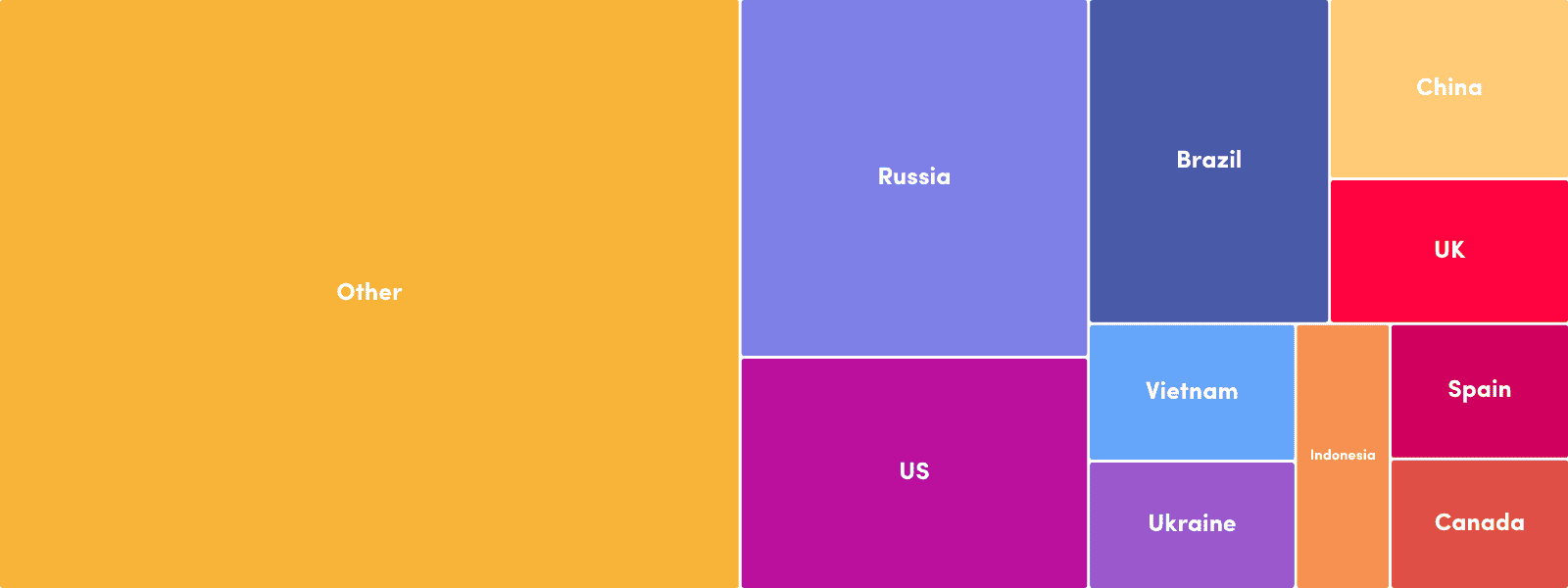
Comparison with other providers
We found Infatica’s proxy network to be above average in size, at least when using it without any location filters. It was dominated by countries like Russia, Brazil, and China – this is the reason why Infatica punched below its weight in our individual country benchmarks.
Infrastructure success rate
Requests: Same as the pool test
Target: Nearest server of a global CDN
| Gateway | Avg. success rate |
| Global | 97.57% |
| US | 97.00% |
| UK | 98.89% |
| EU | 96.3% |
| Brazil | 96.54% |
| India | 97.50% |
| Australia | 99.22% |
Comparison with other providers
The infrastructure’s success rate was actually pretty poor in all locales other than Australia. Our most frequently encountered error codes were 503 (general service error) and proxy timeouts.
Infrastructure response time
Requests: 6 KB page size – same as the pool test, 2 MB page size – 5,000
Target: Nearest server of a global CDN
6 KB page size
| Gateway | Avg. | Median | P95 |
| Global (🇩🇪 -> any IP) | 1.64 s | 0.84 s | 7.80 s |
| US (Ashburn -> 🇺🇸 IP) | 0.86 s | 0.59 s | 2.15 s |
| UK (🇩🇪 -> 🇬🇧 IP) | 0.82 s | 0.32 s | 7.19 s |
| EU (🇩🇪 -> 🇩🇪/🇪🇸/🇫🇷/🇮🇹/🇳🇱 IP) | 1.42 s | 0.31 s | 7.42 s |
| Brazil (Ashburn -> 🇧🇷 IP) | 1.57 s | 0.92 s | 7.73 s |
| India (Singapore -> 🇮🇳 IP) | 2.50 s | 1.64 s | 8.85 s |
| Australia (Singapore -> 🇦🇺 IP) | 2.61 s | 2.06 s | 6.23 s |
2 MB page size
| Gateway | Avg. | Median | P95 |
| Global (🇩🇪 -> any IP) | 5.70 s | 2.69 s | 15.45 s |
| US (Ashburn -> 🇺🇸 IP) | 5.10 s | 1.76 s | 19.04 s |
Comparison with other providers
6 KB page size, average response time
In the same way, Infatica’s residential proxies were among the slower ones we’ve tried. A half of our requests completed reasonably fast, but there was a long tail of connections taking up to ten seconds to open a six kilobyte page. The provider should consider implementing stricter screening for its nodes.
- Using proxy lists: IP:Port 1, IP:Port 2…
- Using the proxy API
- Basic request: USERNAME:[email protected]:10000
- Using filters: USERNAME_c_US_city_New-York_asn_12271:[email protected]:10000
- Establishing sessions: USERNAME_s_ID_ttl_30s:[email protected]:10000
You can connect to Infatica’s residential proxies in two ways:
- By generating lists. This way, you select parameters on the dashboard and Infatica creates a namable list. It includes one IP address, a custom username, and 1,000 ports representing different proxies. It’s possible to generate up to 20 lists per plan.
- By using the API tool. This is a more standard approach where you customize the pool by adding parameters to the username.
The second option seems easier to manage, as your choices transparently reflect in the credentials. On the downside, it produces more limited usage statistics and only works with a username and password.
📱 Mobile Proxies
Mobile proxies are Infatica’s premium product for the toughest targets or specialized use cases. This is a peer-to-peer network, meaning that it uses real mobile devices.
Usually, such services include only carrier IPs. But as Infatica warns us, it’s a mix of mobile and Wi-Fi networks:

- Advertised pool: 5M IPs
- Countries: 100+ with city, ISP, ZIP targeting
- Rotation: Every request, 5-60 min sessions
- Starts from: $8 for 1 GB. Pay as you go available
- Advertised proxy pool: 5 million IPs
- Countries: 100+
- Integration method: Gateway address (gateways in CA, DE, SG)
- Filtering
- Random: ✅
- Country: ✅
- City: ✅
- ASN/ISP: ✅
- Other: Continent, state, ZIP code
- Rotation
- Every request: ✅
- Sticky sessions: ✅ (5-60 min pre-sets)
- Session behavior: New IP after disconnect, ability to establish strict sessions, rotate sessions manually
- Protocols
- HTTP: ✅
- HTTPS: ✅
- SOCKS5: ✅ (TCP only)
- Authentication
- Credentials: ✅
- IP whitelist: ✅
- Sub-users: ✅
- Concurrency: Unlimited threads & ports
- Traffic: Plan based
The functionality of Infatica’s mobile proxies mimics the residential proxy network. The only palpable difference is that you’ll be working with fewer IPs, which will impact the number of available locales and filtering combinations.
- Model: PAYG, subscription (monthly, yearly plans)
- Format: Traffic
- Modifiers: –
- Starting price: $8 for 1 GB
- Trial: $8 for 7 days
Infatica’s mobile proxy network can come with a subscription but doesn’t have to. Of course, committing gets you better rates and the ability to decrease them 20% further with a yearly plan.
If that sounds good, the cheapest package starts from $45 ($7.5/GB). The public plans only reach 200 GB, so you’ll have to contact Infatica directly if you have bigger requirements.
Compared to the competition, Infatica costs a similar amount to mid-market providers and a fair bit less than premium competitors like Bright Data.
We last tested Infatica’s mobile proxies in April 2026, for our annual proxy market report.
Pool size & composition
| Gateway | Requests | Unique IPs | Mobile %* |
| Global | 1.2M over 14 days | 605,307 | 97.71% |
| US | 560k over 14 days | 68,795 | 86.16% |
| UK | 280k over 14 days | 45,903 | 87.31% |
| EU** | 280k over 14 days | 187,563 | 98.92% |
| Brazil | 280k over 14 days | 24,491 | 99.10% |
| India | 280k over 14 days | 162,435 | 99.78% |
| Australia | 140k over 7 days | 9,542 | 99.81% |
* IP2Location database, Usage type data point (ISP/MOB, MOB IPs)
** Combines Germany, France, Spain, Italy, the Netherlands.
Infatica’s mobile proxy pool was large globally – every second request returned a unique IP. The top three locations were China, Russia, and India, followed by the US. In individual locales, the proxy network showed mixed results – very respectable in the US and Europe, less so in Brazil.
Infrastructure success rate
Requests: Same as the pool test
Target: Nearest server of a global CDN (~6 KB page size)
| Gateway | Avg. success rate |
| Global | 96.59% |
| US | 96.75% |
| UK | 93.33% |
| EU | 96.10% |
| Brazil | 99.75% |
| India | 96.68% |
| Australia | 98.48% |
As with Infatica’s residential proxies, the success rate left things to be desired. The industry’s average hovers around 99% these days.
Infrastructure response time
Requests: Same as the pool test
Target: Nearest server of a global CDN (~6 KB page size)
| Gateway | Avg. | Median | P95 |
| Global (🇩🇪 -> any IP) | 2.22 s | 1.12 s | 8.61 s |
| US (Ashburn -> 🇺🇸 IP) | 1.00 s | 0.74 s | 2.42 s |
| UK (🇩🇪 -> 🇬🇧 IP) | 1.27 s | 0.60 s | 7.07 s |
| EU (🇩🇪 -> 🇩🇪/🇪🇸/🇫🇷/🇮🇹/🇳🇱 IP) | 1.73 s | 0.61 s | 7.80 s |
| Brazil (Ashburn -> 🇧🇷 IP) | 2.08 s | 1.12 s | 8.36 s |
| India (Singapore -> 🇮🇳 IP) | 3.10 s | 2.08 s | 9.67 s |
| Australia (Singapore -> 🇦🇺 IP) | 3.32 s | 2.36 s | 9.81 s |
The latency was above average, as well. That was largely due to proxies on slower connections that Infatica decided to keep in the pool.
- Using different port numbers: us.decodo.com:10001, 10002…, au.decodo.com:30001…
- Using the backconnect entry: user-USERNAME-country-COUNTRY-city-CITY-session-ID:[email protected]:7000
Infatica’s gateway servers for mobile proxies are located in the US, Asia, and Europe. You can choose a particular gateway or leave routing to the system.
There are two ways to use these proxies. One relies on the dashboard widget to set up filters. It then generates lists of up to 1,000 proxies with one IP address and different ports. It’s possible to have 20 lists saved.
The second options makes use of Infatica’s API tool. This is a more standard approach where you add parameters to the username. It doesn’t support IP whitelisting while the lists do.
🏢 Datacenter Proxies
These are proxies from various cloud server providers. Infatica offers them in two formats: dedicated IP lists or a pool with 500,000 proxies. From what we know, the latter is acquired from other users rather than directly data centers.
- Formats: Pool with 500k IPs, dedicated list
- Countries: Up to 100 with city & ZIP targeting for the rotating pool
- Rotation: Available for the rotating pool
- Starts from: $13.50 for 30 GB ($0.45/GB) or $14 for 5 IPs ($1.45/IP)
A full review isn’t available for this product yet 🙁
🏠🏢 ISP (Static Residential) Proxies
These are also server IPs, but they’re associated with residential internet service providers. Infatica sells them in dedicated IP lists.
- Formats: Dedicated list
- Countries: 23 in four continents
- Rotation: Static
- Starts from: $3 for 1 IP
A full review isn’t available for this product yet 🙁
How to Use Infatica
Registration
To register with Infatica, you’ll have to complete a registration form. This involves entering a name and surname, country, email address, and password. You can optionally add your WhatsApp or Telegram acccount.
Alternatively, it’s possible to register using a Google account.
KYC and Usage Policies
The first purchase is tied to identity verification, which requires sending an ID and selfie to a company called Veriff. For some products, like Infatica’s ISP and datacenter proxies, you can’t even see the plans without verifying first. We find this baffling.
The provider gives no information about which websites or ports it blocks, so you’ll have to go in blind or ask.
Dashboard
Infatica has a dashboard for managing subscriptions and access to products. It’s available in English only.
Infatica’s dashboard is a competent panel with the all necessary features. But it’s also not the most convenient one.
For example, each product gets a different tab. But instead of being a hub for that product, it only lets you buy a plan. Then, no matter what you bought, you have to visit the Services tab and reach your plan through there.
This make sense but also confuses and wastes space. In a similar way, clicking on Infatica’s logo leads you to the website’s home page. Why?
However, these are minor annoyances that require some time getting used to.
It’s possible to buy a plan using two methods. One is to pay directly. The second is to add money to Infatica’s wallet and then get a plan. The latter option allows paying with crypto and reduces the number of transactions needed if you add more funds in advance.
You can save your contact details and the preferred payment method in the settings. The invoices are located on a separate page. They include the payment status and transaction details.
Platform access
Infatica has built several access management tools, including two-factor authentication and permissioned team members. The latter include resource sharing where you can give access to specific products or proxy lists including separate usage statistics.
Proxy access
The proxy setup has its own quirks. To reach the right page, you need to go through the My Services tab and find your active plan. There, you’ll find a widget for proxy setup that generates endpoint:port lists based on your parameters.
The flow involves naming the list, choosing an authentication method, selecting a location pre-set or a custom location, specifying the rotation interval, and finally the output format. The system then generates a list of 1,000 endpoints that you can copy-paste to your software. It’s possible to create multiple lists this way.
Alternatively, Infatica provides an instructions page for its API tool.
Infatica has two tools to track proxy usage. The first is a graph that shows how much traffic you’ve expended in total for the plan, and how much remains. The second graph shows your traffic expenditure throughout the day, week, or month.
You can also view traffic use for a particular proxy list. The option isn’t easy to find, but it’s there.
Currently, there’s no way to select a custom period or get any other metrics, such as success rate or request count. Providers like Bright Data have Infatica beat in this regard.
Public API
Infatica provides a public API for interacting with the system programmatically. Currently, it’s able to retrieve information about traffic usage, active locations, and available ISPs.
Documentation
If you ever find yourself at a loss, the provider has a documentation hub to help you. It’s mostly concerned with walking through the purchase and setup flows of Infatica’s different products. Otherwise, the hub includes several integration guides and static code samples. The latter would fit better in the dashboard’s proxy setup page.
Hands-On Support
Infatica’s live chat support works 24/7 and with an SLA-mandated response time of four hours. We had fast and satisfactory experiences with it. Alternatively, you can create a ticket for lengthier interactions.
Conclusion
Infatica leaves the impression of a competent business. It has the markings of a premium provider with responsive customer service, performant proxies, and ethical aspirations.
Though it managed to catch up on features with the market leaders, Infatica still has a hard time matching them in user experience or proxy network size. Looking at the trajectory, the provider is getting there.
All things considered, it’s hard for me to pinpoint something unique about Infatica, especially with companies like SOAX offering very similar services. But maybe there’s no need to? The promise of competitive prices and a different but similarly performant proxy pool may have enough appeal for quite a few businesses.
Infatica Alternatives
Oxylabs offers similar features with a larger proxy pool and better performance. Pay-as-you-go is another bonus, though the overall rates are higher.
Bright Data is another strong option with a host of features and second-to-none proxy management tools. But once again – mind the price.
SOAX is the most similar provider to Infatica of the bunch. Same rotation and targeting options, very similar entry fee, strong overall performance.
Recommended for:
Budget-conscious companies looking for a competent premium proxy provider.
Use the code proxyway2024 to get 20% off your first purchase.

Use the code proxyway2024 to get 20% off your first purchase.
The post Infatica Review appeared first on Proxyway.
]]>The post Evomi Review appeared first on Proxyway.
]]>
Evomi Review
Nowadays, there’s no shortage of proxy providers. But we’ll always find a place for companies with their own proxy network. And that’s exactly what Evomi claims to offer.
Couple this with some competent branding, sub-dollar rates, unique pool filters, and maybe we’re looking at a winner for individuals and small businesses? After all, it got our Best Value Provider award in 2026 for a reason. Or perhaps it’s all smoke and mirrors, and you’d be better off with a more tried and true alternative?
Let’s find out! We benchmarked nearly everything Evomi has to offer. These are our impressions.
Three-Minute Human Summary
- Evomi sells all four types of proxy servers, as well as several web scrapers. You’ll mostly likely consider it for rotating proxy pools. From what we know, the provider sources IPs independently.
- Evomi’s flagship is Core residential proxies, which start at $0.49 and offer a variety of upsells. Some are unique to the market, such as specifying the minimum IP uptime, fraud score, or latency.
- In general, Evomi’s proxy pools are small, but the infrastructure succeeded nearly 99.99% of the time (even with residential proxies), and latency was very low outside Asia.
- Core residential proxies aside, Evomi’s rates are competitive and offer paying as you go. Just know that the starting prices are higher than advertised, and you’ll need to spend at least $15 with most products.
- The user experience is okay, though you won’t get sub-users, IP whitelisting functionality, or advanced usage stats.
- Overall, we consider Evomi a strong option for small to medium use, especially if you need affordable proxies or specific features that others may not be able to offer.
News about Evomi
-
- Provider News
-
- Provider News
-
- Provider News
General Information
- Country: Switzerland
- Founded: 2024
- Employees (LinkedIn): 5-10
- Proxy networks: Datacenter, residential, mobile, ISP
- Supporting tools: Scraping API, scraping browser
- Price range: Lower mid-range
- Starting price: $15
- Payment methods: Credit card, PayPal (Pay as you go only: Google Pay, wire transfer, cryptocurrency, local payments through PayPro)
- Trial: Trial & money-back guarantee
Evomi offers access to multiple proxy networks and web scraping tools. The provider is located in Switzerland, and its website makes sure that you’re well aware of this fact.
While the brand is relatively new, the people behind it have been around. They claim to have been selling proxies for more than six years. Specifically, we found links to InfiniteProxies, which was established in 2019. After bringing this up, we were told that the projects were no longer related.
Evomi tries hard present itself as a serious business. The website radiates solidity, there’s company information, SLAs, and a page for ethical proxy sourcing practices. You can find most employees on LinkedIn, as well as the ISO 27001 certification in its trophy rack.
Evomi has also had the time to do some brand building. For one, startups can apply to get free traffic using the provider’s Startup Program. In addition, Evomi is a member of the Ethical Web Data Collection Initiative, which advocates for responsible businesses practices in the industry.
The company is transparent about how it acquires proxies. A good part (even datacenter IPs) is sourced via Earn.fm (a bandwidth sharing application) and an SDK. The rest are likely resold. Having an in-house proxy network is a strong value proposition these days.
At the same time, Evomi’s website advertises use cases like 9GAG, Call2Friends, and Dailymotion, showing that the provider’s target audience isn’t really enterprises.
All in all, Evomi creates the impression of a solid company, even if some efforts (like the AI-generated image of an idyllic looking Swiss landscape) go a tad too far.
Evomi Proxy Networks
Evomi sells access to four proxy networks: datacenter, residential, mobile, and ISP (also called static residential). The first three let you operate large pools of IPs with rotation and traffic-based pricing. The fourth product comes in shared or dedicated lists.
Evomi’s residential proxy network branches out into two further products:
- Premium residential proxies include full functionality by default.
- Core residential proxies start off very cheap with a barebones configuration but get more expensive as you enable features.
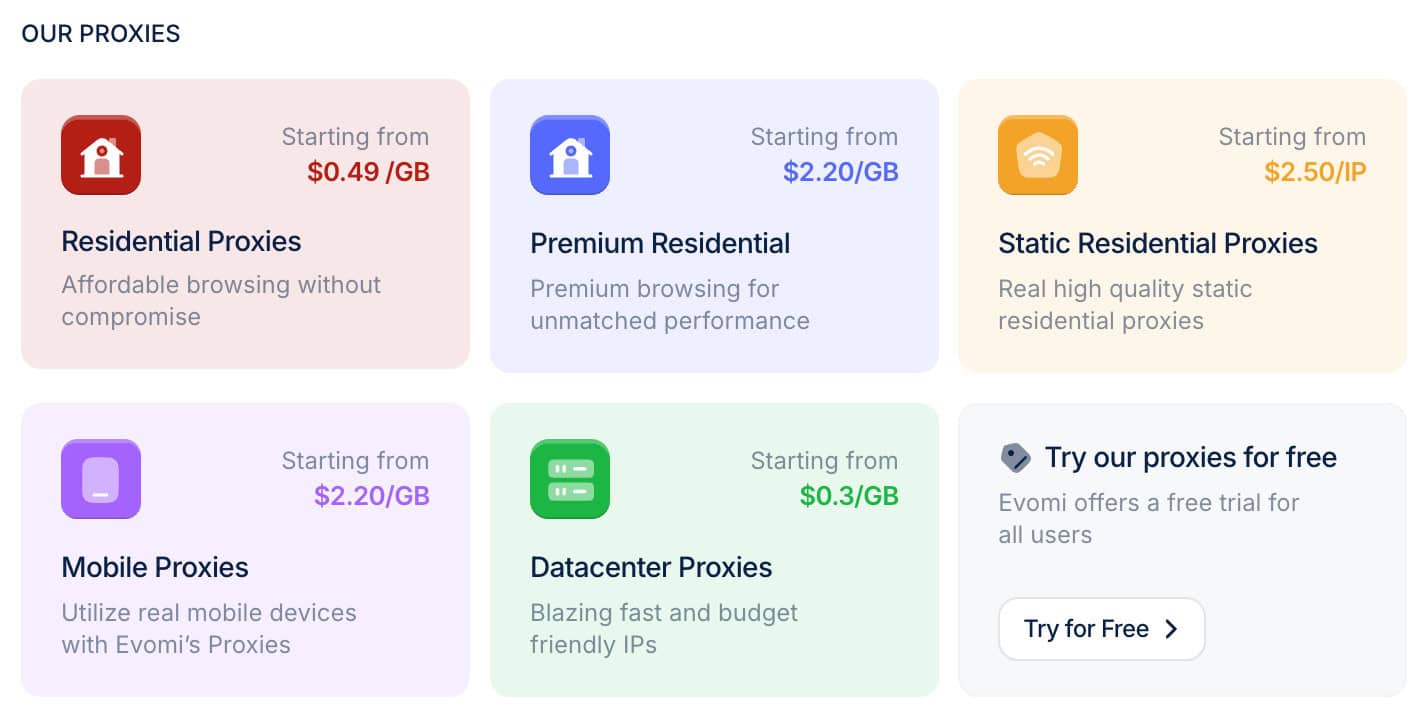
The naming scheme would suggest otherwise, but Core residential proxies are actually Evomi’s flagship service. Therefore, we’ll cover it separately.
🏠 Core Residential Proxies
- Advertised pool: 54M IPs
- Countries: 150+ with state, city, ASN/ISP, ZIP targeting
- Rotation: Every request, sessions up to 120 min, strict sessions
- Other features: Filters for more IPs, latency, fraud score, OS, minimum connection time, ad blocking
- Starts from: $49 for 100 GB ($0.49/GB). Pay as you go available
- Advertised proxy pool: 54 million IPs
- Countries: 150+
- Integration method: Gateway address (gateways in Virginia, Germany)
- Filtering
- Random: ✅
- Country: ✅
- City: ✅
- ASN/ISP: ✅
- Other: Continent, state, ZIP code, minimum latency, uptime, fraud score, proxy OS, local DNS resolution, more IPs
- Rotation
- Every request: ✅
- Sticky sessions: ✅ (pre-sets, custom duration up to 24 hr)
- Session behavior: New IP after disconnect, ability to establish strict sessions
- Protocols
- HTTP: ✅
- HTTPS: ✅
- SOCKS5: ✅ (incl. UDP & QUIC)
- Authentication
- Credentials: ✅
- IP whitelist: ❌
- Sub-users: ❌
- Concurrency: Unlimited threads & ports
- Traffic: Plan based
Evomi’s Core residential pool includes millions of IPs in over 150 countries.
The service is rather spartan by default: only city targeting is enabled. But it offers various toggles to improve the service – with everything on, Core beats Premium in functionality.
Here are some of the more interesting options:
- Minimum latency filter that removes proxies slower than 500 ms, 1,000 ms, or 1,500 ms.
- Minimum uptime filter with 10 minutes, one hour, or one day as the choices.
- IP fraud score filter that removes proxies rated above 0, 20, or 50 on Scamalytics.
- TCP/IP fingerprint filter that lets you choose between Windows, Apple, and Unix devices.
- Ability to enable UDP and QUIC separately; the former requires manual confirmation.
In brief, Evomi offers a wealth of features. Even then, some remain missing: there’s no IP whitelisting, and you won’t be able to create sub-users.
- Model: Pay as you go, monthly subscription
- Format: Traffic
- Modifiers: Extra features (up to 15x of the base rate)
- Starting price: $15 for 15 GB (PAYG) or $49 for 100 GB ($0.49/GB)
- Trial: Trial and refund available
The Core residential product warrants a separate mention. Its base price is extremely cheap ($0.99/GB PAYG or $0.49/GB with a plan) if you’re happy with the included functionality. But enabling extra features multiplies traffic use, up to 15x in extreme scenarios.
For example, adding more IPs costs 6x, ASN targeting makes the service deplete traffic four times faster, and so on. Considering that the rates of this product don’t scale, Evomi quickly becomes more expensive than even premium providers if you’re not careful.
We last tested Evomi’s Core residential pool in July 2026.
Pool size & composition
| Gateway | Requests | Unique IP | Residential %* |
| Global | 3.6M over 21 days | 1,499,867 | 98.21% |
| US | 1.2M over 14 days | 75,253 | 95.00% |
| UK | 560k over 14 days | 47,705 | 99.51% |
| EU** | 1.2M over 14 days | 218,076 | 98.90% |
| Brazil | 560k over 14 days | 223,936 | 98.34% |
| India | 560k over 14 days | 172,949 | 95.33% |
| Australia | 140k over 7 days | 8,493 | 99.19% |
* IP2Location database, Usage type data point, ISP, ISP/MOB, MOB IPs.
** Combines Germany, France, Spain, Italy, the Netherlands.
Top 10 countries in the Global pool
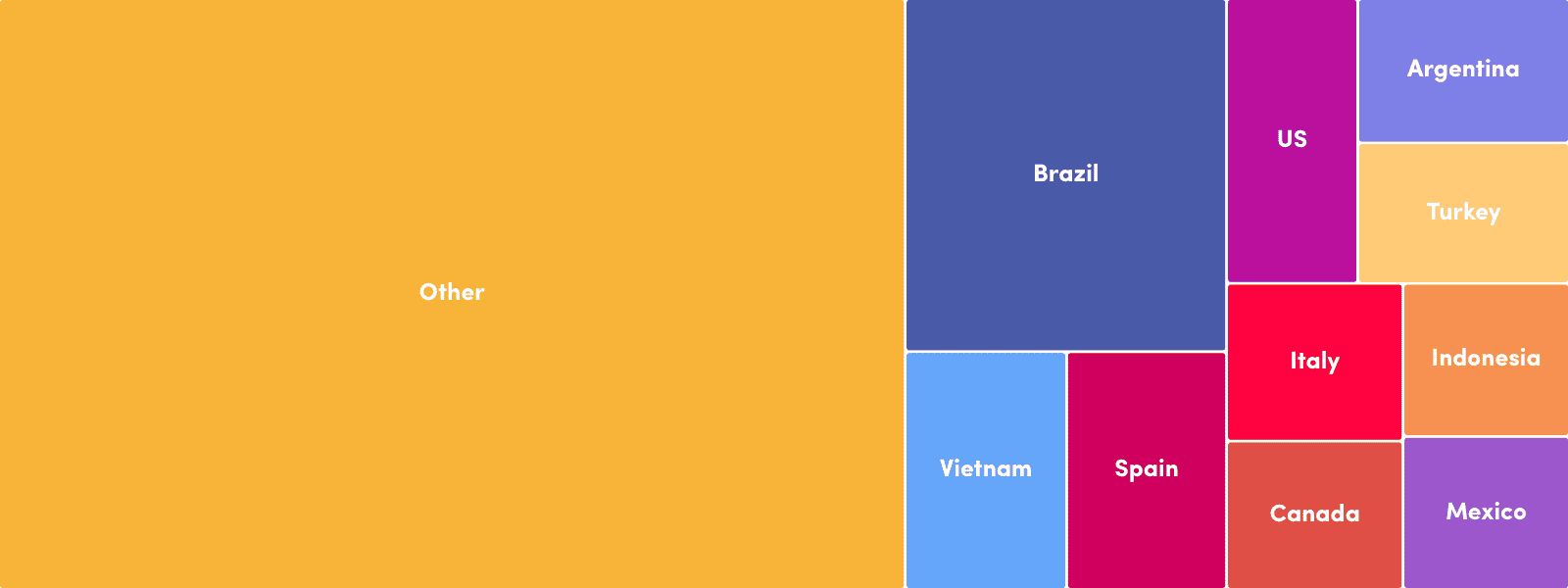
Comparison with other providers
Evomi’s Core pool was tiny compared to most alternatives. In the US, it failed to reach even 100,000 unique IPs.
This was without the more IPs option enabled – according to Evomi, it would’ve increased the pool sixfold, making the rates six times more expensive and disabling most other toggles.
Infrastructure success rate
Requests: Same as the pool test
Target: Nearest server of a global CDN
| Gateway | Avg. success rate |
| Global | 99.91% |
| US | 99.98% |
| UK | 99.98% |
| EU | 99.91% |
| Brazil | 99.90% |
| India | 97.17% |
| Australia | 99.97% |
Comparison with other providers
On the other hand, Evomi’s infrastructure worked like a Swiss clock. The success rate in countries like the US quite literally matched that of datacenter proxies, and we’re talking about peer-to-peer proxies here.
Infrastructure response time
Requests: Same as the pool test
Target: Nearest server of a global CDN (6 KB page size)
| Gateway | Average | Median | P95 |
| Global (🇩🇪 -> any IP) | 0.70 s | 0.53 s | 1.98 s |
| US (Ashburn -> 🇺🇸 IP) | 0.30 s | 0.21 s | 0.76 s |
| UK (🇩🇪 -> 🇬🇧 IP) | 0.23 s | 0.17 s | 0.48 s |
| EU (🇩🇪 -> 🇩🇪/🇪🇸/🇫🇷/🇮🇹/🇳🇱 IP) | 0.26 s | 0.17 s | 0.66 s |
| Brazil (Ashburn -> 🇧🇷 IP) | 0.59 s | 0.41 s | 1.47 s |
| India (Singapore -> 🇮🇳 IP) | 2.53 s | 2.34 s | 4.98 s |
| Australia (Singapore -> 🇦🇺 IP) | 1.59 s | 1.47 s | 2.05 s |
Comparison with other providers
6 KB page size, average response time
In the same way, Evomi’s Core pool was very fast. In the US, UK, and EU, we actually haven’t tested a provider with better latency.
- Basic request: USERNAME:[email protected]:1000
- Using filters: USERNAME:PASSWORD_country-US_region-california_city-san.francisco_isp-attenterprisesl@core-residential.evomi.com:1000
- Establishing sessions: USERNAME:[email protected]:1000
🔄 Premium Residential, Mobile, Rotating Datacenter Proxies
All of Evomi’s rotating proxies are sourced from other people – even the datacenter proxy pool. This gives them diverse location coverage but may impact uptime.
| Premium residential | Mobile | Datacenter | |
| Advertised pool size | 54 million | Not specified | Not specified |
| Locations | 150+ | 100+ | 100+ |
| Integration method | Gateway server (gateways in Virginia, Germany) | ||
| Filtering options | Global, continent, country, state, city, ISP, ASN | Global, country, state, city, ISP | Global, continent, country |
| Other filters | More IPs, more quality, ad blocking | ||
| Rotation | Every request, customizable sessions up to 120 min | ||
| Protocols | HTTP, HTTPS, SOCKS5 (no UDP) | ||
| Authentication | Credentials | ||
| Sub-users | ❌ | ||
| Concurrency | Unlimited threads & ports | ||
| Traffic | Plan based | ||
Residential proxies aside, Evomi doesn’t really mention how many IPs it controls. You could try to gauge the numbers by visiting the website’s location pages: for example, the one for US proxies advertises nearly 10 million IPs. But this isn’t really convenient, and from our experience, such pages are rarely updated.
All three products have broad location coverage, especially the datacenter proxy network. However, these proxies aren’t sourced directly from data centers, so their availability is hard to predict. As a result, they’re best suited for web scraping and similar tasks.
The location filtering options depend on the product. For the most part, they’re in line with industry standards. It’s nice that you’re allowed to select multiple countries at once. In this case, more granular location filters, such as state or city, become unavailable.
Unlike Evomi’s Core product, these three lack UDP support. They also don’t have IP authentication or the ability to create sub-users.
| Premium residential | Mobile | Datacenter | |
| Model | Pay as you go, subscription | ||
| Format | Traffic | ||
| Modifiers | – | ||
| Starting price | $16 for 4 GB ($4/GB) | $16 for 4 GB ($4/GB) | $13.5 for 30 GB ($0.45/GB) |
| Trial | Available | ||
Evomi charges for traffic use. You can buy some and use it at your own pace or subscribe for better rates. The difference is small at first but increases significantly with scale.
Following the recent trend, Evomi’s Premium residential and mobile proxies cost the same. The datacenter product, on the other hand, is up to ten times cheaper per gigabyte.
In a broader context, Evomi’s Premium residential proxies cost more than direct alternatives like Decodo, while the datacenter and mobile products are more competitive.
If, for some reason, the proxies fail to meet your needs, Evomi has a money-back guarantee. It applies if you’ve used less than 1 GB or 10% of the plan’s allowance.
We last tested Evomi’s proxy networks in April 2026, for the annual Proxy Market Research.
Pool size & composition
| Gateway | Requests | Unique IPs | Residential %* |
| Global | 3.6M over 21 days | 1,668,674 | 97.62% |
| US | 1.2M over 14 days | 225,719 | 94.72% |
| UK | 560k over 14 days | 111,306 | 98.05% |
| EU** | 1.2M over 14 days | 276,249 | 97.41% |
| Brazil | 560k over 14 days | 250,224 | 98.66% |
| India | 560k over 14 days | 284,983 | 95.92% |
| Australia | 140k over 7 days | 17,093 | 98.72% |
* IP2Location database, Usage type data point (ISP, ISP/MOB, MOB IPs)
** Combines Germany, France, Spain, Italy, the Netherlands.
While bigger than the Core pool, Evomi’s Premium proxy network still found itself on the smaller side. Over 200k unique IPs in the US isn’t little, but at Evomi’s price point we’re comparing it to providers like Decodo.
Infrastructure success rate
Requests: Same as the pool test
Target: Nearest server of a global CDN
| Gateway | Avg. success rate |
| Global | 99.58% |
| US | 99.56% |
| UK | 99.63% |
| EU | 99.30% |
| Brazil | 99.28% |
| India | 99.61% |
| Australia | 99.66% |
The success rate was also worse compared to the Core pool. However, it was high in general, never dropping below 99%. Evomi’s infrastructure should be reliable.
Infrastructure response time
Requests: 6 KB page size – same as the pool test, 2 MB page size – 5,000
Target: Nearest server of a global CDN
6 KB page size
| Gateway | Avg. | Median | P95 |
| Global (🇩🇪 -> any IP) | 0.79 s | 0.58 s | 2.22 s |
| US (Ashburn -> 🇺🇸 IP) | 0.39 s | 0.23 s | 0.84 s |
| UK (🇩🇪 -> 🇬🇧 IP) | 0.47 s | 0.18 s | 1.37 s |
| EU (🇩🇪 -> 🇩🇪/🇪🇸/🇫🇷/🇮🇹/🇳🇱 IP) | 0.58 s | 0.19 s | 1.73 s |
| Brazil (Ashburn -> 🇧🇷 IP) | 0.76 s | 0.45 s | 1.68 s |
| India (Singapore -> 🇮🇳 IP) | 1.78 s | 1.31 s | 3.32 s |
| Australia (Singapore -> 🇦🇺 IP) | 1.90 s | 1.51 s | 3.29 s |
2 MB page size
| Gateway | Avg. | Median | P95 |
| Global (🇩🇪 -> any IP) | 5.22 s | 3.00 s | 18.96 s |
| US (Ashburn -> 🇺🇸 IP) | 2.94 s | 1.81 s | 8.78 s |
Comparison with other providers
6 KB page size, average response time
These residential proxies had a response time comparable to premium providers like Oxylabs. They were only slow in Asia where, we assume, Evomi doesn’t have gateway servers yet.
Pool size & composition
| Gateway | Requests | Unique IPs | Mobile %* |
| Global | 1.2M over 14 days | 460,077 | 98.63% |
| US | 560k over 14 days | 16,595 | 99.71% |
| UK | 280k over 14 days | 11,954 | 98.49% |
| EU** | 280k over 14 days | 76,745 | 98.94% |
| Brazil | 280k over 14 days | 26,194 | 99.37% |
| India | 280k over 14 days | 130,670 | 99.97% |
| Australia | 140k over 7 days | 1,568 | 99.94% |
* IP2Location database, Usage type data point (ISP/MOB, MOB IPs)
** Combines Germany, France, Spain, Italy, the Netherlands.
Evomi’s mobile proxy network was small, with only 16k IPs in the US and under 100k in Europe. On the bright side, these were truly mobile IPs and not residential or server-based connections.
Infrastructure success rate
Requests: Same as the pool test
Target: Nearest server of a global CDN (~6 KB page size)
| Gateway | Avg. success rate |
| Global | 99.66% |
| US | 99.95% |
| UK | 99.88% |
| EU | 99.85% |
| Brazil | 99.61% |
| India | 99.79% |
| Australia | 99.62% |
The infrastructure worked without fault.
Infrastructure response time
Requests: Same as the pool test
Target: Nearest server of a global CDN (~6 KB page size)
| Gateway | Avg. | Median | P95 |
| Global (🇩🇪 -> any IP) | 0.93 s | 0.66 s | 2.66 s |
| US (Ashburn -> 🇺🇸 IP) | 0.41 s | 0.31 s | 0.79 s |
| UK (🇩🇪 -> 🇬🇧 IP) | 0.53 s | 0.36 s | 1.44 s |
| EU (🇩🇪 -> 🇩🇪/🇪🇸/🇫🇷/🇮🇹/🇳🇱 IP) | 0.53 s | 0.36 s | 1.65 s |
| Brazil (Ashburn -> 🇧🇷 IP) | 1.05 s | 0.70 s | 2.92 s |
| India (Singapore -> 🇮🇳 IP) | 1.71 s | 1.39 s | 3.43 s |
| Australia (Singapore -> 🇦🇺 IP) | 1.81 s | 1.58 s | 3.38 s |
Like Evomi’s residential pools, the mobile proxy network responded fast. But once again, it became much slower when connecting to Asia.
Pool size
| Gateway | Requests | Unique IPs |
| US | 70k over 7 days | 25,312 |
We found around 25k unique IPs throughout seven days, which resulted in over 30% uniqueness – truly not a bad result.
Infrastructure performance
Target: Nearest server of a global CDN (~6 KB page size)
Our server location: US
| Gateway | Avg. success rate | Response time (avg/median/P95) |
| US | 99.99% | 0.21 s / 0.13 s / 0.59 s |
The infrastructure almost never failed, which is expected from datacenter IPs. Evomi’s proxies were also some of the quickest we’ve seen for this proxy type. Knowing how slow DataImpulse’s peer-to-peer datacenter proxies were, the result is impressive.
Download speed
Target: Hetzner’s 100 MB Ashburn benchmark
Proxies tested: 10
| Avg. without proxies | Average | Median | Slowest IP |
| 353.91 MB/s | 7.03 MB/s | 6.63 MB/s | 0.50 MB/s |
The throughput, however, wasn’t ideal. It’s should be good enough for web scraping even in browser scenarios, less so for downloading media files.
- Basic request: USERNAME:[email protected]:2000
- Using filters: USERNAME:PASSWORD_country-US_region-california_city-san.francisco_isp-attenterprisesl@core-residential.evomi.com:1000
- Establishing sessions: USERNAME:[email protected]:2000
With Evomi’s proxies, the gateway address doesn’t change, while filters and sticky sessions are added to the password. The port number generally remains the same as well – the only time you have to modify it is when you choose a different connection protocol.
How to Use Evomi
Registration
To register, you’ll need to enter your full name, email address, and password. Alternatively, there’s an option to sign up with a Google account.
KYC & Usage Policies
While Evomi doesn’t ask for KYC information during registration, you may still have to complete the KYC procedure later on. This depends on whether Evomi notices suspicious behavior. The verifier is Stripe – it will ask for a photo ID and selfie.
Evomi doesn’t have a list of blocked targets, but we do know that it prohibits access to financial, governmental domains, and mailing websites. They are unlockable with extra KYC.
Dashboard
Evomi has a dashboard for managing subscriptions, interacting with its products, tracking usage, and getting help.
The dashboard is clean, well-designed, and available in four languages: English, Russian, Chinese, German, Spanish, and Swiss.
We have few gripes about it. Well, maybe the main page could be more useful – now, it only serves to sell products, whether you have them already or not.
Evomi’s dashboard lets you add payment information (card or PayPal), manage subscriptions, and download generated invoices from Stripe. Subscriptions renew automatically, and it’s possible to buy extra traffic at the plan’s rate.
There was no wallet functionality when we last tested the provider, which unfortunately means that each action will require making a new transaction.
Platform access
Evomi’s dashboard allows creating workspaces for team use. They gived a shared view and management features of Evomi’s products. Plans bought in a personal workspace don’t carry over to the team one.
The two supported dashboard roles are admin and member. It’s not entirely clear how they differ.
To better protect your account, you can enable two-factor authentication. Evomi also lets you reset passwords by email and rotate API keys, if needed. There’s no way to delete an account in the dashboard.
Proxy access
Evomi has a proxy generator widget. It lets you choose various configurations (protocol, filtering and rotation parameters, a pool mode), and then spits out a list of entry points in several formats. The widget is simple to work with.
Having said that, you can’t really change a username by yourself or even pick a custom password – the system generates it upon request. Regular customers also don’t get access to sub-users, which complicates work with proxies in a team setting.
Evomi’s usage statistics are separated by product. You get two graphs – one for traffic, the second for requests made – which can be filtered for today, last three, seven, 14, or 30 days. There’s also a table for statistics by domain, though it only shows aggregated requests made in the last 12 hours.
All in all, Evomi’s usage information is basic but competent. It may not always be fast to load, but that’s because the data is fetched live.
For more general information, the provider has a network status page that shows uptime statistics and outages for the last 180 days.
API Access
Evomi has a public API available to personal and team accounts. It’s mostly concerned with reporting, but you can also view available locations, generate proxy strings for integration, and rotate sessions.
Documentation
Evomi offers a documentation hub with information about each product and an FAQ to answer the main questions surrounding the service. Both are decently fleshed out.
In the middle of 2026, the integration instructions covered major operating systems and web scraping libraries. However, if you wanted to pair the proxies with an antidetect browser or another third-party tool, you’d have to look elsewhere.
Hands-On Support
Evomi’s customer support works 24/7, with the main channel being live chat. Powered by Intercom, the chat also has ticketing functionality, though it’s not obvious at first sight.
Large customers get more options: a dedicated account manager available through phone and assistance via Slack.
We tested the live chat during daytime in Europe. The agent responded within a few minutes and gave competent responses to the questions we had. While limited, this interaction left us satisfied with the service.
Conclusion
That was our detailed evaluation of Evomi. Overall, the provider’s polished brand image, competitive prices, and solid proxy network performance left us with a positive impression, especially compared to the many transient resellers out there.
At this point, Evomi still lacks the scale and features for enterprise use. However, it’s perfectly capable of powering many other tasks. This applies even more so if you’re looking to upgrade from entry-level providers like PacketStream, or if you need an alternative to mid-market vendors like SOAX or Rayobyte.
Evomi Alternatives
SOAX’s pricing is less flexible. But you’ll get more proxies and way more control over how they work.
Decodo is the mid-market choice to beat. Once again, for slightly more money, you’ll get more IPs and even better performance.

DataImpulse offers the same three proxy networks with extremely affordable rates and non-expiring traffic.
Recommended for:
Individuals or small to medium businesses looking for rotating proxies.

The post Evomi Review appeared first on Proxyway.
]]>The post Massive Review appeared first on Proxyway.
]]>
Massive Review
Massive covers the basics well, has many residential IPs in the US and Europe, and a robust infrastructure to keep things running.
Massive isn’t a new company by any means, but it only seriously entered the proxy server market in 2024. US-based, well financed, and ambitious, the provider tries to prove that these are the residential proxies you should choose for your project.
Is the service any good? And more importantly – is it better than what you can get for a comparable price, given how tough the competition currently is? Let’s find out!
General Information
- Country: US
- Founded: 2018
- Employees (LinkedIn): 25-50
- Proxy networks: Residential, ISP
- Supporting tools: ❌
- Price range: Mid-market
- Starting price: $4
- Payment methods: Credit card, US bank account, Cash App (Stripe)
- Trial: Available
Massive is a US company founded in 2018 by Jason Grad and Brian Kennish. Its main aim was – and still remains – to build a computer resource sharing platform. To that end, Massive has raised over $12M in venture capital, mostly in late 2021.
The platform’s uses have changed over the years: it was primarily used for crypto mining during the hype, and now the focus is on downloading small amounts of data from the web – in other words, proxying traffic.
The vehicle for this is Massive’s SDK, which developers can add to their software as a monetization method. It’s a standard way to source residential IPs, but Massive stands out by being very upfront about what it does. There’s even a (bit dated) article on TechCrunch covering the business model.
In other words, Massive could be considered one of the more transparent residential proxy providers, at least as far as IP sourcing SDKs go. That said, the FAQ page still lacks any example apps despite promising them over a year ago. There’s always room for improvement, we suppose.
Massive started truly productizing its proxy network in mid-2024. In that sense, the provider is still new to the market. This is evident when looking at the website, which mashes together the proxy service, SDK, and even crypto mining, leading to an experience that’s not always coherent.
For the time being, it seems like Massive will focus on establishing itself as a web data infrastructure provider. Besides the main product – residential proxy network – the company is also testing the waters with ISP proxies, and there are traces of a search engine API in the documentation.
Currently, Massive’s weakest side is probably marketing. But if it perseveres, the company has the building blocks to become a force in the industry.
News about Massive
-
- Conferences
-
- Provider News
-
- Provider News
Massive Proxy Networks
Massive currently offers two proxy server products:
- Residential proxies from most countries around the world.
- ISP proxies in the form of dedicated list. They’re available only in the US.
We cover individual proxy types in the expandable drop-downs below:
Residential
Residential proxies are Massive’s main product. Their network includes IPs from computers, phones, and WiFi-connected devices like smart TVs.
Pool Size & Coverage
- Advertised pool size: 1 million
- Locations: 195+ countries
- Targeting options: Random, country, state, city, ZIP code, device
Massive is modest in advertising its proxy network, which may lead to misleading conclusions if you take marketing claims at face value. For example, SOAX boasts 155 million residential proxies, or 155 times more.
If you dig through Massive’s documentation, you’ll find much more useful numbers: 600k daily active and 300k concurrent IPs. This translates to way more than a million proxies per month.
The network covers most countries around the world. You get precise filtering options, including ASN filtering. What’s more, the provider allows targeting specific devices: computers and laptops, phones, and even TVs. This feature isn’t something we encounter often.
Our benchmark (April 2025)
| Gateway | Requests | Unique IPs | Residential %* |
| Global | 1.2M over 21 days | 606,536 | 97.84% |
| US | 560k over 14 days | 222,513 | 99.02% |
| UK | 560k over 14 days | 162,579 | 99.17% |
| EU | 1.2M over 14 days | 324,678 | 98.84% |
| Brazil | 560k over 14 days | 132,408 | 96.21% |
| India | 560k over 14 days | 93,738 | 98.35% |
| Australia | 140k over 7 days | 16,154 | 99.13% |
* IP2Location database, Usage type data point (ISP, ISP/MOB, MOB IPs)
Comparison with other providers
Our benchmarks reveal that Massive has one of the smaller proxy networks. It includes many IPs in desirable locations like the US and Europe, and relatively few in India.
We found it interesting that the global pool had few to no proxies in Japan, China, or Korea, but we didn’t check the individual endpoints to verify if the same applied to them.
The pool was indeed residential, with very few IPs belonging to other usage types (such as commercial, educational institutions, or data centers).
Features
- Connection method: Gateway address
- Rotation: Every request, 1-60 mins
- Protocols: HTTP, HTTPS, SOCKS5
- Concurrency: Unlimited threads & ports
- Traffic: Plan based
- Authentication: Credentials
You access Massive’s residential proxies through a backconnect gateway server. It automatically chooses the best path to the proxy.
The proxies rotate with every connection request by default. A sticky session maintains the same IP for up to 15 minutes, or you can specify any interval between 1 and 60 minutes. An IP changes once a request fails (or if you reach the request limit for that node), but Massive has a parameter to override this behavior.
You can connect to Massive using HTTP, HTTPS if your company imposes strict security requirements, or SOCKS5. The latter option only accepts TCP traffic for now. As such, all ports other than 80 and 443 are blocked.
Integration Examples
- Basic request: USERNAME:[email protected]:65534
- Using filters: USERNAME-country-US-subdivision-CA-city-San%20Francisco-device-common:[email protected]:65534
- Using sessions: USERNAME-session-ID-sessionttl-TIME:PASSWORD
@network.joinmassive.com:65534
Massive always uses the same gateway address and, in most scenarios, port. The latter changes only when you switch to a different connection protocol like HTTPS or SOCKS5.
You can filter the pool or establish sessions by appending parameters to the username. According to Massive, the parameters can come in any order. A new session is represented by a different ID, which you can freely assign to it.
Pricing Plans
- Model: PAYG, Subscription
- Format: Traffic
- Modifiers: –
- Starting price: $112.50 for 30 GB ($3.75/GB)
- Trial: 100 MB or 2 GB for 3 days, 3-day refund
Massive charges for traffic only. Paying as you go used to be an option, but it was removed. Unused traffic carries over to the next month.
The provider has two trial options; the better one requires talking to a partnership manager (or a data nerd in Massive’s parlance).
How do the rates fare against other providers? Pound for pound, Massive comes out cheaper than most premium proxy vendors and rather compares with mid-market options like Decodo or IPRoyal. However, the entry price isn’t cheap.
Performance Benchmarks
Infrastructure performance
Requests: Same as the pool test (140k to 1.2M per gateway)
Target: Nearest server of a global CDN (~6 KB response size)
| Gateway | Our server location | Avg. success rate | Avg. response time |
| Global | DE | 99.66% | 0.92 s |
| US | US | 99.87% | 0.67 s |
| UK | DE | 99.58% | 0.59 s |
| EU | DE | 99.62% | 0.59 s |
| Brazil | US | 99.84% | 1.05 s |
| India | SG | 99.67% | 1.07 s |
| Australia | SG | 98.58% | 1.06 s |
Comparison with other providers
We’d be hard pressed to say anything negative about Massive’s residential proxy infrastructure. We were able to establish a connection the majority of the time, and the proxies responded quickly. Massive actually had the best success rate in the US out of all our tested providers so far.
Response time with a 2 MB page
Requests: 15,000 with the Global gateway, 5,000 with the US gateway
Target: Nearest server of a global CDN
| Gateway | Our server location | Avg. response time |
| Global | DE | 3.02 s |
| US | US | 2.04 s |
Comparison with other providers
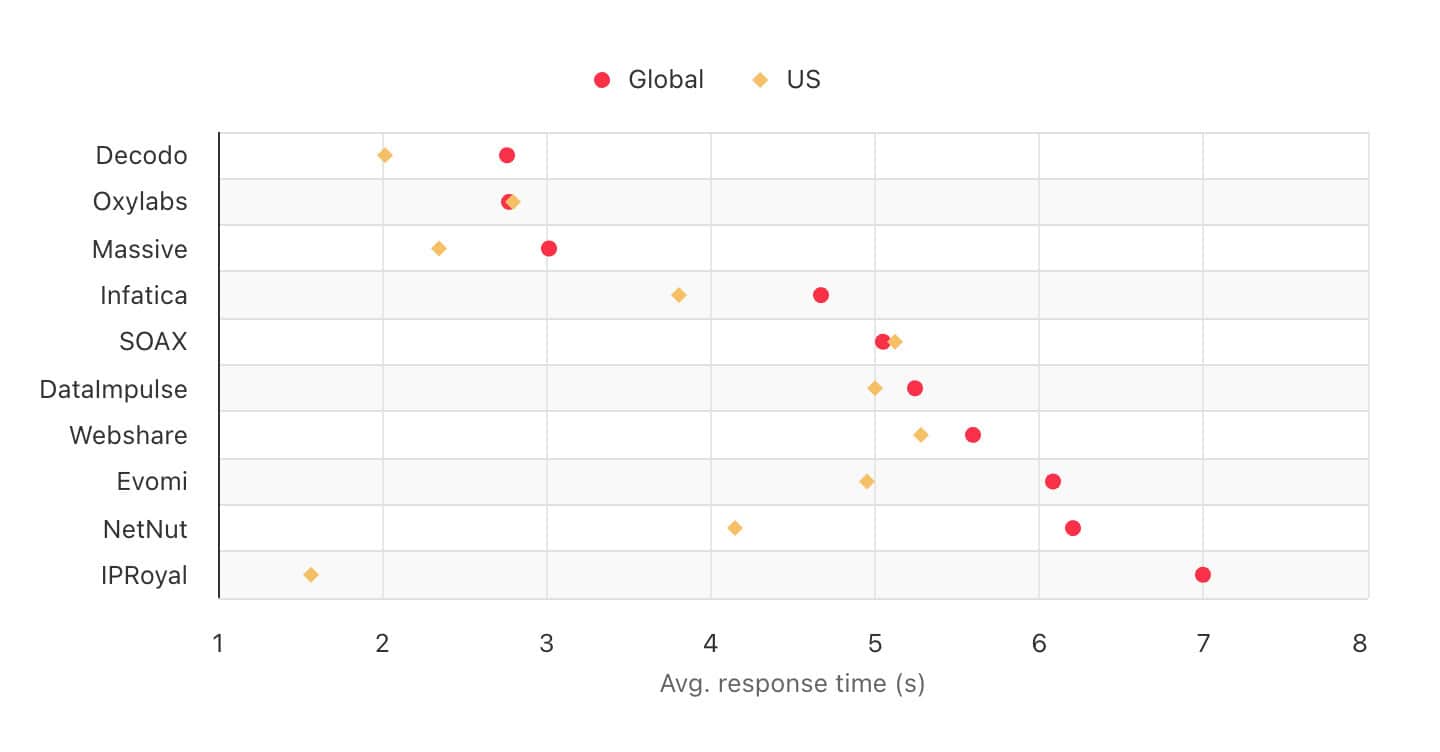
Massive’s residential proxies were also among the fastest options for opening larger pages. They beat some alternatives by up to two times.
Performance with popular targets
Requests: ~2,600 per target
Location: US (both the gateway and our server)
| Avg. success rate | Avg. response time | |
| Amazon | 93.85% | 3.68 s |
| 88.29% | 4.56 s | |
| 96.29% | 3.97 s | |
| Total | 92.81% | 4.07 s |
Comparison with other providers
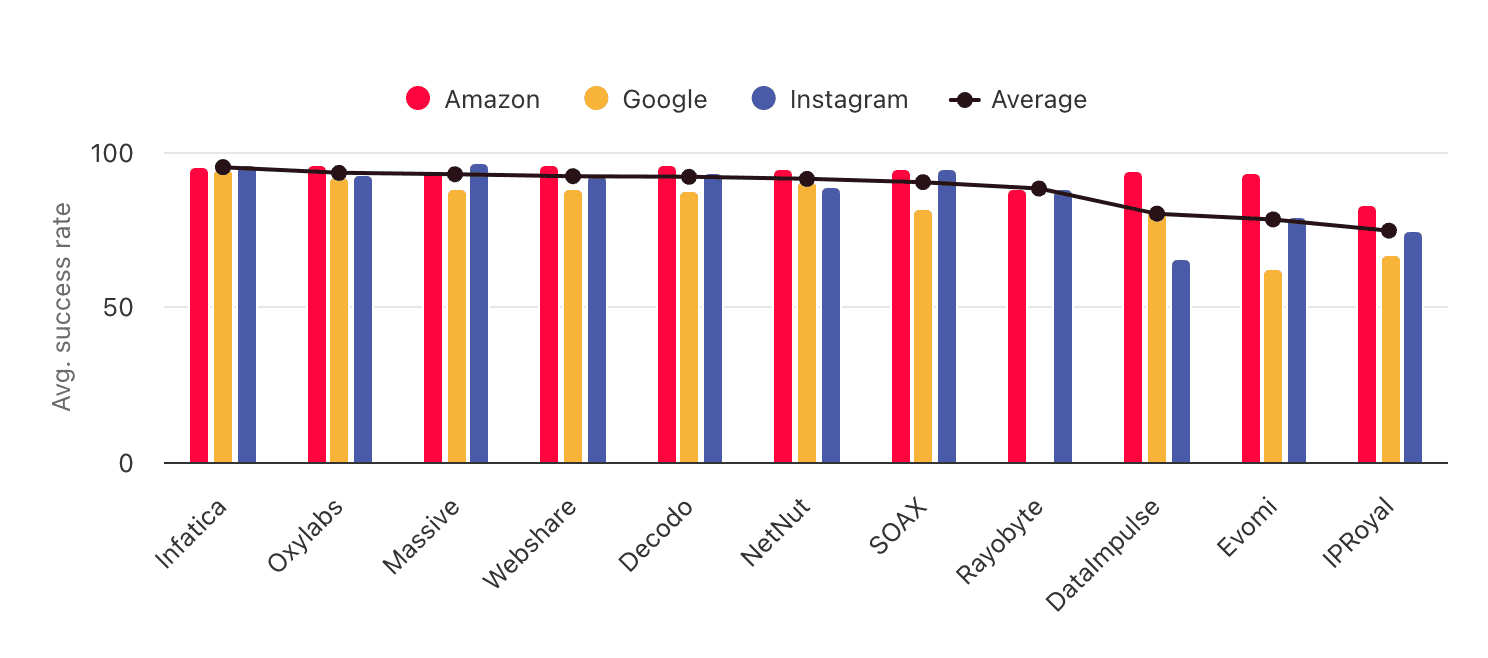
Our selection of real-world targets also failed to pose a big challenge. Overall, Massive showed strong results in all of our tests.
ISP (Static Residential)
Massive’s stock of ISP proxies includes 20,000 US IPs associated with AT&T. This isn’t enough for large-scale use but, as we’ll see, the proxies work very well.
Pool Size & Coverage
- Pool size: Based on purchased IPs
- Locations (June 2025): US East Coast
- Targeting: Country level
Massive’s ISP proxies are located in East Coast US, around Ashburn. This gives them the advantage of being close to major data centers. Other than that, the provider’s location coverage is anaemic compared to most competitors.
Features
- Connection method: Gateway address
- Rotation: Every request/static
- Protocols: HTTP, HTTPS, SOCKS5
- Traffic: Unlimited
- Concurrency: Unlimited
- Authentication: Credentials
Massive puts a gateway server between your computer and the proxy. This enables IP rotation on the provider’s end, which is optional and occurs with every connection request if enabled.
The service is more or less unlimited. However, it lacks UDP support and can’t be used in setups that require IP whitelisting.
Pricing Plans
- Model: Subscription
- Format: Per pay IP
- Modifiers: ❌
- Starting price: $30 for 10 IPs ($3/IP)
- Trial: ❌
Like most similar services, Massive has monthly subscription plans. You need to buy at least 10 IPs, and the largest public plan ends at 100. This once again proves that the service isn’t meant for large-scale use yet.
Looking at Massive’s rates, they’re actually highly competitive and scale well (up to $1.8/IP) within the limited pricing range.
Performance Benchmarks
We last tested Massive’s 100 US ISP proxies in April 2025.
Basic analysis
| /24 subnets | Location (MaxMind) | Location (IP2Location) | ASNs |
| 1 | US (100%) | US (100%) | AT&T (100%) |
Massive’s ISP proxies were associated with a major ASN, which is a big plus. However, they all came from one subnet. This is preferable if you’re controlling the full subnet (256 IPs); otherwise, we consider it a negative.
IP quality
Residential percentage: IP2Location database, Usage type data point (ISP, ISP/MOB, MOB IPs)
| Residential % | Matching ASN & organization |
| 0% | 0% |
The owner of the IP addresses was a hosting company, which reflected in IP2Location’s data. Ideally, ISP proxies should be recognized as residential, but not all websites care about this data point.
Infrastructure performance
Requests: 70,000 over 7 days
Target: Nearest server of a global CDN (~6 KB page size)
Our server location: US
| Avg. success rate | Avg. response time |
| 100% | 0.09 s |
Massive’s infrastructure performed amazingly well. Our testing server, proxies, and target were all located in Ashburn, which led to an impressive response time.
Download speed
Target: Hetzner’s 100 MB Ashburn benchmark
Proxies tested: 10
| Avg. without proxies | Average | Median | Slowest IP |
| 52.93 MB/s | 47.93 MB/s | 46.25 MB/s | 17.30 MB/s |
Furthermore, the ISP proxies had wide pipes. Over 40 MB/s is enough for all kinds of content, including large file downloads and 4K video streaming.
Performance with popular targets
Requests: ~2,600 per target
Location: US (both the gateway and our server)
| Avg. success rate | Avg. response time | |
| Amazon | 98.03% | 2.85 s |
| 100% | 2.13 s | |
| Total | 99.02% | 2.49 s |
Comparison with other providers
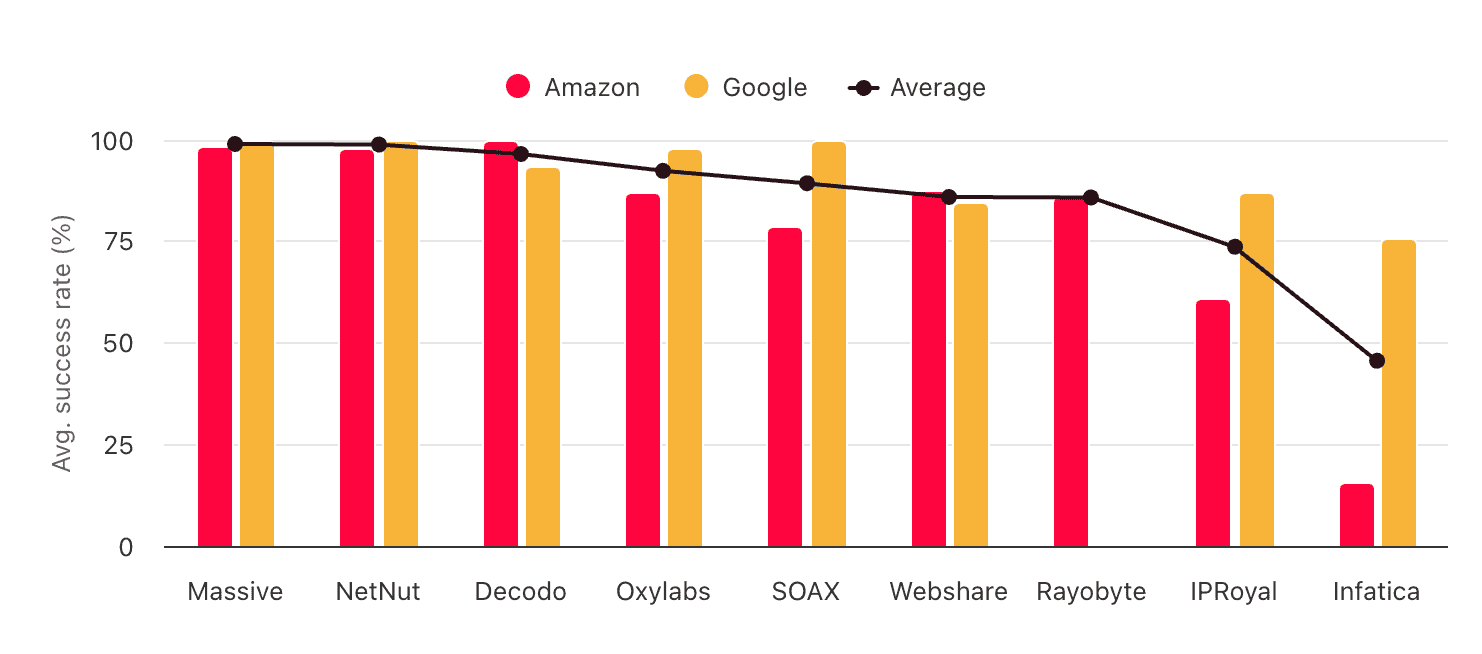
Massive’s ISP proxies finished strong in our real-world tests. Their success rate was flawless, and requests completed in no time.
How to Use Massive
Registration
The registration procedure is simple but also deceptively intimidating. Why? The first step involves choosing a subscription plan. This may put off some users, even if they notice the colorful heading stating that a trial is available with no upfront cost.
But once you get past this step, all you’ll need to do is enter a full name, email address, and password. After an email confirmation, Massive will let you into the dashboard and automatically activate the 100 MB trial.
What’s strange is that Massive doesn’t insist on entering payment details or even locking you into the chosen plan during the trial period. Sure, the dashboard will show a box asking to complete the purchase. But once you click on it, you’ll be able to choose from any of Massive’s plans. Why bother, then?
KYC & Usage Policies
As far as we know, no KYC process is required. However, the provider maintains a large list of restricted domains that’s not available publicly. Enabling any of the targets in the list will require identity verification.
It’s interesting that Massive also blocks any content it deems “not family friendly”. There’s no list or even examples given. We tried opening Pornhub (for science, of course) and, lo and behold – the provider’s custom Disallowed Content error appeared.
Dashboard
Massive has a dashboard for managing subscriptions, interacting with its products, tracking usage, and getting help.
The dashboard is simple and easy to understand. Each product receives its own tab with individual management options.
The simplicity is great, but it also misses some important features. For one, the only available display language is English. In addition, there’s no two-factor authentication, which has become an industry standard by now, and no way to share access with other users.
The subscription management tools here are spread throughout several pages. The dashboard’s main page shows how much time a plan has remaining. The Profile page lets you add billing details. And the Invoices page does exactly what its name suggests.
Massive’s dashboard lacks wallet functionality, so any update to the subscription will require a separate transaction.
The provider offers a proxy setup widget. It lets you choose the connection protocol, rotation type, location filters, and proxy device. It then generates a cURL code snippet.
Massive creates the proxy username and password automatically. You can generate (not enter) a new password in the Profile page, while the username can’t be modified. We’re also not sure how sub-users work in the current dashboard setup. And, we’d love to see code examples for more languages.
That aside, the widget is straightforward and convenient to use.
Massive’s dashboard provides detailed usage statistics powered by Metabase. You get a number of data points to work with, such as requests made, success rate, traffic spent, and associated costs.
The Detailed Analysis tab allows segmenting the data by location and/or domain and adds further data points, namely error codes. The third view, Account Stats, shows all of the above segmented by sub-user.
You can freely choose a time frame, whether it’s last minute, week, or quarter. The caveat is that the current day is always taken as the point of reference (previous week, 30 days, etc.) All the views can be exported in multiple formats, including CSV & JSON.
The country data takes forever to load, but overall, Massive has done a great job with usage tracking. If there’s anything missing, that would be the network status.
API Access
Massive offers a management API for resellers. To get a token, you’ll need to contact support. The API’s functionality includes creating and updating accounts, allocating traffic, and receiving usage information.
In addition, Massive has a reporting API available to all users. It’s somewhat convoluted, as you basically have to interact wit a third party (Metabase), with its own credentials and conventions. Still, this is much better than no API access at all.
Documentation
Massive has a documentation hub that covers the ins and outs of the residential proxy network: geo-targeting, sessions, and so on. It also includes a quickstart guide and several integration instructions with popular web scraping libraries.
In addition, the documentation links to a knowledge base, which is supposed to answer billing-related and other general queries. In reality, it was probably made for Massive’s AI chatbot (which we’ll cover in a sec).
Hands-On Support
So, how is Massive’s support? There are three ways to get help: through a chatbot, email, or the ticketing system.
The chatbot is mostly what you’d expect it to be. Maria is able to answer a range of questions, so long as the data is available in its knowledge base. So for example, we were able to learn about the size of the proxy pool or how to contact human support.
However, Maria wasn’t able to tell us the support’s working hours, how to integrate the proxies with Multilogin, or what the pool size in Morocco is. On the bright side, the knowledge base can always be expanded, and Maria didn’t try to hallucinate its way through topics it wasn’t trained on.
The ticketing system was designed for bug reports and getting access to blocked domains. It asks what went wrong and which software you used. When we tried this avenue, a response came in around an hour during daytime in Europe. The answer was curt but helpful.
Email, then, is for everything else. Or maybe nothing: after a day of waiting for a reply, we just shrugged and moved on. Massive told us there had been a bug in their email configuration and that they usually reply (significantly faster).

Conclusion
Massive has a lot to work with: a decently large – and self-sourced – residential proxy pool, strong infrastructure performance, and competent management tools.
At the same time, some aspects of the service are still underdeveloped, and the provider loses out in terms of variety compared to the market leaders.
Overall, Massive is a good choice for residential proxies, with the potential to become great.
Massive Alternatives
SOAX offers similar features and rates. You lose out on device targeting but get to filter by ASN, and there are more proxy types to choose from.
Decodo is the provider to beat in the mid-market segment where Massive currently stands. It has a significantly bigger pool and more flexible prices.
Dataimpulse can be a good option if you find Massive too expensive – the provider also sources proxies in-house and offers similar functionality.
Recommended for:
Businesses looking for a competent residential proxy network.

The post Massive Review appeared first on Proxyway.
]]>The post Byteful (ex Ping Proxies) Review appeared first on Proxyway.
]]>
Byteful (ex Ping Proxies) Review
Byteful is an ex sneaker proxy provider gone general purpose. If that tells you anything, it’s that these guys know how to source performant proxy servers. But Byteful didn’t go the usual route, just switching up the marketing and pretending to have changed – it’s been seriously investing both into the proxy networks and the platform. For this, we gave Byteful our Newcomer of the Year award in 2026.
So, now we a have mid-market provider that’s passionate about the tech and competes with the likes of SOAX and Decodo. Can Byteful’s residential and ISP proxies keep up, or maybe even beat the competitors? We tested them to find out!
Use the code PROXYWAY10 to get 10% off.
Three-Minute Human Summary
- Byteful sells both proxy pools from home devices and lists of dedicated server IPs. The provider claims to source proxies in-house but provides little concrete information about its processes.
- Byteful’s residential proxy network offers a variety of filters (including city, ISP, and several optimization modes), sub-users, and a special optimization engine that should reduce traffic use. The datacenter and ISP proxies cover a handful of locations and are best suited for limited-scale use.
- We found Byteful’s pools to be among the larger in the market, while its infrastructure performance rivaled and often even beat top competitors. It’s particularly impressive that even the slowest proxies took under a second to respond. The prices are competitive and include never-expiring traffic.
- Byteful’s management tools are great, with surprisingly detailed usage statistics, online IP counts, a feature-rich programmatic API, and sub-users that can span multiple products (for example, have residential traffic and specific ISP proxies assigned to them).
- Overall, we consider Byteful one of the stronger mid-market options currently on the market, capable of standing its ground against more established providers like SOAX or Infatica.
News about Byteful
-
- Provider News
-
- Provider News
-
- Provider News
General Information
- Country: UK
- Founded: 2020
- Employees (LinkedIn): 5-10
- Proxy networks: Residential, mobile, datacenter, ISP
- Supporting tools: Proxy checker
- Price range: Mid-market
- Starting price: $2.5
- Payment methods: Credit card, Apple & Google Pay, cryptocurrencies
- Trial: 1 GB
Byteful is a UK-based provider of proxy servers. Its founder, Timur Gok, incorporated the company in 2020, after receiving a scholarship from his university. By that time, he had already been servicing the sneaker scalping market for three years. Byteful was called Ping Proxies before rebranding in April 2026.
So, Byteful started off specialized. It had a few good years before the market burst (you can read an interview with Timur covering this topic here). The provider had to choose what to do next; and like many other companies in its shoes, it decided to become a general-purpose proxy vendor.
However, Byteful approached this challenge in an unconventional way. Instead of simply cutting prices and calling it a day, Byteful opted to build a proper platform, with in-house infrastructure and (at least partially) its own residential IP sourcing methods.
The latter are documented well but in rather vague terms. According to the provider, it “partners with SDK providers and peer payment applications which compensate developers and end-users for their participation in the network.” The website avoids mentioning specific apps or partners. To alleviate concerns, the company imposes a KYC procedure and strict usage policies.
With fewer than 10 members on LinkedIn, Byteful is far from big. What it may lack in marketing, the provider compensates in tech: in a short timeframe, it introduced advanced observability tools, features like HTTP3 support, and a proprietary bandwidth optimization technology.
The competitive environment for mid-market providers is extremely tough these days. But Byteful is surely doing its darndest to carve out a place in it.
Byteful Proxy Networks
Byteful currently offers all four types of proxy servers: residential, mobile, dedicated ISP (static residential), and dedicated datacenter. Use the tabs to learn about their features, pricing, and performance in more detail.
🏠 Residential Proxies
Residential proxies are fast becoming Byteful’s main product. They come from the phones, laptops, and other devices of home users.
- Advertised pool: 35M IPs
- Countries: 150+ with state, city, ASN/ISP, ZIP targeting
- Rotation: Every request, sessions up to seven days
- Other features: Pool size & speed filters, Smartpath engine
- Starts from: $3.25 for 1 GB. Scaling pay as you go
- Advertised proxy pool: 35 million IPs
- Countries: 150+
- Integration method: Gateway address (gateways in East & West Coast US, NL, SG)
- Filtering
- Random: ✅
- Country: ✅
- City: ✅
- ASN/ISP: ✅
- Other: State, ZIP code, optimize for overall performance / speed / pool size
- Rotation
- Every request: ✅
- Sticky sessions: ✅ (as long as available, custom timeframes up to 7 days)
- Session behavior: New IP after disconnect
- Protocols
- HTTP: ✅
- HTTPS: ✅
- SOCKS5: ✅ (with UDP)
- Authentication
- Credentials: ✅
- IP whitelist: ❌
- Sub-users: ✅
- Concurrency: Unlimited threads & ports
- Traffic: Plan based
- Other: Smartpath traffic optimization engine
Like most residential proxy networks, Byteful uses gateway servers. The provider doesn’t list where these servers are located; in our tests, connections from Europe were routed through the Netherlands, while everything else went through a gateway in the US.
In reality, there were over 1.5 million IPs online when we checked – we know this because the provider transparently showed this on the dashboard. The amount updates with the filters you add, even cautioning about the pool’s size if you go too granular.


Aside from the usual targeting modes, there are also performance presets. You’re given three options to choose from: a balanced default, only the fastest proxies, or all the IPs Byteful can muster, even at the expense of quality.
There are several rotation settings to choose from, including fast rotation and sessions. However, you won’t be able to choose rotation behavior upon failure, such as holding onto a proxy even after it goes offline.
When we were writing this review, Byteful had HTTPS entry and HTTP3 protocol support in beta. Both features are situational, but they surely have their uses.
Only authentication by credentials is supported. On the bright side, you’re free to create sub-users with their own usernames and traffic allowances.
The last but surely not the least feature is Smartpath. If turned on, it analyzes your traffic and routes some of the requests through datacenter proxies without impact the success rate. These requests cost nothing.
Byteful claims that Smartpath can reduce traffic use by up to 60%. However, it’s not ideal for quality-dependent use cases like ad verification and mostly impacts browser-based scenarios. In our small-scale test, the feature saved 30 MB over 500 requests, which is pretty good.
- Model: Monthly subscription with non-expiring traffic
- Format: Traffic
- Modifiers: ❌
- Top-ups: Manual
- Starting price: $3.25 for 1 GB
- Trial: 1 GB
Byteful offers a subscription-based pricing model for its residential proxy service. In reality, you can get anywhere from 1 GB – this traffic never expires and remains available even after unsubscribing. So, it’s more like scaling pay-as-you-go, similar to IPRoyal.
The public plans reach 5 TB of data, giving us a good view into rates at various scales.
| 1-24 GB | 25-99 GB | 100-249 GB | 250-499 GB |
| $3.25 | $3 | $2.75 | $2.50 |
| 500-999 GB | 1,000-2,999 GB | 3,000-4,999 GB | $5,000+ GB |
| $2.25 | $1.95 | $1.85 | $1.75 |
One inconvenience is that we couldn’t set up automatic traffic top-ups, even if there’s wallet functionality.
Pound for pound, Byteful costs more than mid-market alternatives like Decodo or IProyal everywhere but in the lowest pricing ranges.
We last tested Byteful’s residential proxies in April 2026, for our annual proxy market report.
Pool size & composition
| Gateway | Requests | Unique IPs | Residential %* |
| Global | 3.6M over 21 days | 1,909,605 | 98.58% |
| US | 1.2M over 14 days | 509,885 | 99.14% |
| UK | 560k over 14 days | 159,111 | 98.7% |
| EU** | 1.2M over 14 days | 383,612 | 98.81% |
| Brazil | 560k over 14 days | 397,499 | 99.08% |
| India | 560k over 14 days | 416,278 | 98.11% |
| Australia | 140k over 7 days | 30,575 | 98.34% |
* IP2Location database, Usage type data point (ISP, ISP/MOB, MOB IPs)
** Combines Germany, France, Spain, Italy, the Netherlands.
Top 10 countries in the Global pool

Comparison with other providers
Byteful’s residential proxy pool was among the larger ones. While not quite on the level of Oxylabs or Decodo, it occupied a top five position in high-demand locales.
Infrastructure success rate
Requests: Same as the pool test
Target: Nearest server of a global CDN
| Gateway | Avg. success rate |
| Global | 99.69% |
| US | 99.08% |
| UK | 99.51% |
| EU | 99.87% |
| Brazil | 99.69% |
| India | 99.59% |
| Australia | 99.58% |
Comparison with other providers
The infrastructure performed very well – less than 1% of our requests failed before reaching the target.
Infrastructure response time
Requests: 6 KB page size – same as the pool test, 2 MB page size – 5,000
Target: Nearest server of a global CDN
6 KB page size
| Gateway | Avg. | Median | P95 |
| Global (🇩🇪 -> any IP) | 0.41 s | 0.33 s | 0.81 s |
| US (Ashburn -> 🇺🇸 IP) | 0.53 s | 0.42 s | 0.96 s |
| UK (🇩🇪 -> 🇬🇧 IP) | 0.35 s | 0.31 s | 0.62 s |
| EU (🇩🇪 -> 🇩🇪/🇪🇸/🇫🇷/🇮🇹/🇳🇱 IP) | 0.34 s | 0.29 s | 0.58 s |
| Brazil (Ashburn -> 🇧🇷 IP) | 0.64 s | 0.57 s | 0.98 s |
| India (Singapore -> 🇮🇳 IP) | 0.51 s | 0.45 s | 0.87 s |
| Australia (Singapore -> 🇦🇺 IP) | 0.47 s | 0.35 s | 0.89 s |
2 MB page size
| Gateway | Avg. | Median | P95 |
| Global (🇩🇪 -> any IP) | 4.45 s | 1.93 s | 16.67 s |
| US (Ashburn -> 🇺🇸 IP) | 4.13 s | 1.52 s | 15.41 s |
Comparison with other providers
6 KB page size, average response time
Byteful’s latency was among the lowest we’ve benchmarked. Its proxies were actually the fastest to respond without any pool filters applied. Furthermore, even the slowest requests (P95) completed within one second in all locales. Impressive.
- Basic request: USERNAME:[email protected]:8363
- Using filters: USERNAME_c_us_city_san_francisco_asn_7018_smartpath_m_size:
[email protected]:8976 - Using sessions: USERNAME_s_ID_ttl_TIME:[email protected]:8363
Byteful’s residential proxies always use one gateway address. Filters and sessions are configured through the username, by appending them as parameters.
One interesting feature is that Byteful uses ports between 8,000 and 8,999 for access, which are randomized when generating proxy lists on the dashboard. Choosing one over the other has no real impact, as it’s possible to generate as many sessions as you want on one port and different session IDs.
We were told that such setup was chosen to avoid possible (though highly improbably) I/O limits on the provider’s end. For us, the customers, all it does is make proxy management a little less convenient.
📱 Mobile Proxies
Mobile proxies are Byteful’s newest proxy network sourced from the devices of real people. They’re associated with mobile carriers and work best with strictest or mobile-first targets.
- Advertised pool: 6M IPs
- Countries: 100+ with state, city, ASN/ISP targeting
- Rotation: Every request, sessions up to seven days
- Other features: Pool size & speed filters, Smartpath engine
- Starts from: $4.25 for 1 GB. Scaling pay as you go
- Advertised proxy pool: 6 million IPs
- Countries: 100+
- Integration method: Gateway address (gateways in East & West Coast US, NL, SG)
- Filtering
- Random: ✅
- Country: ✅
- City: ✅
- ASN/ISP: ✅
- Other: State, ZIP code, optimize for overall performance / speed / pool size
- Rotation
- Every request: ✅
- Sticky sessions: ✅ (as long as available, custom timeframes up to 7 days)
- Session behavior: New IP after disconnect
- Protocols
- HTTP: ✅
- HTTPS: ✅
- SOCKS5: ✅ (with UDP)
- Authentication
- Credentials: ✅
- IP whitelist: ❌
- Sub-users: ✅
- Concurrency: Unlimited threads & ports
- Traffic: Plan based
- Other: Smartpath traffic optimization engine
Byteful’s mobile proxy pool is smaller than the residential one. The advertised number likely shows observed monthly IPs – when we checked the dashboard in August 2026, we saw under 300k proxies available; around 30 countries had over 1,000 IPs in them.
Otherwise, this product is functionally identical to Byteful’s residential proxies: you get precise filters that can be combined together, multiple rotation options, and broad protocol support. You don’t get IP whitelisting.
- Model: Monthly subscription with non-expiring traffic
- Format: Traffic
- Modifiers: ❌
- Top-ups: Manual
- Starting price: $4.25 for 1 GB
- Trial: ❌
Byteful’s mobile proxies run on a monthly subscription pricing model. However, it’s a very low-stakes approach: you’re free to cancel anytime and use that traffic for as long as you want. If you run out, you can buy more.
Byteful’s public rates conveniently scale up to five terabytes of data, so you can check if they’re in your price range. Anything more, and you’ll most likely want to engage in a custom sales process.
| 1-24 GB | 25-99 GB | 100-249 GB | 250-499 GB |
| $4.25 | $3.85 | $3.45 | $3.10 |
| 500-999 GB | 1,000-2,999 GB | 3,000-4,999 GB | $5,000+ GB |
| $2.80 | $2.55 | $2.40 | $2.25 |
Byteful’s rates are similar to other providers in its price range, such as Evomi or ProxyEmpire.
We last tested Byteful’s mobile proxies in April 2026, for our annual proxy market report.
Pool size & composition
| Gateway | Requests | Unique IPs | Mobile %* |
| Global | 1.2M over 14 days | 371,704 | 97.18% |
| US | 560k over 14 days | 90,398 | 99.81% |
| UK | 280k over 14 days | 57,445 | 99.32% |
| EU** | 280k over 14 days | 127,881 | 94.84% |
| Brazil | 280k over 14 days | 105,942 | 99.44% |
| India | 280k over 14 days | 164,563 | 99.49% |
| Australia | 140k over 7 days | 9,220 | 98.66% |
* IP2Location database, Usage type data point (ISP/MOB, MOB IPs)
** Combines Germany, France, Spain, Italy, the Netherlands.
Byteful’s mobile proxy network was average in size, with nearly 100k unique IPs in the US. For comparison, this was more than Infatica or SOAX could muster with the same testing parameters.
Infrastructure success rate
Requests: Same as the pool test
Target: Nearest server of a global CDN (~6 KB page size)
| Gateway | Avg. success rate |
| Global | 99.59% |
| US | 98.98% |
| UK | 99.52% |
| EU | 99.87% |
| Brazil | 99.54% |
| India | 99.62% |
| Australia | 99.73% |
We found the infrastructure to work nearly impeccably, with a slight dip in the US-filtered pool. Other than that, we have no qualms with it.
Infrastructure response time
Requests: Same as the pool test
Target: Nearest server of a global CDN (~6 KB page size)
| Gateway | Avg. | Median | P95 |
| Global (🇩🇪 -> any IP) | 0.48 s | 0.36 s | 1.03 s |
| US (Ashburn -> 🇺🇸 IP) | 0.49 s | 0.40 s | 0.85 s |
| UK (🇩🇪 -> 🇬🇧 IP) | 0.40 s | 0.35 s | 0.61 s |
| EU (🇩🇪 -> 🇩🇪/🇪🇸/🇫🇷/🇮🇹/🇳🇱 IP) | 0.43 s | 0.38 s | 0.76 s |
| Brazil (Ashburn -> 🇧🇷 IP) | 0.63 s | 0.58 s | 0.95 s |
| India (Singapore -> 🇮🇳 IP) | 0.57 s | 0.53 s | 0.99 s |
| Australia (Singapore -> 🇦🇺 IP) | 0.44 s | 0.35 s | 1.06 s |
The most impressive aspect of Byteful’s mobile proxies was their response time – no other provider we tested in early 2026 completed requests faster. There were, of course, exceptions; but in general, this is likely the fastest mobile proxy network on the market.
- Basic request: USERNAME:[email protected]:8363
- Using filters: USERNAME_c_us_city_san_francisco_asn_7018_smartpath_m_size:
[email protected]:8976 - Using sessions: USERNAME_s_ID_ttl_TIME:[email protected]:8363
Byteful’s mobile proxies use the same entry point all the time. To configure proxies, you simply add parameters to the username. This way, you can weave quite lengthy strings together.
What does change is port numbers. We don’t really like it because to create hold an IP, you’ll still need to append session IDs to the username regardless.
🏢🏠 ISP Proxies
ISP proxies can be considered Byteful’s former headliner that now has to share the spotlight with the residential service. The provider claims to manage operations in-house, which should add to reliability.
Compared to huge residential IP pools, it’s more of a boutique service – not very large but rather focused on quality.
- Formats: Dedicated list
- Countries: 18 in three continents
- Rotation: Static
- Starts from: $2.5 for 1 IP
- Formats: Dedicated list
- Pool size: Based on purchased IPs (150k in total)
- Countries (August 2026): 15 in three continents
- Integration method: IP list
- Targeting
- Country: ✅
- State: ❌
- City: ❌
- ISP/ASN: ❌
- Distribution: One country per plan, random subnets
- Replacement:
- Rotation: ❌
- Traffic: 200 GB/IP/mo fair usage policy
- Concurrency: Unlimited
- Protocols
- HTTP: ✅
- HTTPS: ✅
- SOCKS5: ✅ (with UDP)
- Authentication: Credentials
- Sub-users: ✅
- Other:
Byteful advertises a pool of over 150k ISP proxies. On one hand, this is a lot; on the other hand, IPRoyal controls 500k IPs and Bright Data over a million.
In the autumn of 2025, the proxies came from 15 countries: the US, Central and Western Europe, as well as Southeast Asia. Each location had between 150 and ~2k available IPs when we checked – this information is transparently provided during purchase.
- Model: Subscription (month, quarter, year)
- Format: Per pay IP
- Modifiers: ❌
- Starting price: $2.5 for 1 IP
- Trial: ❌
To buy Byteful’s ISP proxies, you’ll need to choose a subscription duration and how many IPs you want. Both factors will impact the rates: a yearly subscription costs 15% less, and quantity discounts reach 36% at 1,000 IPs.
All locations cost the same, and there are no rigid plans: you’re free to select any number of IPs up to 1,000. Here’s the full pricing logic per unit:
| 1 IP | 2-24 IPs | 25-99 IPs |
| $3.50 | $3 | $2.85 |
| 100-249 IPs | 250-999 IPs | 1,000+ IPs |
| $2.75 | $2.50 | $2.25 |
The prices aren’t cheap. Byteful’s former colleagues in the sneaker niche, Hype Proxies and Bart Proxies, charge half as much at 100 IPs. At the same time, these rates aren’t far off the market average when it comes to quality proxies.
We last tested Byteful’s 100 US ISP proxies in August 2025.
Basic analysis
| /24 subnets | Location | ASNs |
| 6 | MaxMind: US (100%) IP2Location: US (100%) | Spectrum (75%), Spirit (15%), Astound (5%), Windstream (5%) |
We received IPs from six subnets, which is good for 100 proxies. IP databases linked all of them to US networks. Three quarters were associated with Spectrum, a major ISP; Astound and Windstream can be considered mid-sized providers, while Spirit is a smaller regional company.
IP quality
Residential percentage: IP2Location database, Usage type data point (ISP, ISP/MOB, MOB IPs)
| Residential % | Matching ASN & organization | Matching ASN & org location |
| 100% | 60% | 90% |
All 100 IPs were identified as residential. Furthermore, 60 of them came directly from Spectrum, which is a rare feat with ISP proxies. 10 of the proxies, however, were associated with organizations in Poland and Ukraine, despite having an American ASN.
Infrastructure performance
Requests: 70,000 over 7 days
Target: Nearest server of a global CDN (~6 KB page size)
Our server location: US
| Avg. success rate | Avg. response time |
| 99.80% | 0.17 s |
Byteful’s infrastructure was reliable throughout days of testing, failing fewer than 150 requests out of 70,000. It was also responsive, though not quite as instant as the providers which hold their infrastructure in Ashburn. For the vast majority of use cases, the difference is small enough not to matter.
Download speed
Target: Hetzner’s 100 MB Ashburn benchmark
Proxies tested: 10
| Avg. without proxies | Average | Median | Slowest IP |
| 62.37 MB/s | 47.15 MB/s | 37.65 MB/s | 0.97 MB/s |
The servers that hosted these proxies had wide pipes, letting us download packets at 40 MB/s and more on average. The slowest IP barely reached one meg, but that was the only outlier. Overall, these ISP proxies were really fast.
Performance with popular targets
Requests: ~2,600 per target
Location: US (both the gateway and our server)
| Avg. success rate | Avg. response time | |
| Amazon | 100% | 2.30 s |
Comparison with other providers
We only had the chance to test Amazon, but Byteful’s ISP proxies didn’t disappoint – every single one of our requests completed successfully.
🏢 Datacenter Proxies
Byteful sells datacenter proxies in static lists. The service is small – in August 2026, each of the six locations had fewer than 1,000 IPs available.
- Formats: Dedicated list
- Countries: New York, Miami, Germany
- Rotation: Static
- Starts from: $20 for 10 IPs ($2/IP)
A full review isn’t available for this product yet 🙁
How to Use Byteful
Registration
To register with Byteful, you’ll have to enter your email, full name, and password. The provider will then send you a confirmation code. Alternatively, you can use a Google account to speed up the process.
It’s a little annoying that Byteful’s website only has a button for signing up, so every subsequent sign-in (and you will have to sign in, as sessions expire) requires an extra step.
KYC & Usage Policies
Byteful has a KYC procedure carried out by Idenfy. While it’s primarily necessary for resellers and large customers, there’s a catch – you’ll have to verify yourself to get a trial.
Otherwise, KYC gets triggered upon accessing sensitive domains, tripping up the automated risk system – and sometimes, just randomly. Once that happens, you’ll have to provide personal or business details, usage information, and maybe a proof of identity.
When it comes to usage policies, Byteful blocks government websites, banking and financial services, payment processors, and mailing. Two unusual mentions are NSFW websites and unspecified select e-commerce stores.
Finally, the provider blocks SERP scraping on Google when using its static proxy networks.
If you encounter a forbidden domain, you can request to whitelist it.
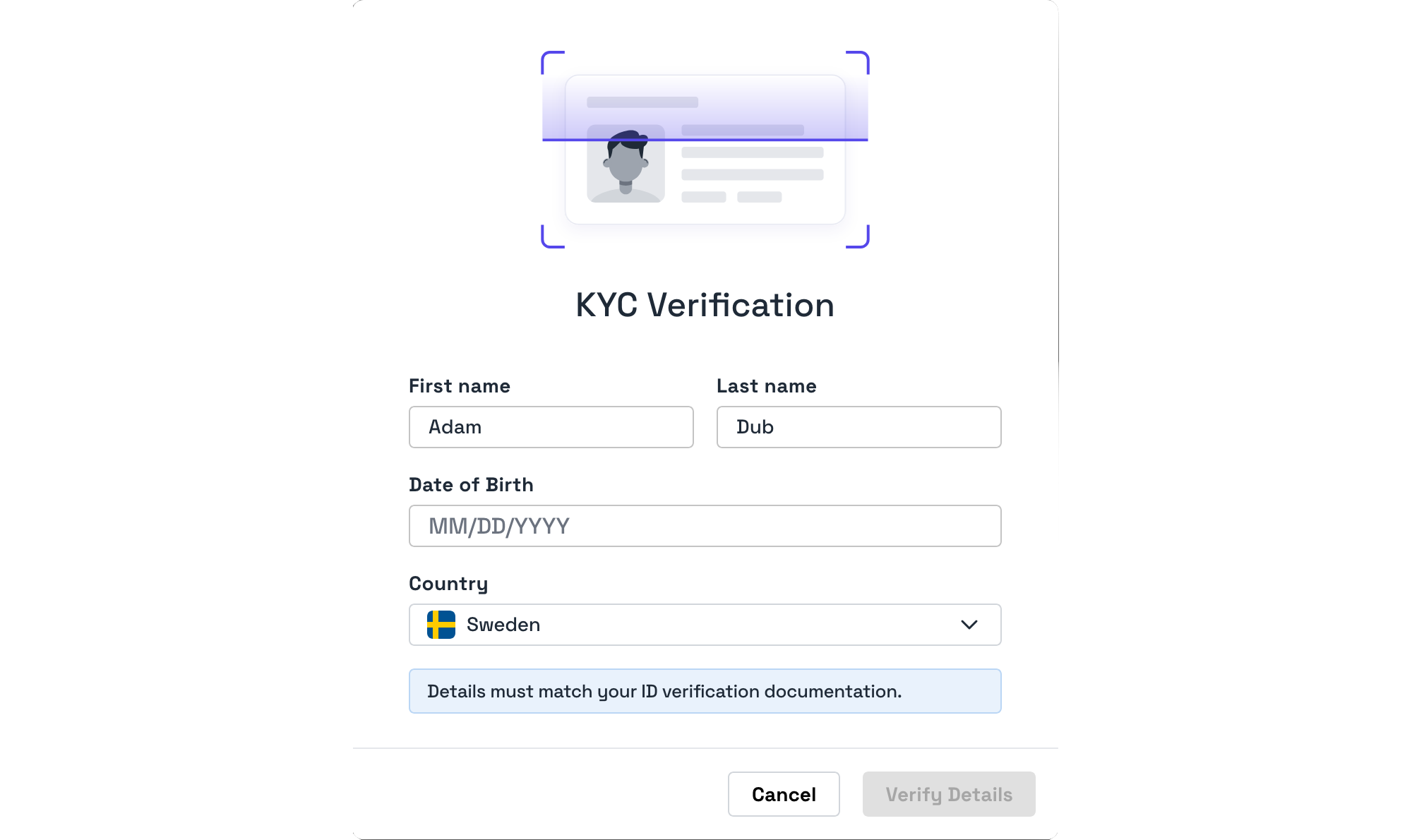
Dashboard
Byteful has a fully-featured dashboard where you can buy a plan, set up proxies, track usage, and interact with support. The dashboard is available only in English.
Byteful’s dashboard is divided into clear categories: one shows your active products, the second is for managing users and proxy lists, another for tracking use. The last includes billing information and general account settings.
The main page neatly ties the different sections together, showing your current services, main usage stats, and pointing to useful resources.
Byteful’s subscription management features won’t leave you wanting. You’ll be able to save your payment and card details, and there’s wallet functionality to reduce the amount of transactions necessary. You’ll also find pages with your active and expired services, invoices, and transactions.
Platform access
Byteful’s dashboard doesn’t support team roles, meaning that larger organizations may find it uncomfortable.
The dashboard lets you change the password, set up optional two-factor authentication, and log out (but not view) all active sessions. You won’t be able to delete the account by yourself.
Proxy access
The provider’s residential proxies include a useful widget for generating lists based on filters. The only thing that’s lacking is code samples for quickly checking the configuration for cURL or several tools. Byteful prefers that you use its proxy tester, which has online and installable versions.
The static proxies appear in a separate list. You can filter it by package, proxy type, country, or search for individual IPs.
Sub-users are configured in a separate window, with the option to select a name, password, and assign allowances to multiple products. Consequently, one sub-user can be configured to access both residential and, say, 50 of your 100 ISP proxies.
Byteful has great observability tools. The main overview shows traffic and request expenditure per product, user, or domain. You can freely add filters, choose from time presets, or enter custom time frames.
Alternatively, you can view the usage statistics of individual products. This option is more limited, as it no longer shows domains.
Byteful also has a page for live activity, which is amazing for debugging. The table includes each request you make, showing the target, traffic use, request duration, status code, connection protocol, and more. We were able to inspect over 2,000 requests this way, made over the previous week.
Finally, there’s a network status page that displays the health of various service components. It’s somewhat limited, though, as you can only see the current status and nothing more.
API Access
Byteful took a lot of care in designing its API. This is evident by taking a look at the documentation, which is by far the most detailed we’ve seen in this industry.
The API lets you achieve everything available in the dashboard: buy a plan, create and manage users, get information about the pool and use.
The provider imposes a limit of 10 requests per second, and you can track your API usage on the dashboard.
Documentation
Just like API docs, Byteful’s general documentation is a comprehensive resource for learning about the service. It covers all aspects in a clear and structured manner.
The content was a little verbose for our taste and lacked examples in popular programming languages; other than that, we were really happy with what we found.
Oh, there’s also an FAQ for answering basic pre-sale questions.
Hands-On Support
Byteful’s customer service operates on weekdays between 5AM and 7PM in European time (the exact time zone isn’t mentioned). 24/7 is theoretically available as well, but it has slower response times. The channels for support are live chat, email, tickets, Discord, Telegram, and in some cases, Slack.
The provider writes that it provides support in English only. But with machine translation being this good, we’re sure that other languages wouldn’t be a complete showstopper.
We tried contacting the support through live chat during morning in Europe. An agent replied within ten minutes, giving technical answers to our queries (see screenshot).
We didn’t get a transcript; that’s probably because we provided a fake email during the initial automated questions, even if the system asked for an email address again.
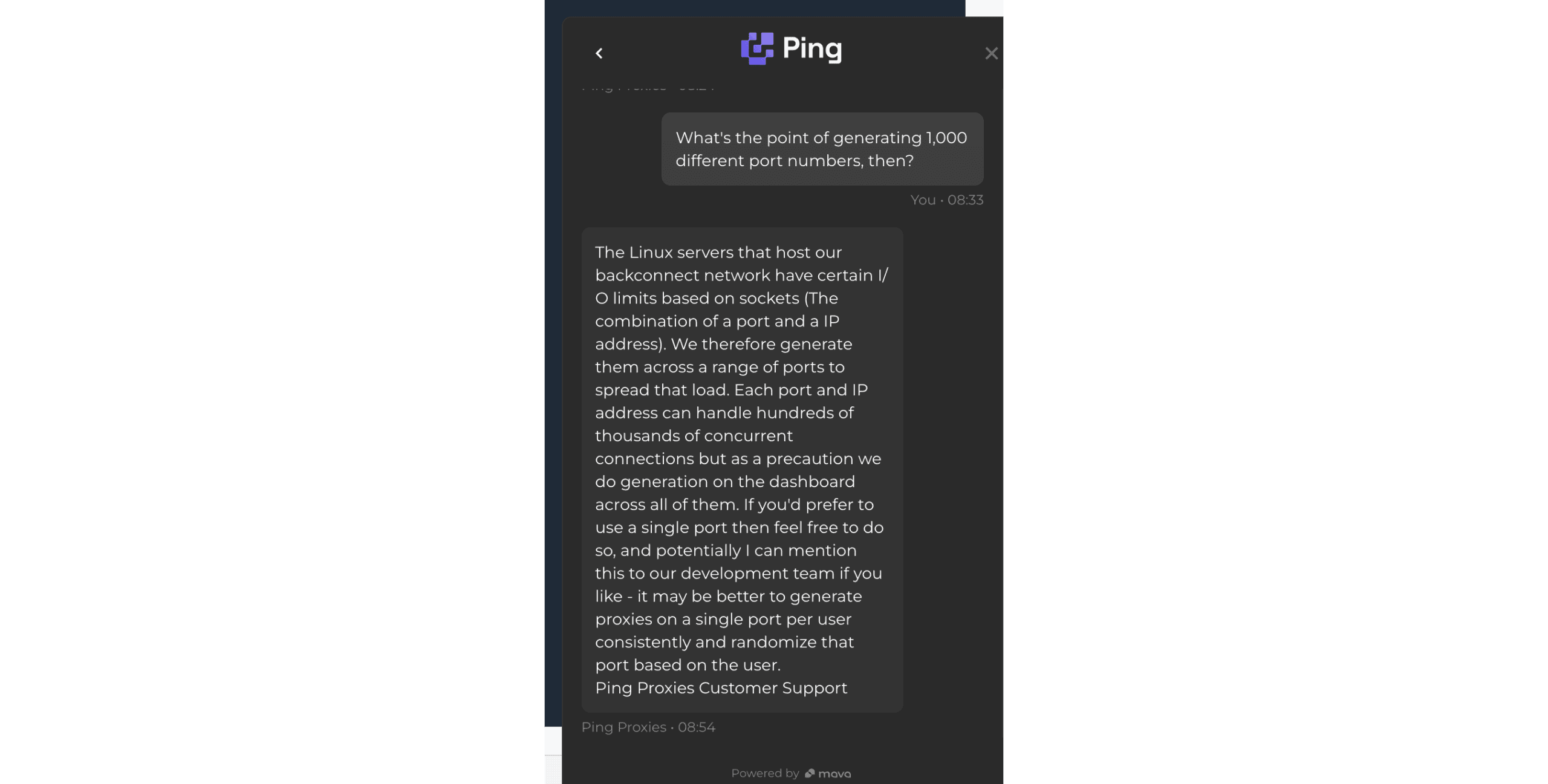
Conclusion
Byteful has built strong fundamentals, with an excellent platform, performant proxy networks, and features that keep in step with latest advancements in the field.
Smartpath, while we’re unsure about its impact on a larger scale, looks like a great effort made foremost for the benefit of the user. It’s the thought that counts, right?
Of course, Byteful still lacks the raw power to tango with enterprise providers or mid-market incumbents like Decodo. But give it time. At this point, we’re already looking at a solid choice for many web scraping and other tasks.
Byteful Alternatives

Evomi offers UDP support, pool filters, and more, with a starting price of just $0.49/GB.
Decodo is the provider to beat in the mid-market segment where Byteful currently stands. It has a significantly bigger pool and more flexible prices.
DataImpulse can be a good option if you need cheaper proxies with a similar number of features. Its IP quality may be worse, though.
Recommended for:
SMBs looking for small amounts of ISP proxies, or a residential proxy network with great management features.

The post Byteful (ex Ping Proxies) Review appeared first on Proxyway.
]]>The post NodeMaven Review appeared first on Proxyway.
]]>
NodeMaven Review
There are plenty of residential proxy providers in the market. But NodeMaven presents itself as not just any provider: its proxies should persuade websites more consistently and last longer than regular residential IPs. This is all thanks to a rigorous quality filter.
Does it work well? Or rather: does it work at all? And where does NodeMaven stand compared to alternatives? Let’s find out!
Three-Minute Human Summary
- NodeMaven offers several kinds of proxy networks for people who need the best quality IPs. It likely resells proxies, but that doesn’t matter much, because NodeMaven’s main value is the quality filter it puts on top.
- The provider’s residential & mobile proxies have precise filtering options (such as city + ISP), support for sub-users, and several strictness levels for judging IP quality.
- The residential proxy network was about average in size (with 345k US IPs out of 1.2M requests), had okay infrastructure success rate and latency. However, some of the connections were slow because the provider chose not to exclude IPs on bad networks. Note that the quality filter affects only sticky sessions – enabling it nominally reduced our Scamalytics risk score.
- NodeMaven costs more compared to alternatives like Decodo or Webshare. In exchange, you get NodeMaven’s quality filter, scaling pay as you go, monthly cashback reaching up to 10%, and a quality guarantee that pays you for bad proxies. The latter sounds a little gimmicky.
- The dashboard is comfortable to use and presents detailed usage stats. It would benefit from automated top-ups, though.
- Overall, NodeMaven has enough going for it that you might want to consider this provider even if you won’t benefit from the quality filter.
News about NodeMaven
-
- Provider News
-
- Provider News
General Information
- Country: Estonia
- Founded: 2023
- Employees (LinkedIn): 25-50
- Proxy networks: Residential, mobile, ISP
- Supporting tools: Bandwidth checker
- Price segment: Mid-market
- Starting price: $5
- Payment methods: Credit card, cryptocurrencies
- Trial: Available for $3.5
NodeMaven is an Estonian proxy provider founded in mid-2023. It mainly sells access to peer-to-peer proxy networks. In December 2025, the provider expand its roster with static ISP proxies.
NodeMaven is one of the specialized providers, meaning that it targets a particular niche of customers. In particular, we’re talking about affiliate marketers, social media managers, and the like. The ideal customer profile is probably small to medium operations looking for better quality IPs to achieve their goals.
NodeMaven’s focus makes a lot of sense once you get to know its background. The project is run by the people behind Multilogin, one of the most popular antidetect browsers. Both tools go hand-in-hand with one another.
The provider gives little information about its IP sourcing practices. It’s safe to assume that most (if not all) of the proxies are whitelabeled from another source. But that’s not the point – NodeMaven’s main value is the quality layer it puts on top. We’ll explore it soon enough.
As a company, NodeMaven is not that small: it has over 25 members on LinkedIn. Because the HQ is in Estonia, we also have public revenue figures. In 2025, the provider reached over €1.3M in revenue.
The main thing that throws shade on NodeMaven is the use cases it serves: they include gray areas like account management, traffic arbitrage, crypto airdrops, and farming points on platforms like Grass. Well, that and the fact that there’s no KYC procedure; but this part is probably handled by the upstream proxy source.
NodeMaven Proxy Networks
NodeMaven offers three types of proxy servers: residential proxies, peer-to-peer mobile proxies, and ISP (static residential) proxies.
Both the residential and mobile proxy pools are accessible under one subscription, so we’ll be covering them together.
🏠 Residential & Mobile Proxies
NodeMaven’s residential and mobile proxies share the same system, meaning they have identical features. Even the pricing is the same, and you can freely toggle between these networks on the dashboard.
The only difference is that the mobile proxy pool is smaller (10 million as opposed to 30 million advertised IPs).
- Advertised pool: 30M IPs
- Countries: 150+ with state, city, ASN/ISP, ZIP targeting
- Rotation: Every request, customizable sessions
- Other features: IP quality, speed, pool size, protocol filters
- Starts from: $8.5 for 2 GB ($4.25/GB). Scaling pay as you go available
- Advertised proxy pool
- Residential: 30 million IPs
- Mobile: 10 million IPs
- Countries: 195+
- Integration method: Gateway address
- Filtering
- Random: ✅
- Country: ✅
- City: ✅
- ASN/ISP: ✅
- Other: State, ZIP code, IP quality, speed, pool size, IP protocol (IPv4 only/mixed)
- Rotation
- Every request: ✅
- Sticky sessions: ✅ (custom duration, as long as available)
- Session behavior: New IP after disconnect or strict sessions
- Protocols
- HTTP: ✅
- HTTPS: ❌
- SOCKS5: ✅ (+ UDP)
- Authentication
- Credentials: ✅
- IP whitelist: ✅
- Sub-users: ✅
- Concurrency: Unlimited threads & ports
- Traffic: Plan based
NodeMaven’s advertised pools are modest by today’s numbers (some providers go as far as to claim 300+ million IPs), but they’re well equipped. You’ll be able to target most of the globe and filter your requests down to the city & ASN level. It’s nice that NodeMaven shows IP availability (high/medium/low) for each location on the dashboard.
The provider offers some other neat filters. One is the ability to control the IP protocol. Others let make the proxy pool faster or more populous.
However, NodeMaven’s main selling point optimizes the pool for IP quality – you get three levels, each with stricter selection criteria. The levels serve different purposes:
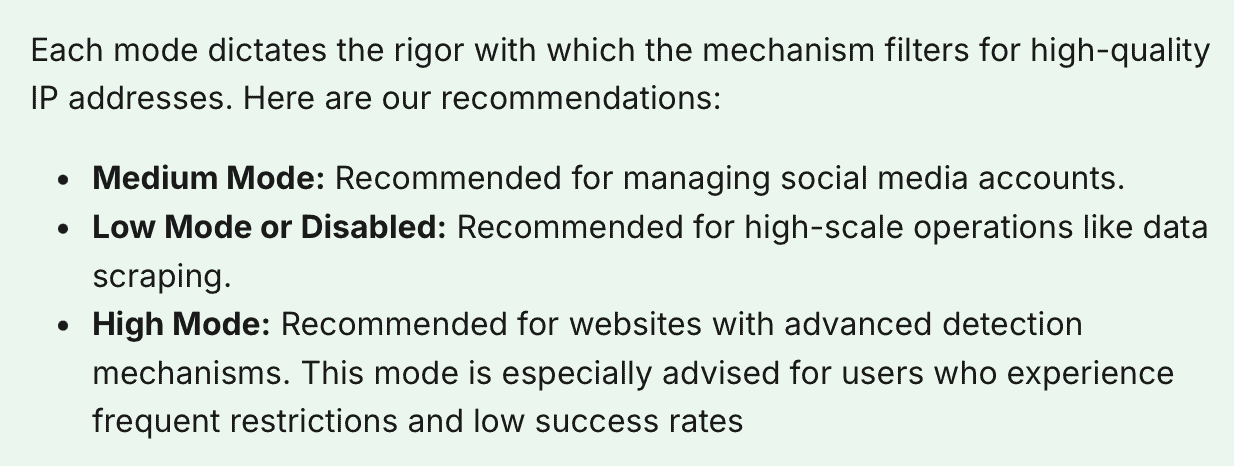
When you enable this feature, NodeMaven’s algorithm runs the IP through popular checkers and databases, removing proxies that fail to reach a certain threshold.
The dashboard’s setup widget lets you choose between no filter or the medium mode. The other options are discoverable through documentation. Note that the filter only works with sticky sessions enabled – you won’t benefit from it when web scraping or doing other tasks that require fast rotation.
Speaking of, you get several rotation options ranging from every request to freely customizable sessions. There’s also what NodeMaven calls super sticky sessions – they’re supposed to keep the proxy alive for up to 24 hours.
Both authentication methods are available, and you can use SOCKS5, though probably not to its full extent.
- Model: Pay as you go, subscription (monthly plans)
- Format: Traffic
- Modifiers: –
- Starting price: $8.5 for 2 GB ($4.25/GB)
- Trial: $3.50 for 750 MB, pro-rated refund
NodeMaven offers two pricing models. You can choose to pay for traffic once, with better rates when buying in bulk, and use it for as long as you like. Or, you can subscribe to a plan for 15% extra savings.
It’s interesting that the subscription traffic also never expires; however, it freezes once you stop paying and frees up after you re-subscribe.
NodeMaven’s public plans range between 2 and 1,000 GB, so they’re geared toward a wide range of businesses. You’re free to buy more traffic at any time (at least 5 GB), but it’s not possible to freely jump between PAYG and subscription – the pay-as-you-go traffic will disappear.
NodeMaven’s public pricing plans (/GB)
| PAYG | Subscription | |
| 2 GB | $5 | $4.25 |
| 8 GB | $4.88 | $4.00 |
| 20 GB | $4.50 | $3.75 |
| 40 GB | $4.10 | $3.45 |
| 55 GB | $3.73 | $3.18 |
| 100 GB | $3.45 | $3.00 |
| 200 GB | $3.25 | $2.85 |
| 450 GB | $2.92 | $2.60 |
| 1,000 GB | $2.45 | $2.20 |
NodeMaven charged more compared to major alternatives in its pricing range. Taking into account the non-expiring traffic and the quality filter, one could argue that this premium is justified.
In addition, you get cashback each month for using traffic. It starts at 5% and reaches 10% at 500 GB or more. For example, if you spend 750 GB, you’ll receive extra 75 GB at the end of the month. This traffic never expires.
Finally, NodeMaven’s quality guarantee pays you $1 in traffic every time a proxy fails to perform, using PixelScan as the judge. The application process is tricky: it requires contacting the customer support, sending a screenshot, and waiting for manual review.
You can get a paid 1 GB trial, which doesn’t really sound like a trial – and a refund, which is actually very generous: NodeMaven will return money for the amount of traffic you haven’t used.
Standardized pricing comparison (residential proxies)
We last tested NodeMaven’s residential proxies in April 2026.
Pool size & composition
| Gateway | Requests | Unique IPs | Residential %* |
| Global | 3.6M over 21 days | 1,954,389 | 98.94% |
| US | 1.2M over 14 days | 345,868 | 99.24% |
| UK | 560k over 14 days | 144,303 | 99.62% |
| EU** | 1.2M over 14 days | 311,196 | 99.16% |
| Brazil | 560k over 14 days | 222,340 | 99.14% |
| India | 560k over 14 days | 189,746 | 98.24% |
| Australia | 140k over 7 days | 23,580 | 99.05% |
* IP2Location database, Usage type data point (ISP, ISP/MOB, MOB IPs)
** Combines Germany, France, Spain, Italy, the Netherlands.
Top 10 countries in the Global pool
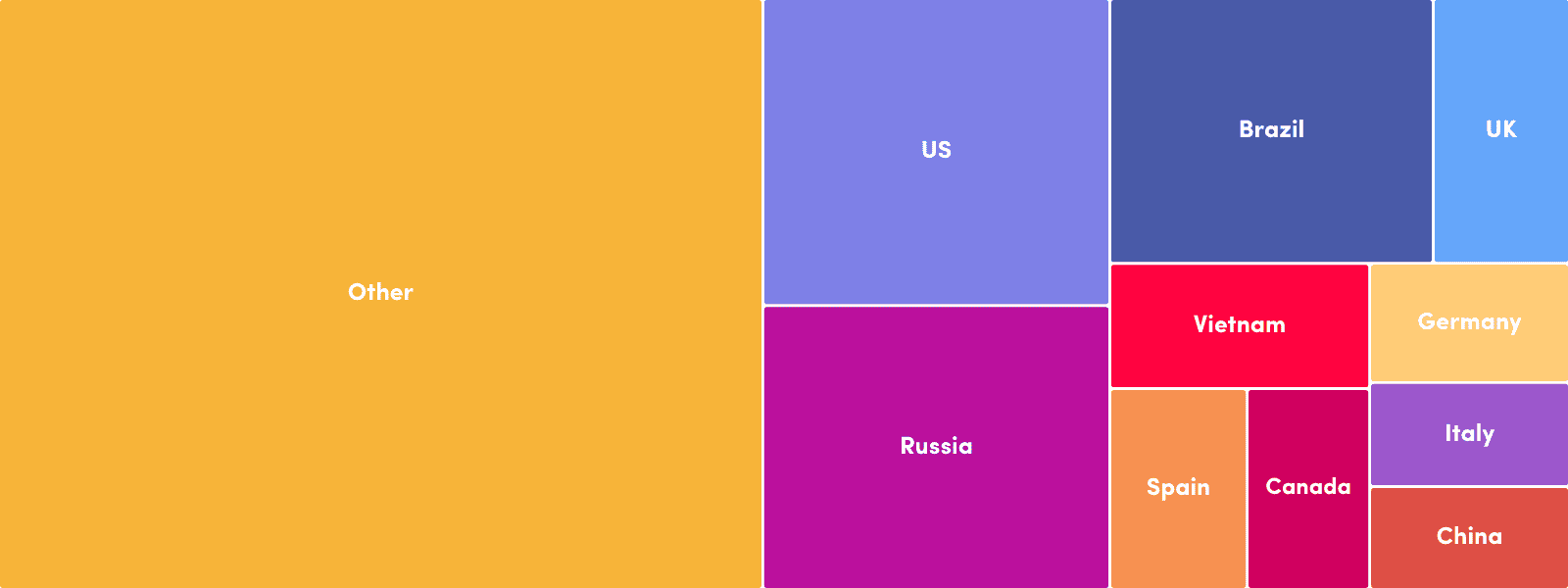
Comparison with other providers
NodeMaven’s residential proxy network was average in size: it kept up with Infatica but was quite a bit smaller compared to Webshare or Byteful. Without any filters applied, the most popular locations by a wide margin were the US, Russia, and Brazil.
Infrastructure success rate
Requests: Same as the pool test
Target: Nearest server of a global CDN
| Gateway | Avg. success rate |
| Global | 96.29% |
| US | 99.00% |
| UK | 99.16% |
| EU | 99.14% |
| Brazil | 98.13% |
| India | 98.33% |
| Australia | 99.42% |
Comparison with other providers
Should we only look at NodeMaven’s results in individual country pools, we could claim that its infrastructure failed very rarely. However, nearly 4% of our requests failed to reach their target when we applied no filters at all, which isn’t ideal.
Infrastructure response time
Requests: 6 KB page size – same as the pool test, 2 MB page size – 5,000
Target: Nearest server of a global CDN
6 KB page size
| Gateway | Avg. | Median | P95 |
| Global (🇩🇪 -> any IP) | 1.35 s | 0.94 s | 4.52 s |
| US (Ashburn -> 🇺🇸 IP) | 1.03 s | 0.66 s | 3.32 s |
| UK (🇩🇪 -> 🇬🇧 IP) | 0.70 s | 0.36 s | 2.11 s |
| EU (🇩🇪 -> 🇩🇪/🇪🇸/🇫🇷/🇮🇹/🇳🇱 IP) | 0.67 s | 0.36 s | 1.80 s |
| Brazil (Ashburn -> 🇧🇷 IP) | 1.36 s | 0.95 s | 3.46 s |
| India (Singapore -> 🇮🇳 IP) | 1.22 s | 0.88 s | 3.64 s |
| Australia (Singapore -> 🇦🇺 IP) | 1.13 s | 0.94 s | 2.28 s |
2 MB page size
| Gateway | Avg. | Median | P95 |
| Global (🇩🇪 -> any IP) | s | s | s |
| US (Ashburn -> 🇺🇸 IP) | s | s | s |
Comparison with other providers
6 KB page size, average response time
NodeMaven was in the slower half of the providers we’ve benchmarked. That said, we could hardly call its infrastructure sluggish, and even Asian locations connected relatively fast.
On the downside, NodeMaven wasn’t very strict in filtering out slow proxies, which is why the slowest requests (P95) took a long time to connect.
IP quality (Scamalytics)
Checks: 1,000 per configuration
| Global pool risk score (Avg / Median) | US pool risk score (Avg / Median) | |
| No IP filter | 3.38 | 10.87 |
| Medium IP filter | 2.59 | 9.79 |
Nodemaven’s IP filter on a medium setting decreased the risk score a bit – but the drop wasn’t meaningful, and the score wasn’t bad in the first place.
- Basic request: USERNAME:[email protected]:8080
- Using filters: USERNAME-country-us-region-california-city-los_angeles-isp-t_mobile_usa-filter-medium:[email protected]:8080
- Using sessions: USERNAME-sid-ID-ttl-2m30s:[email protected]:8080
- Using IP whitelisting: gate.nodemaven.com: 8081, 8082, 8083…
NodeMaven’s residential proxies are configured by adding parameters to the username. This applies both to location settings and sticky sessions. The address always remains the same, and the port changes only when switching to a different protocol.
That is, if you’re authenticating with credentials. NodeMaven also offers fully-fledged IP whitelisting functionality. The system lets you add and save namable configurations on the dashboard, binding them to one or more ports. You can employ up to 1,000 ports for this task, for example, assigning 50 to sticky proxies in the UK, and another 250 to US IPs.
🏠🏢 ISP (Static Residential) Proxies
- Formats: Dedicated list
- Countries: 8 in four continents
- Rotation: Static
- Starts from: $5 for 1 IP
A full review isn’t available for this product yet. 🙁
How to Use NodeMaven
Registration
To register with NodeMaven, you’ll need an email address and password. The provider will then ask you to confirm the registration by email. Alternatively, it’s possible to use a Google account.
Just like the provider writes in its sign-up form, it does take less than a minute.
KYC and Usage Policies
As far as we know, NodeMaven doesn’t have a KYC procedure. However, as with all residential proxy providers, don’t be surprised to find your account suspended if you do something fishy.
The description of usage policies is also laconic. The provider prohibits opening bank, payment service, educational, government domains – and, of course, mailing ports. For some reason, news websites are also banned. There’s no information whether you can unblock anything from this list.
Dashboard
NodeMaven has a dashboard for all touchpoints with its service. It will let you buy a plan, download invoices, set up proxies, track usage, and contact the customer support. The dashboard is available in English only.
Nodemaven sells few products, so its dashboard layout is straightforward.
You get two sections: Manage for acting (buying traffic, setting up proxies, using Scraping Browser), and User mostly for viewing information (statistics, billing, account settings). There’s also a button for live chat on the bottom right.
NodeMaven’s subscription management tools are simple: there’s a page for buying traffic, a page for tracking active subscriptions, and a page for invoices. The dashboard lacks a wallet, ability to save payment details, and our pay-as-you-go package had no way to top up automatically.
Platform access
Access management here mostly revolves around using proxies. There are few dashboard tools: no multi-access roles, event tracking, or 2FA. The only real actions you can do are change your password and (re)generate the API token.
Proxy access
Having said that, NodeMaven’s proxy setup experience is really nice. You can choose to complete a personal proxy setup widget, which recommends the best setup, or go directly to the widget. There, you’ll be able to apply filters and generate proxy lists.
The same section includes sub-user management functionality where you can create, modify, and assign traffic limits to users. The IP whitelisting page is well thought out, too, at least compared to other implementations.
We’re just not sure why the provider shows code snippets in the setup wizard but not in the widget.
NodeMaven’s usage tracking tools include two charts and a table. They can show traffic and request expenditure in total, per sub-user, or per domain.
There are several time presets, and it’s possible to select custom dates going back to three months. The stats reflect usage nearly instantly, but the briefest period is 24 hours, which limits their utility for close inspection.
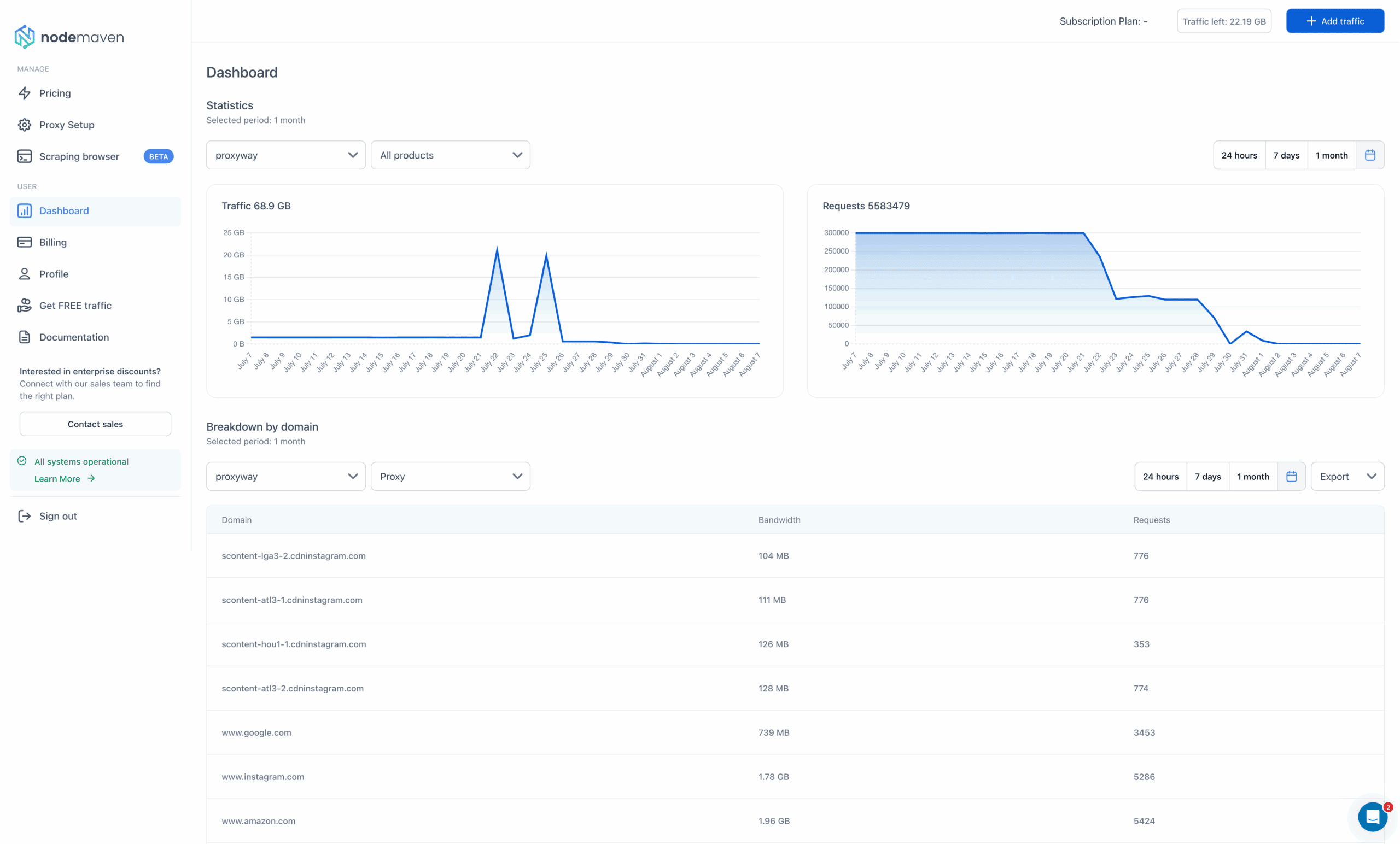
API Access
It isn’t obvious, but NodeMaven has an API for programmatic access. The API is well developed: it offers endpoints for user management, statistics, and information about available filters.
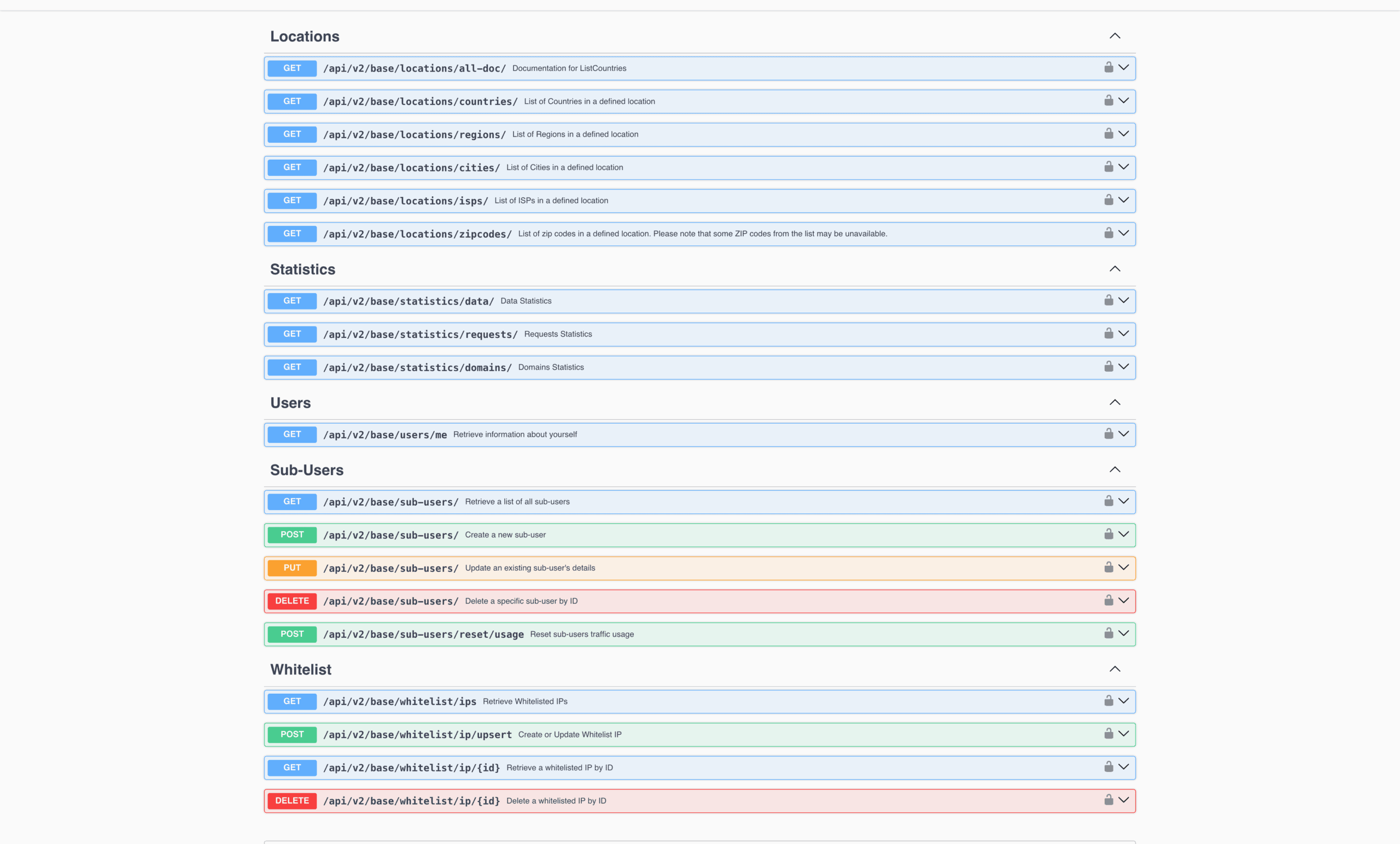
Documentation
For documentation, NodeMaven has a help center divided into multiple sections by topic. It includes introductory information, overview of available functionality, troubleshooting articles, and even suggestions for other relevant tools like virtual credit cards.
The help center also includes integration examples, though they’re all static and focus on various stealth browsing tools like antidetect browsers.
The documentation is by no means bad or lacking. But nowadays, many providers have moved on to Gitbook and similar layouts, which we personally find more comfortable.
Hands-On Support
NodeMaven provides 24/7 customer support over live chat. After first opening the chat, you get a list of often-encountered questions – you can select one or just start writing your own. The live chat is based on Zendesk, so it integrates with email and lets you download the transcript.
We contacted NodeMaven’s support during daytime in Europe. A human agent appeared within a minute and answered several basic queries scary fast. Overall, we were happy with the experience.
Conclusion
NodeMaven has a lot to like: its proxy network performs competitively, includes hundreds of thousands of IPs, bundles both mobile and residential addresses, and wraps everything in a nice package.
At the same time, its defining feature, the quality filter, fails to work in any scenario that doesn’t need sticky sessions. And at this price point, there’s tough competition from providers like Decodo and SOAX.
Nonetheless, we see NodeMaven as a strong option for small to mid-scale use, even when it falls outside the company’s target segment of multiple-account managers.
NodeMaven Alternatives
Decodo is a strong alternative to NodeMaven. It offers similar performance, great user experience, and a bigger pool – but the traffic expires.

IPRoyal can offer you a self-sourced residential proxy pool and better non-expiring traffic – but likely worse IP quality.
Like NodeMaven, SOAX gives access to all proxy types with one subscription. Its proxies perform very similarly and include useful pool filters.
Recommended for:
Multiple account managers who want to feel more assured about their proxies.
The post NodeMaven Review appeared first on Proxyway.
]]>